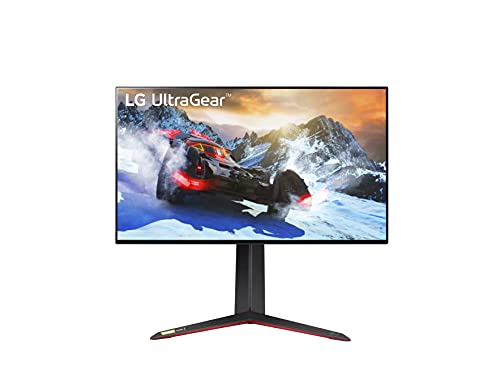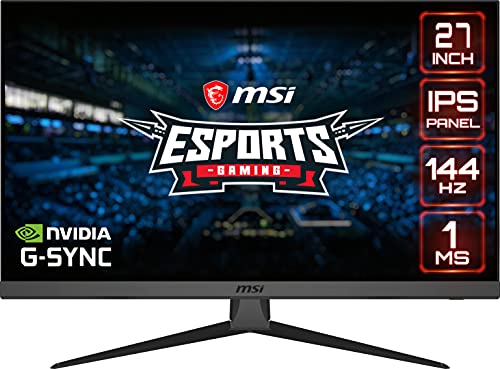

If you are shopping for a brand new display, you may be looking to compare IPS vs TN vs VA LCD panels. The best computer monitors, particularly LCD displays, tend to include one of these three-panel types. How do these panels compare? Keep reading to find out.
KEY TAKEAWAYS:
- TN panels are known for being budget-friendly and offering reduced input lag.
- VA panels offer the best color reproduction, but at the cost of an increase in input lag.
- IPS panels are considered “jack-of-all-trades”, being relatively inexpensive and offering a robust feature set, including decent refresh rates, good color accuracy, deep blacks, and a wide monitor viewing angle.
Differences Between IPS and VA and TN Computer Monitor Panels
The differences between these three types of LCD (liquid crystal display) panels begin with their overall design. Twisted Nematic (TN) panels are the oldest type of LCD panel, followed by In-Plane Switching (IPS) panels and Vertical Alignment (VA) panels. All of these panels typically reside in LCD monitors, if you are comparing LCD vs LED monitors. LED technology uses a different mechanism of lighting and image rendering.
Additionally, the better version of LED is OLED, which is used for TVs and smartphones. Some monitors have OLED screens, and most gamers will want to know where’s the leading place to buy OLED computer monitors.
Insider Tip
Modern TN panels offer increased specs over older models, which is something to consider if you are on a budget.
Here are the big differences between these three types of LCD panels.
Viewing Angles
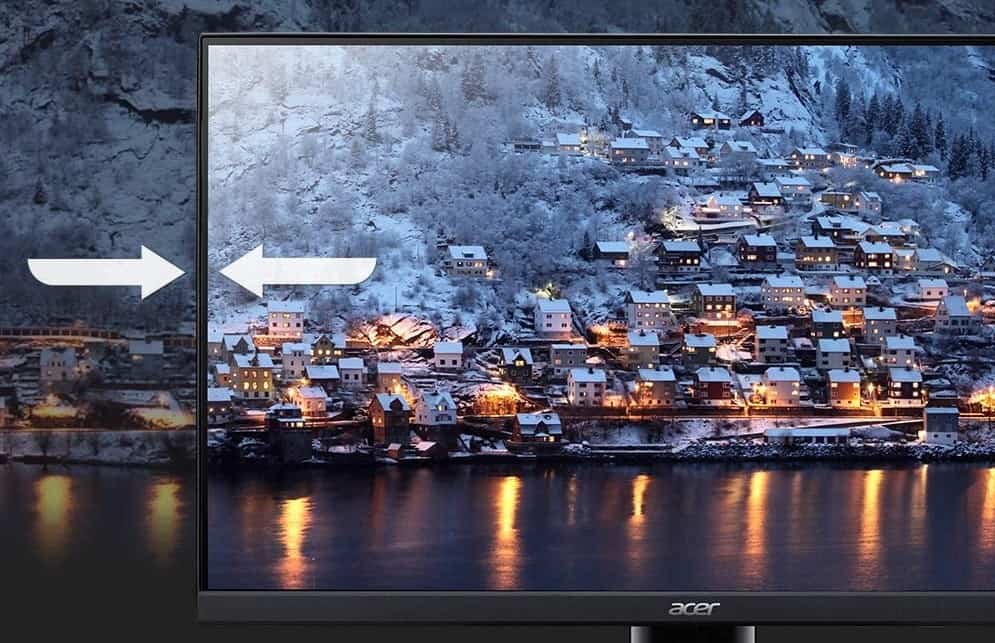
If you want to maximize your viewing angle of the screen to view it at the same time as other people, you should stay away from TN panels, as they offer a notoriously limited field of view when compared to the other two types that offer wider viewing angles. Even VA panels struggle slightly when it comes to offering superior viewing angles, so go with an IPS panel if the viewing angle is high on your priority list of must-have features. Its wide viewing angles on a monitor model will make a difference in your viewing experience, whether you’re watching a movie or playing a game together, in contrast to the negative experience of limited viewing angles.
And, if you want to learn more about IPS display and how it works, then check out our content that discusses what is an IPS monitor.
Color Gamut
Again, TN panels come up short here, offering the most limited color gamut of the bunch, so if a wide color gamut is crucial to you, steer clear of TN. An IPS panel is known for decent black reproduction, leading to an increase in the noticeable color gamut when compared to TN panels. VA panels land somewhere in the middle when it comes to the color gamut, though VA panels do offer a superior contrast ratio, up to 6000:1 in some cases. Despite the different panel types, you’ll find each one present in many top-rated 75Hz monitors.
Along with a superior contrast ratio, you’ll also want to get the best monitor for your eyes, especially if you’ve been using a lower-end display.
Input Lag
The relatively simple technology behind TN panels gives them a leg up when it comes to input lag, though TN’s leg up with regard to input lag has shrunken in recent years. Even cheaper TN panels can boast a 1ms input lag time, but the same can now be said for many IPS panels. VA panels are the slowest of the three, making them ideal for graphic designers and the like, but not gamers, especially those involved in competitive gaming that need a fast and responsive gaming experience.
Cost
TN panels are extremely cheap, as they have been in mass production for decades. This ultra-low price point can come in extremely handy, especially if you are comparing a full warranty vs a limited warranty.
F.A.Q.S
Why IPS panels now offer a good choice for gaming monitors?
The IPS panel type is great for modern gaming, as refresh rates are solid, lag is reduced, and colors are on point.
Are 144Hz gaming monitors worth it?
If you are a competitive gamer, an IPS monitor with a 144Hz refresh rate is a good metric to shoot for, despite the cost. It is a decent panel type, offering fantastic image quality and fast specs for gaming.
What are response times?
A response time does have some bearing on image quality and panel technology as a whole, as it refers to the amount of time it takes a single pixel to go from black to white and back again.
STAT: Even basic IPS panels offer 20%-30% more color space than the fanciest TNs. (source)
REFERENCES: