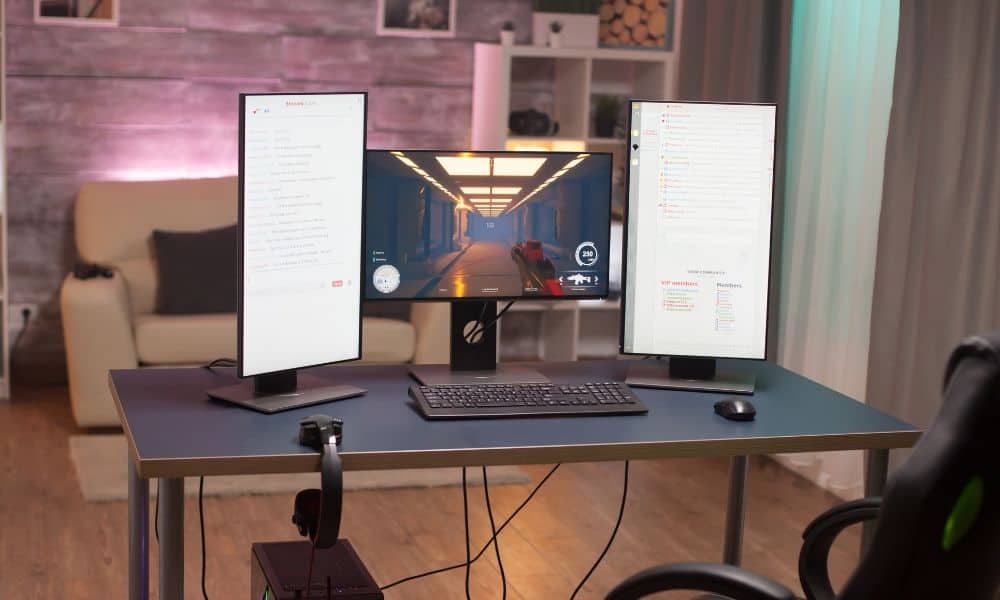

Finding a top-tier monitor with the best response time for your gaming rig is crucial to serious gamers looking to make every millisecond count. A short response time could not only ensure that you enjoy an incredible visual experience but can also reduce eye strain during those hours-long raids.
That said, deciphering the best response time for gaming can be intimidating to those unfamiliar with the ins and outs of monitors and panels. Here, we’ll break down what the best response time is for gaming and why it matters. While you’re thinking about it, it’s also important to consider getting the leading HDR gaming monitor and which is the best monitor size for gaming.

Key Takeaways_
- OLED burn-in is caused by leaving bright, static images on the television or computer screen for an extended period of time.
- The best way to avoid OLED burn-in is by keeping brightness levels low, making sure onscreen images aren’t static, and turning the TV or computer off whenever not in use.
- Manufacturers have continued improving OLED displays, and burn-in is becoming an increasingly uncommon problem.
Gaming Monitor Response Time: What is Response Time?
Response time, also called pixel response time, is an aspect that refers to the time it takes for pixels to shift between colors. A slow response time means that movement may appear blurry, while a faster one will facilitate crisp lines and sharp edges. Response time has less to do with latency or input lag than some may think; it is often confused or conflated with a refresh rate in that way, though the two have little to do with each other. Response time is a factor of visual performance. The faster a pixel shifts, the more blur reduction you’ll get. This can have a small hand in FPS or lag, especially in competitive gaming, where a millisecond can make a world of difference. This is why it’s best to weigh your options before making a purchase, especially if you’re comparing a gaming monitor vs a computer monitor.
Related Posts:
Why is a Low Response Time Better?
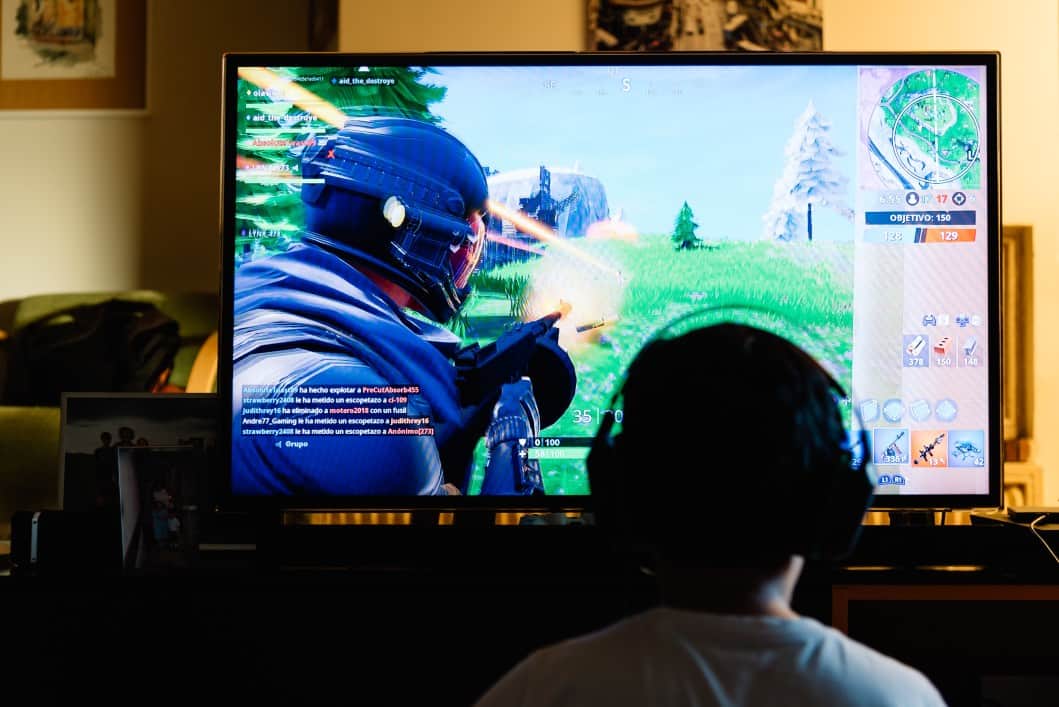
For your average user, response time isn’t necessarily the first thing you should look at when shopping for a monitor. Most users working from home or checking social media won’t notice a 20ms response time. Video games, however, will suffer from ghosting or motion blur at a higher rate. The difference this makes with the latest 4K games is nothing to ignore, especially when you’ve already invested in a high-end graphics card. The ideal response time for games is 1ms to 5ms.

insider tip
Any OLED display can experience burn-in, from a smartphone to a Nintendo Switch.
What Type Of Monitor Has The Best Response Time?
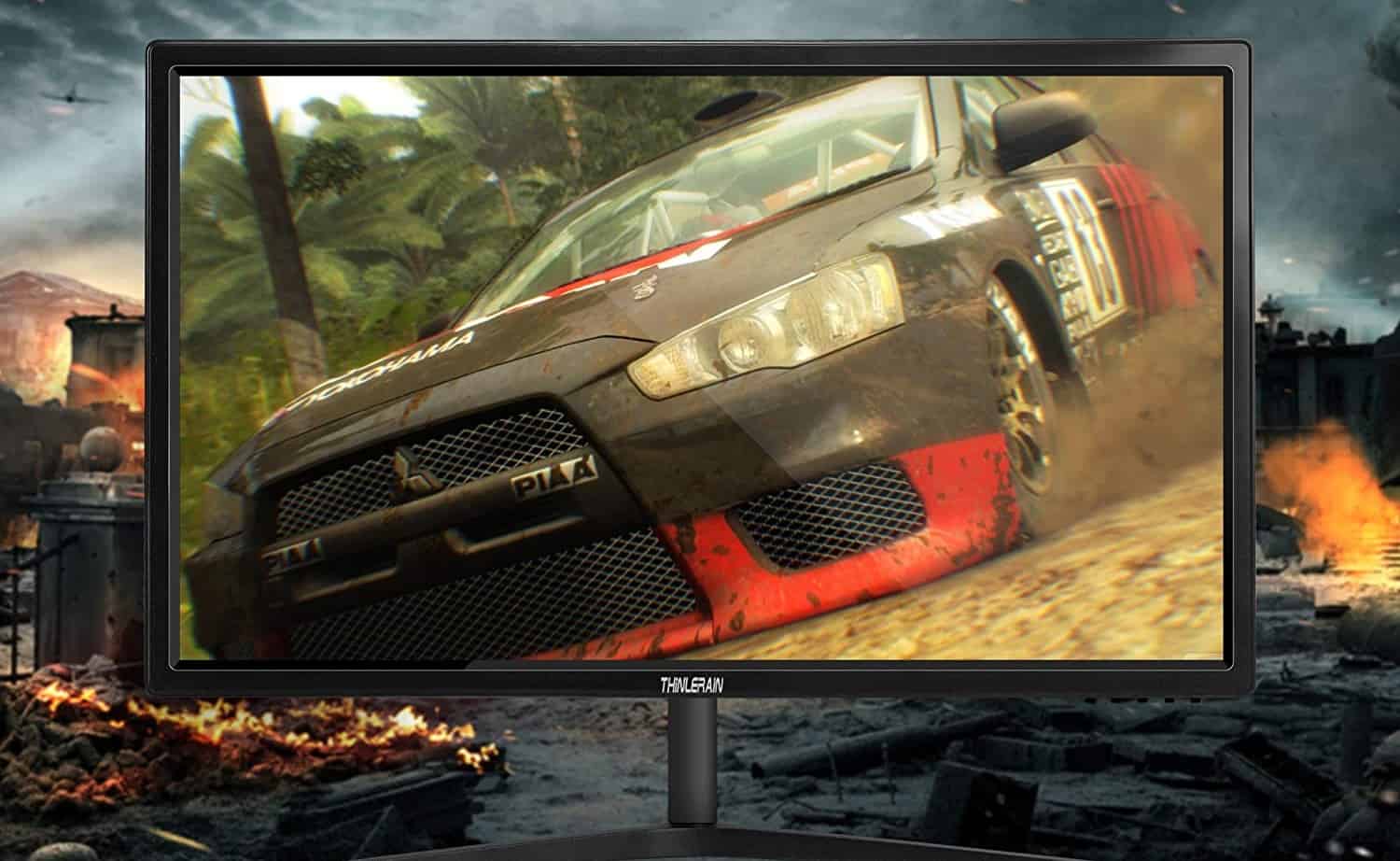
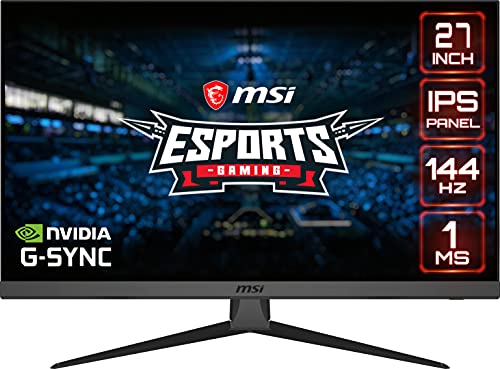
There are two types of modern monitor panels: IPS (in-plane switching) and TN (twisted nematic). Designers or photographers favor IPS, users who need the most accurate, vivid color display possible, and they are often a pricier product. TN panels may not have the same color range as IPS, but they boast a more robust response time of 2ms, some even dipping as low as 1ms. Even going as high as a 5ms response time will make a huge difference in how games look in terms of artifacts and motion blur. If you’re in the market for a reasonably priced monitor that will make your games look the best, one with a TN panel is the best option.
Related Posts:
STAT: A modern 4K monitor will contain about 8.3 million pixels or transistors. (benq.com)