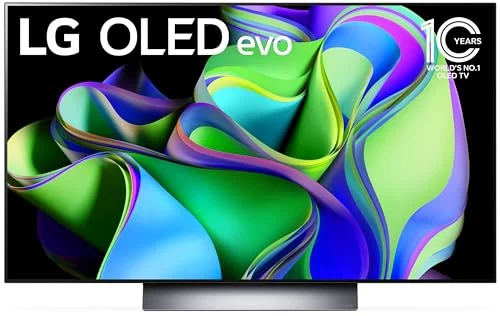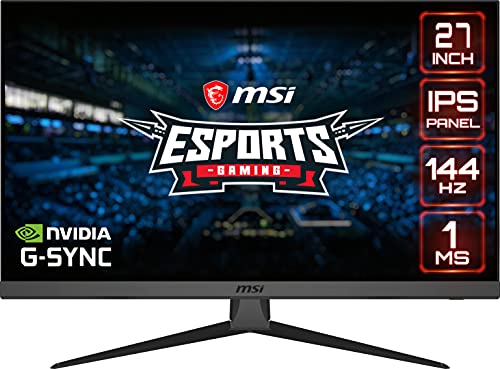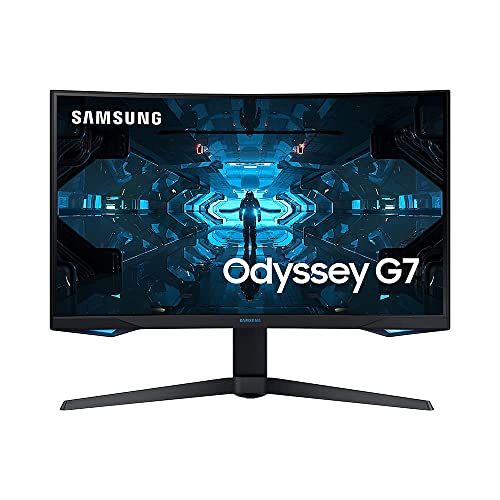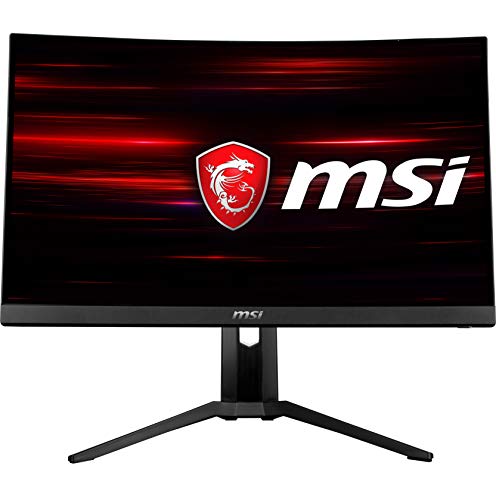

If you are shopping around for a new display, you may be looking to compare LCD vs LED monitors. The best computer monitors, after all, tend to come in one of these two design options. Keep reading to learn more about the differences between the two display types.
KEY TAKEAWAYS:
- LCD monitors tend to be cheaper than LED displays, as they are the older technology.
- LCD screens are heavier and bulkier than LED screens, due to the nature of the designs and the overall weight of LED backlights.
- LED monitors tend to last around 60,000 hours while LCD monitors last around 30,000 hours, as the former is more energy efficient.
Differences Between LCD and LED Monitors
The primary difference between LCD and LED screens is how they are lit. LCD (Liquid Crystal Display) monitors feature a layer of liquid squeezed between two sheets of glass and light is projected from behind the glass via fluorescent lamps. LED (Light Emitting Diode) monitors feature a similar design, with backlighting produced by LEDs and not fluorescent lamps. As such, the differences between the two are not always stark, such as when you compare LCD vs CRT computer monitors.
Here are some more differences between the two display types.
Insider Tip
Though more expensive at the moment, prices of LED monitors have been decreasing in recent years. Yet, the price of OLED has gone up, especially based on refresh rate and color accuracy. But, if you want to grab an OLED, first read our resource post about the best place to buy OLED computer monitors.
Cost
LCD monitors have been on the market much longer than LED monitors, so they tend to be much cheaper. The price difference between the two widens even further when you consider the newest iteration of the LED monitor, OLED (organic light-emitting diode) screens. Of course, each LCD panel type may come in at different price points, if you are looking to compare IPS vs TN vs VA monitor panels.
Lifespan
Depending on usage, LED monitors should last nearly twice as long as an LCD monitor. In terms of numbers, an LCD display should last around 30,000 hours before burning out while LED displays should last around 60,000 hours before failing. Of course, in real life, these lifespans will vary wildly depending on your make and model, and how you use the screen.
Weight and Size
Being the newer technology, LED monitors tend to be slimmer and lighter than LCD displays, making the former easier to move around your home at will. This mostly comes down to the fact that the fluorescent lamps that populate LCD monitors are much heavier than simple LED lights.
Eye Fatigue
This is more or less a draw. LCD monitors with high refresh rates can minimize eye fatigue due to blurriness, but LED monitors tend to offer more robust dimming options when it comes to curbing blue light. Read this guide to learn more about the differences between LCD and LED monitors for eye strain.
F.A.Q.S
Why do LCD screens need a backlight?
For improved picture quality, liquid crystals need backlighting and edge lighting via fluorescent lamps as a light source.
What types of backlights are there?
There are plenty of different backlight types, whether or not you are considering LCD technology or a full-array LED. LEDs are a good source of full-array backlighting, as are fluorescent lamps.
Is the price premium for LED worth paying?
This depends on your needs. LED monitors do create crisp images, fantastic image quality, great response times, and quantum dot technology.
STAT: There are very few LCD monitors that can support 4K, though, and you won’t see new features gracing the fluorescent backlit monitor lines. (source)
REFERENCES:
- https://blog.bestbuy.ca/computers-laptops-tablets/monitors/difference-lcd-led-monitors
- https://www.hp.com/us-en/shop/tech-takes/differences-between-led-display-and-lcd-monitor
- https://ieeexplore.ieee.org/abstract/document/5711544r
- https://www.wikihow.com/Choose-a-Computer-Monitor
- https://www.wikihow.com/Repair-LCD-Monitors