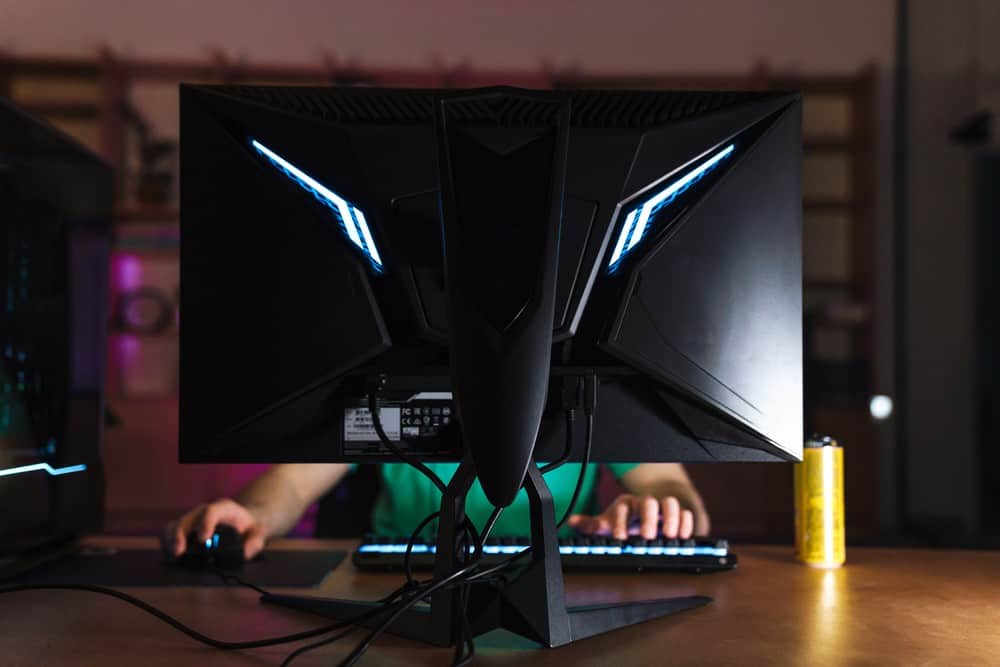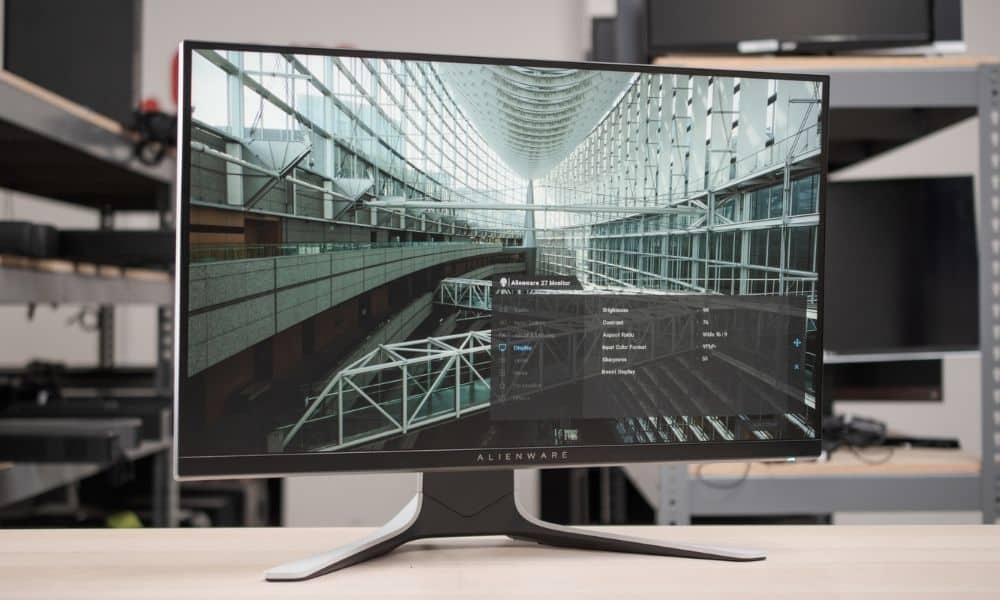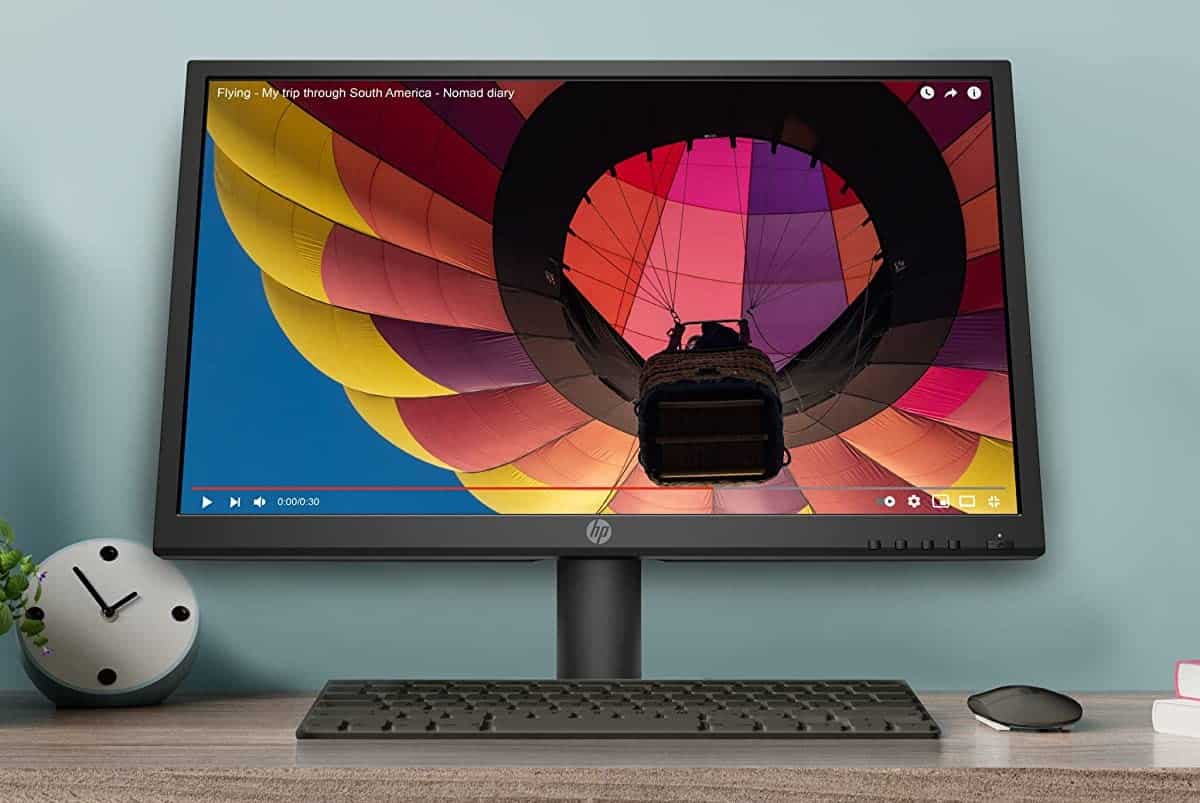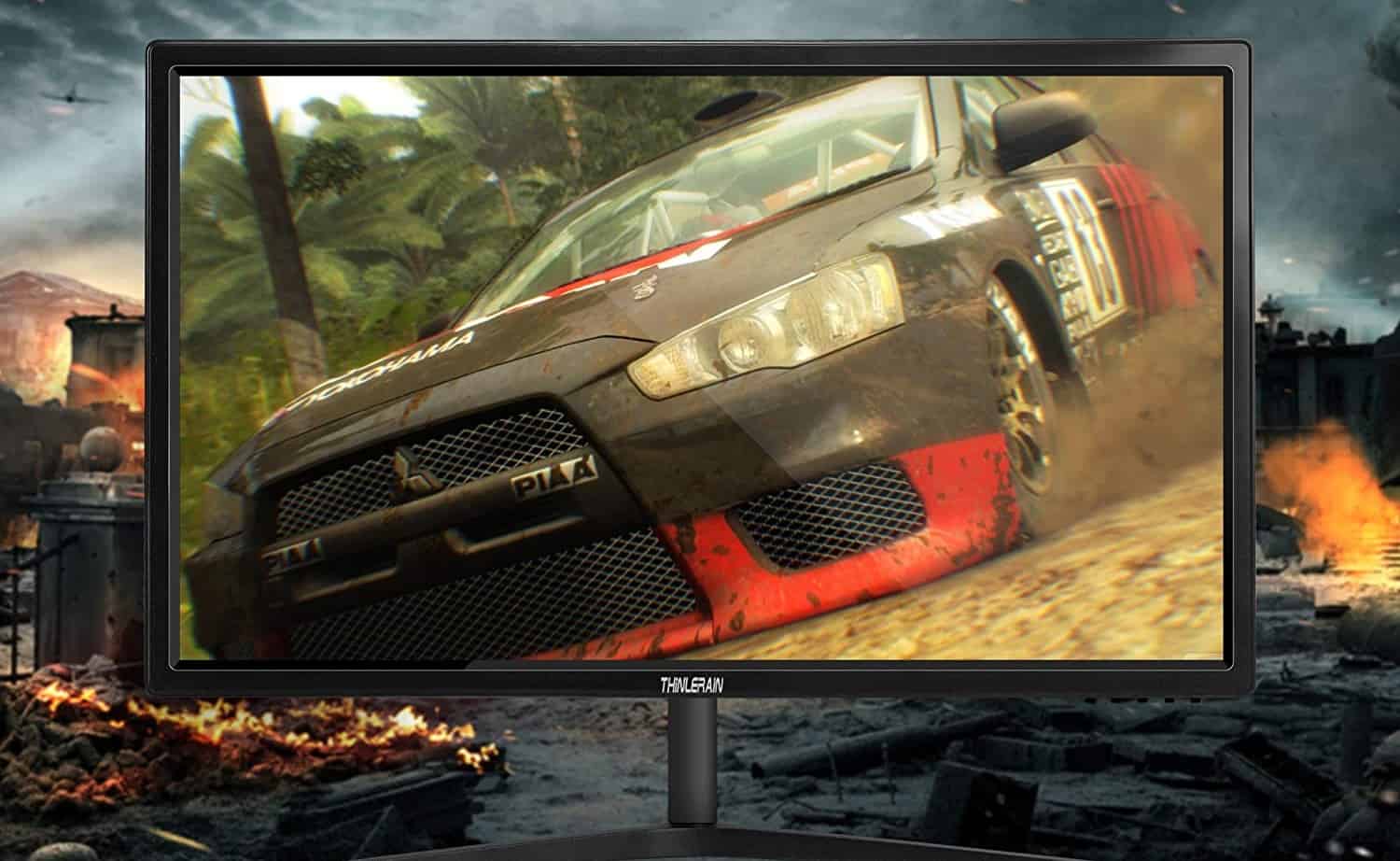

Occasionally, travelers will need to create a workstation at their point of destination. This may require flying with a computer monitor and related devices, leaving consumers wondering about the legality of flying with their favorite computer monitor, especially if you’ve invested into your monitor like the best monitor for eye strain. If one model may pose more travel challenges than you’d like, consider reading other computer monitor reviews to find a model you can transport more easily.
Bringing a Computer Monitor on a Plane
While it’s important to remember how to pack a computer monitor for moving before toting it with you on a plane, there are many other things to consider. It is important to remember that not all air carriers offer the same rules and regulations, but here are some general guidelines.
Warning: It is important to remember that not all air carriers offer the same rules and regulations, so some may have more restrictions for large models like curved monitors.
Tips for Traveling with a Computer Monitor or PC
The TSA and various air carriers do allow monitors and computer components on flights, though there are some general guidelines and tips to follow in order to ensure safe passage.
- Related Post: How to Recycle Computer Monitors
- Related Post: How to Fix Common Display Problems
Checked Baggage Guidelines
You can fly with a computer monitor or PC as a checked piece of luggage, though there are some strict requirements to meet, which can typically be stricter than most criteria concerning renters insurance that covers computers. It’s always good to check the finer details, in any case.
- Airlines vary, but there is typically a maximum weight that a checked piece of luggage can be. Modern LCD panels are fairly light, so this should not be an issue in most cases. Still, you will want to check your airline’s website for clarification. Also keep in mind any accessories you’ll be bringing, like a dual monitor stand, webcam, additional cords, etc.
- Most airlines also have a maximum size requirement. In other words, ultra-large monitors may not be allowed on a flight, like the best curved gaming monitor. If you are packing the monitor in its original box, be sure that the overall dimensions once packed do not exceed this size requirement.
- In order to avoid accidental damage, be sure to mark your computer monitor as fragile before placing it into the hands of airline staff.
Carry-on Baggage Guidelines
Most airlines will allow a computer monitor as a piece of carry-on luggage, assuming it meets a number of requirements.
- The monitor should meet size requirements. In other words, make sure it can easily fit in an overhead bin or underneath the seat next to your feet. This rules out larger-than-average displays. A 19-inch display could easily fit underneath the seat, while a 27-inch monitor like the best 27 inch gaming monitors could not.
- Keep the monitor boxed up if you are using it as a piece of carry-on luggage. This will ensure that the monitor does not end up damaged mid-flight. It will also ensure that the display does not cause any damage to the luggage compartment. Winding up with a damaged monitor on the other end of your trip is never an ideal situation, especially if you use your monitor for work or hobbies, like the best monitor for video editing.
- You may have to run it by TSA security. In other words, be prepared to open up the monitor’s box and do whatever is required of you by TSA agents.
- Related Post: How to Use Your Laptop as a Second Monitor
- Related Post: The Benefits of Having Two Computer Monitors
- Related Post: How to Set Up a PC Monitor
- Related Post: How to Hook Up a Gaming Console to Your Computer
STAT:
It will likely cost anywhere from $100 to $200 to check a computer monitor as a piece of checked luggage on an airplane.
Sources:
https://en.wikipedia.org/wiki/Computer_monitor
https://www.tsa.gov/travel/security-screening/whatcanibring/items/desktop-computers#:~:text=Checked%20Bags%3A%20Yes,bin%20for%20X%2Dray%20screening.
https://www.tsa.gov/travel/security-screening/whatcanibring/all-list
https://www.sciencedirect.com/science/article/abs/pii/S0969699704000572
*https://www.youtube.com/watch?v=3VHqI2u8AAA