
Key Takeaways:
- Computer monitors output visual information relayed via a PC’s video card or motherboard.
- Computer monitors connect via HDMI, DisplayPort, USB-C, DVI and VGA.
- There are three main types of computer monitors: CRT, LED, and OLED. There are three types of panel, TN, IPS and VA.
- Many monitors ship with integrated accessories, such as cameras and microphones.
High-quality computer monitors are a must-have for any modern PC workstation. Consumers have been using these displays for decades, but many may not actually know how they work. And, they may not be aware just how far back to sit from a monitor to protect their eyes.
Guide To How Monitors Work
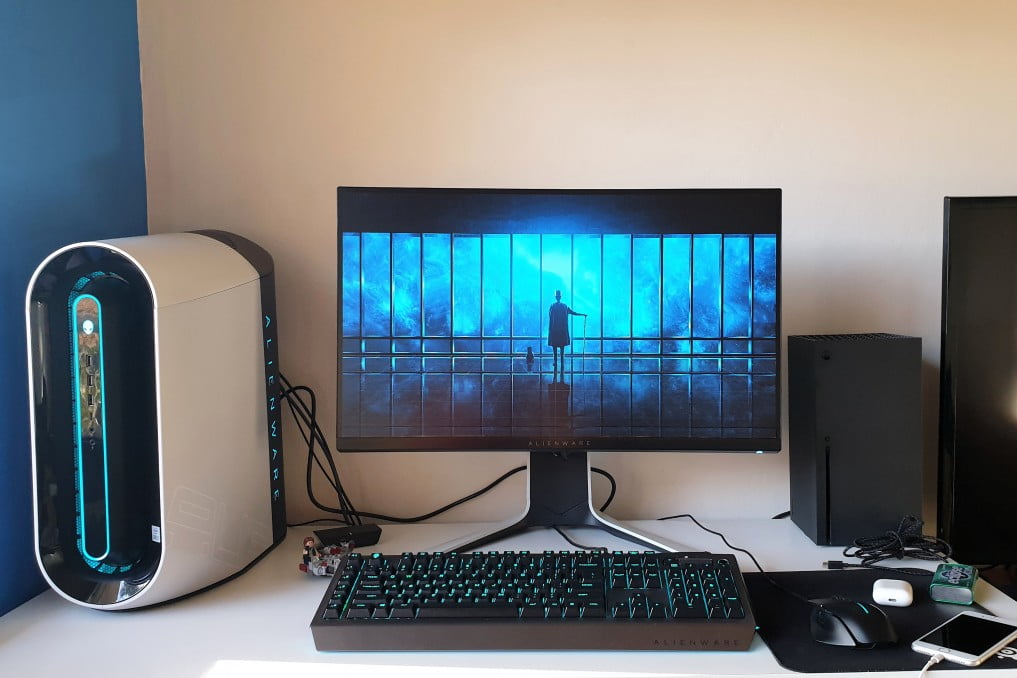
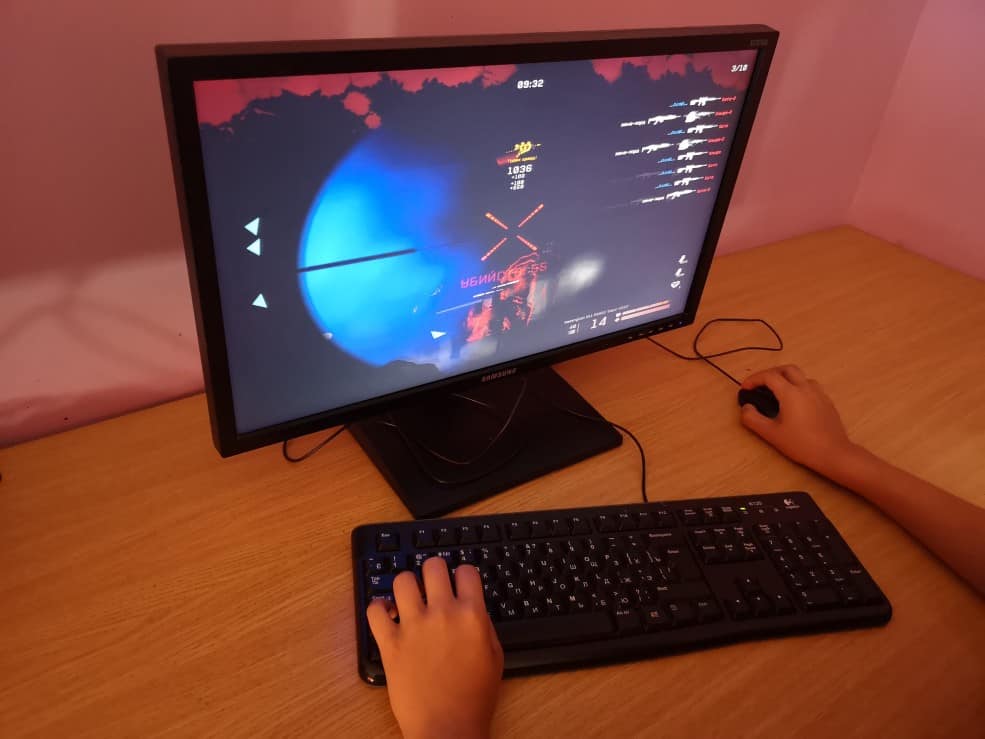
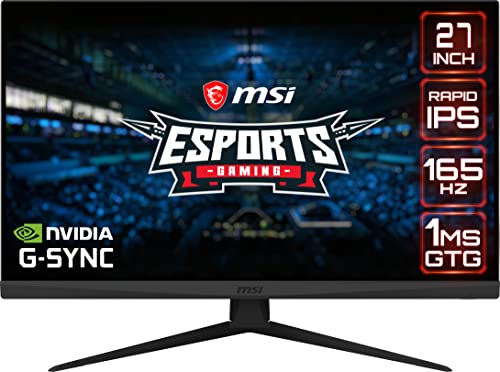
A computer monitor is a visual output device that displays information relayed to it via a computer’s video card. This information is processed in real-time, allowing users to interact with the computer instantaneously.
- Related Post: What is a Monitor?
Learn About PC Display Technology
Here is some more detailed information regarding PC displays and how they work. Or, for a quick rundown that’s all about monitors, you can check out our resource article on the history of computer monitors.
Connection Types
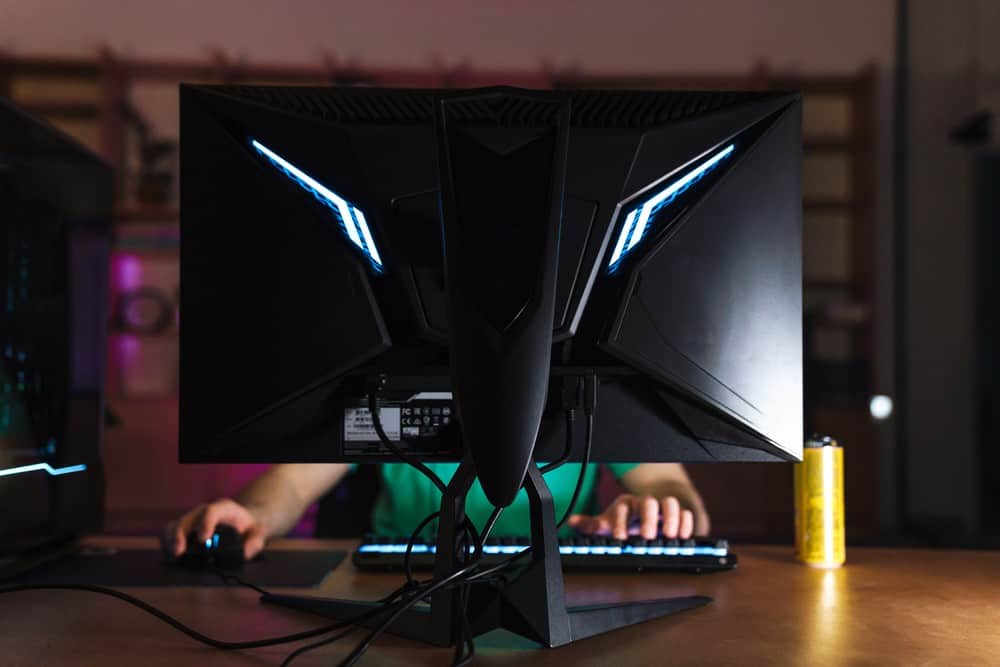
Monitors have different connection types. They typically connect to a computer’s video card or motherboard via an HDMI or a VGA cable. These cords allow for the streaming of visual information from the computer to the display. HDMI display technology is the same connection type used in modern high-definition television sets.
Display Types
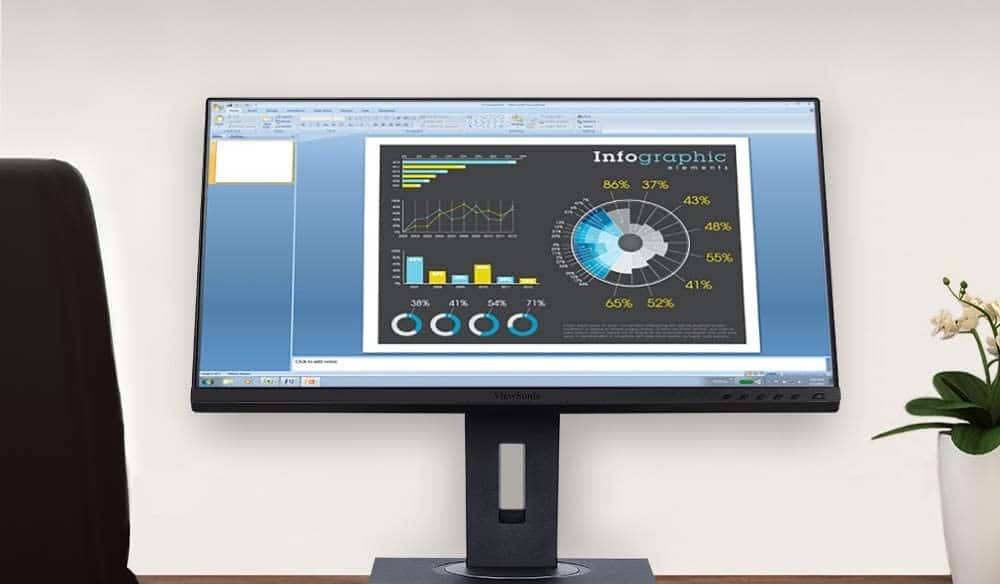
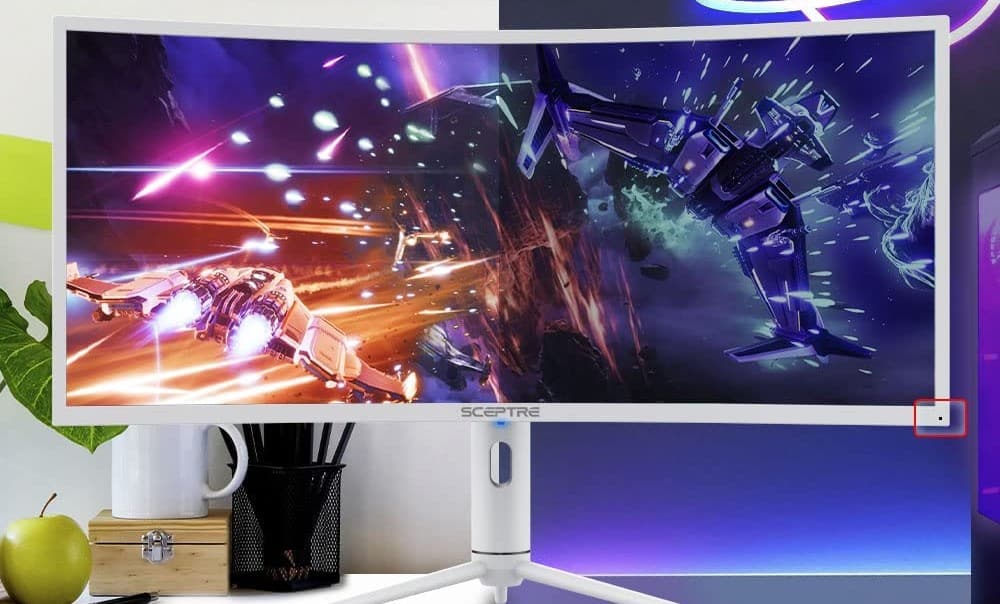
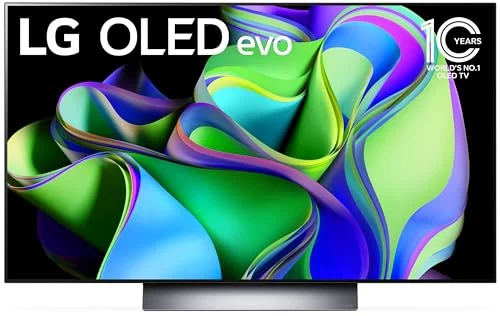
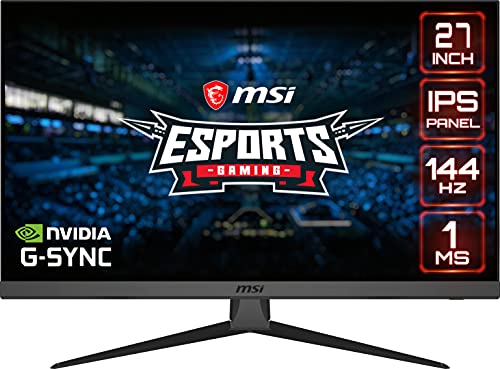
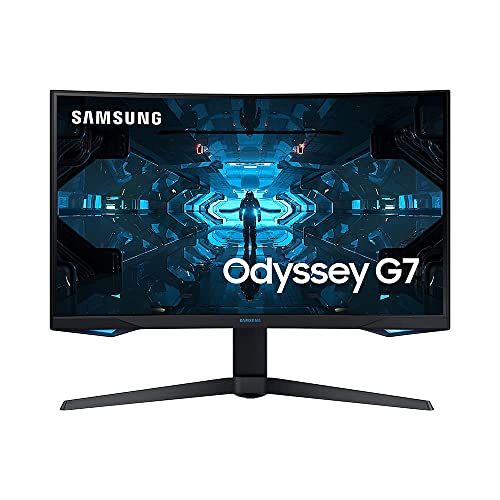
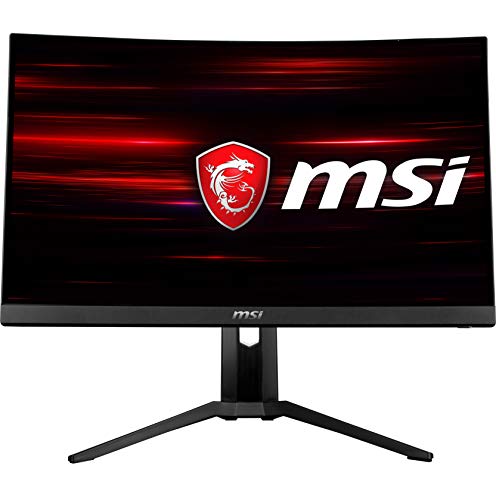
There are a variety of different kinds of monitor displays, each with its own benefits and drawbacks. Cathode ray tube (CRT) monitors are the oldest of the bunch and have fallen out of fashion in recent years. LCD displays make up the lion’s share of newly released screens, as they are cheap to manufacture and of high quality. OLED monitors are the newest design, with gorgeous high-resolution panels, though they tend to be on the expensive side. Additionally, monitors are available in a wide range of size options.
- Related Post: How to Use Your TV as a Computer Monitor
Integrated Accessories
Many newly released computer monitors feature a number of integrated accessories and add-ons intended to make the overall experience more enjoyable. Some displays come with integrated microphones and built-in sound systems with stereo speakers. Others ship with integrated USB hubs, for running the best monitor accessories through the monitor instead of having to use up a USB port on the computer itself. Others have a camera attached for live streaming and participating in video calls. Generally speaking, monitors with numerous integrated accessories can be on the expensive side.
Tip: Many newly released computer monitors feature a number of integrated accessories and add-ons intended to make the overall experience more enjoyable
Warning: Generally speaking, monitors with numerous integrated accessories can be on the expensive side
Laptops and Desktops
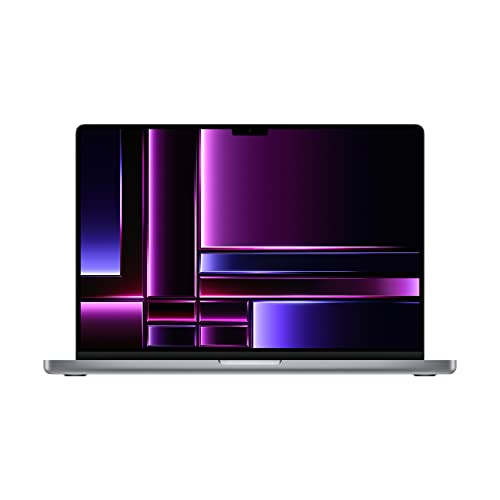
While a monitor plugged into a desktop is its own device, with its own power switch, laptops offer a different type of screen design. Laptop displays are fully integrated into the computer itself. This means when you power down a laptop, the monitor also powers down, as they cannot operate independently of one another. Due to the nature of their design, laptop screens are at a higher risk for accidental damage than standalone monitors.
Tip: Laptop displays are fully integrated into the computer itself
Warning: Due to the nature of their design, laptop screens are at a higher risk for accidental damage than standalone monitors
- Related Post: How to Build a Monitor
STAT:
The average US household has roughly 2.9 TVs on average, but the worldwide average is closer to 1.83 TVs per household. Add to that roughly 2 billion smartphones, 1.7B computers, and probably half a billion tablets and we are looking at over 8 billion screens in the world.
Sources:
https://en.wikipedia.org/wiki/Computer_monitor
https://en.wikipedia.org/wiki/Liquid-crystal_display
https://en.wikipedia.org/wiki/Cathode-ray_tube
*https://www.youtube.com/watch?v=uyLDA9QT8EY&t=1s
https://content.iospress.com/articles/work/wor00801