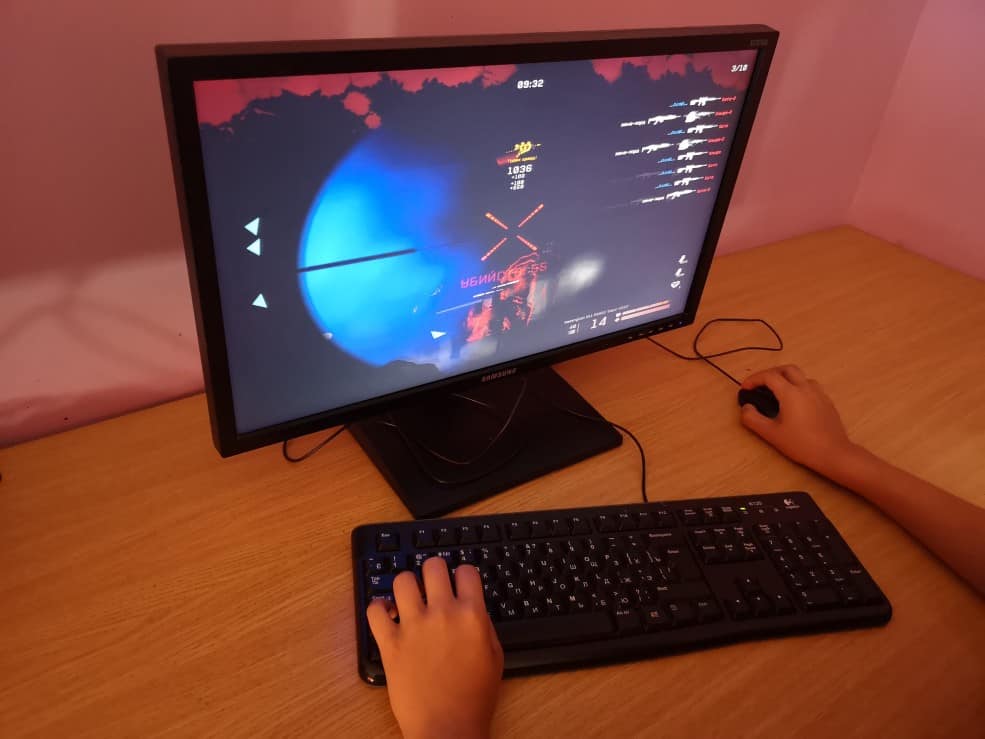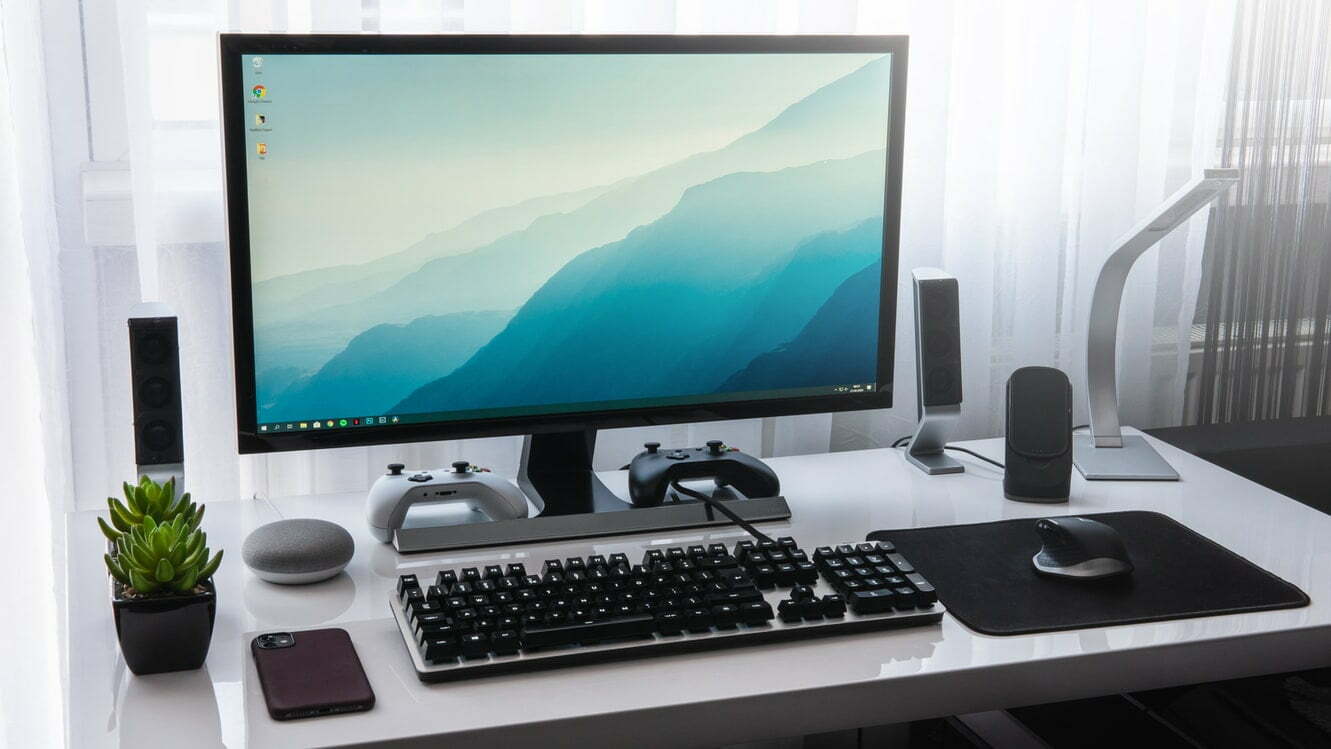

If you are shopping for a display, you may look to compare LCD vs CRT computer monitors. Some of the best computer monitors come in a wide variety of styles and design types. Keep reading to learn the difference between these two types of monitors.
KEY TAKEAWAYS:
- LCD displays are much lighter and smaller than CRT monitors while offering an increased field of view.
- CRT displays, however, are known for superior color rendering performance and for offering high refresh rates. We have a whole page dedicated to explaining what a CRT monitor is if you’re curious.
- CRT monitors are bad for the environment, as they draw a whole lot of power during use. To help reduce humanity’s carbon footprint through tech products, there are opportunities for computer monitor recycling.
Differences Between LCD and CRT Screens
There are multiple distinctions to be made between LCD and CRT monitors, as well as LCD vs LED monitors, but that’s for another post. A liquid crystal display (LCD) has liquid crystals squeezed between two sheets of glass along with an electron gun that shoots an electron beam, while a CRT (cathode ray tube) monitor features a number of cathode-ray tubes. This overall difference in design leads to widely different use case scenarios, such as when you are comparing LCD vs LED monitors for gaming.
Here are more differences between CRT and LCD screens.
Insider Tip
You can often find older CRT monitors for cheap online or even at local yard sales.
Color Rendering
Despite being an older technology, CRT monitors are quite capable when it comes to rendering accurate colors. As a matter of fact, many creative professionals opt for expensive newly made CRT screens over LCD technology, LED screens, or even OLED displays for just this reason. Another advantage to the bright and vivid colors found with CRT displays is that they slightly reduce eye fatigue, which can be a handy bit of information if you are comparing LCD vs LED monitors for eye strain. The downside here is that CRT monitors are fragile, so this color accuracy will break down over time as the phosphor tubes degrade.
Refresh Rates
Another surprising feature of CRT monitors is their ultra-fast refresh rates. Due to the nature of the design, they offer higher refresh rates than LCD screens, as the light has a shorter route to travel.
Size and Weight
There is no way around it. Cathode tubes are extremely large and extremely heavy, making CRT monitors an absolute beast to haul around and to place in your workspace. LCD screens, on the other hand, are light and portable, easily fitting just about anywhere.
Field of View
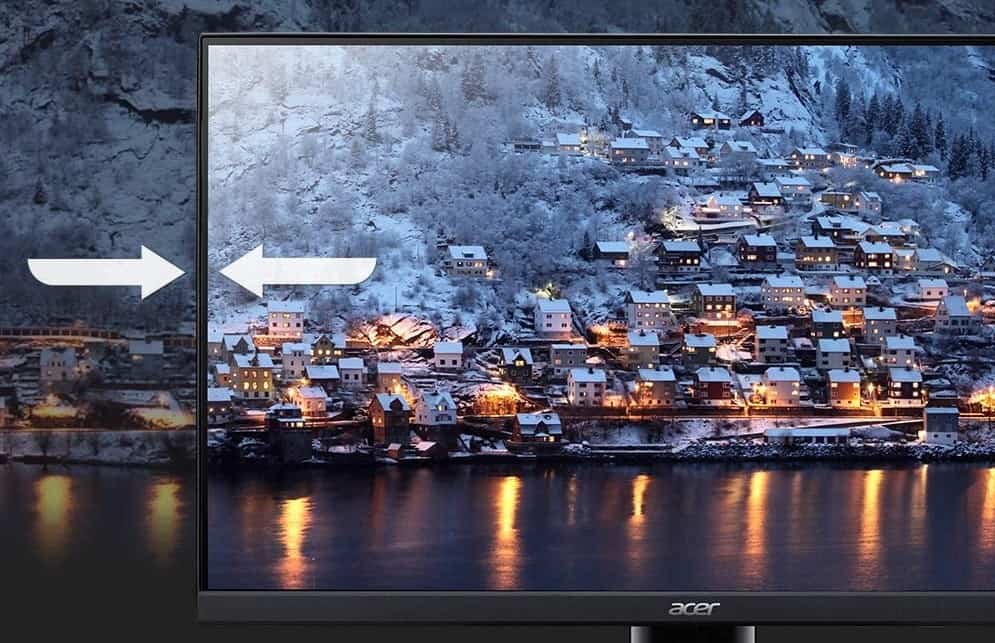
In most cases, LCD monitors will offer a much larger field of view for viewing image and video than CRT displays, due to the nature of the design of the flat screen. Something like an LCD screen would come in handy as a gaming monitor. The larger the field of view with a CRT, the heavier and bulkier it will be.
Environmental Impact
CRT monitors are made from multiple materials that are relatively tough to source and they draw a whole lot of power during use. In other words, they are not too great for the environment.
F.A.Q.S
What should I do if I have a large number of computer monitors to recycle?
No matter the display size of these monitors, you should contact a local recycling center.
Is throwing away my computer against the law?
This depends on local rules and regulations, as there is a real difference from area to area.
Do any retailers offer computer monitor recycling?
Many retailers will recycle flat panel monitors, liquid crystal displays, vacuum tube displays, and flat screens of all kinds.
STAT: You’ll likely find your city or county offers computer recycling events at least once a year (usually around Earth Day on April 22). (source)
REFERENCES:
- https://earth911.com/recycling-guide/how-to-recycle-computer-monitors/
- http://energycut.com.au/business/wp-content/uploads/2015/07/LCD-vsLED-EBAY.pdf
- https://energyusecalculator.com/electricity_lcdleddisplay.htmr
- https://www.dell.com/community/Monitors/CRT-vs-LCD/td-p/123655
- https://en.wikipedia.org/wiki/Screen_burn-in