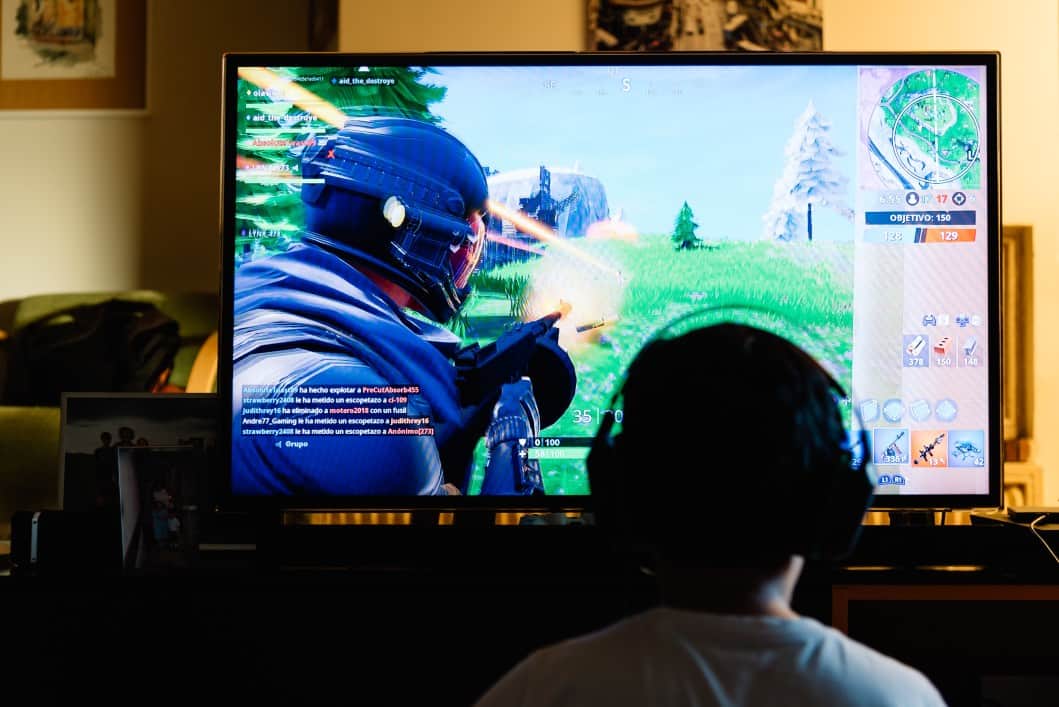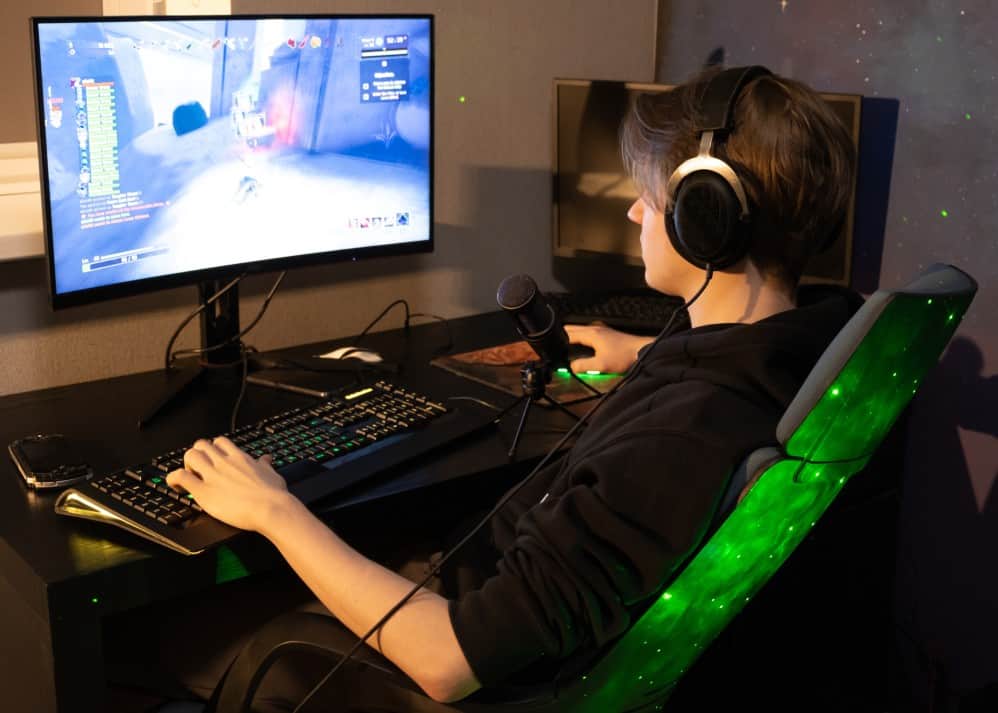

What is VSync technology? Vsync is a graphics technology used to synchronize a game’s frame rate with a modern gaming monitor‘s refresh rate. Gamers use vertical sync to play games that have higher frame rates than what the monitor can handle. To avoid screen tearing, use VSync to limit the FPS. This technology is vital if your monitor is not able to handle the game’s FPS. When misused, Vsync can harm FPS and cause input lag, which is why Shroud doesn’t use this monitor type. But when used correctly, it can prevent the graphics card from being overused by a game.
It’s very similar to G-Sync, only G-Sync is worth it if you can afford it (it’s expensive!). You may want to compare VSync to FreeSynce vs FreeSync 2 instead, and before you buy your gaming monitor.
KEY TAKEAWAYS:
- VSync manages the limitations of monitors with low refresh rates than the frame rate of a GPU.
- It is essential to use VSync if you are experiencing screen tears. Although it only lasts for a split second, it can happen multiple times during a gaming session.
- You can access the ON and OFF options of your VSync by accessing the settings of your computer’s Nvidia or Radeon cards.
What are the Different Types of VSync?
GPU companies have been working round the clock to come up with newer versions of VSync. You can easily find multiple syncing options when you access your GPU’s control panel. Let us now have a look at some of the latest forms of VSync:
Adaptive VSync
NVIDIA designed the adaptive VSync option to monitor the maximum monitor refresh rate of the monitor. For instance, if your game’s FPS is equal to or higher than the refresh rate of your 60hz monitor, Vsync is enabled. When the FPS hovers below the refresh rate, it is disabled. This option prevents any issues from arising on the input lag.
Insider Tip
NVIDIA designed the adaptive VSync option to monitor the maximum monitor refresh rate of the monitor.
Fast VSync
NVIDIA engineered it to only work with a GTX 900 series graphics card, a 10-series GPU, or newer. As a result, fast VSync is the most advanced form of adaptive sync. Fast VSync works to remove all screen-tearing and input lag while ensuring the latency is at a minimum.
Enhanced VSync
AMD produced their version of Fast VSync and called it enhanced sync. Its purpose is to disable VSync when the frame rate falls below the refresh rate of the monitor.
When to Use VSync
Gamers use VSync to force the GPU and the monitor to work together with fine-tuned cohesion. This level of synchronization eliminates screen-tearing and helps gamers to have a more fluid playtime. This is the level achieved when you use the type of monitor that Markiplier uses for gaming.
VSync is also ideal for gamers who want to play older games through emulators on their PC. Unlike new games, old games use low-quality graphics. VSync will slow down the monitor’s frame rate to match your playing game. This feature will allow you to have a smooth playing session. But in case you need consistent image delivery on print, consider using sRGB options.
High frame rates can cause your GPU to run on overdrive, which in turn can cause overheating. Enabling VSync will help cap the FPS of your monitor’s refresh rate, and this will reduce the strain on your GPU.
Insider Tip
Fast VSync works to remove all screen-tearing and input lag while ensuring the latency is at a minimum.
F.A.Q.
Why do refresh rates and VSync matter?
Refresh rates come into play when talking about the display or the monitor. So, suppose your gaming computer is producing images at higher FPS than your monitor’s max refresh rate. In that case, your monitor will not display all the frames. If your computer produces frame rates higher than your monitor’s max refresh rate, you might experience glitches. To resolve this, you need VSync to prevent visual artifacts from interrupting your gaming experience.
Does turning VSync ON make any significant difference on the graphics?
VSync does not improve or affect the resolution of your PC. In addition, it does not affect the brightness and color levels. Essentially, it is a technology used to solve problems caused by a mismatch between the refresh rate and the GPU frame rate.
What is smooth VSync?
Smooth VSync is a technology that can minimize stutter when SLI is active, and VSync is enabled. However, in an instance where you have an active SLI and the frame rates of your game are below the monitor’s refresh rate, you will experience screen stuttering. Smooth VSync reduces stuttering by locking into the sustainable frame rate of your game. This technology only increases the frame rate when the game pushes beyond the game’s average framerate.
STAT: If you decide to play a game that clocks 10 FPS because you insist on playing at 4K, your GPU is the issue. As a result, when you turn on VSync, your game’s framerate drops by 50%. (source)
REFERENCES:
- https://www.hp.com/us-en/shop/tech-takes/vsync-should-i-turn-it-on-or-off#:~:text=Short%20for%20vertical%20sync%2C%20VSync,for%20graphics%2Dheavy%203D%20games.
- https://www.avadirect.com/blog/frame-rate-fps-vs-hz-refresh-rate/
- https://nvidia.custhelp.com/app/answers/detail/a_id/3283/~/what-is-smooth-vsync%3F#:~:text=Smooth%20Vsync%20is%20a%20new,enabled%20and%20SLI%20is%20active.&text=Smooth%20Vsync%20improves%20this%20by,refresh%20rate%20of%20your%20monitor.r
- https://www.youtube.com/watch?v=BMh9fie7VQU&ab_channel=PCaddict365
- https://www.gpucheck.com/article/what-is-acceptable-fps
- https://en.wikipedia.org/wiki/Screen_tearing