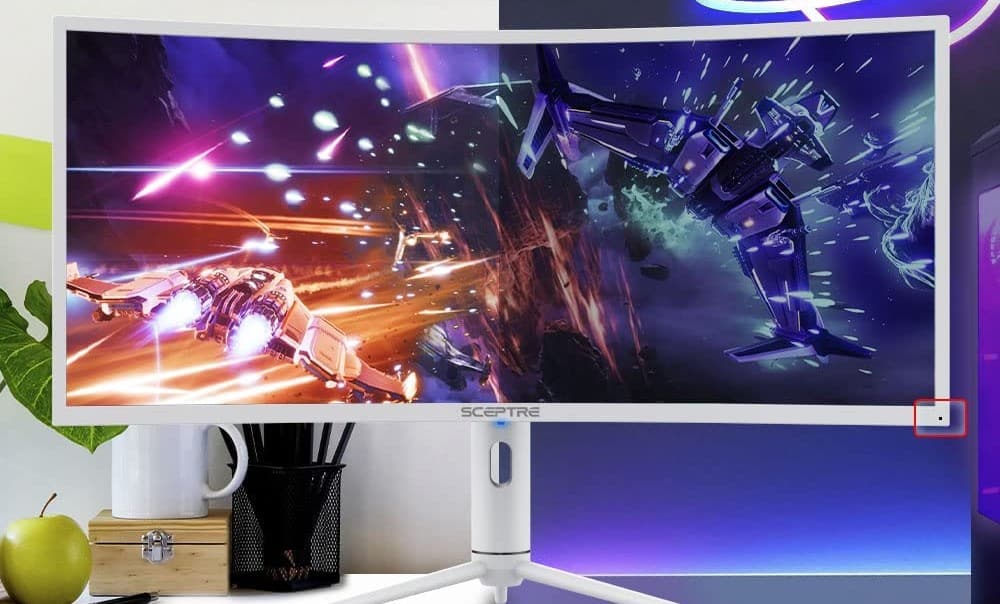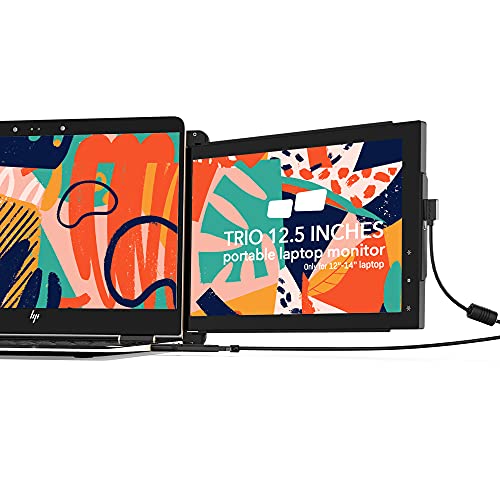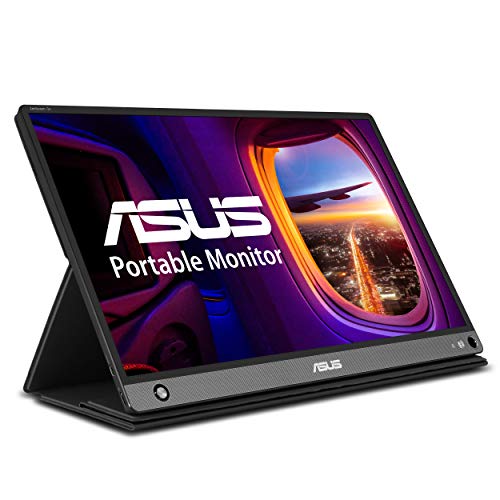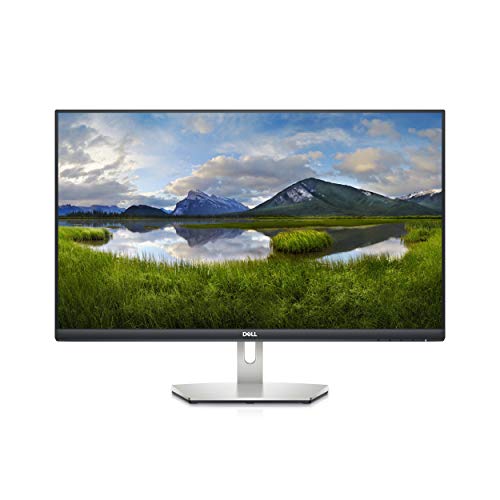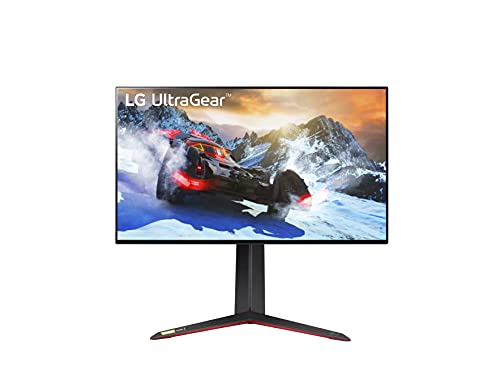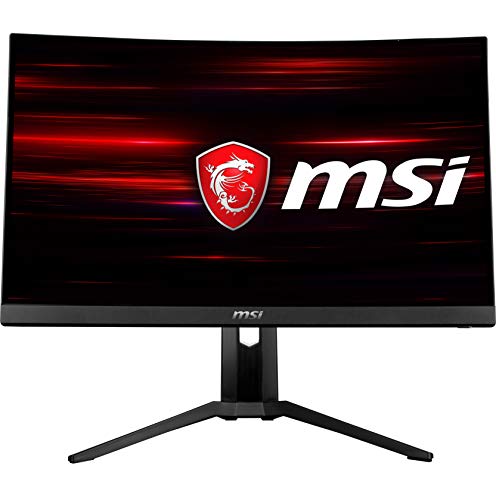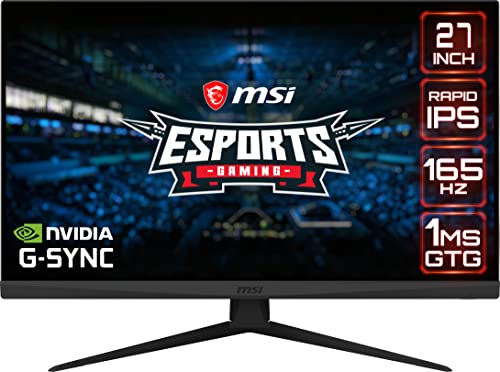

Depending on your usage goals the criteria you’ll use to find the right computer monitor will vary. While some people may prioritize refresh rates, others may focus on color quality and viewing angles. And what many people may not know is that not all computer monitors are considered equal in panel technologies. In reality, there are as many as 11 different monitor panel options with three core categories between them. For people focused on the best quality options, an IPS panel is going to be your best bet.
Yet, curiosity about other panel types is OK, too. For more info, visit our resource post on the differences between IPS vs TN vs VA displays.
Key Takeaways:
- IPS monitors offer enhanced visual output as compared to other LED/LCD monitors
- It’s possible to get viewing angles as wide as 178 degrees
- There are six main categories including proprietary options for electronics manufacturers.
IPS Monitors explained
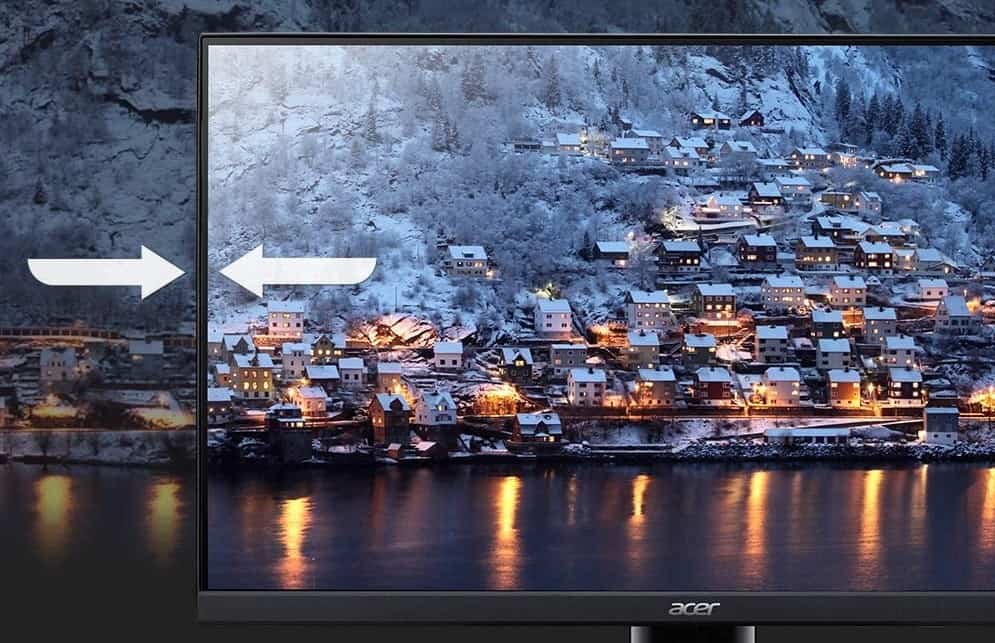
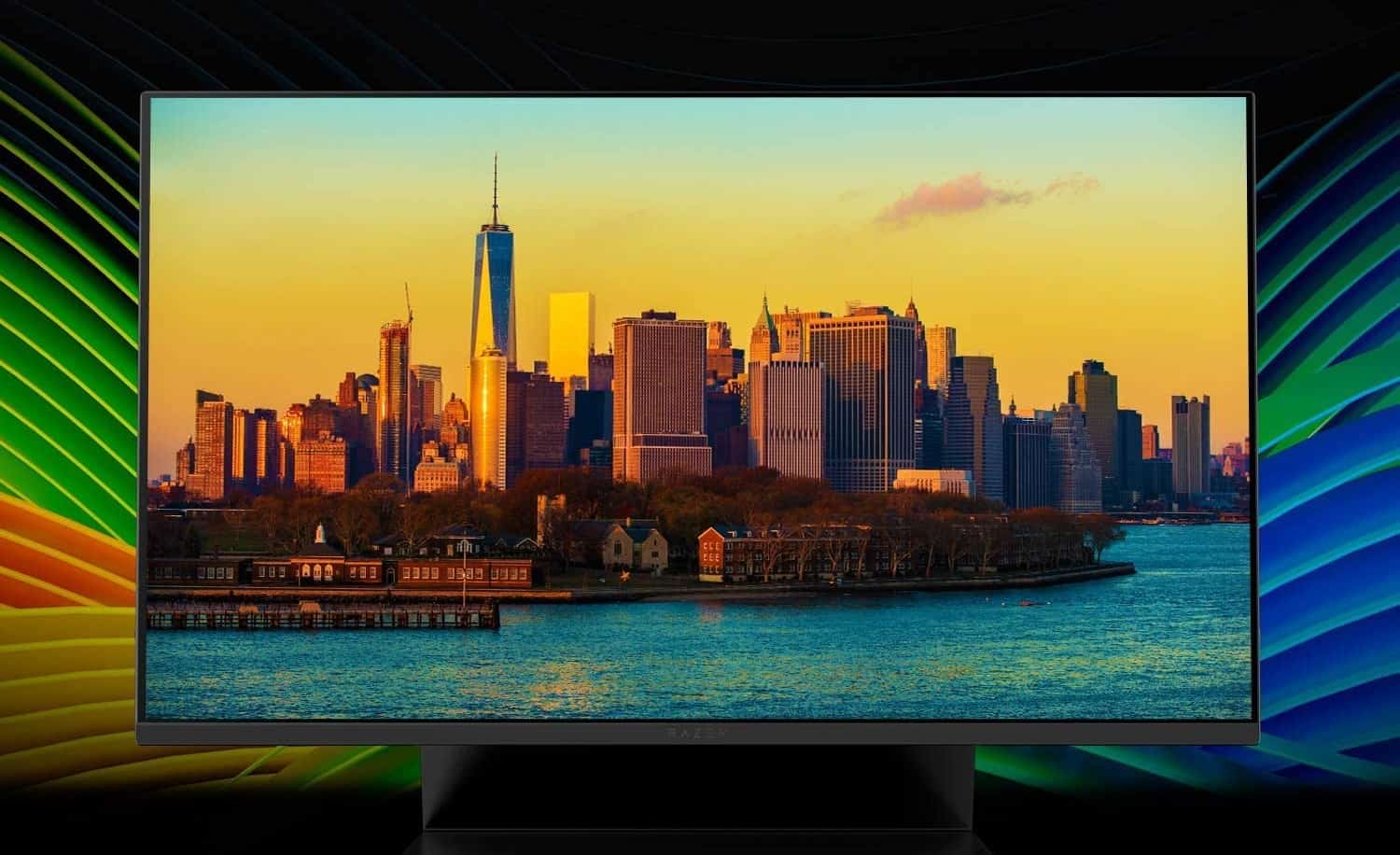
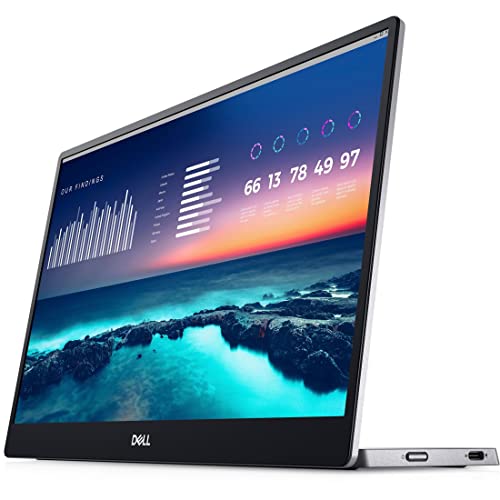
Just as you’ll see in our review of the Portable Monitor IPS Eye Care gaming monitor, IPS stands for In-plane Switching and is considered the top-of-the-line option for LED computer monitors. OLED is even better, and you’ll want to know the best place to buy OLED computer monitors when they’re available. For now, let’s stick with LED. These panels align the pixels in parallel which is why they offer better color output. In particular, IPS panels are known for providing more vibrant color output along with enhanced viewing angles and image quality. This means that the color output is truer and that even at wider viewing angles or extreme angles, you’ll still experience accurate image output and colors.
Tip: These panels align the pixels in parallel which is why they offer better color output. In particular, IPS panels are known for providing more vibrant color output along with enhanced viewing angles and image quality
Specifically, IPS panels offer high fidelity at angles as large as 178 degrees. Other hallmarks for IPS monitors include truer blacks and contrast fidelity in darker images such as scenes shot in shadows.
Tip: IPS panels offer high fidelity at angles as large as 178 degrees
How Many Types of IPS Monitors Exist?
There are six main types of IPS monitors. Although IPS monitors are considered the top option because of accurate colors and image quality, there are multiple versions available. In total, there are six main types of IPS monitors — this includes proprietary models. The proprietary models rely on technology that’s been developed by top-tier electronics manufacturers.
Tip: there are six main types of IPS monitors
Standard IPS Variants
IPS panels all operate using similar technology. But the main difference between them is dependent upon how the pixels are structured. The variants include:
- S-IPS
- H-IPS
- e-IPS
- P-IPS
- AH-IPS
Proprietary IPS Models
Super PLS is also known as Plane to Line Switching. It’s designed by Samsung and promises wider viewing angles along with 10% enhanced brightness.
AHVA (Advanced Hyper-Viewing Angle) panels were created by AOU. It promotes better viewing angles.
Nano IPS are proprietary to LG Electronics and offer a wider color range thanks to a technology that incorporates nanoparticles rather than pixels. Gamers will like that Nano IPS panels offer better refresh rates.
Who Would Benefit from an IPS Monitor
They’re often recommended for people who work in graphics and visual industries where color accuracy is essential, with balanced brightness and deep blacks. But note that these monitor panels — while amazing for visual output — tend to underperform when you consider refresh rates. IPS panels often feature poorer refresh rates, which can be problematic for gamers playing fast-paced games. Over time though, IPS monitor display technology has achieved faster response times versus slower response times in older models.
STAT:
Look for IPS display products to offer “up to 98% of Adobe RGB color space,” or something similar, to demonstrate the large subset of available colors that the monitor can show. (store.hp.com)
This is why IPS monitors are often advertised with ” 99% sRGB Color Gamut” or “100% sRGB coverage” since the larger color gamut giving a wider range of colors is always preferable. (vssmonitoring.com)
Sources:
https://www.pchardwarehelp.com/guides/lcd-panel-types.php
https://en.wikipedia.org/wiki/Liquid-crystal_display
https://www.samsung.com/za/support/tv-audio-video/are-lcd-tvs-subject-to-screen-burn-in/