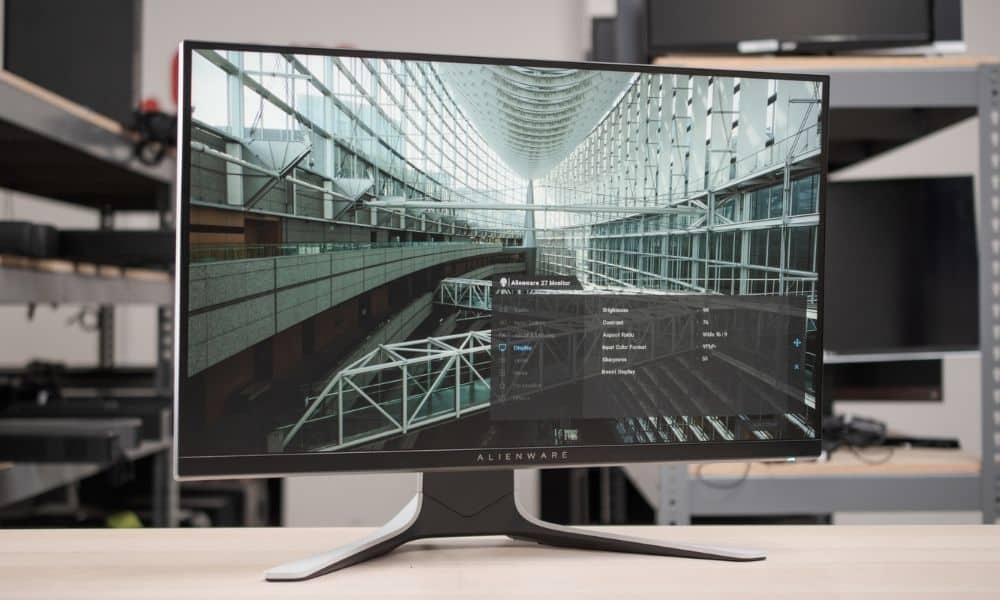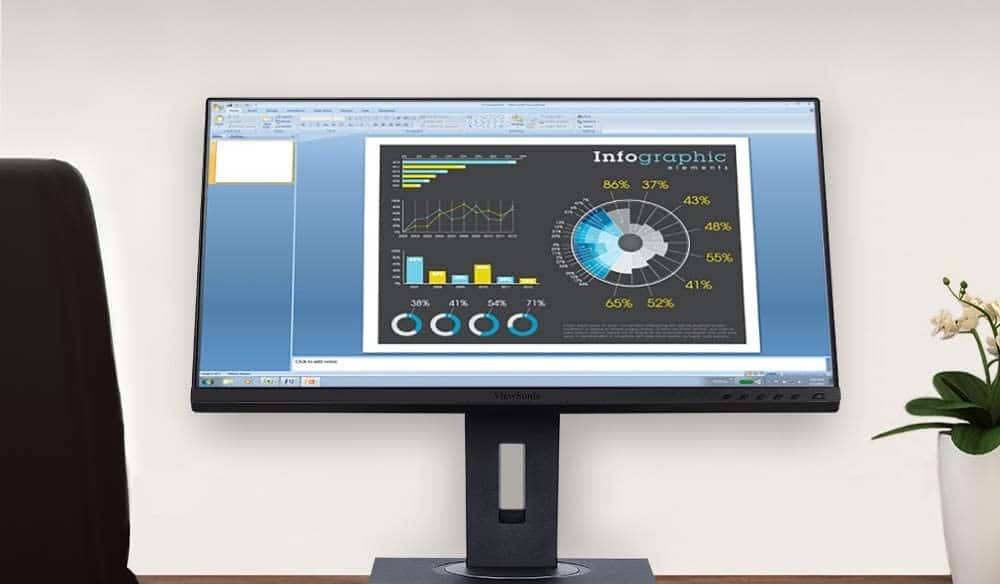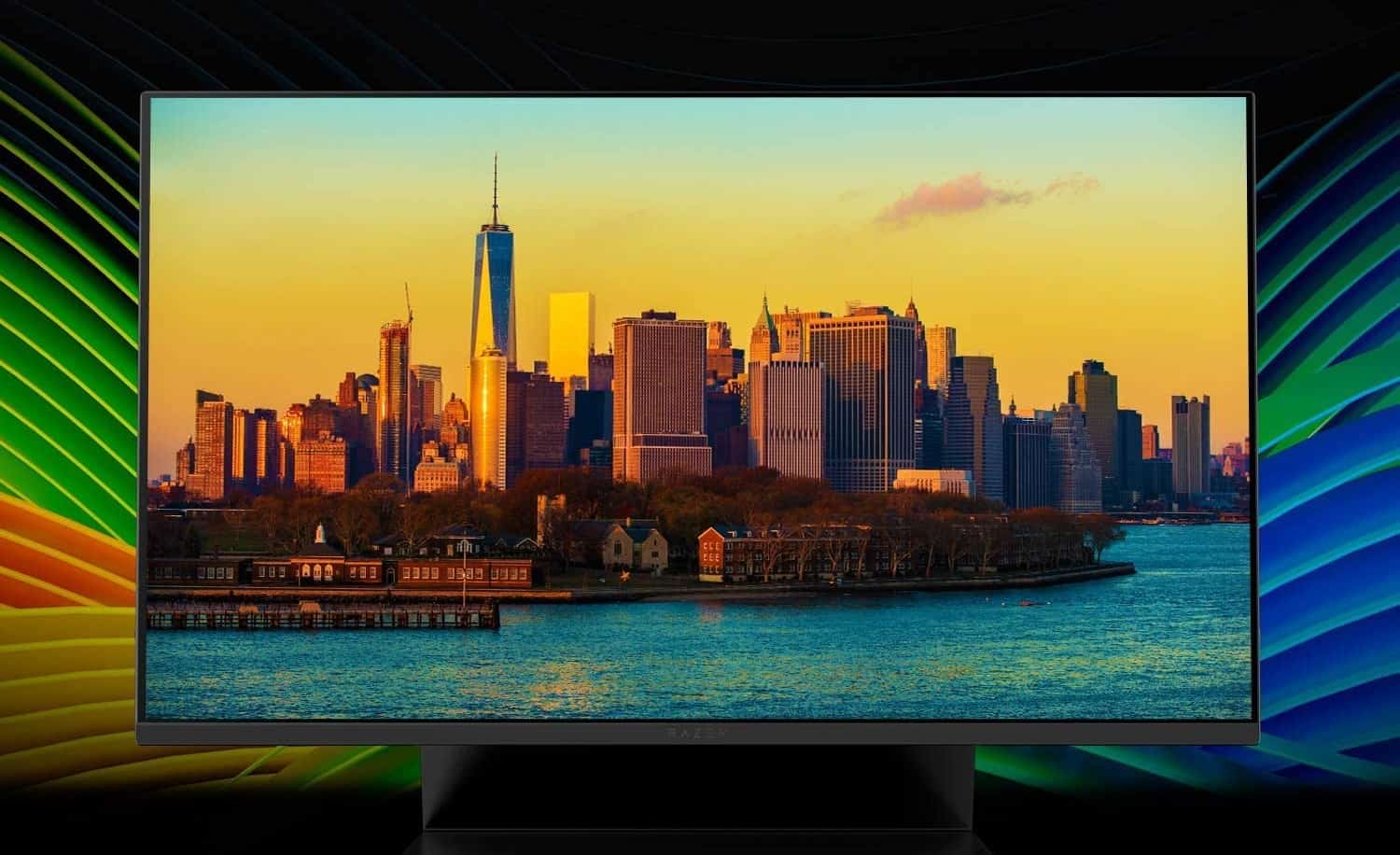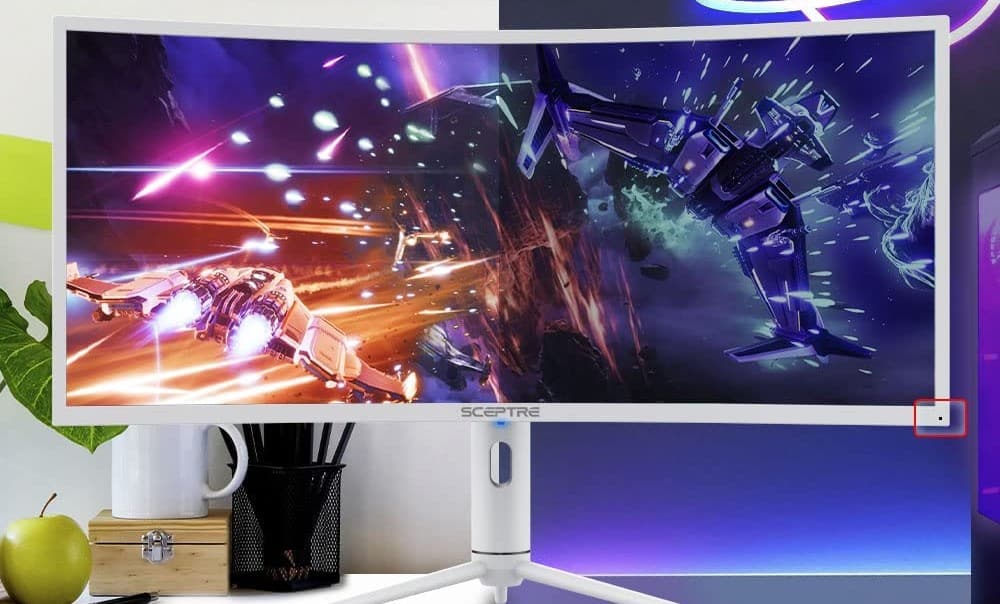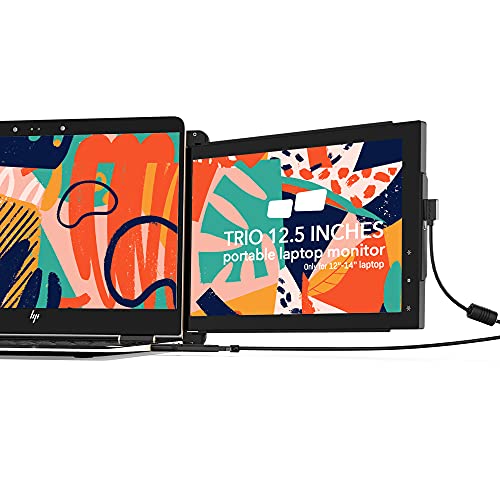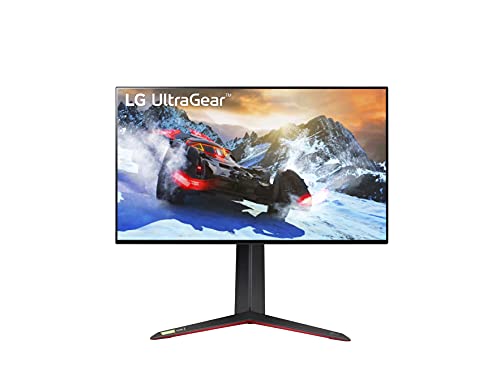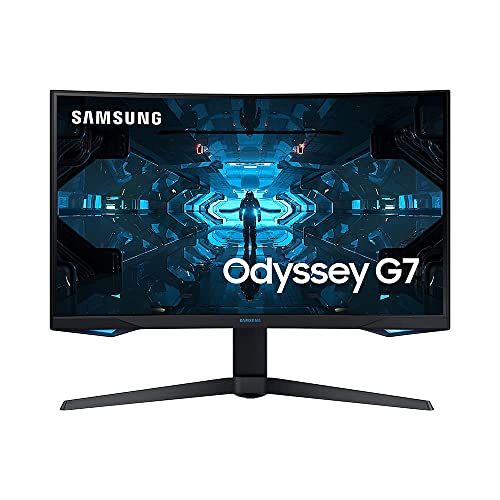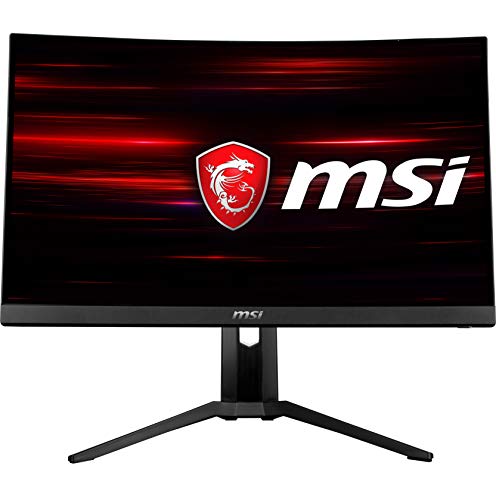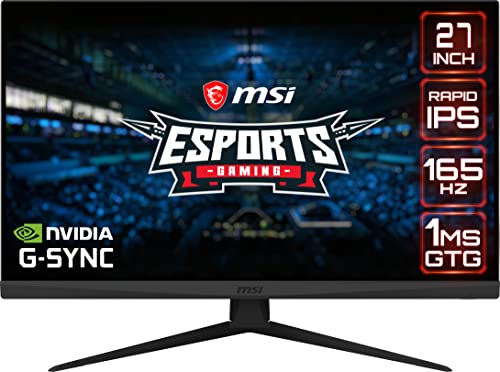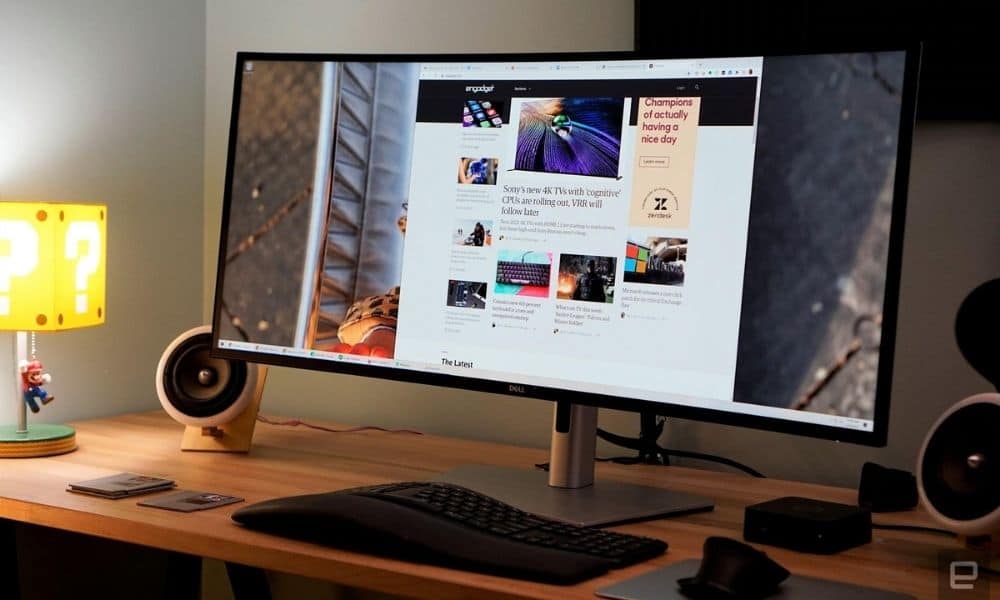

Computer monitors are a must-have for PC users and hardcore gamers. Consumers may be looking at computer monitor buying guides and wondering just how much a typical computer monitor costs and the overall price range of displays.
Cost of a Computer Monitor
Modern computer monitors can fluctuate wildly when it comes to price, with some models as cheap as $50 and others costing $1000 or more. In the past, the first computer with a screen was astronomically expensive, but thankfully monitor technology become more accessible, bringing the price down throughout the decades. The average computer monitor costs around $200 – $300. There are some features and functionalities that can severely impact the price so be sure to do some research so you make sure you’re getting the best cheap monitor if you have a lower budget.
Monitor Features that Impact Price
There are a number of features and functionalities that can increase the overall price of a computer monitor, and that’s without adding accessories to your monitor like a webcam or monitor arm if you know how to mount a monitor.
Monitor Type
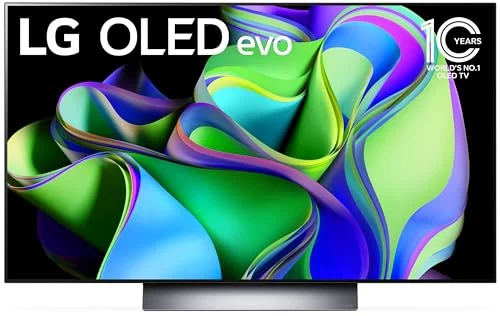
Generally speaking, LCD displays are the cheapest type of modern computer monitor. LED displays, which are based on the same technology as their LCD cousins, tend to be slightly more expensive while OLED displays are the most expensive of all. The latter being due to the high-priced components that make up the OLED technology.
Tip: Generally speaking, LCD displays are the cheapest type of modern computer monitor
Resolution
Modern computer monitors can boast resolutions as high as 8K, offering stunning and true-to-life visuals and graphics. 8K, and even 4K, displays feature newly adopted technological advancements. As such, the higher the resolution, the costlier the monitor. If you are looking to snag a high-quality monitor on the cheap, go for an HD display with a 1080p resolution.
Refresh Rate
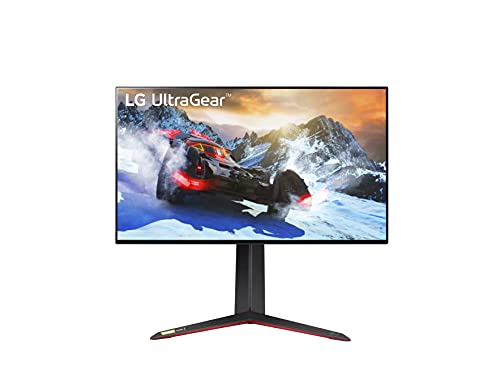
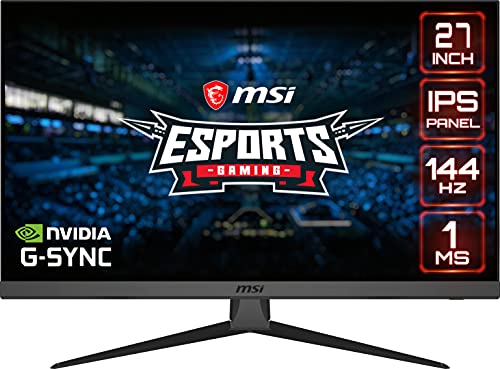
If you are using your PC to stream content or to play graphically intensive games, then the refresh rate is an incredibly important consideration. The refresh rate indicates how often your monitor refreshes the screen. As for price, monitors with ultra-high refresh rates, above 120Hz, tend to be more expensive than displays with refresh rates of 75Hz or less.
Monitor Size
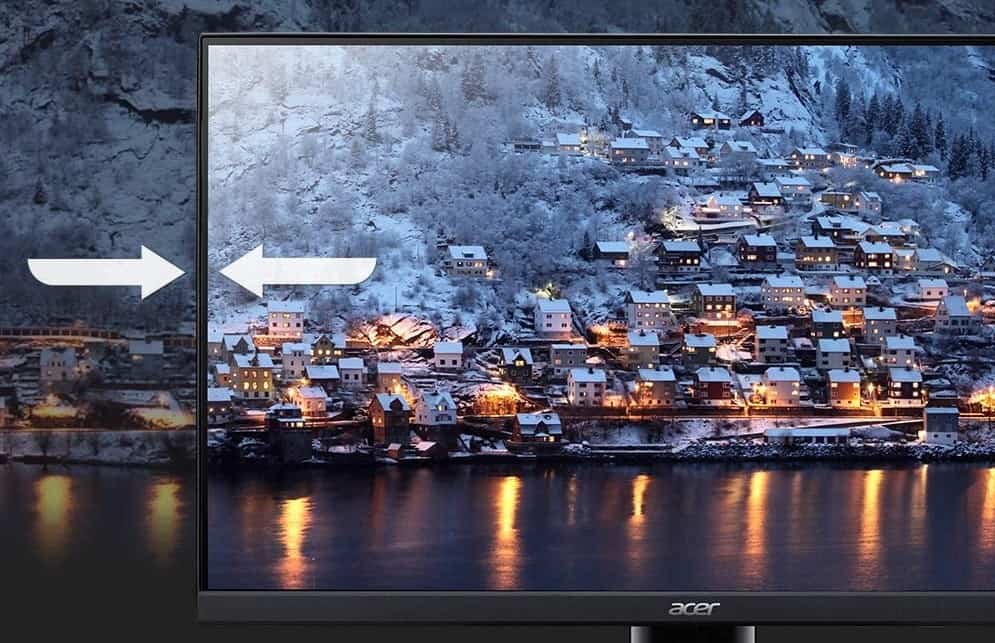
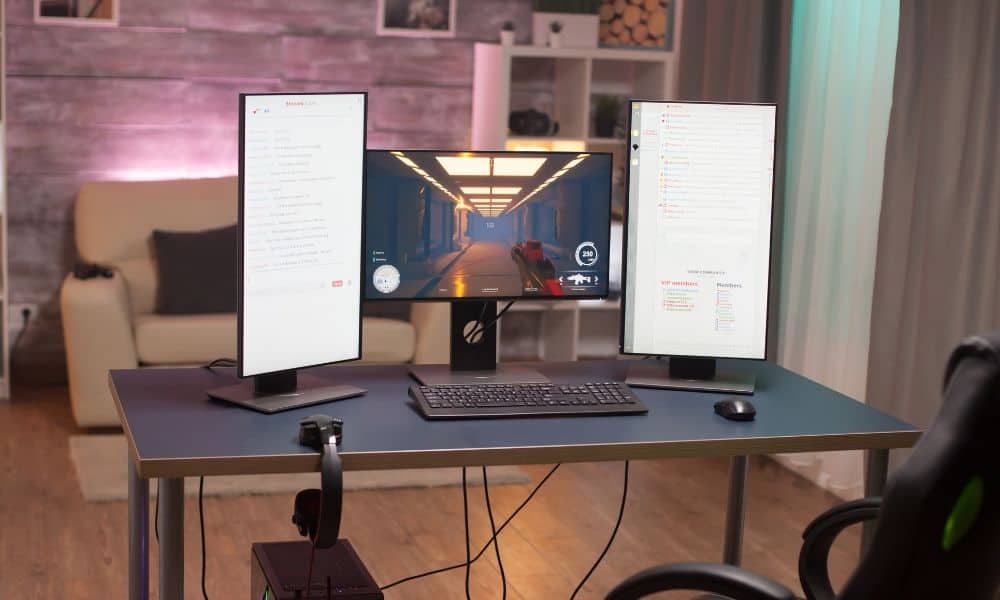
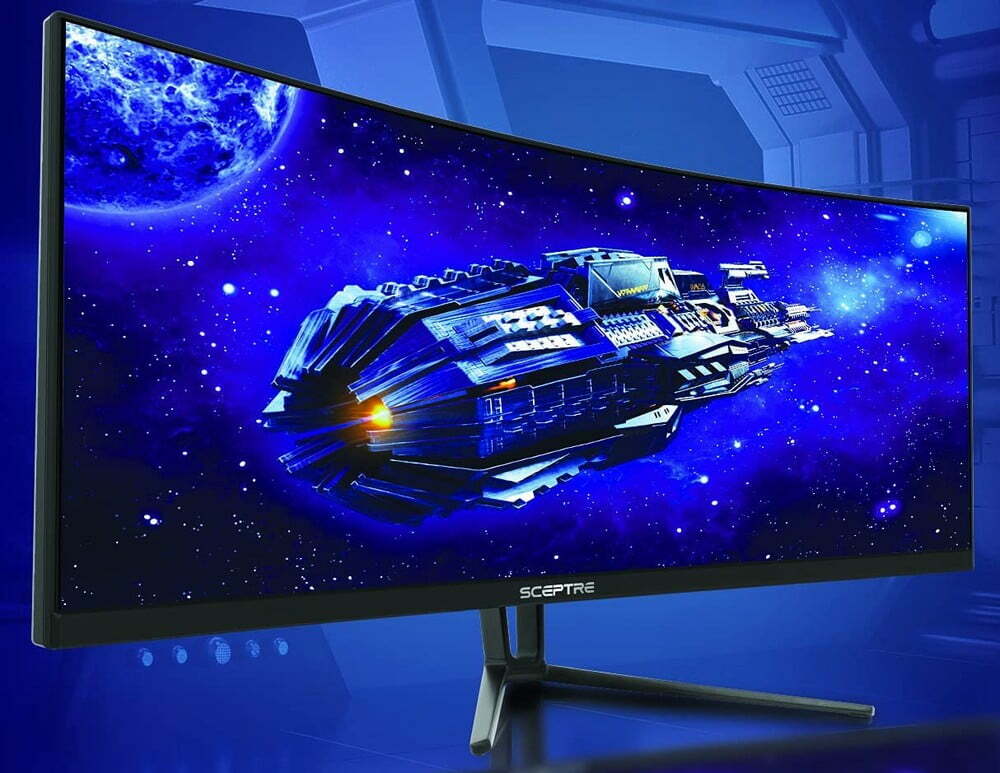
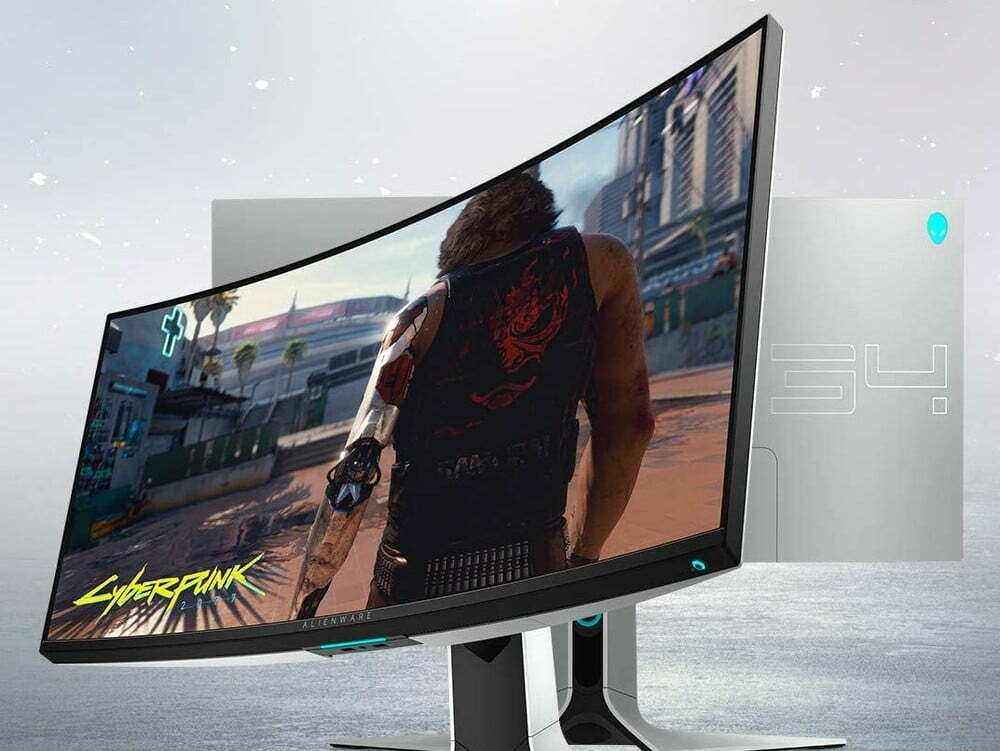
The overall size of a computer monitor, and its width, can impact the overall price. Typically, ultrawide monitors and displays that are larger than 34-inches tend to be on the expensive side. This price continues to increase as the monitor size increases. Get the size that may cater better to your needs if you need the monitor for a specific task, like the best size monitor for gaming should help make your gameplay more efficient. Ultrawide monitors and larger-than-average monitors can significantly increase the viewing angle, which can be a useful benefit.
Size plays a huge part in getting the right viewing distance and angles, which you can learn more about in our resource article about how far to sit from a monitor, especially if it’s an Ultrawide monitor.
Additional Features
Certain monitors include additional features that can impact the price. These can include USB hubs, integrated stereo speakers, microphones, ergonomically designed frames, and more. Some monitors also include robust cable management systems, making for a tidy setup. We recommend making a “must-have” list of features before settling on your final purchase.
STAT:
When it comes to cheap monitors, it’s not likely that you’ll get anything higher than 1080p resolution (1920 x 1080 pixels).
So, if the price is a problem for you and you’d rather have a better resolution without the high price tag, you may be interested in learning how to build a PC monitor. It’s easier than it sounds.
Sources:
https://en.wikipedia.org/wiki/Computer_monitor
https://en.wikipedia.org/wiki/Refresh_rate
https://en.wikipedia.org/wiki/Display_resolution
https://en.wikipedia.org/wiki/Liquid-crystal_display
*https://www.youtube.com/watch?v=9ZwCDBBwSdU