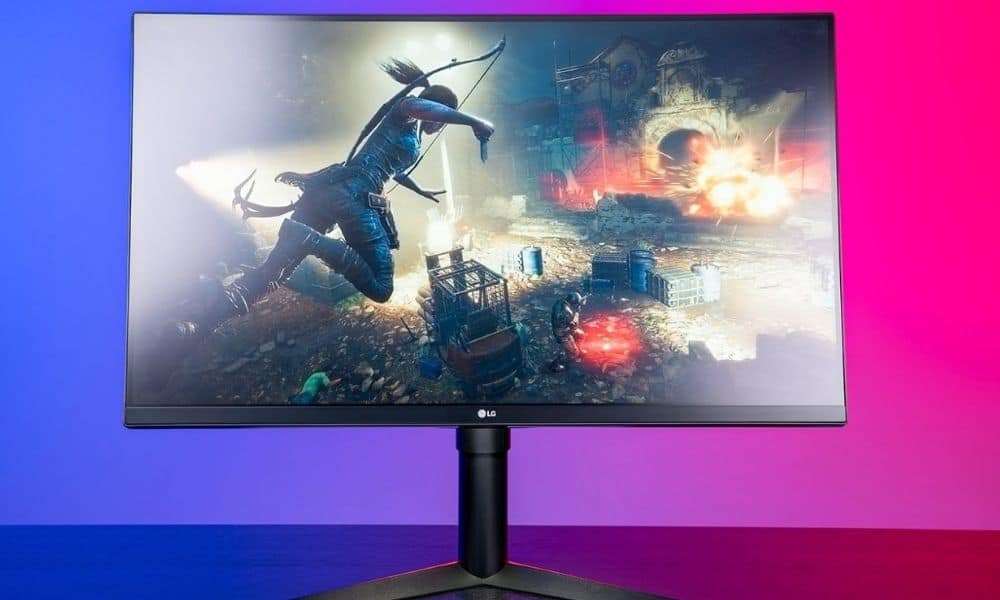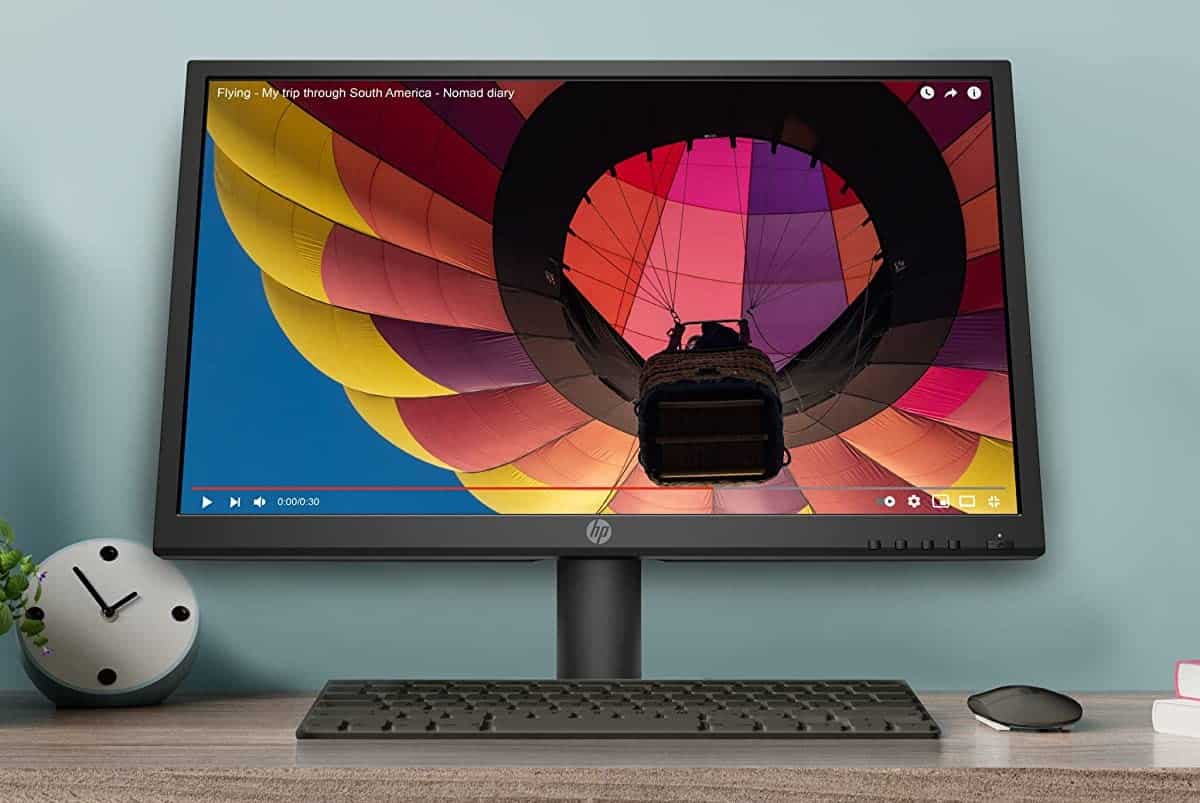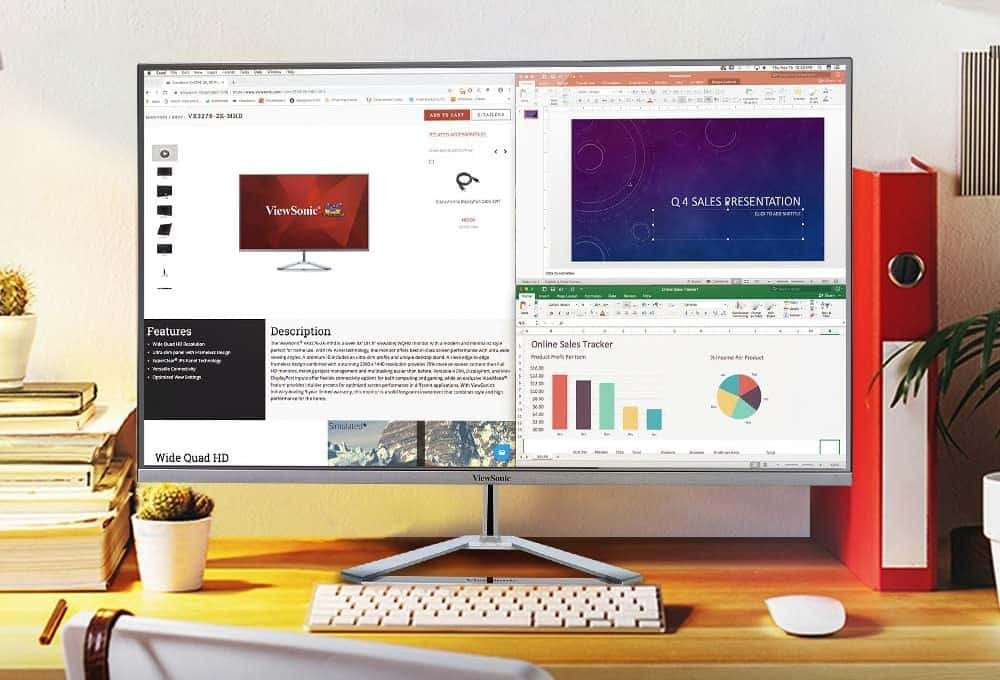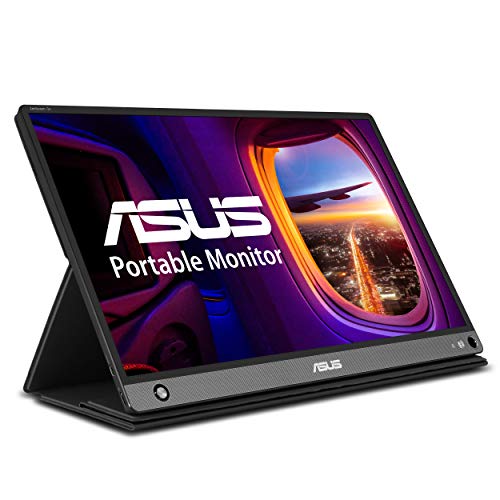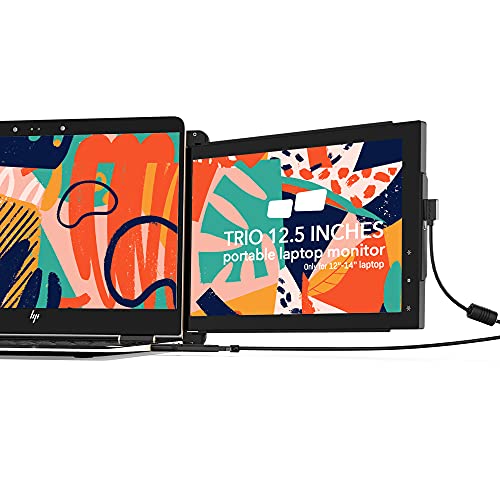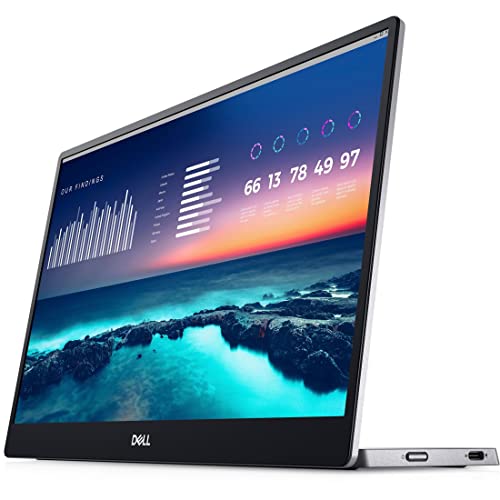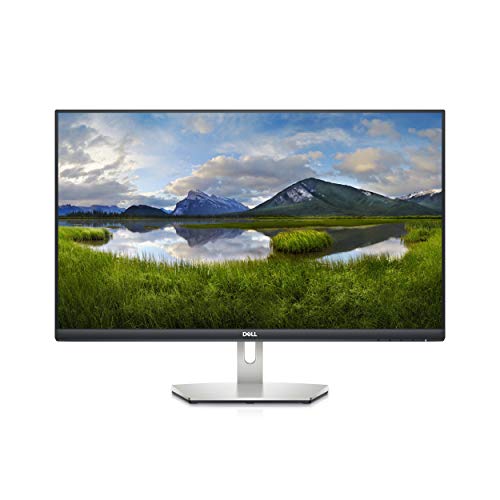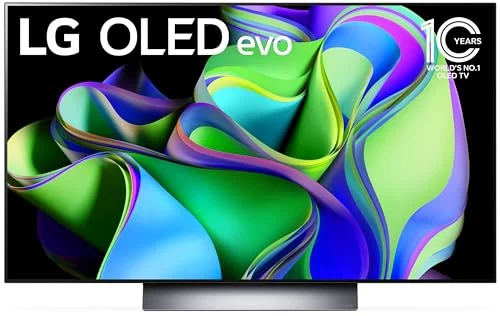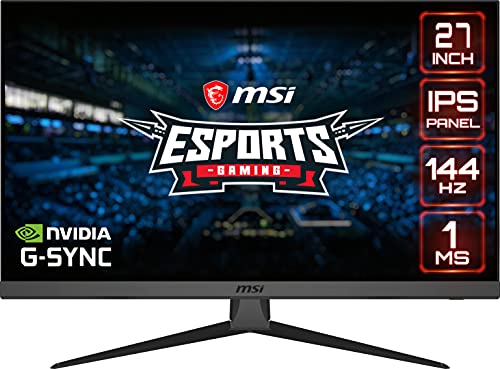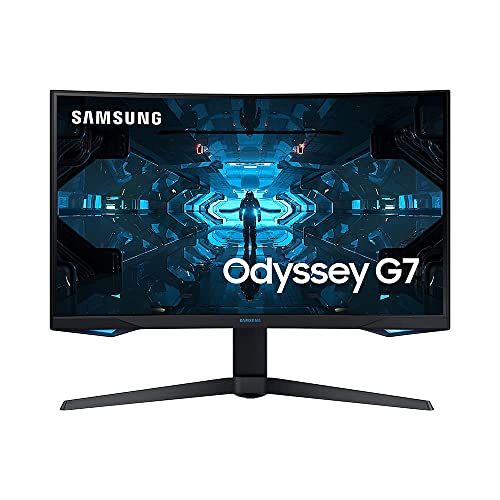

Display technology is always pushing the envelope to create thinner, brighter, and crisper screens that draw you in and make you feel like you’re in the middle of the action. Whether you’re a gamer or a cinema fan, a good display results in a more enjoyable experience. Over the years, LED technology has continued to improve and one of the latest iterations is quantum dot displays. QLED relies on cutting-edge technology with the result being better color output and a brighter image. Read more to learn about this incredible monitor technology.
What is Quantum Dot Display?
While LEDs generally rely on liquid crystal technology, quantum dot screen displays are slightly different types of monitors. To understand the difference, it’s important to first explain LED technology. Much like with LCDs, LED screens rely on a backlight to shine light through liquid crystal displays to produce images. However, whereas LCDs rely on fluorescent light which emits white, LEDs use a backlight with a blue hue. And that color shift translated into a display with blacks that looked slightly off and colors that were somewhat muted.
How Quantum Dots Fix the Color Issues
Quantum dot technology displays create the perfect fix for LED color vibrancy. Quantum dots are light-emitting nanocrystals. The technology has been around since 1982, and it works by the nanocrystals absorbing light emitted by the backlight and reinterpreting it into a white light that includes all the colors in the spectrum. While QLED displays still rely on a blue LED light, the result is a final display with rich blacks and true non-blue colors. Combine monitors with quantum dot and optimal refresh rates, and you’re on your way to an optimal gaming experience like on excellent gaming monitors.
Related Posts:
Benefits of QLED Displays
For cinema buffs, plasma displays were fan favorites. Unfortunately, plasma is considered incredibly expensive to make, was power-hungry, and also was physically heavy. For manufacturers, QLED is a great alternative — even to OLED displays — because it’s relatively inexpensive to manufacture since it relies on general LED technology and manufacturing processes.
More importantly, quantum dots can work with all types of LED panel technologies to improve the color gamut and overall color output. TN, IPS, and VA panel displays can see a color improvement to as much as 125% of the sRGB color space, with better brightness and darker blacks.
And, with improved color output and even better color space, these types of displays also improve your overall monitor viewing angle, making them much more pleasant to look at for hours at a time.
Tip: quantum dots can work with all types of LED panel technologies
Related Posts:
How Do QLEDs Compare with OLEDs?
For people seeking the latest and greatest products in display technology, a common question is how QLED screens stack up against OLEDs. Considering that OLED screens are still fairly pricey, QLEDs are a great alternative if you want higher visual quality without the markup — especially if you prefer larger screens.
But the two technologies aren’t interchangeable and each features benefits and drawbacks. Both technologies are somewhat interchangeable with color, resolution, video processing, and multiple image quality benchmarks. QLED outperforms specifically for brightness.
However, OLEDs feature better contrasts, black levels, display uniformity, and enhanced fidelity at even the most extreme viewing angles. But, OLEDs are notorious for burnout which makes them a suboptimal choice for computer monitors.
Warning: OLEDs are notorious for burnout
STAT:
In September 2015, Philips, an electronics company based in The Netherlands, unveiled a computer monitor that achieved a brilliant color display using quantum dots: semiconductor nanocrystals that can be tuned to glow in any color. The Philips monitor was the first of its kind, following on the heels of the television that uses quantum dots to enhance its backlighting—rolled out by Sony in 2013—and arriving a few months before the anticipated rollout of the first quantum dot-driven smartphone camera sensors, which the company InVisage announced would start appearing in phones in 2016.
Source:
https://news.mit.edu/2002/dot
https://www.pnas.org/content/113/11/2796
https://en.wikipedia.org/wiki/Quantum_dot_display
https://en.wikipedia.org/wiki/Monitor
*https://www.youtube.com/watch?v=kMBsDT96GlA