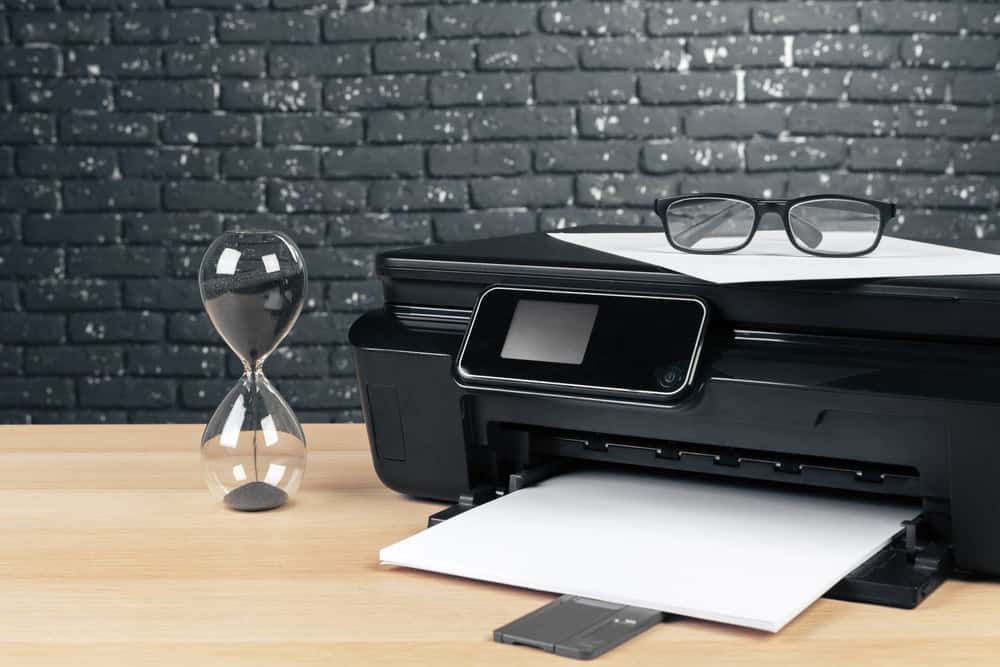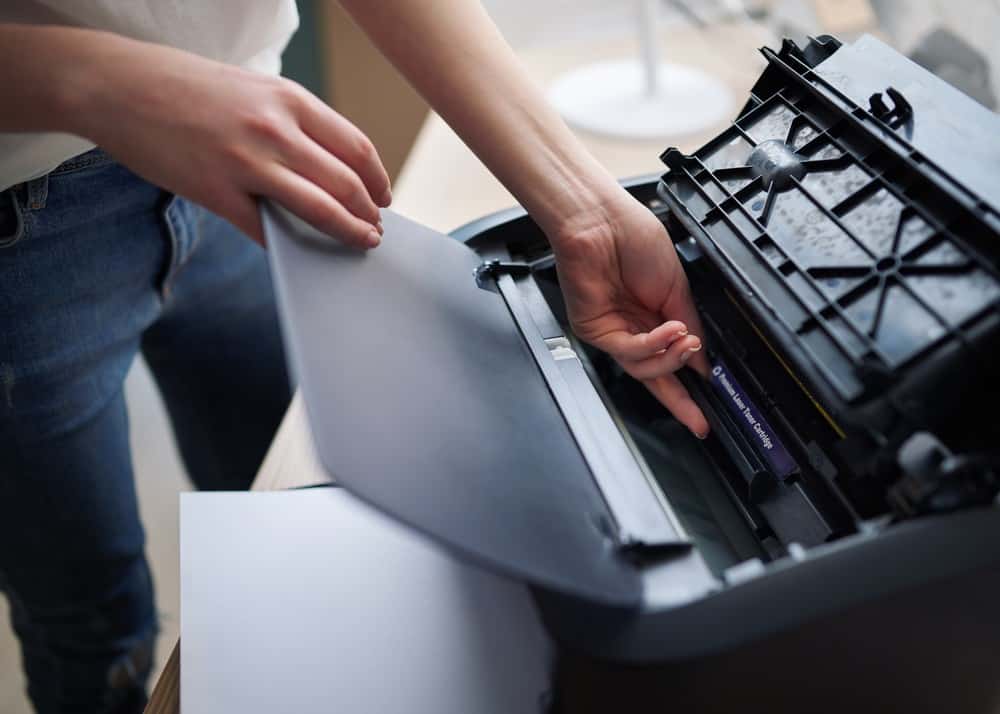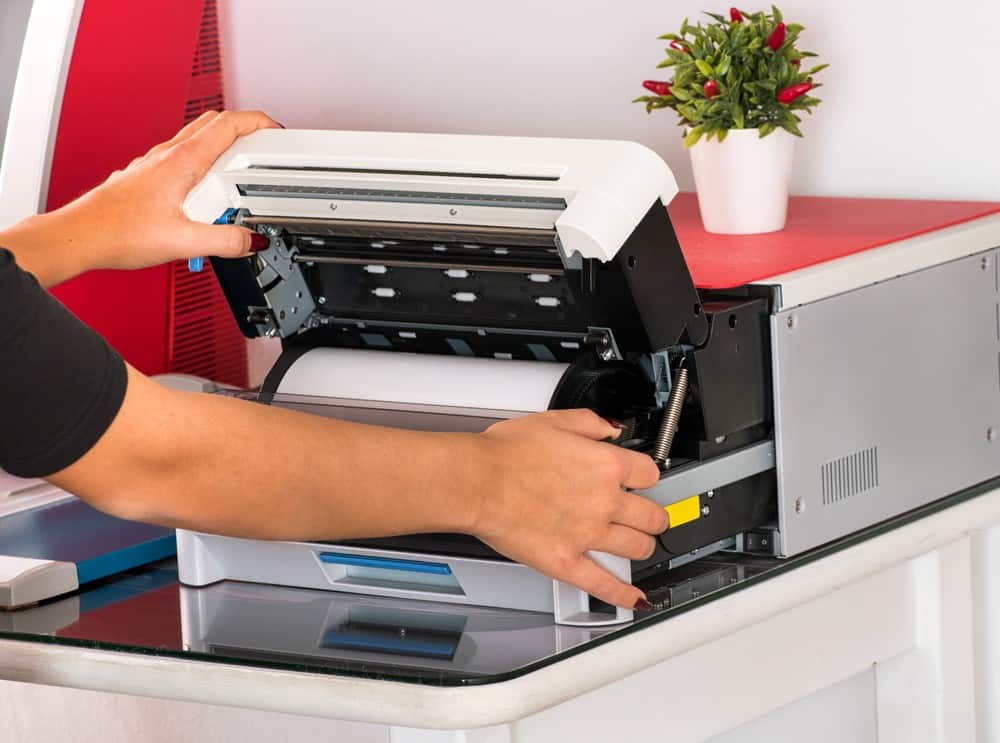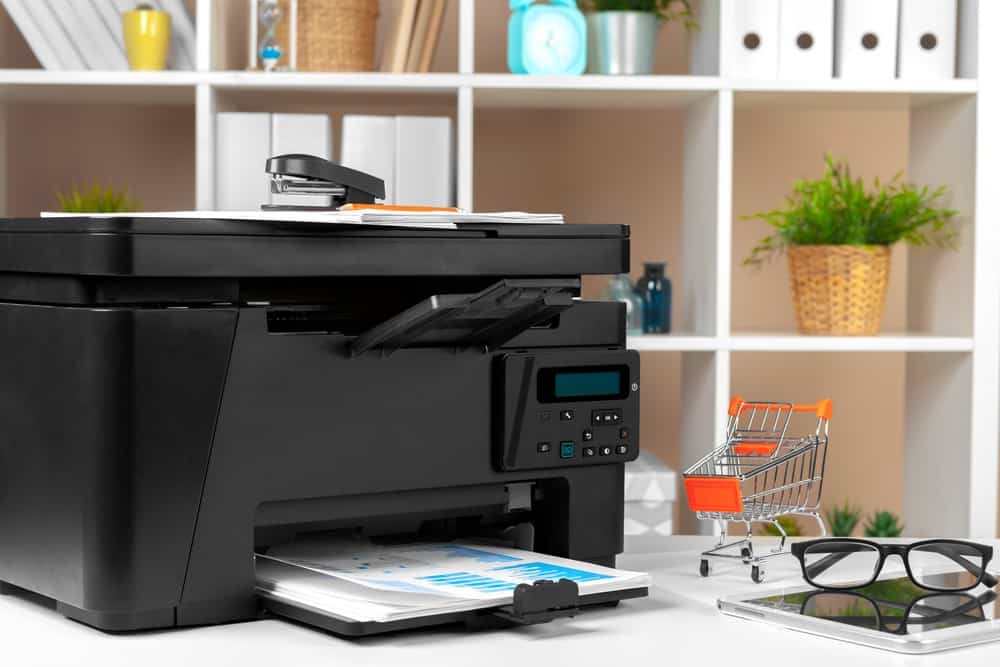

If you’re shopping for a premium printer, you may wonder about a printer drum vs. a toner cartridge. While most modern laser printers combine the drum unit and toner cartridge into a single unit, some manufacturers keep them as separate units. Either separate or together, the printer drum unit and toner work as a combined unit to produce color or black-and-white prints. So, if you want to know the details of laser printer drums vs toner, read on.
KEY TAKEAWAYS:
- A toner cartridge contains toner powder that creates letter and image lines.
- The drum unit applies toner to the page with a roller inside the cartridge. In addition, it fuses the toner to your paper with heat and pressure.
- While the units work differently, you need both printing devices to create a beautiful print.
Comparing Printer Drums and Toner
Even though some laser printer models use a separate toner cartridge and imaging drum, you need both to produce pages. In addition, you need both in good condition to make your printer manage color prints instead of Photoshop. That said, you should understand the differences between drum units and toner cartridges to make vibrant prints.
Insider Tip
If you want to save on printing costs, consider prioritizing specific jobs while moving a portion of communications to digital formats.
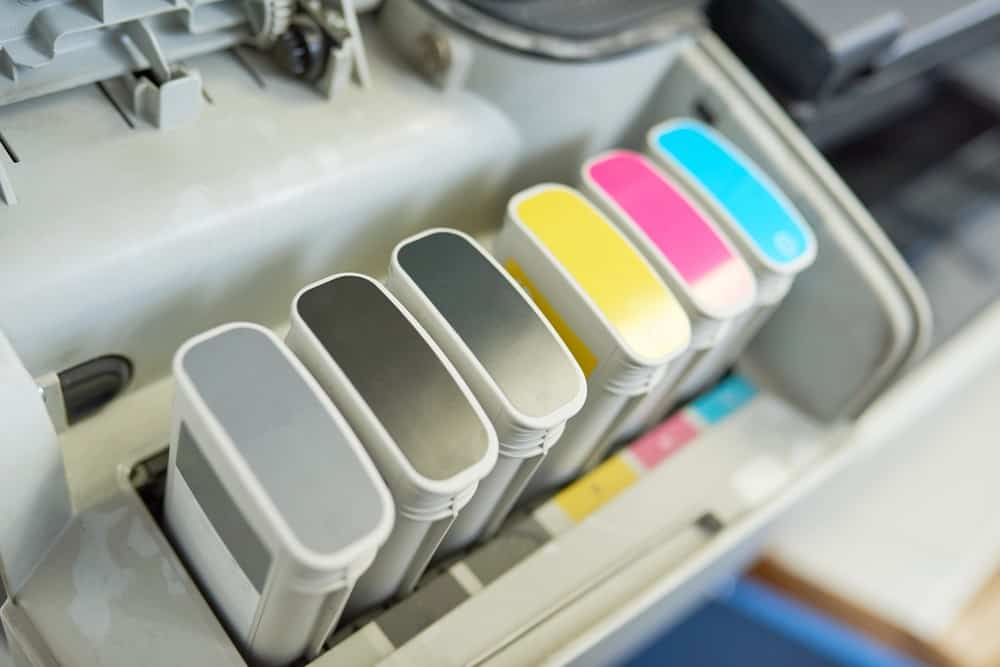
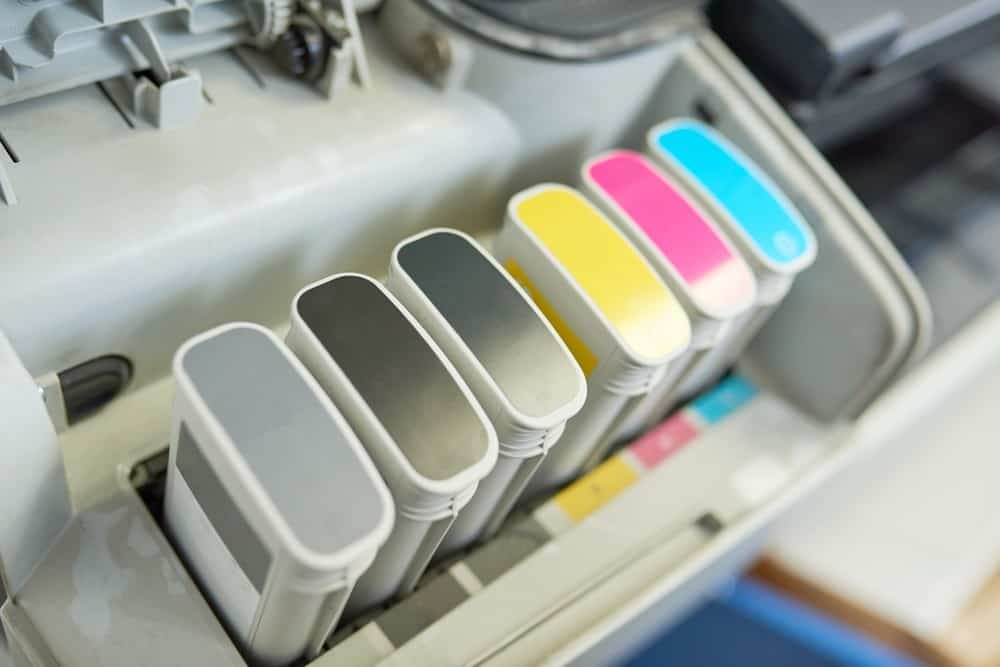
Toner cartridges produce black or other colors with toner particles inside the unit. The powder comes in a metallic cylinder. Most brands mark which color is in the toner by coloring the cylinder. If you notice blurry prints or weak black lines, you will have to replace the cartridge or the combined drum and toner unit.
The drum unit uses heat and pressure via an electrical charge to apply the powder onto paper. Manufacturers rate the print life of printer drums in rotations. In addition, some printer makers use an internal counter that you can track on the printer display.
If it’s time for you to change your printer cartridge, read our guide comparing 3rd-party printer ink and original ink. Ensure you know the details about the brand before settling for a cheap printer ink replacement.
Image Quality
Since your drum cartridge and toner cylinders work together, you need both to make a good image. That said, the components of laser printers vary from brand to brand, so your image clarity largely depends on your overall printer quality.
Printing Costs
As laser printer users will tell you, if you make bulk prints with your machine, you need to replace the toner powder and drum occasionally to maintain print quality. Keep in mind, replacement cartridges are the most significant impact on costs. If you’re concerned about your printing budget, go with a printer that supports individual replacements for your drum and toner. This is because drums last up to 3-4 toners, and they are cheaper to replace.
Printer Types
Not every type of printer uses a toner and drum system. For example, inkjet printers do not use toner but instead use ink. If you’re interested in using a drum and toner setup, you want to shop laser printer brands.
Warning
Do not use soap or water to clean the toner off of the printing unit. Water will damage the printer drum and stop your printer from functioning correctly.
F.A.Q.S
Can I use alcohol to clean the printer drum?
You can use alcohol to clean a printer drum, but ensure you do not apply too much. In addition, you can use a dry cloth that you don’t mind dirtying with toner.
Do I have to buy a separate drum unit?
Some units have a separate drum unit, while others combine it with the toner into the same cartridge. If you’re unsure which one you have, use your manual or contact your printer manufacturer.
When should they be replaced?
Most modern printers include a print counter to inform you when to replace your toner and drum. In addition, if you see repeated error messages, it is probably time to switch out the imaging units.
STAT: According to MetaFact, about 70% of online American adults regularly use a home printer. (source)
REFERENCES:
- https://nasapeople.nasa.gov/coronavirus/peripheral_guidance_and_how_to_connect_a_home_printer.pdfc
- https://research.fairfaxcounty.gov/library-technology/wireless-printing
- https://www.youtube.com/watch?v=3bHAFhnTRp0r
- https://uis.georgetown.edu/adding-a-network-printer-to-your-windows/
- https://www.portlandoregon.gov/omf/article/651684