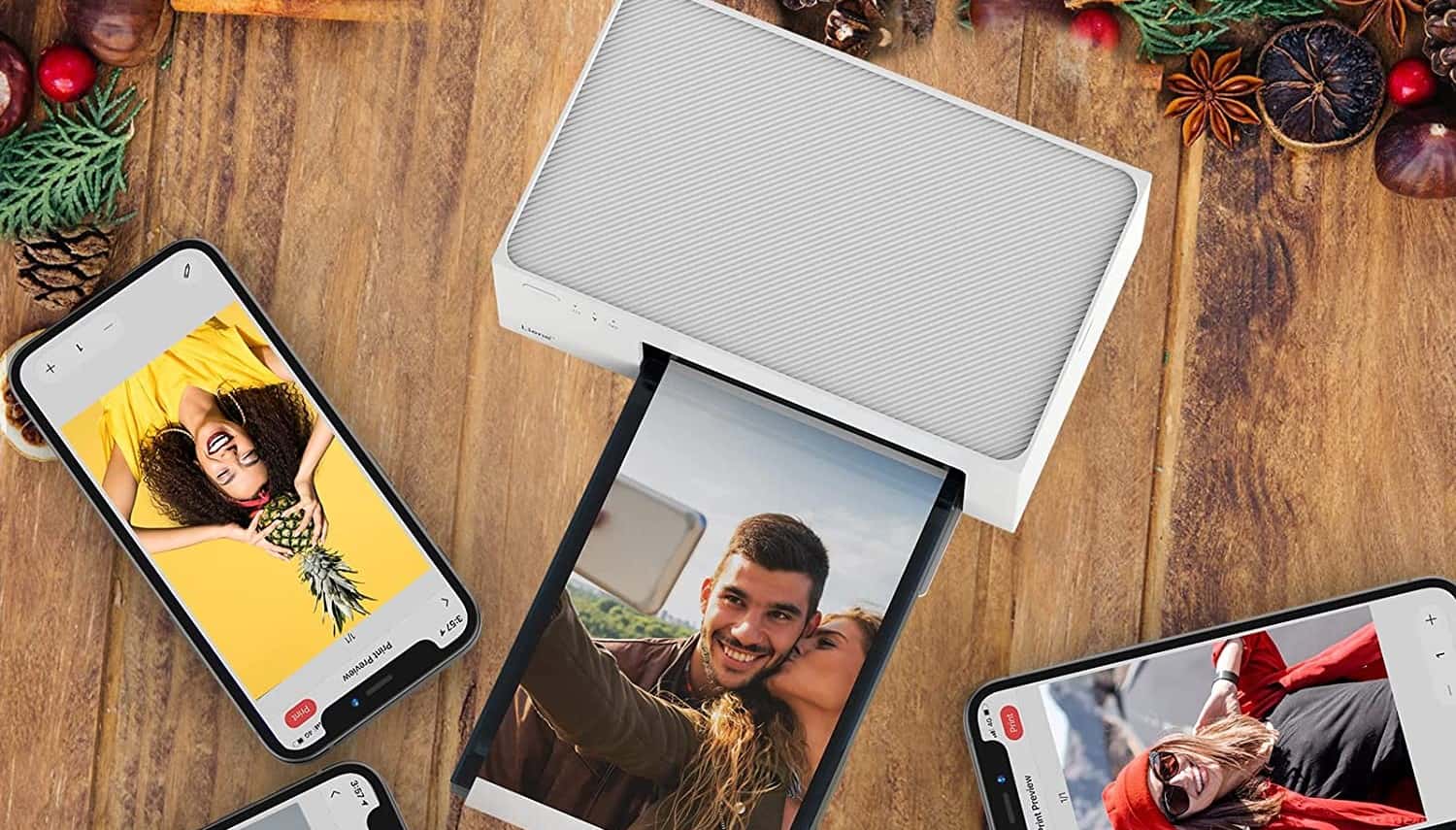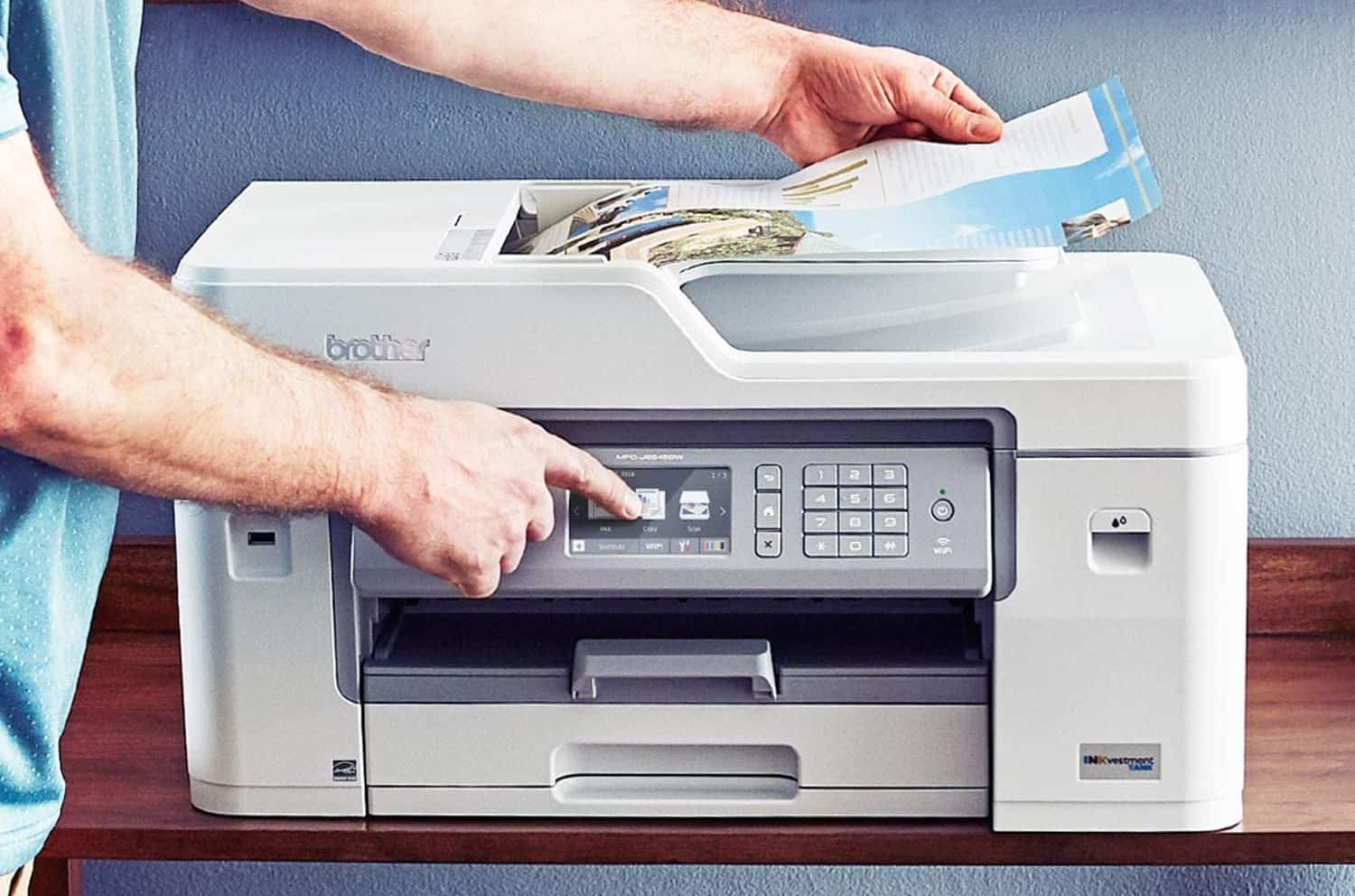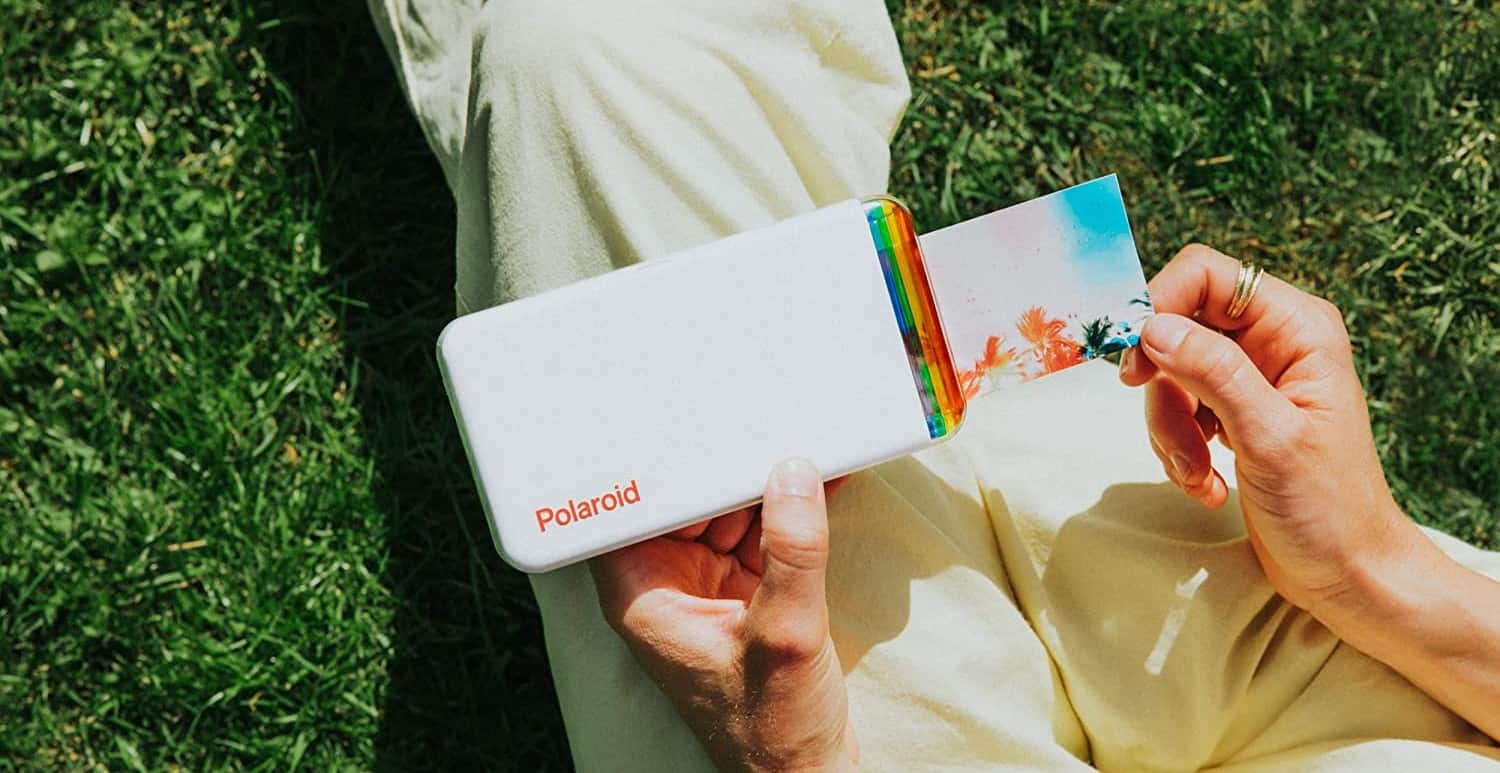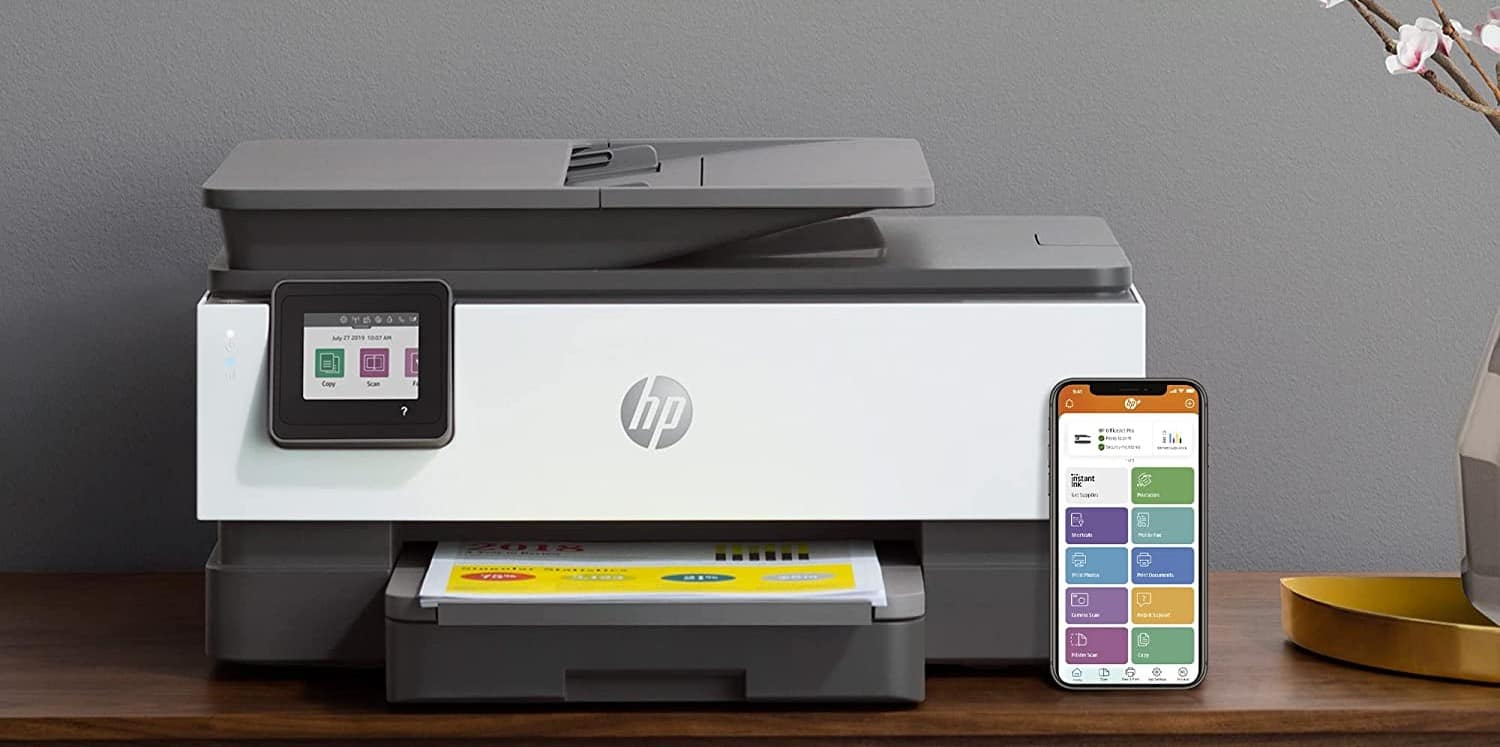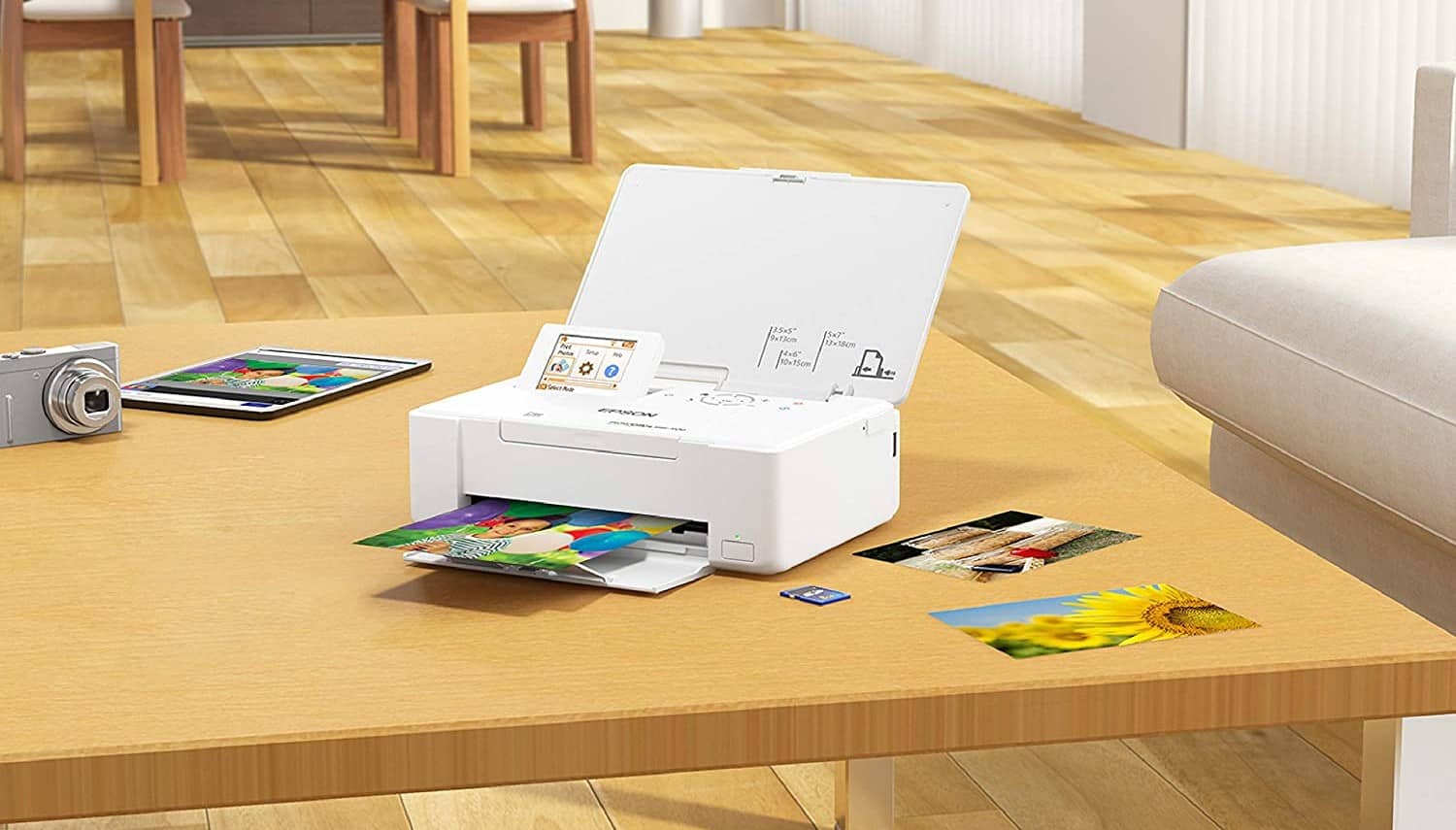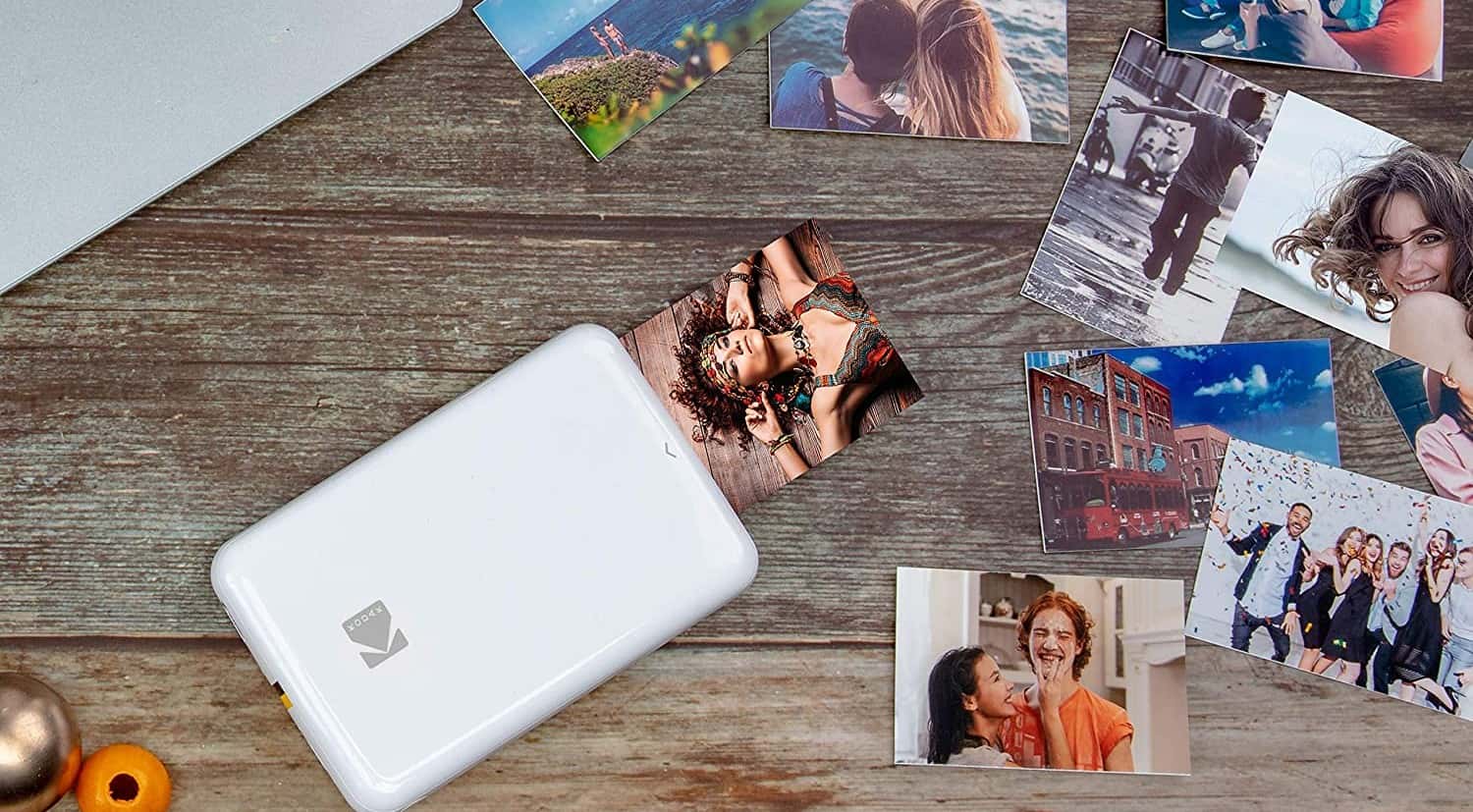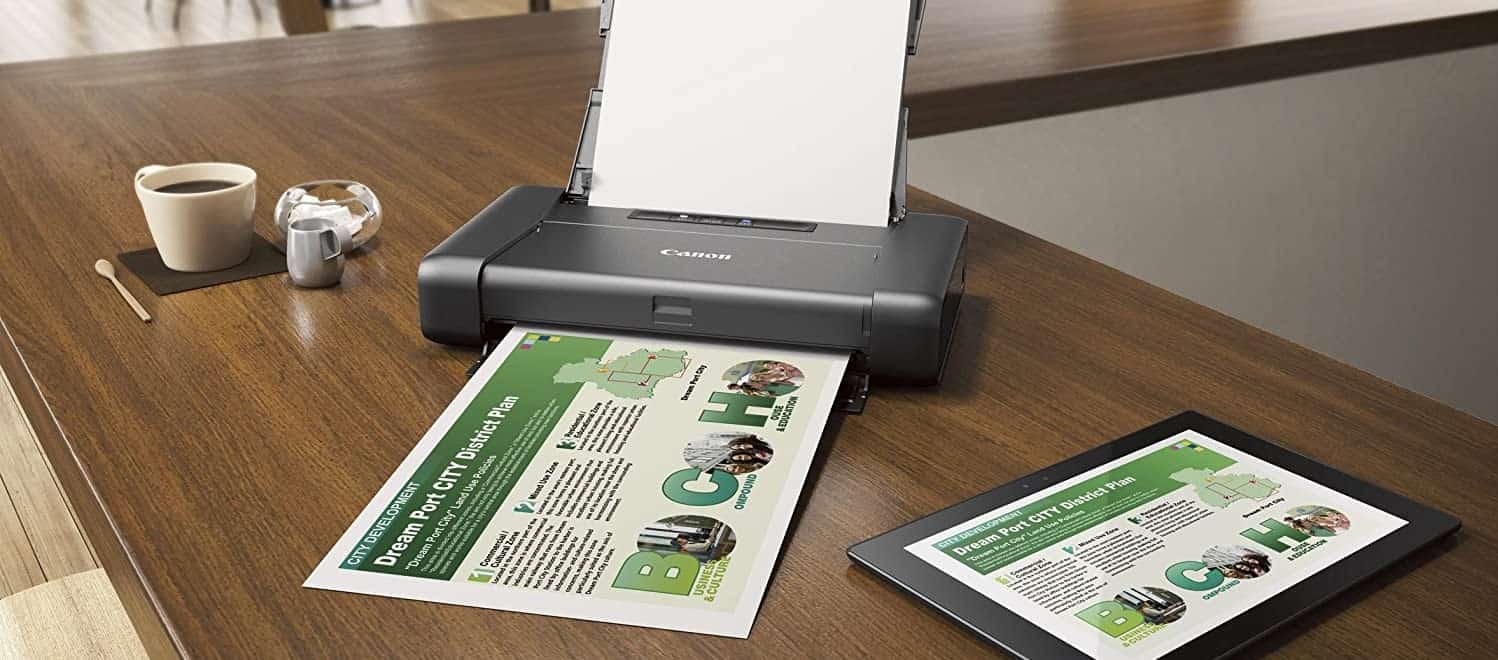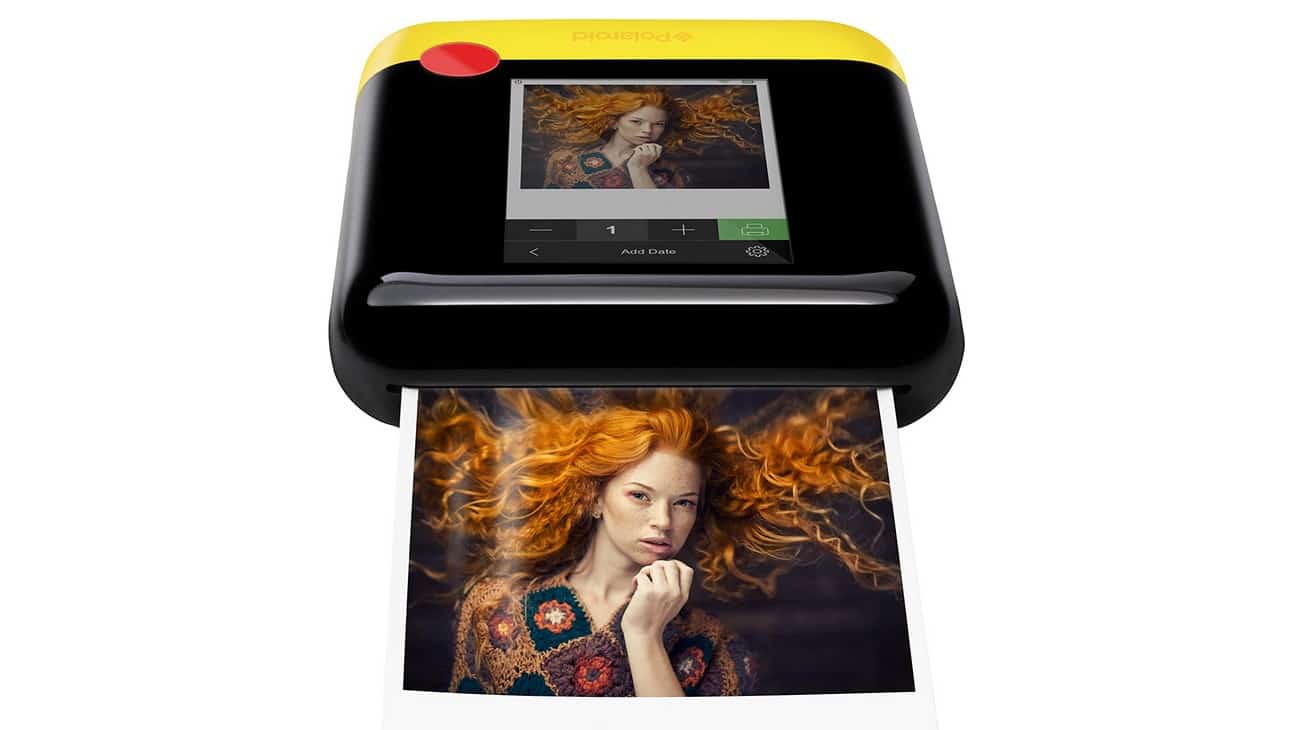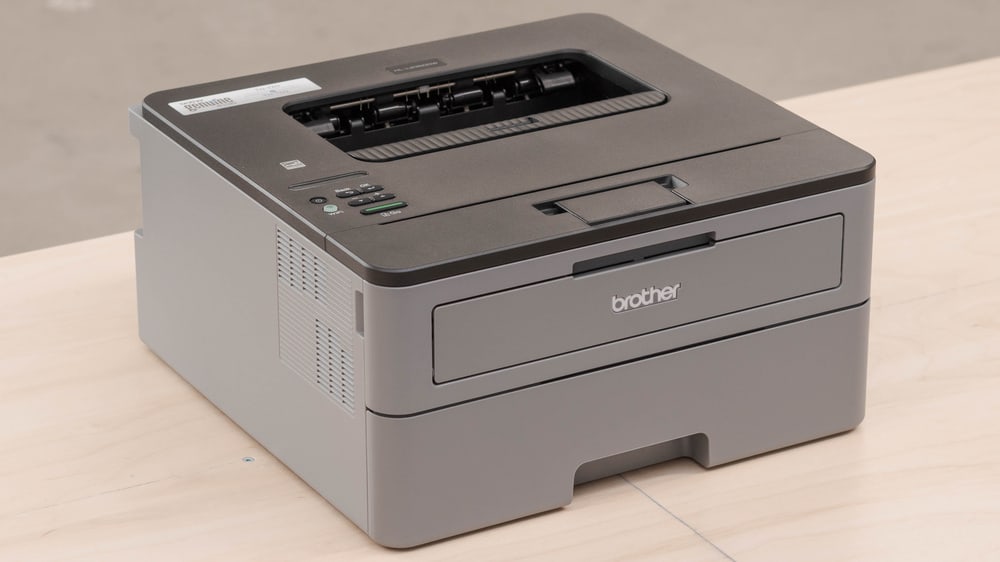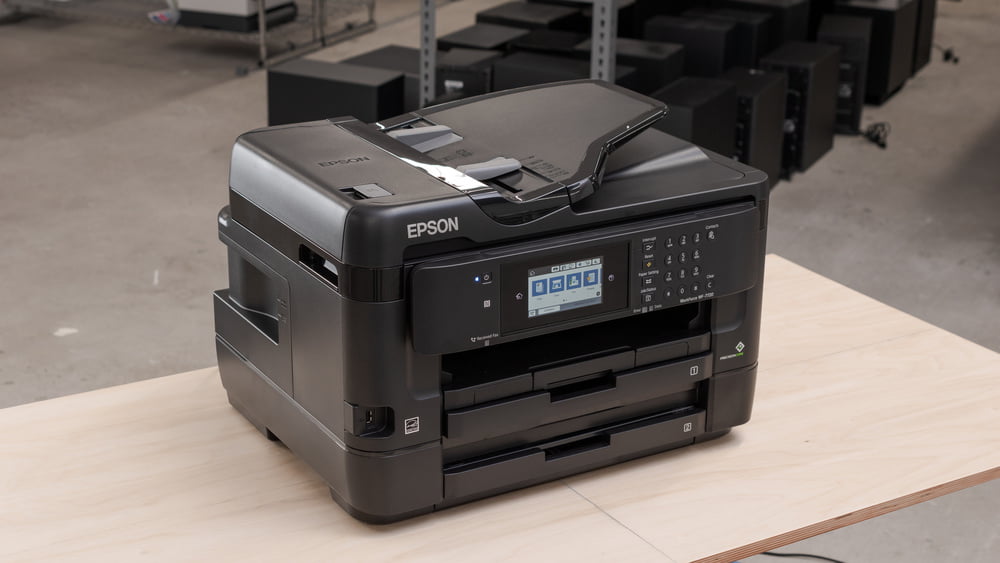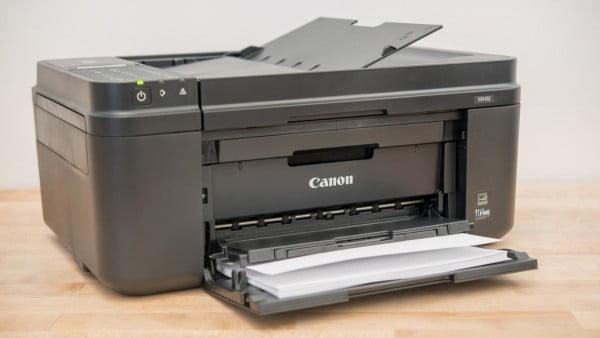

You do not need to head to a professional photo company to make high-quality photo prints. Modern, high-quality printers are more than up to the task.
KEY TAKEAWAYS:
- Many modern printers can handle making photo prints, but you should check ahead of time by reading the instructions.
- Before printing, become familiar with the overall process and adjust the settings accordingly, opting for a high resolution.
- You should purchase and use dedicated photo paper, though the style of this paper can be up to you.
What Printers Can Handle Photo Reproductions?
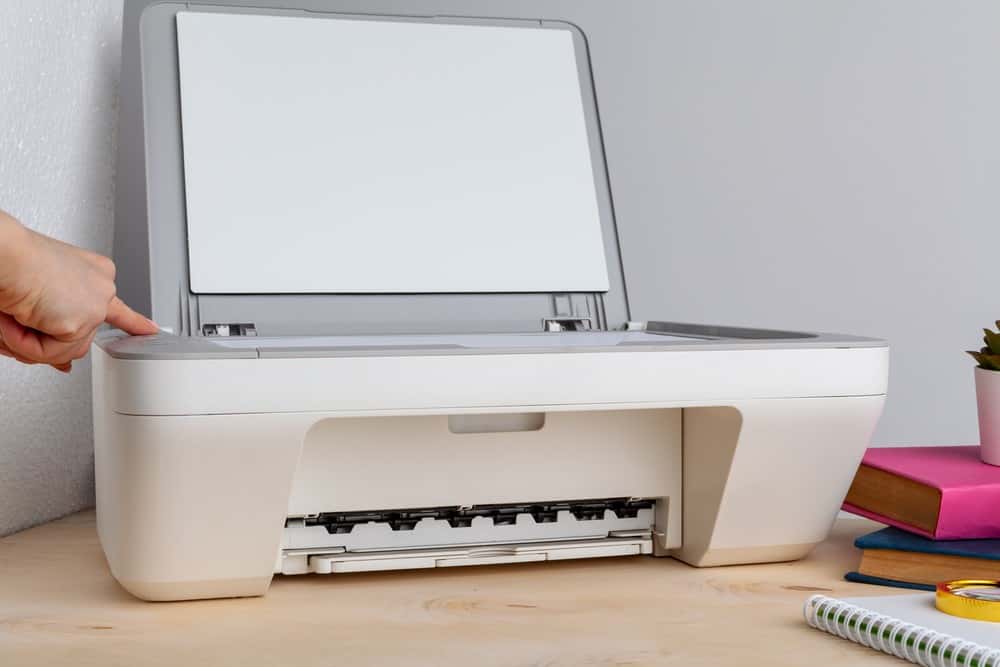
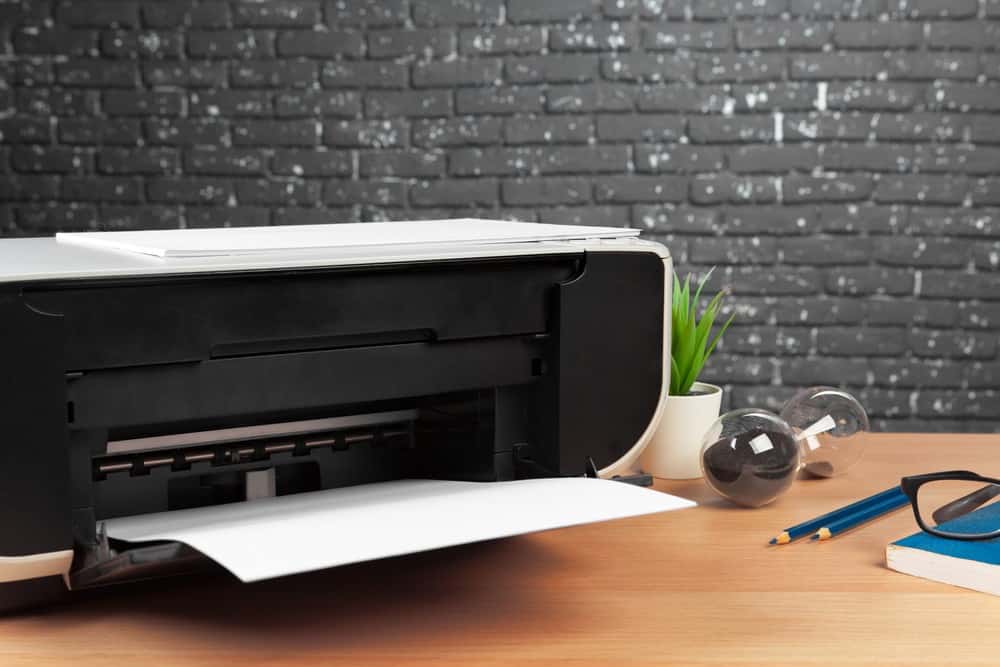
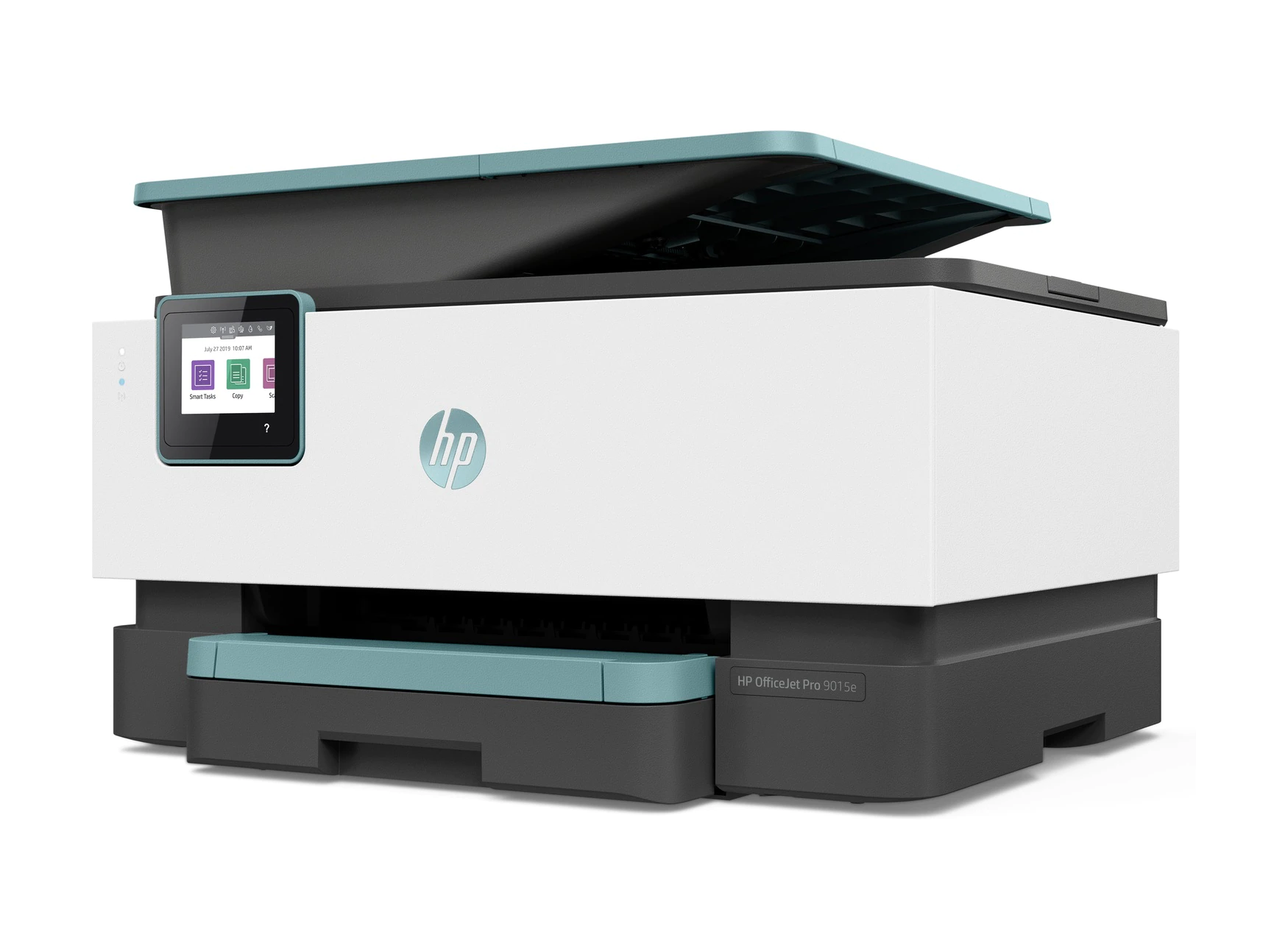
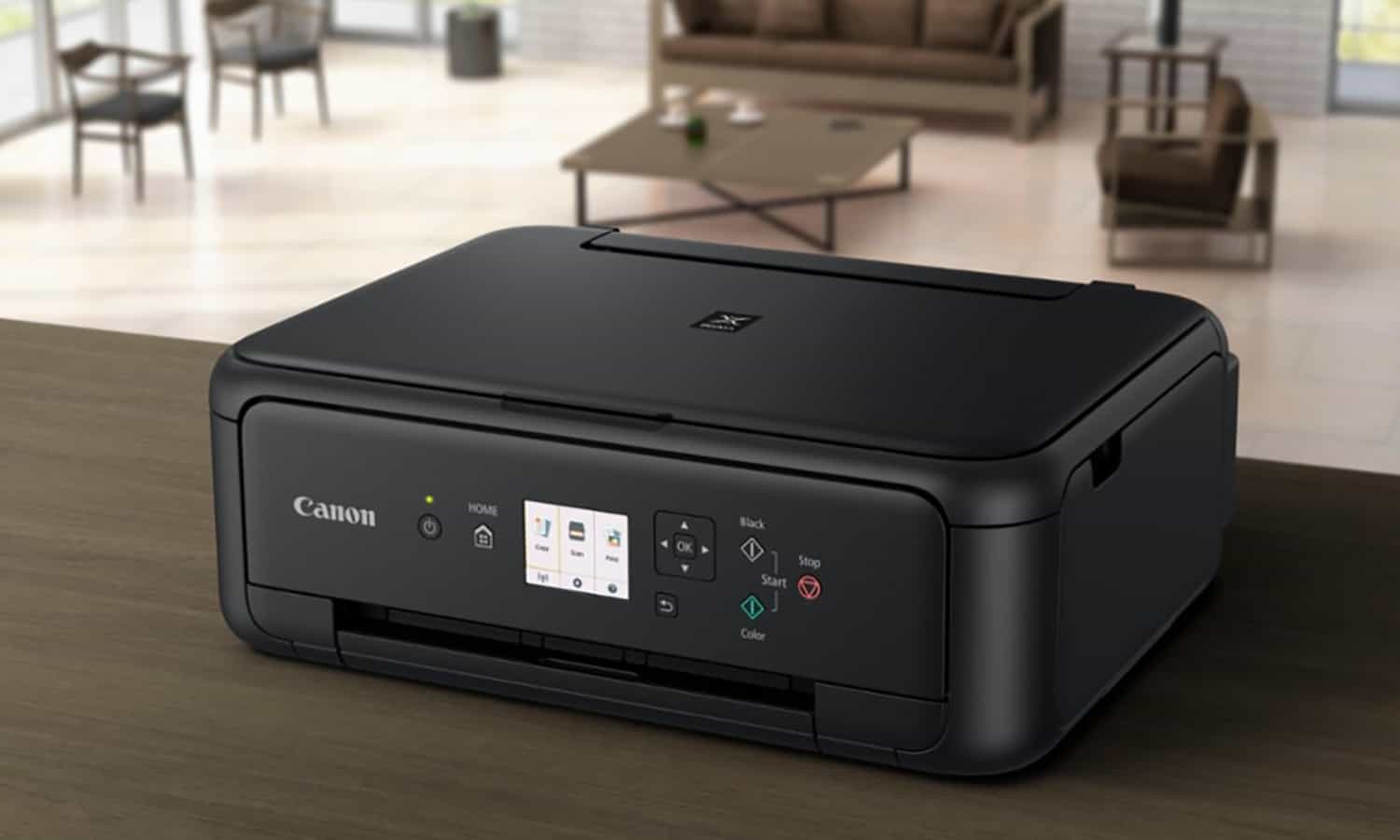
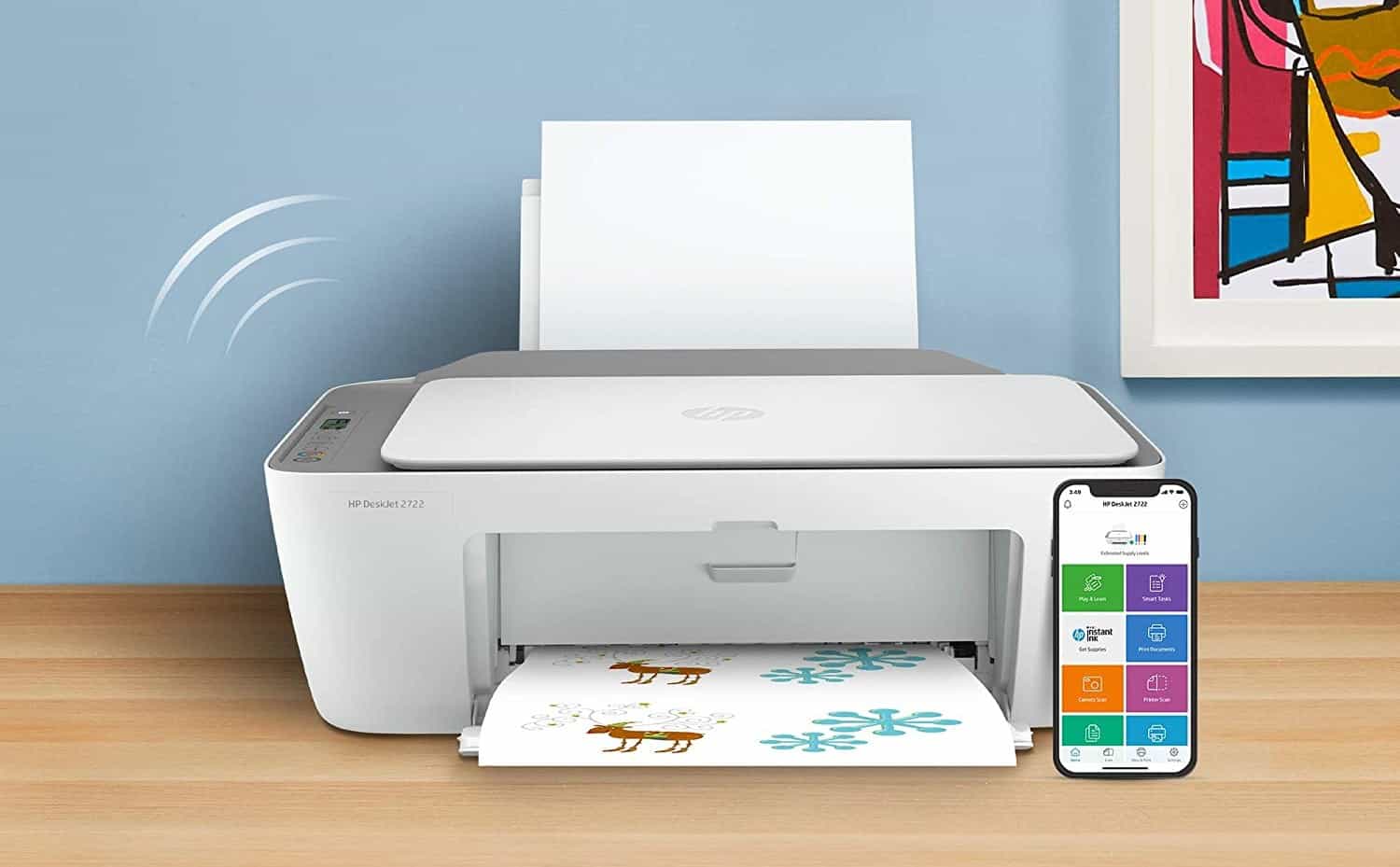
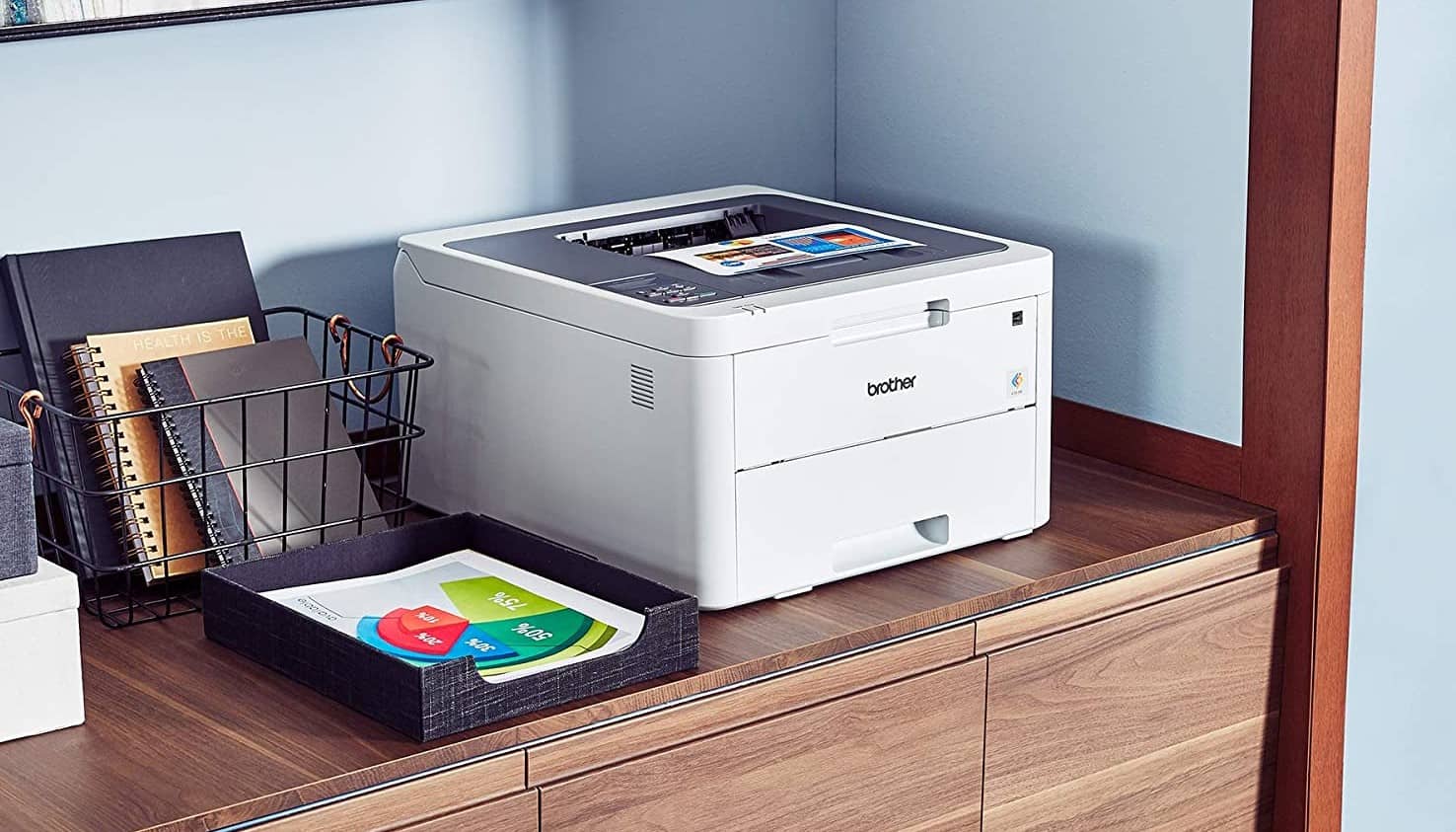
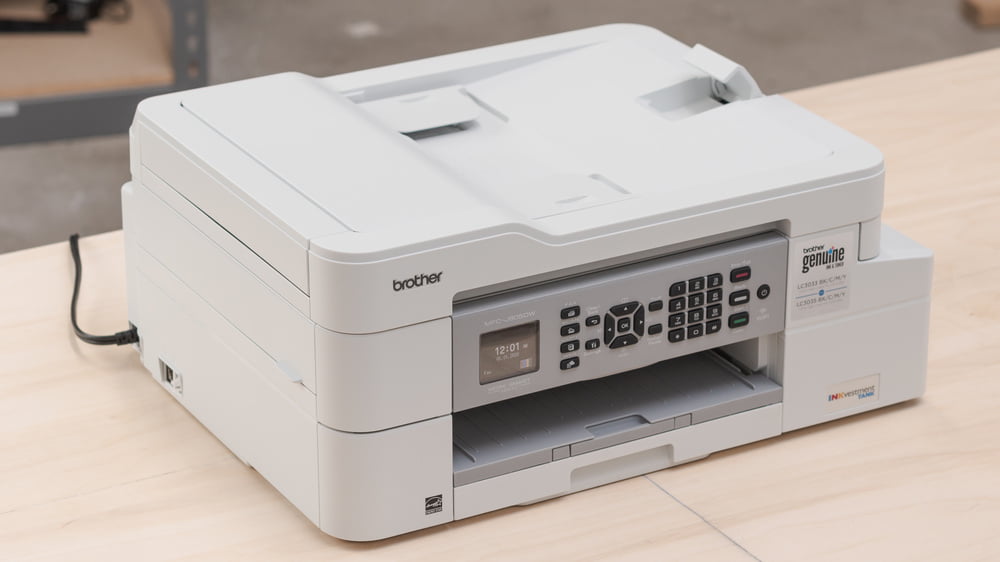
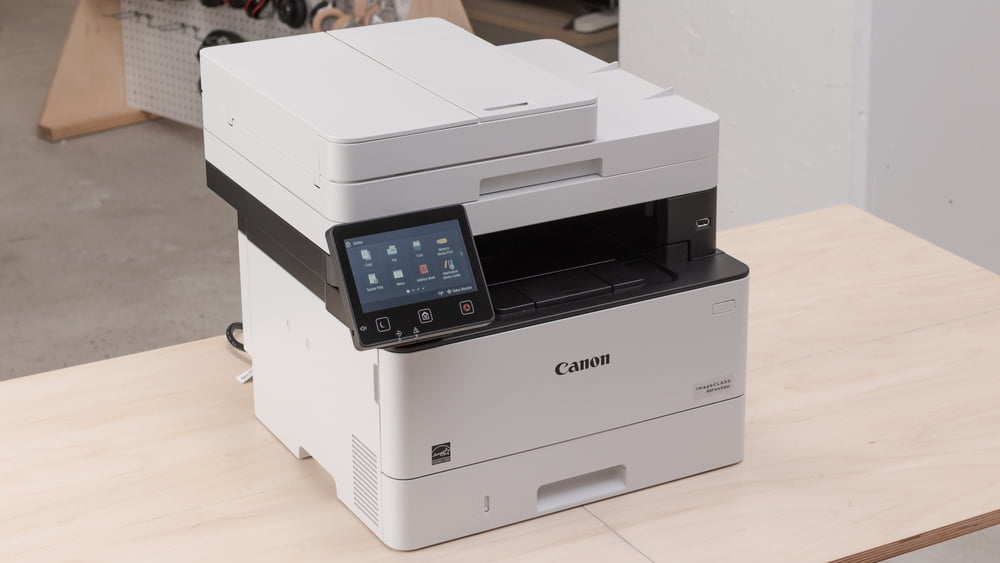
Many modern printers can successfully make high-grade reproductions of color photos. Generally speaking, inkjet printers will be slightly more successful in this regard than laser printers. You can also print high-quality planners using half-letter size US Letter Paper, which you can sell or use.
Insider Tip
Inkjet printers tend to be better at making color prints, but many modern laser printers are more than capable.
A Simple Guide to Photo Prints
Each printer will necessitate a different process when it comes to photo printing, but we have assembled some general guidelines to ensure you get the best-looking photo prints possible from your device.
Check Your Printer’s Specifications
The first thing you need to do is ensure that your printer is up to the task of making high-grade color reproductions of photos. In other words, make sure the printer can print in color. If you aren’t sure, we recommend taking a quick look at the instruction manual or simply Googling your make and model along with “color photo prints.” As previously mentioned, inkjet printers tend to be better at making color prints, but many modern laser printers are more than capable. In other words, you may not need to purchase a new device to get high-quality photo prints. However, if you need to print in color using Windows 10, set the printer’s default settings to always print in color,
Insider Tip
If you want to maximize the quality of your photo prints, you will need to fiddle with the settings to find the best resolution.
Look at the Ink or Toner Levels
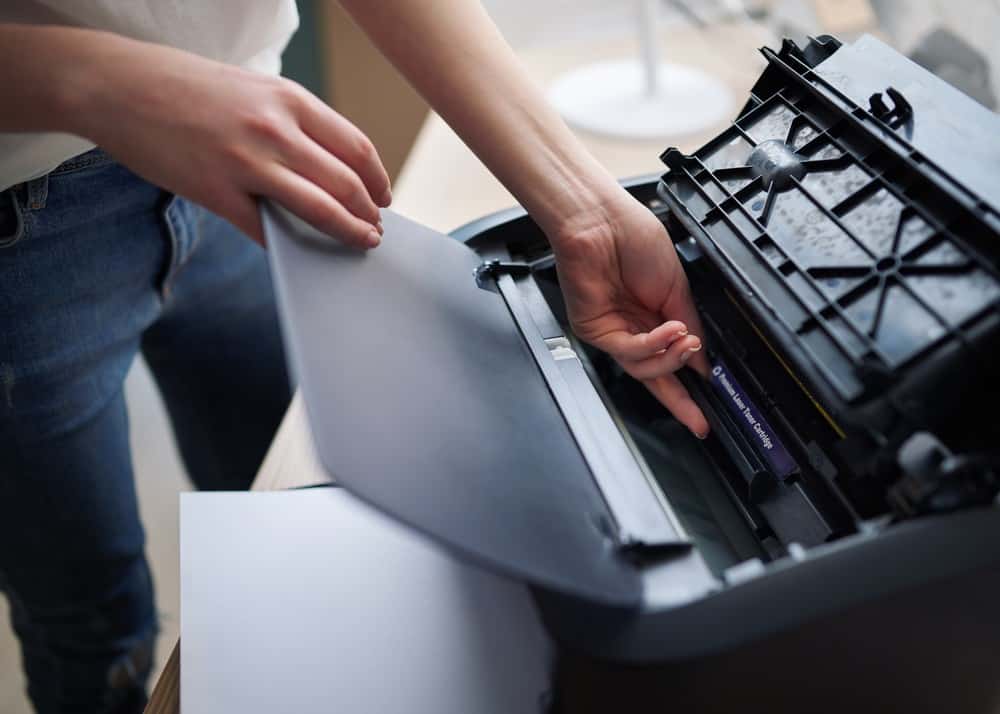
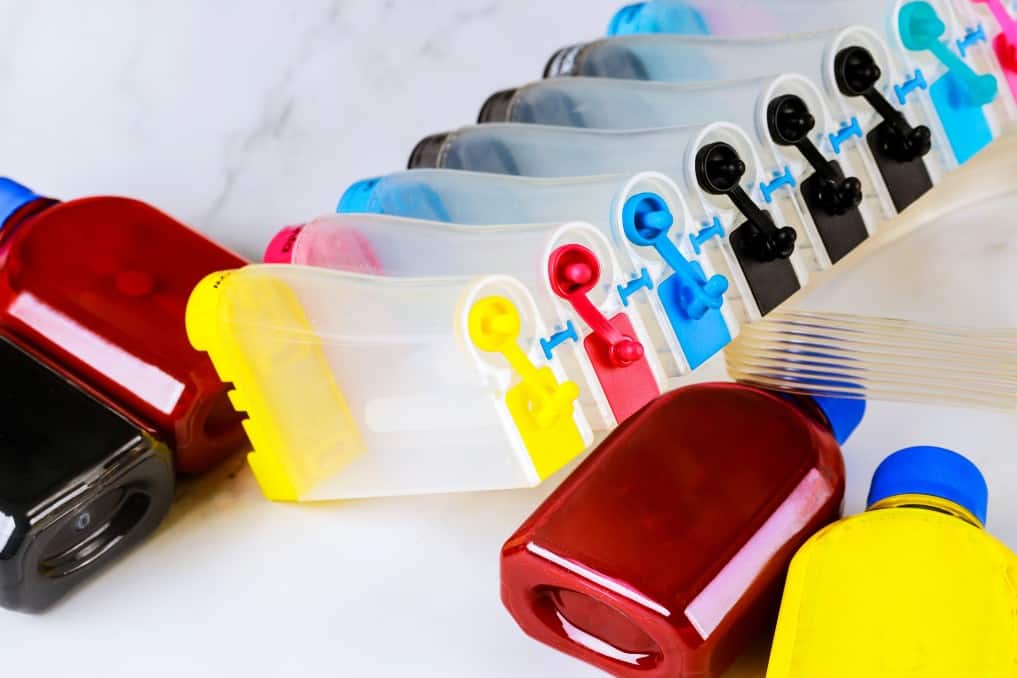
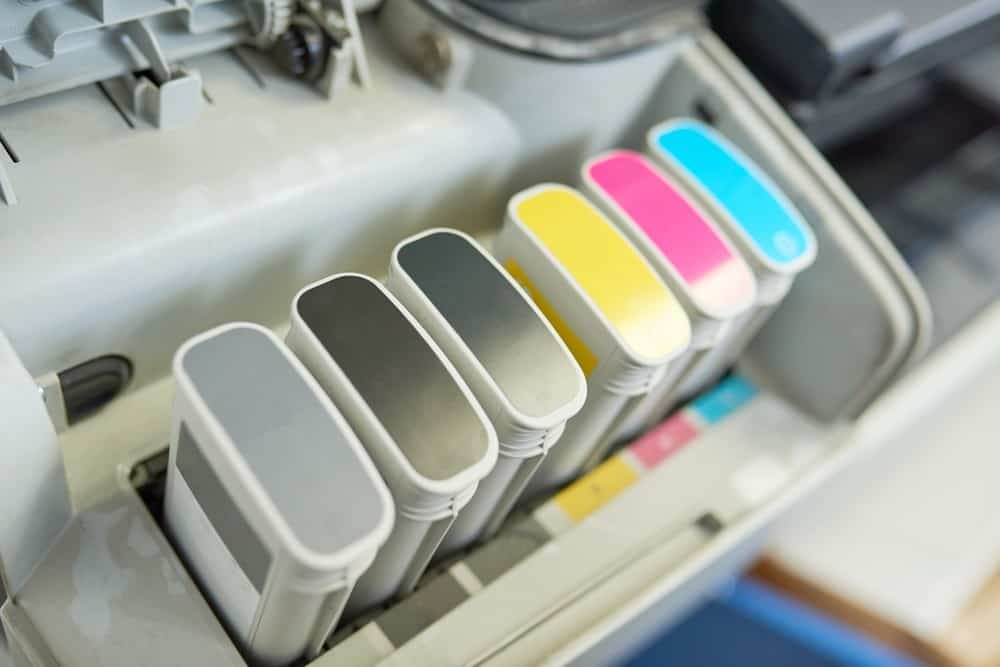
Before making any color prints, you should take a moment to access your ink or toner cartridges. Check their status and how much ink or toner is available for printing. If you have multiple color cartridges and one of these colors is close to depletion, it could negatively impact how the photo print looks.
Adjust the Settings
If you want to maximize the quality of your photo prints, you will need to fiddle with the settings to find the best resolution. The adjustment procedure will vary depending on your printer, so you may have to do some menu diving. We recommend choosing the highest possible print resolution before making photo prints. This will tax the ink or toner cartridges, causing them to deplete quicker, but will provide you with a superior end result.
Use Photo Paper
It is extremely important to use the right paper for the job. When it comes to making high-quality photo prints, we recommend using dedicated photo paper. You can choose between paper styles, matte or glossy, and overall paper weight according to your personal preference.
Warning
If you have multiple color cartridges and one of these colors is close to depletion, it could negatively impact how the photo print looks.
F.A.Q.
What are the different kinds of printers for photos?
Generally speaking, photo printers fall into two categories. There are inkjet printers and laser printers. Each has its own advantages and disadvantages.
What file type should I use to print?
This is up to you, though JPEG files may not produce the desired result. Go with a larger and more detailed file type, such as TIFF, PDF, or PSD. .
Print speeds and quantities: Do they matter?
Speed isn’t necessarily a prime consideration, as slower speeds tend to produce higher-grade photo prints. You should pay close attention to the print quality.
STAT: When you know a photo’s resolution in pixels and also the resolution in DPI set for the printer, you can calculate how large of a picture you can print. In general, for printing (not only of photos but also e.g. of newspapers or magazines), the ideal resolution is 300 DPI or higher. (source)