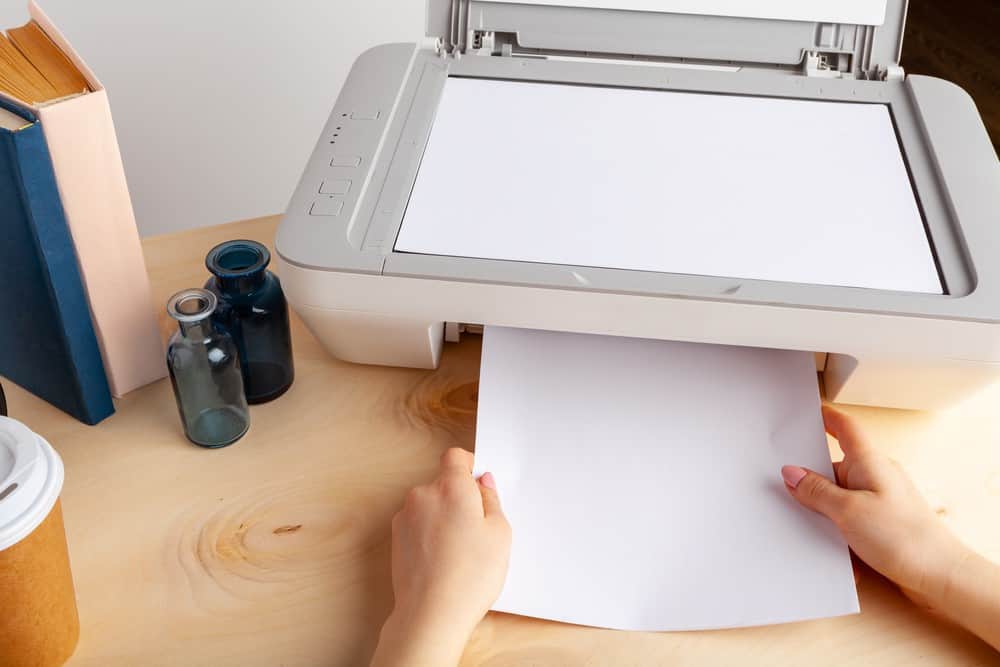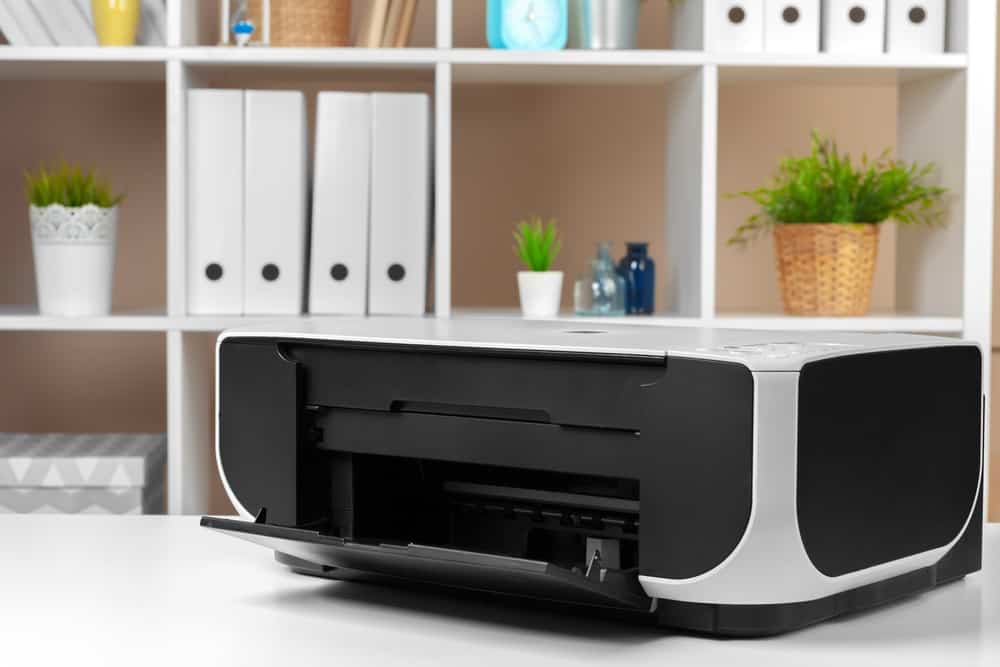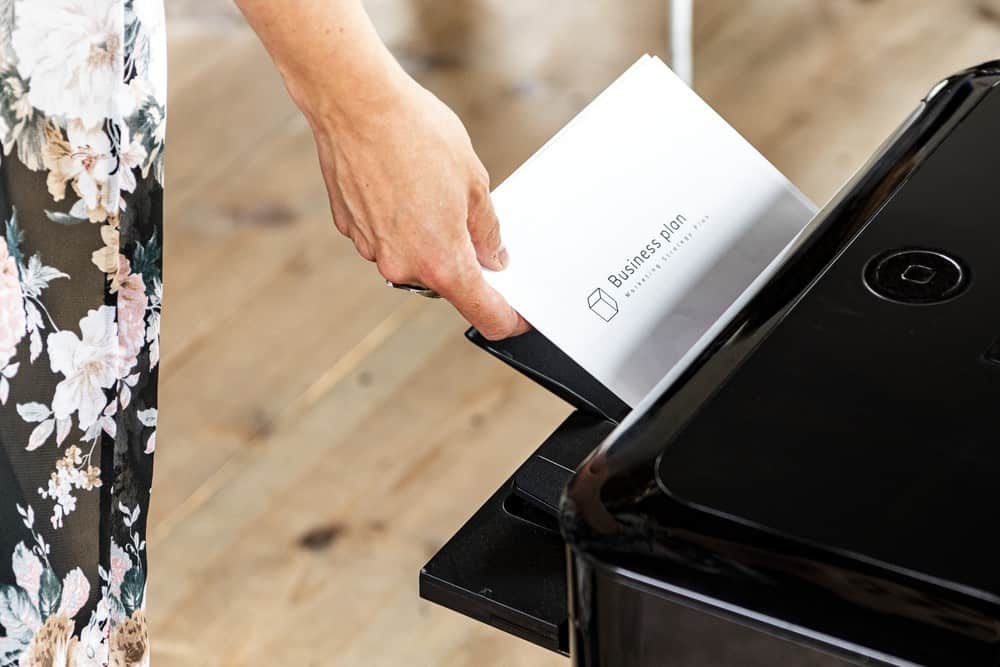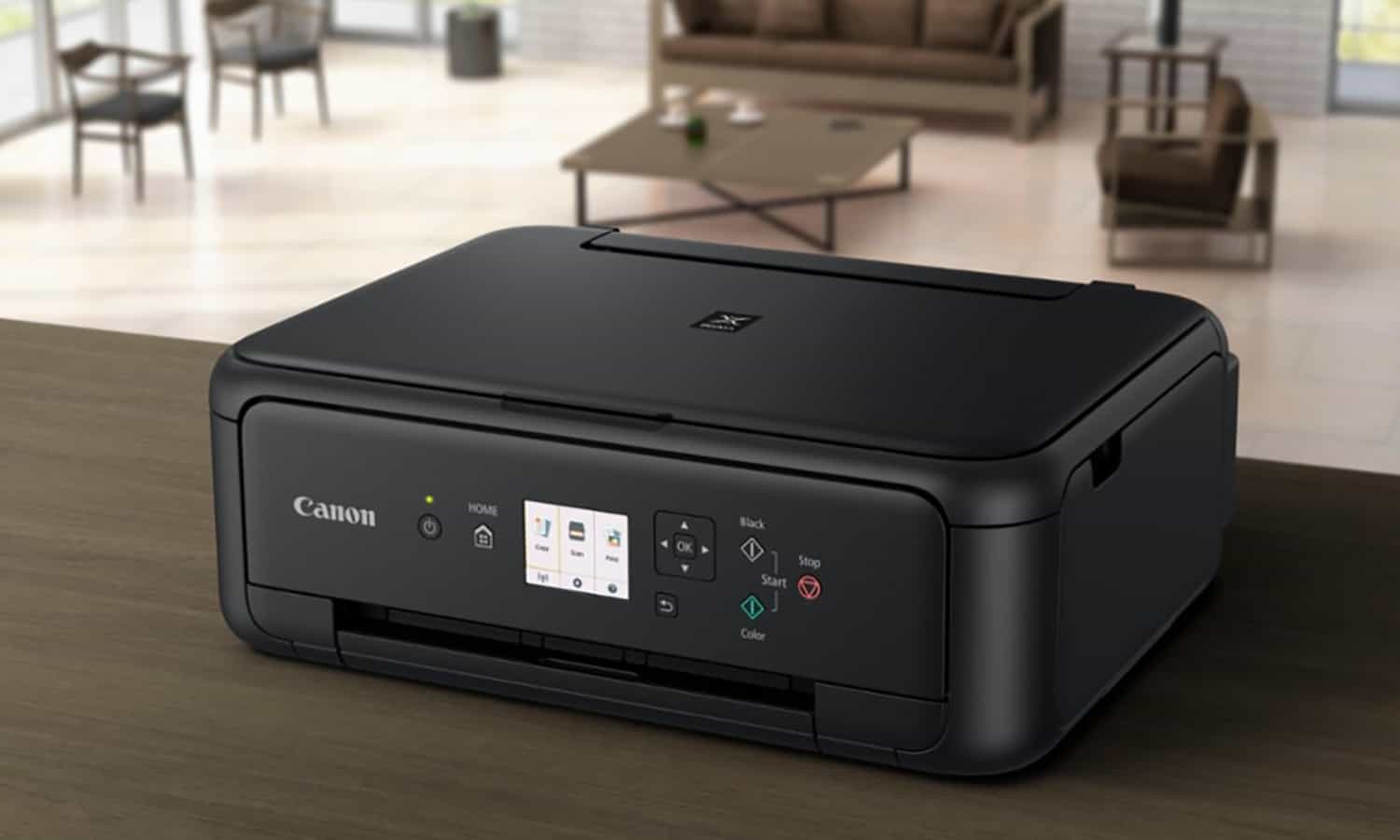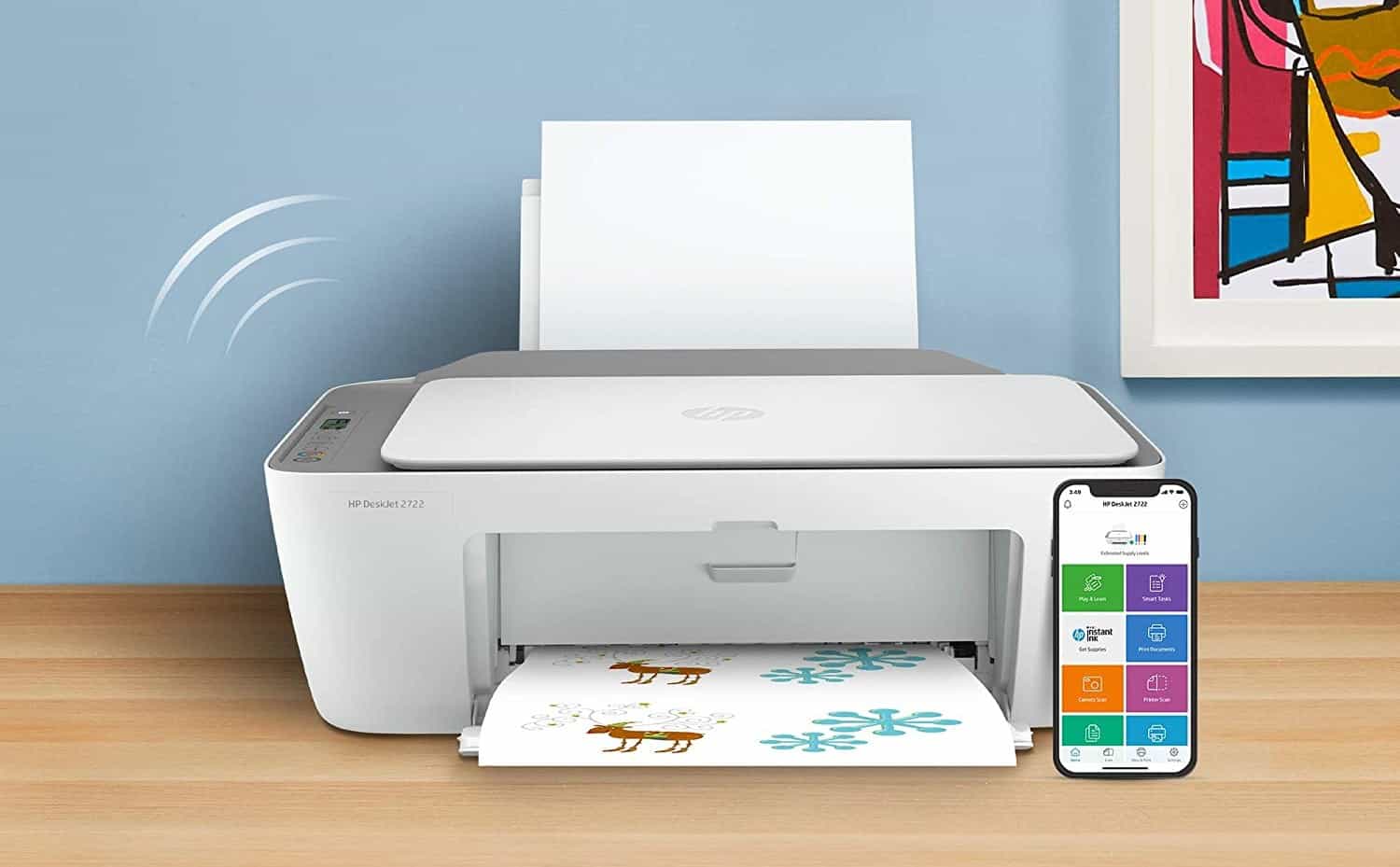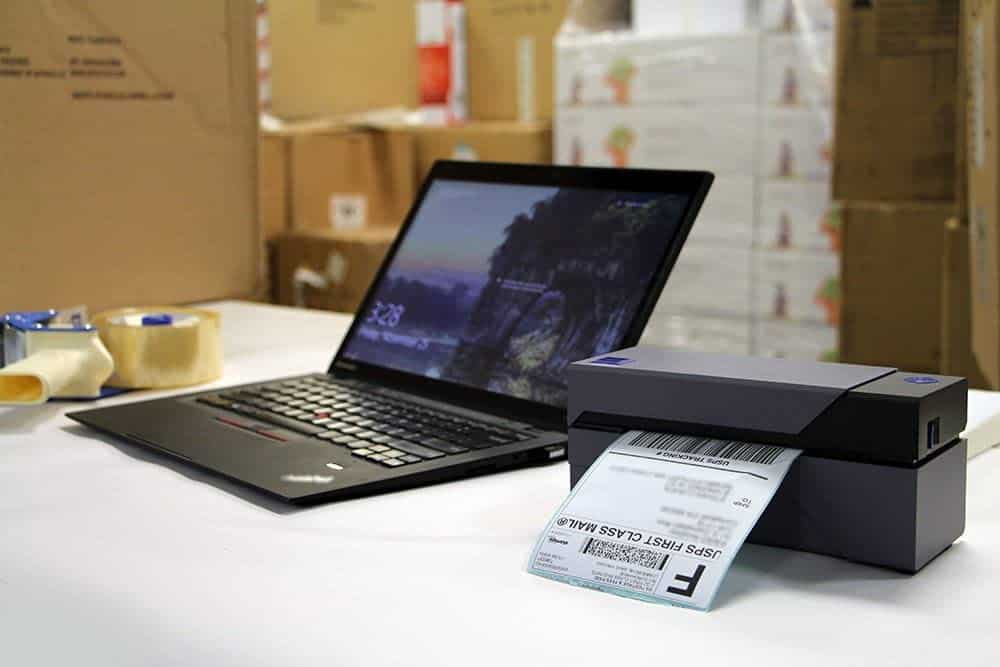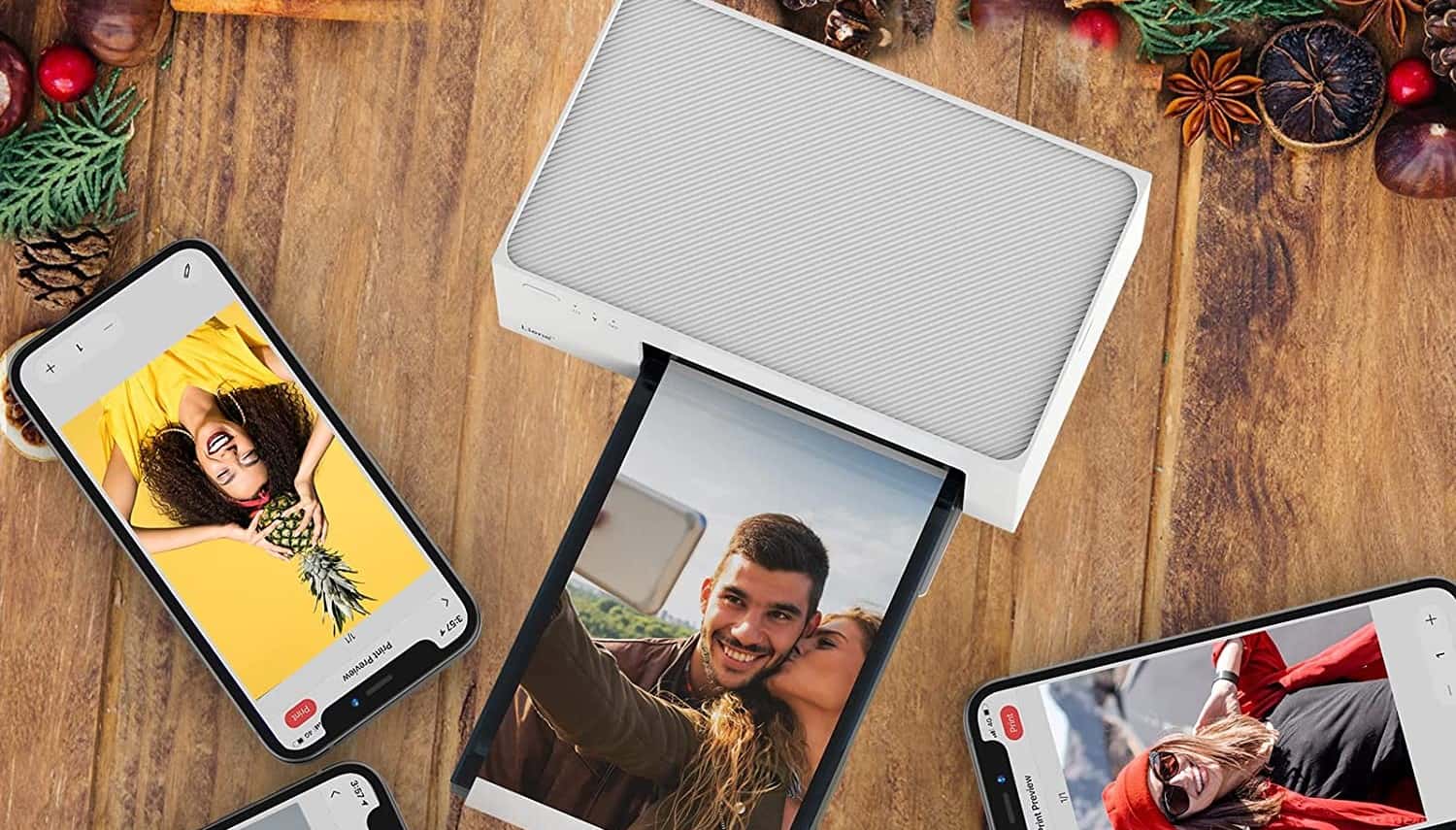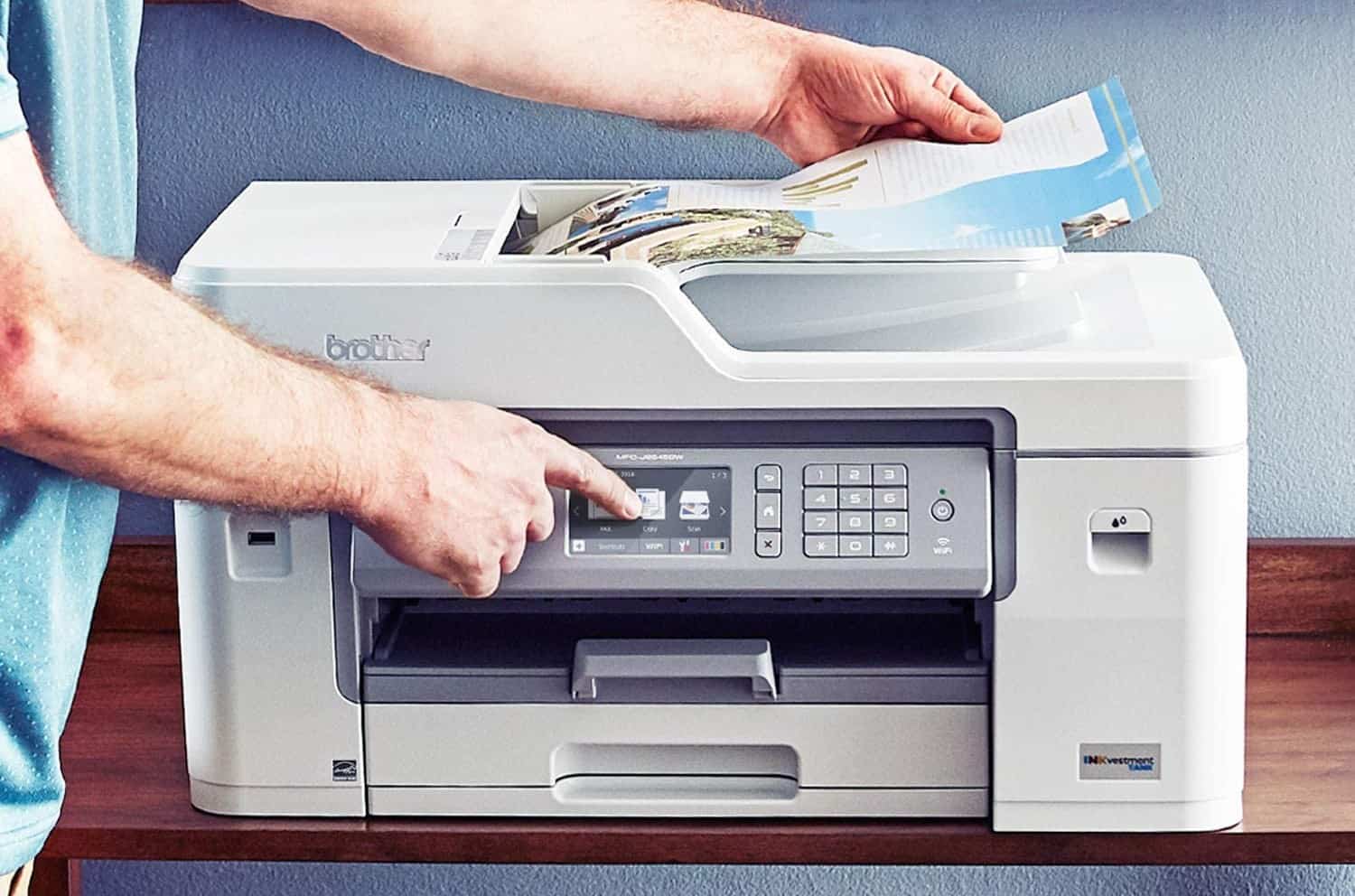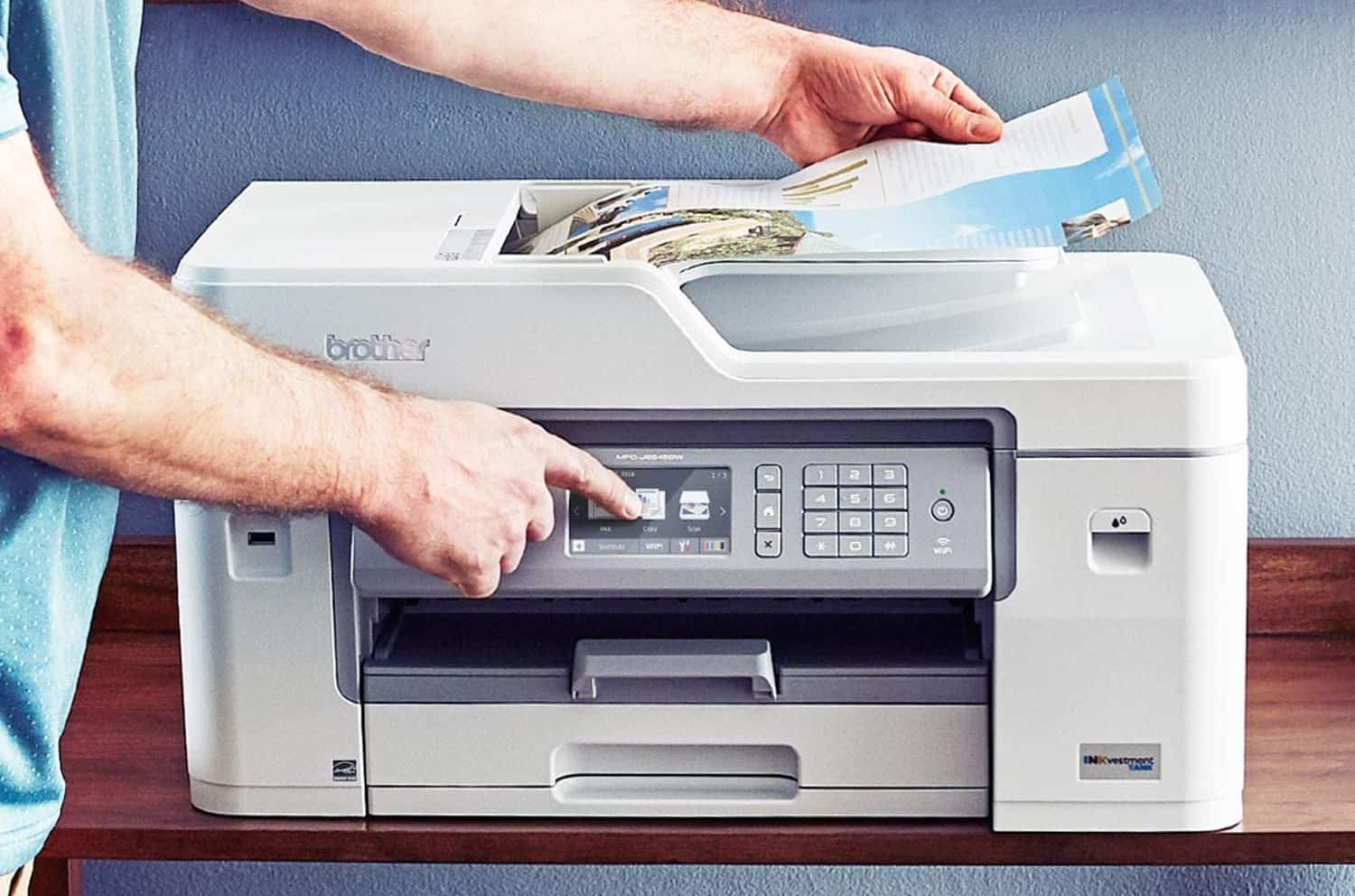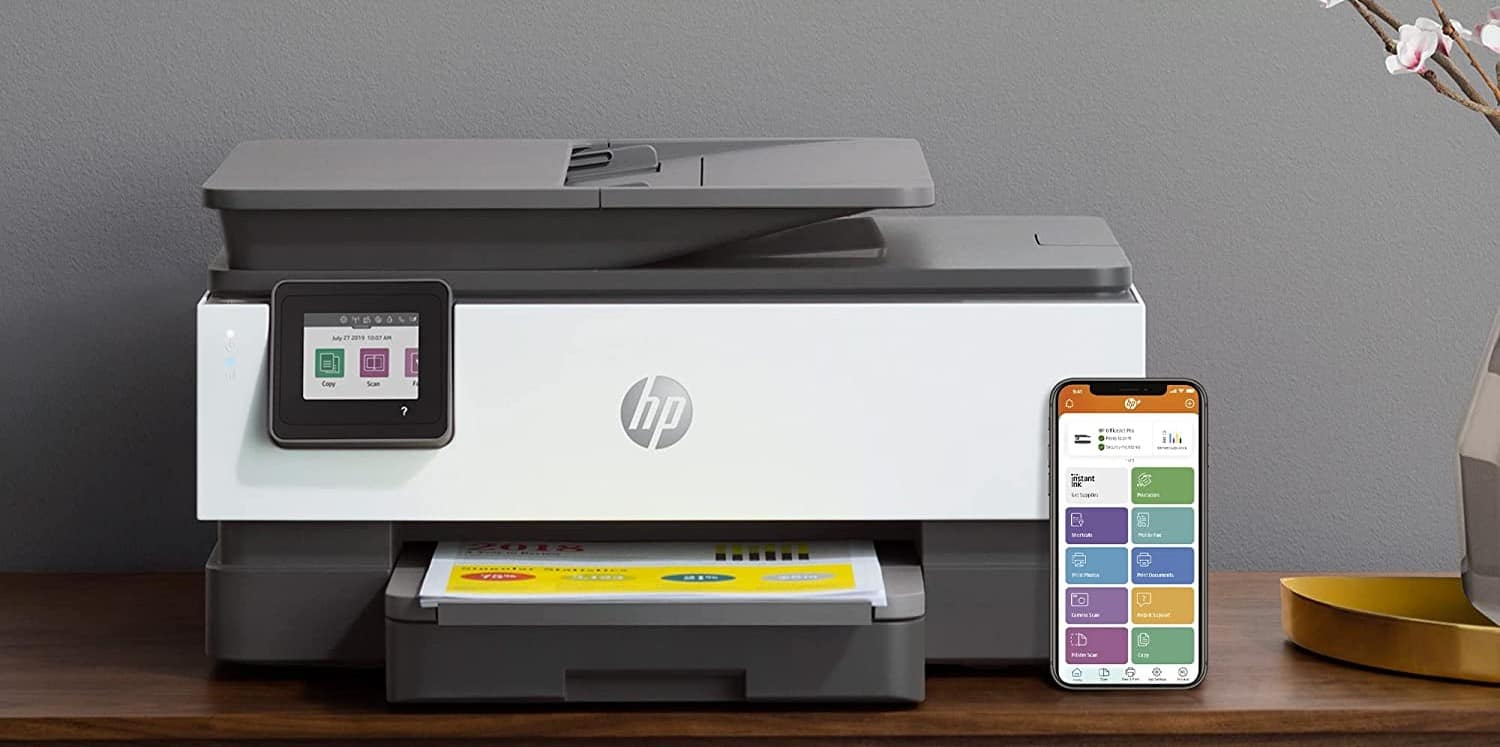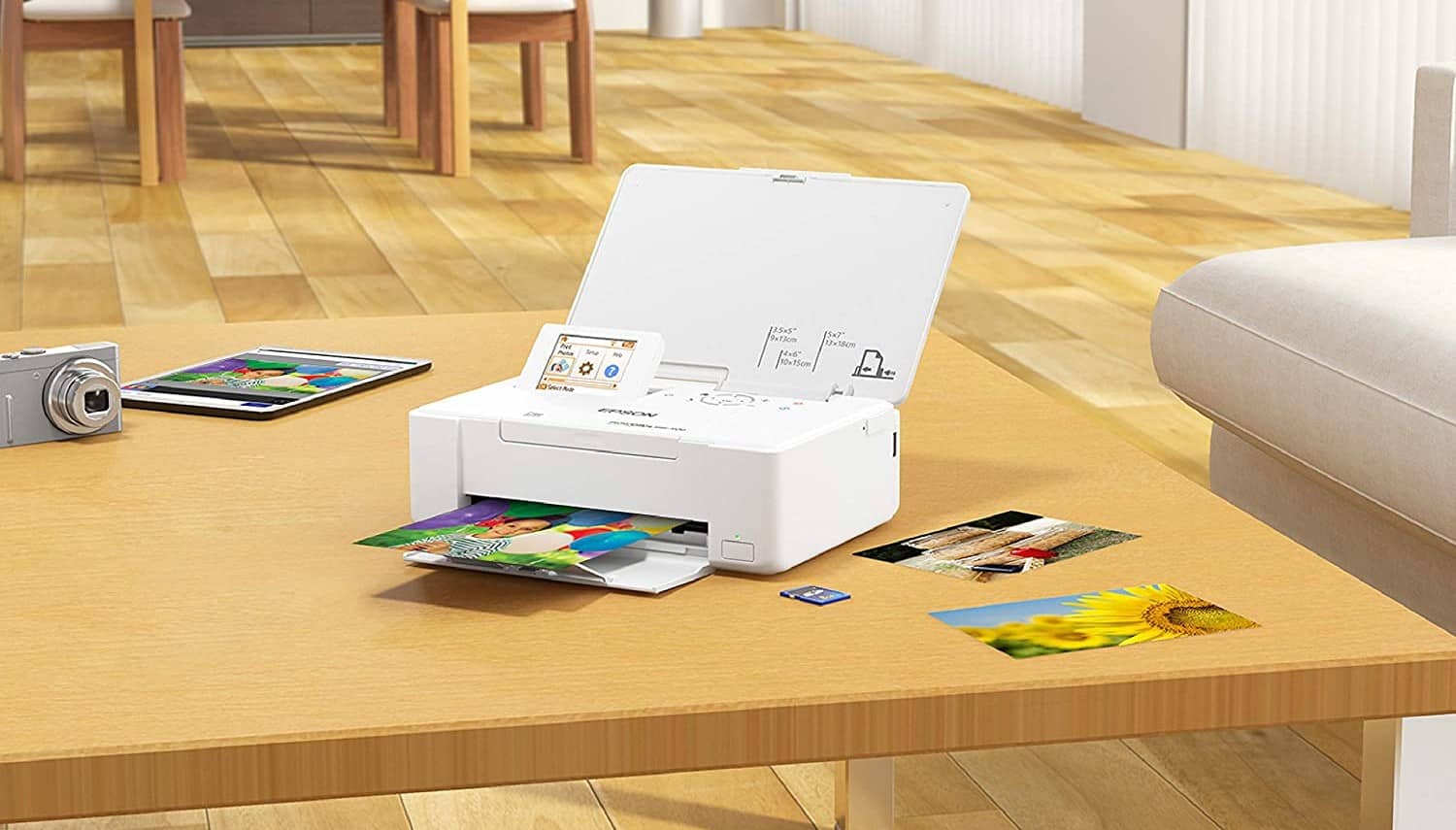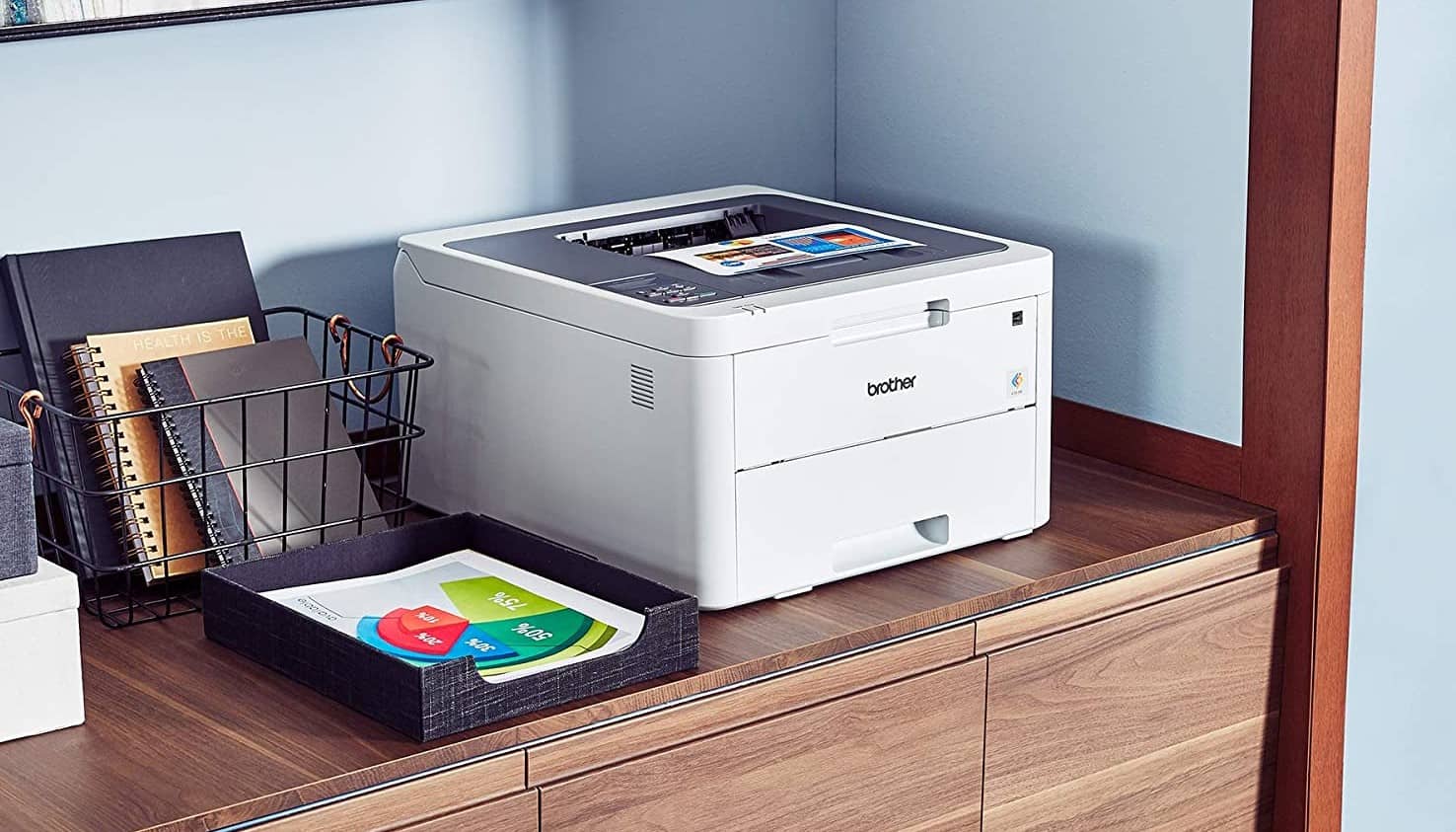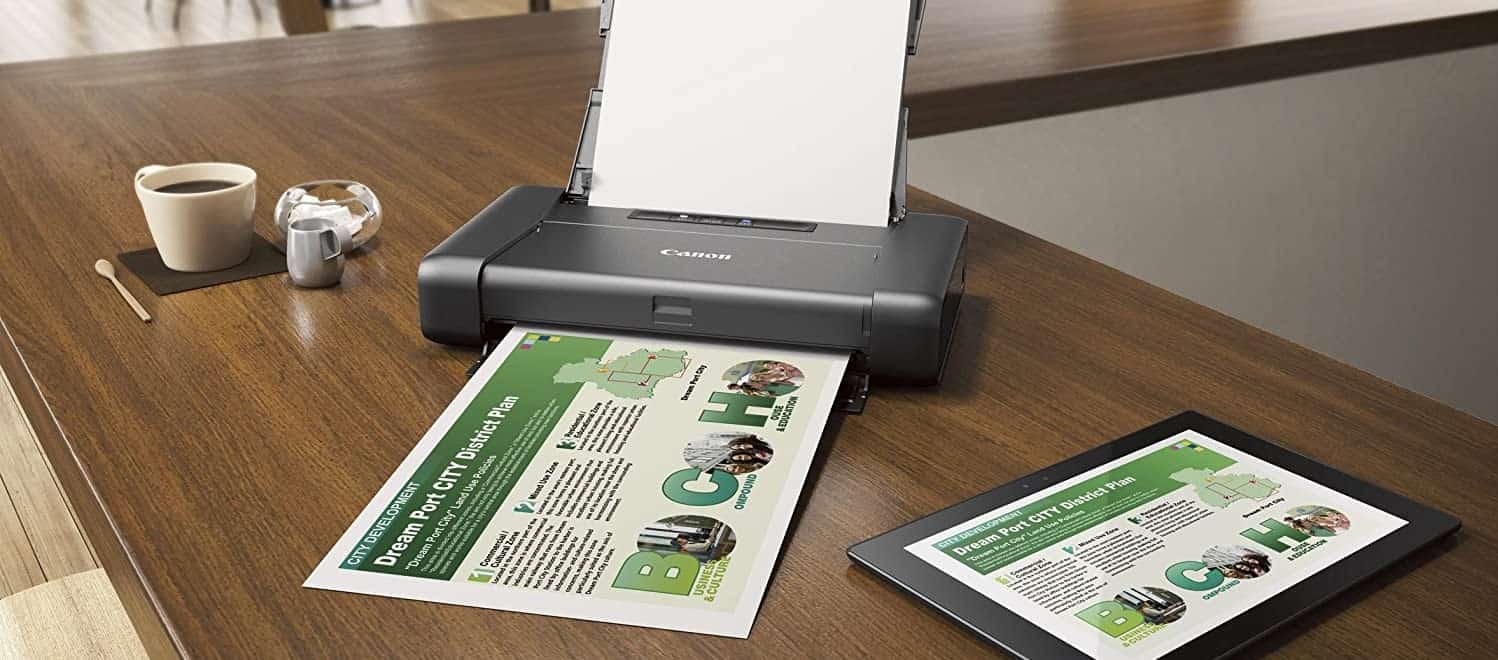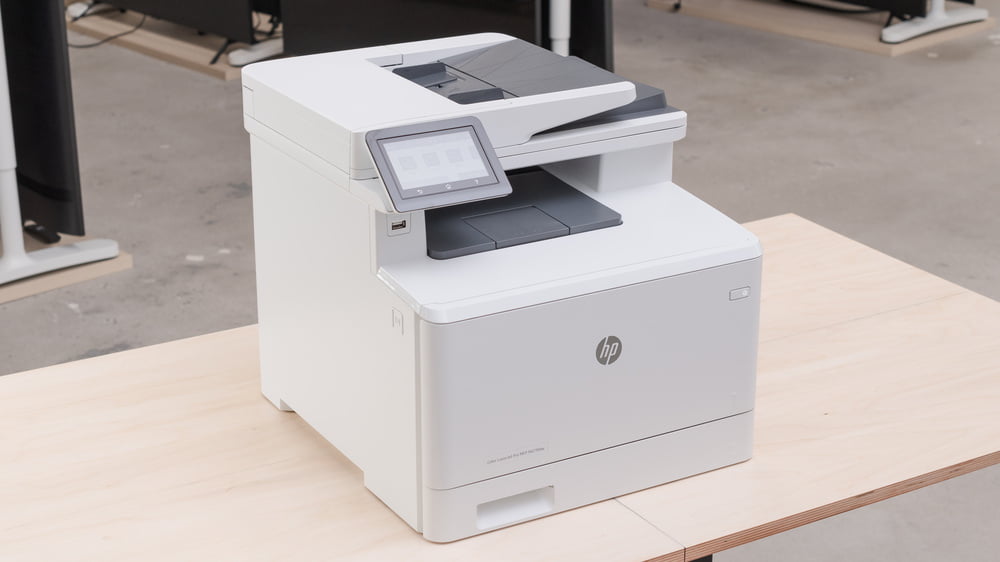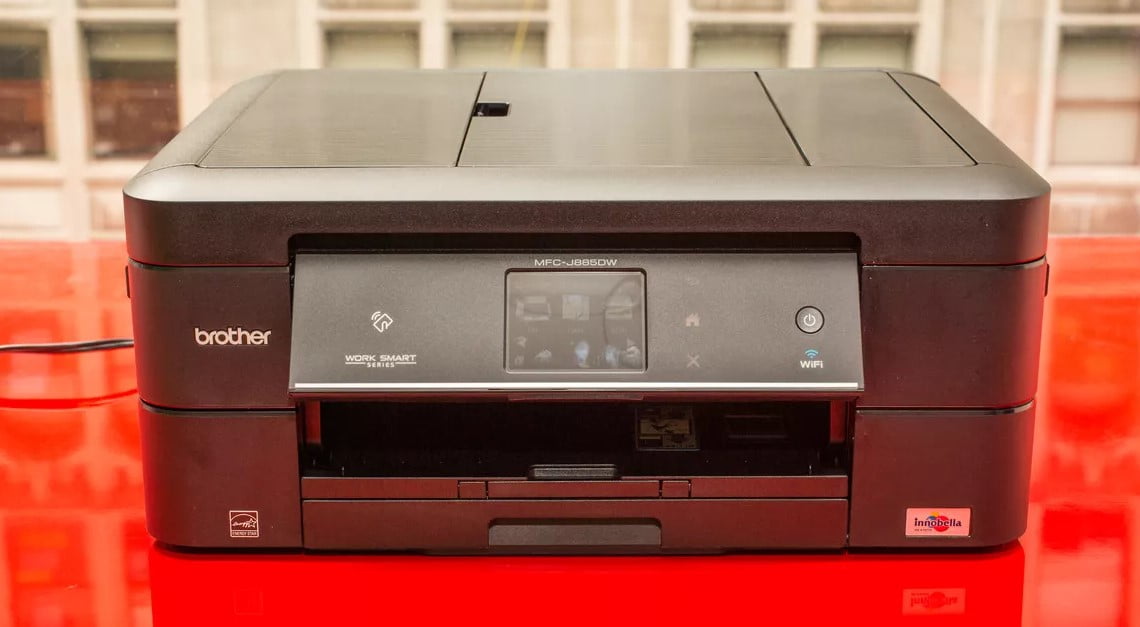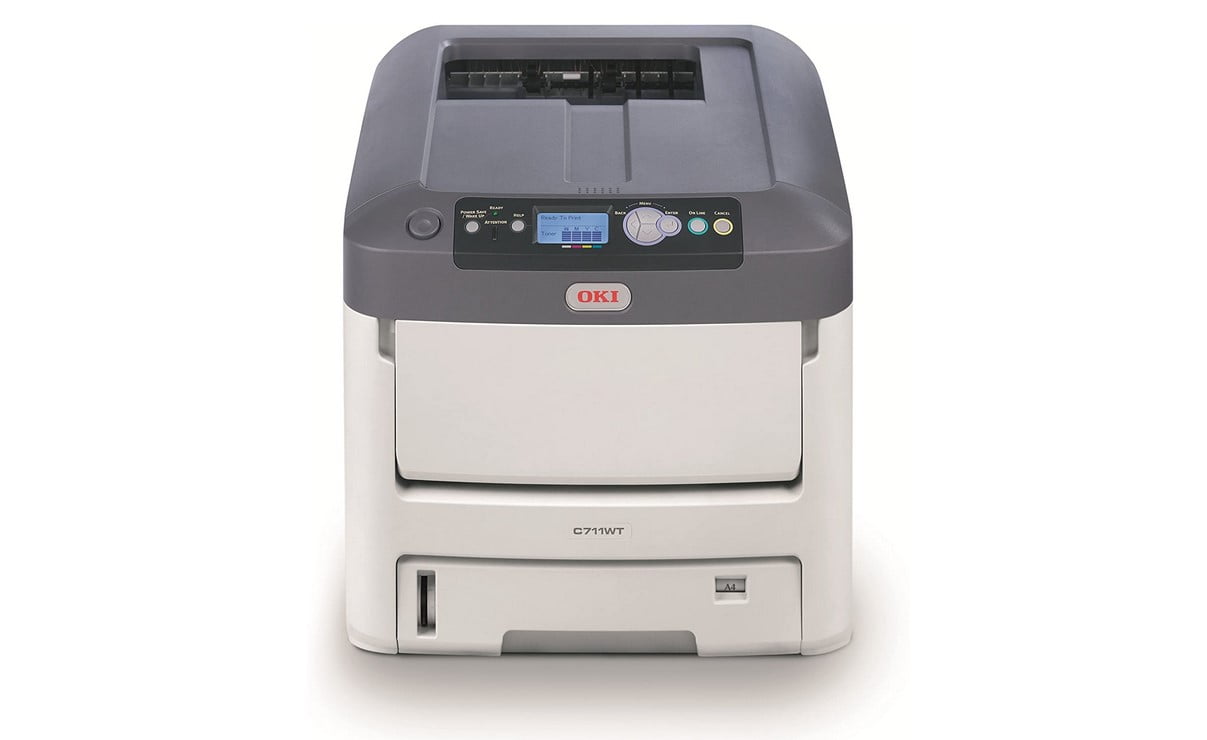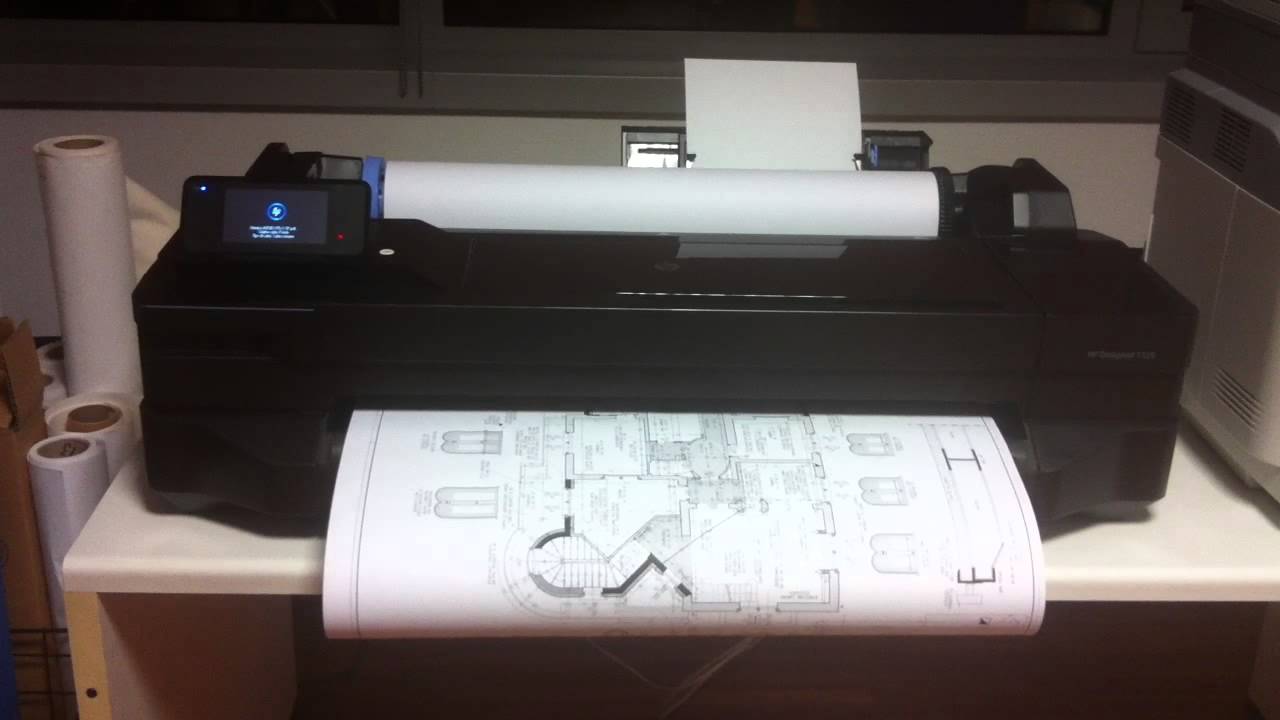

One of the greatest tech advancements in the world of high-tech printers is digital printing, otherwise known as wireless printing. Digital print jobs allow consumers to stream data wirelessly from their phone, tablet, or computer to a printer on a network.
KEY TAKEAWAYS:
- Apple users can print documents wirelessly from their iPhone by using the company’s proprietary AirPrint technology.
- AirPrint does not integrate with every printer, nor every printing app, so be sure to confirm integration ahead of time.
- AirPrint works within pre-existing printing apps, so completing a print job will be through the third-party app.
What is AirPrint?
AirPrint is Apple’s proprietary digital printing technology, which Apple users can access via their iPhone, iPad, iMac, Macbook, and related devices. AirPrint allows consumers to complete wireless print jobs via affiliated printers.
Print Directly From iPhones to Printers
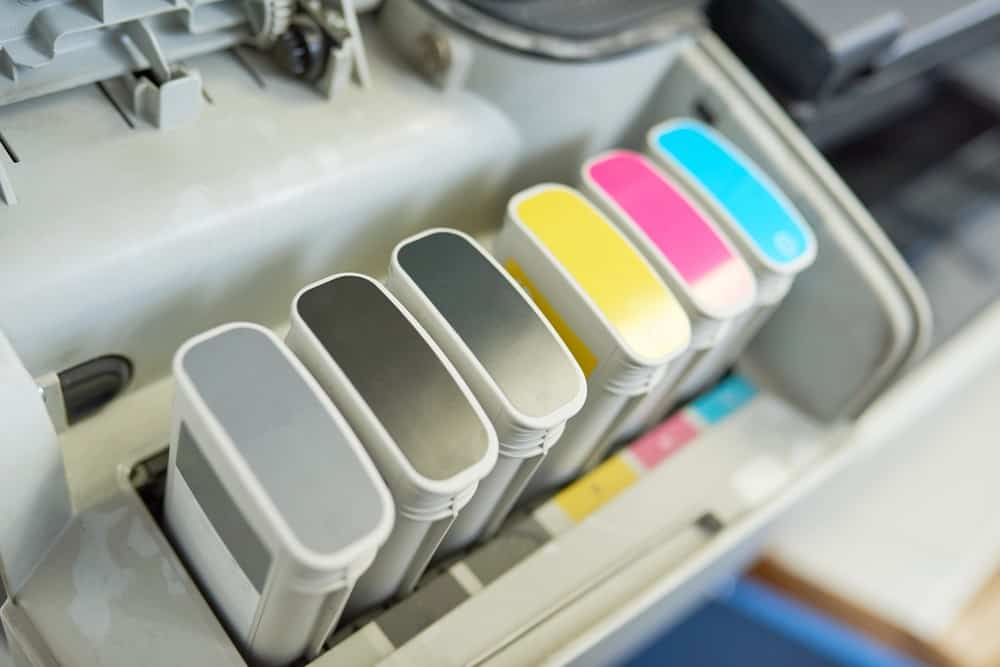
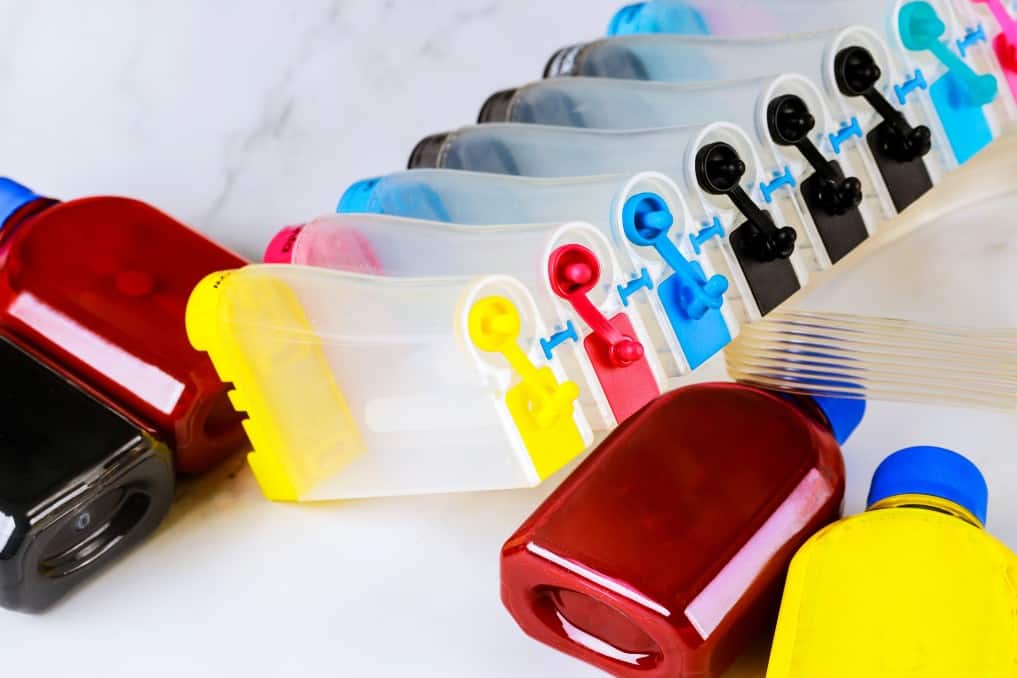
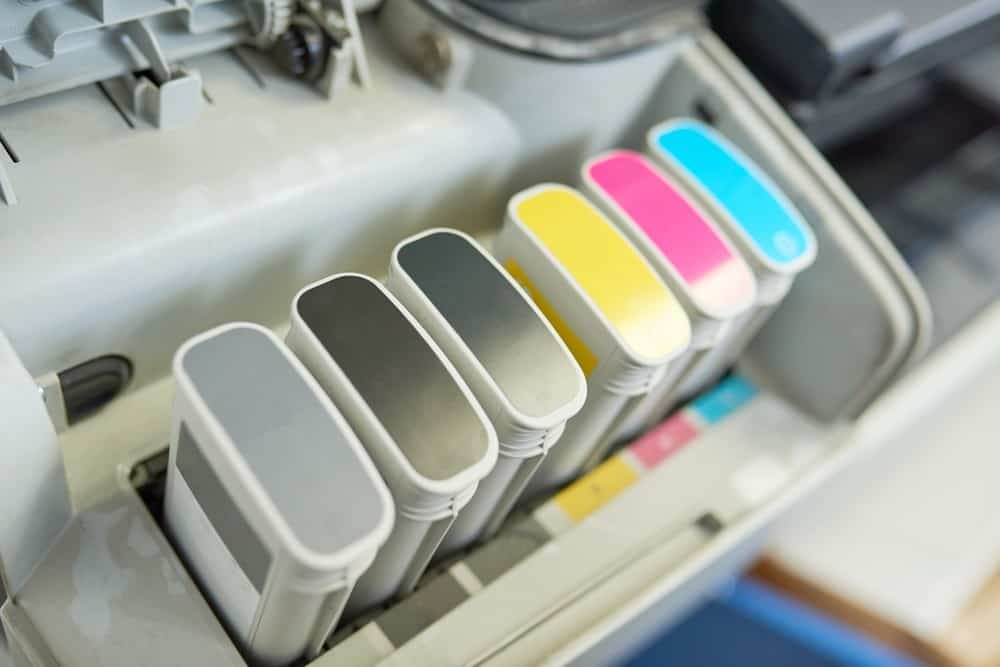
Depending on your printer, the actual steps to perform wireless printing tasks will differ. There are some universally accepted guidelines, however, particularly when using AirPrint. To get better quality of print out check whether your printer head needs cleaning.
Confirm Printer Compatibility
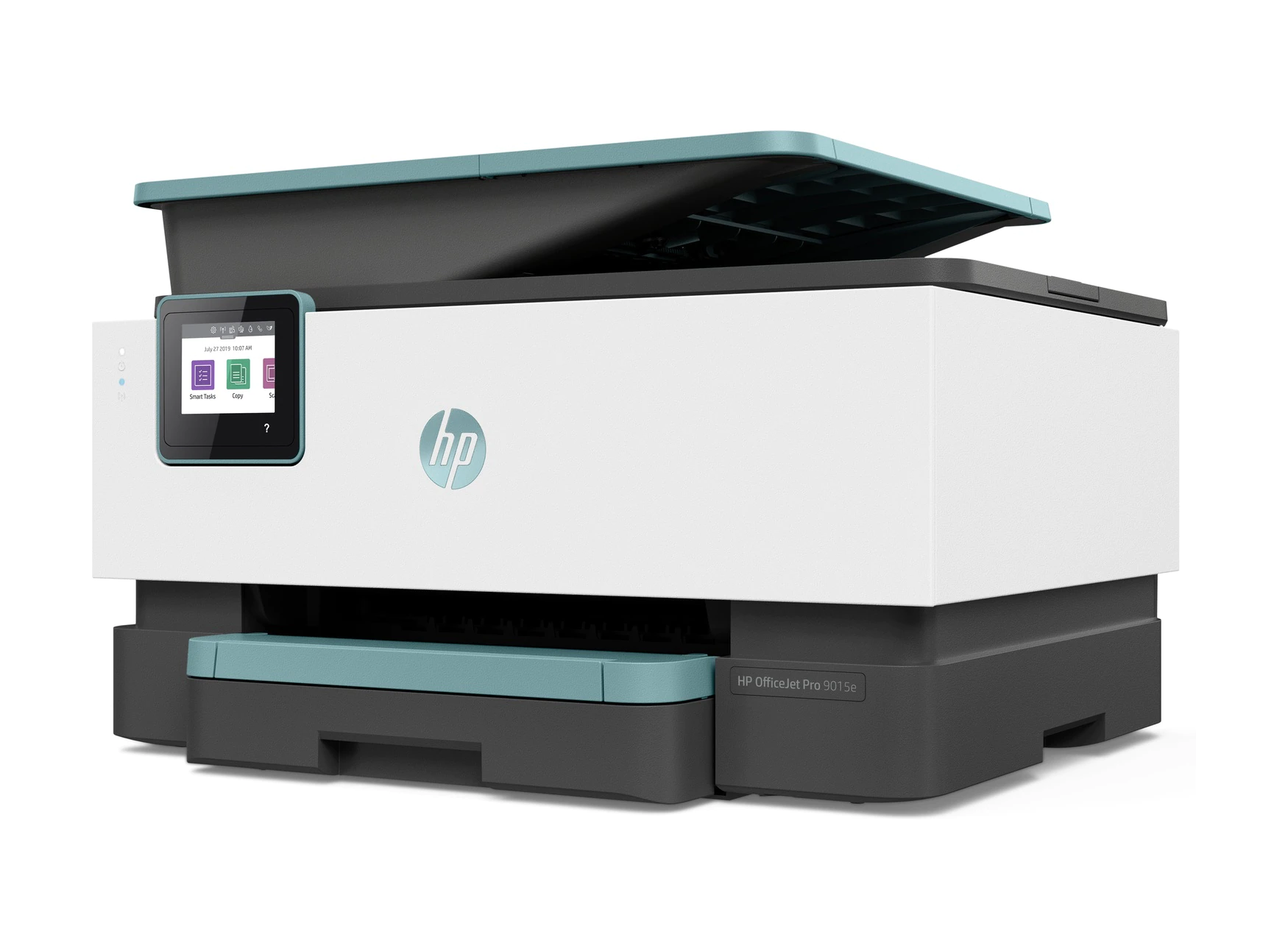
The first thing you should do is confirm that your printer can support print jobs issued by AirPrint. You can do this by reading up on your instruction manual or by contacting the manufacturer directly. Nowadays, most modern printers are AirPrint-compatible. If your printer does not support AirPrint, all is not lost. There are a number of wireless printing apps developed by printer manufacturers. One of these could integrate nicely with your overall workflow. Of course, your printer will have to feature wireless technology to complete any digital print jobs.
Insider Tip
AirPrint is more of a technology than an app.
Check Your Wireless Connection
AirPrint typically operates via a standard wireless connection. Make sure your wireless connection is in good working order and that your printer is on the same wireless network as your phone or tablet. AirPrint devices connected to the USB port of an Apple AirPort Base Station, or AirPort Time Capsule, or to your computer using Bluetooth, can’t use AirPrint.
Access Your Printing App
AirPrint is more of a technology than an app. As such, it integrates seamlessly with a wide variety of printing apps that have been developed by well-known manufacturers. To complete a wireless print job via an Apple device, open up your favorite printing app and scroll down to the app’s share icon. Look for “print” and then input the number of copies you would like to print and the source document. Not all printing apps integrate with AirPrint, so be sure to confirm this ahead of time. You can also read this guide on how to print directly from your iPad.
View and Cancel Print Jobs
You can view and cancel print jobs as you already have been doing via your favorite printing app. If you run into issues completing either of these tasks we recommend sending a support ticket to the manufacturer of your printer.
Warning
Not all printing apps integrate with AirPrint, so be sure to confirm this ahead of time.
F.A.Q.
What if a “no AirPrint printers found” message displays?
In this case, we recommend checking your wireless network to ensure that your mobile device and your printer are connected via the same network. Also, make sure you have AirPrint enabled.
How do I view my print jobs in the print queue?
This can be done simply by engaging Apps Switcher, which can be accessed on an iPhone either by pressing home twice or by swiping up from the bottom of the screen.
Why can’t my iPhone find my printer?
Make sure that your printer is available for a wireless connection via Wi-Fi or a related method. You may need to reset your wireless router.
STAT: Even though Apple has diversified its product line with the Apple Watch, AirPods, and services, the iPhone is still responsible for 50 percent of Apple’s revenue. (source)