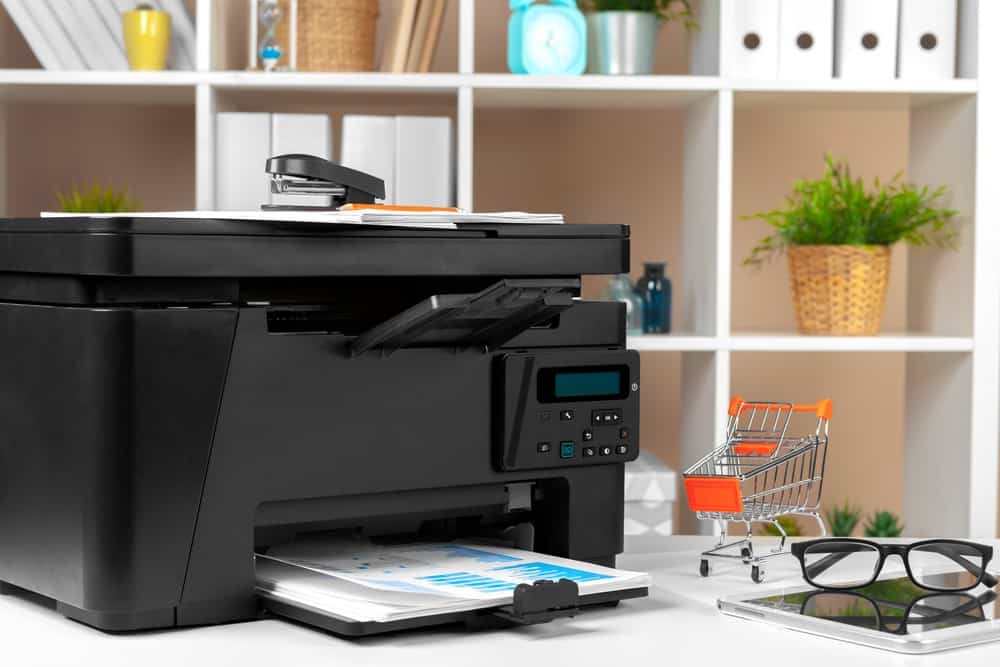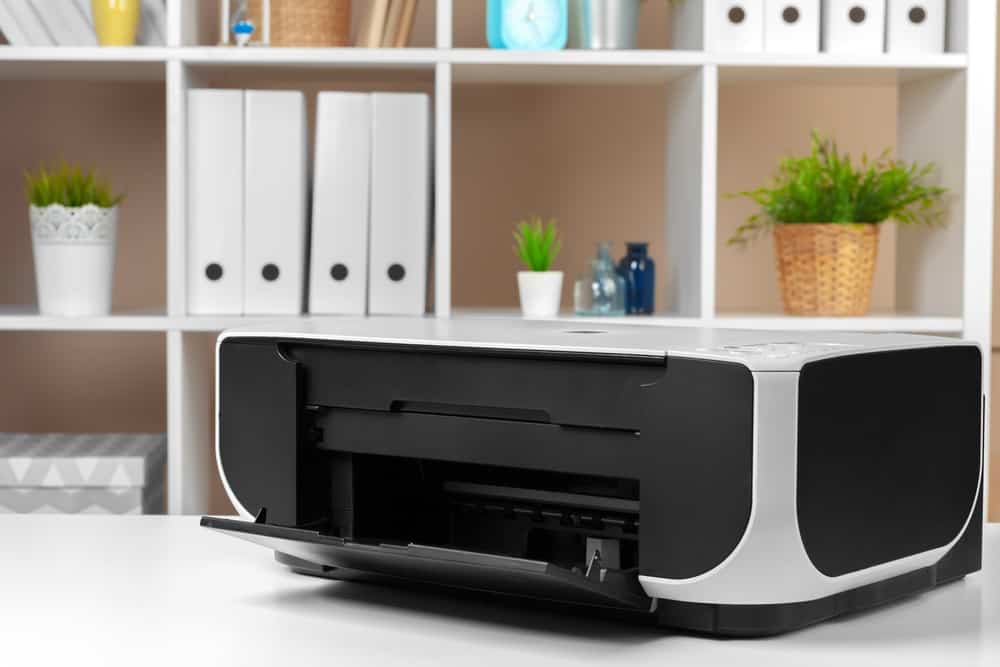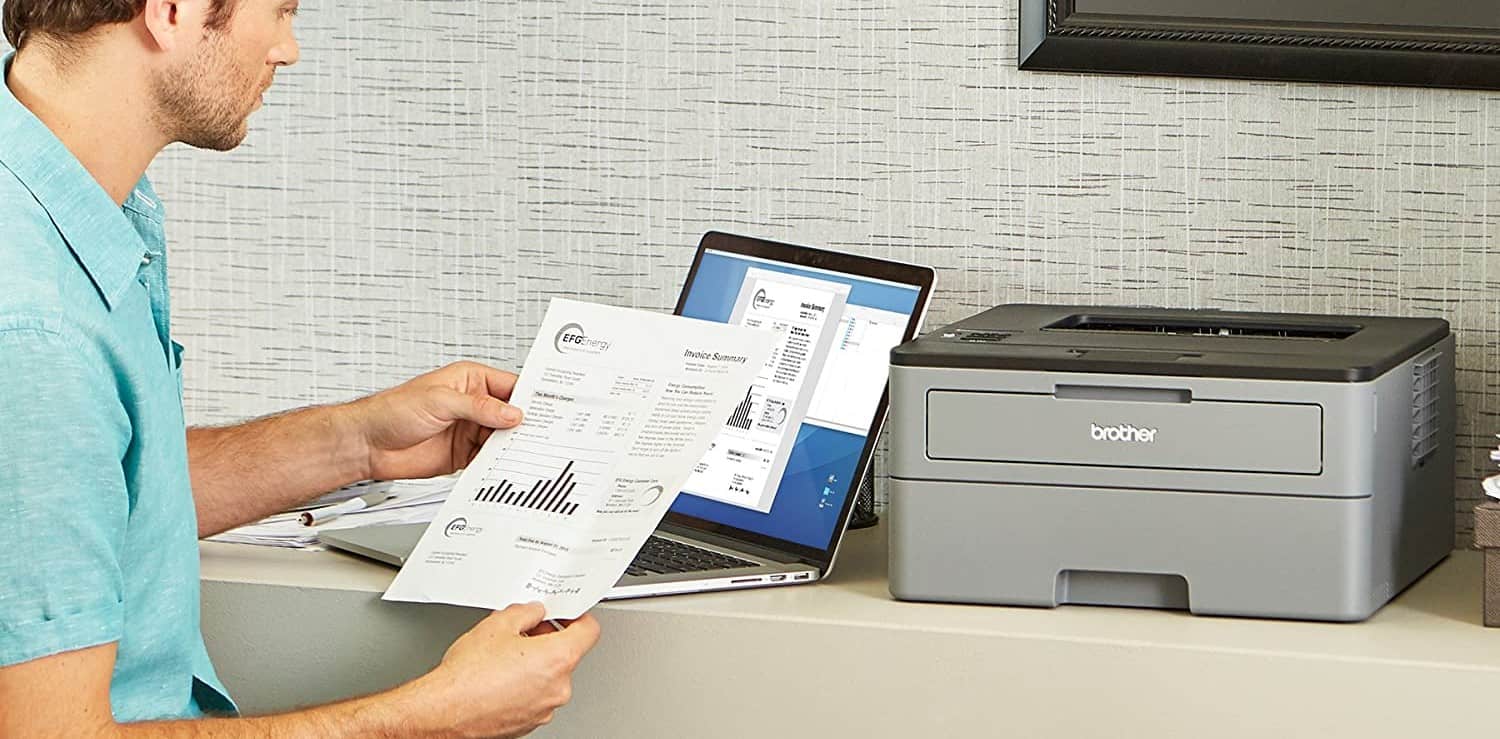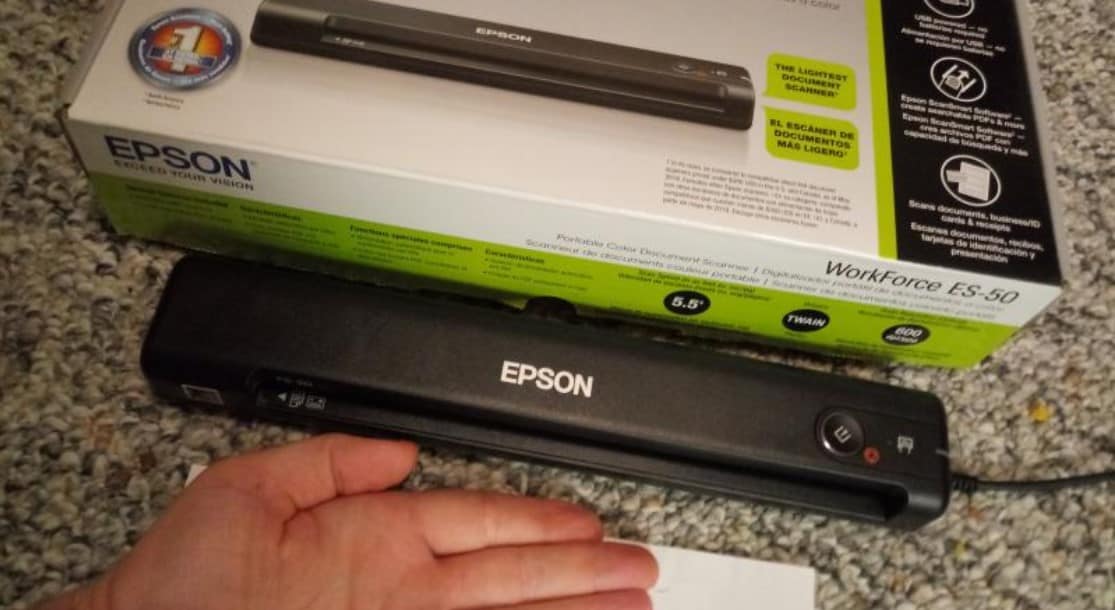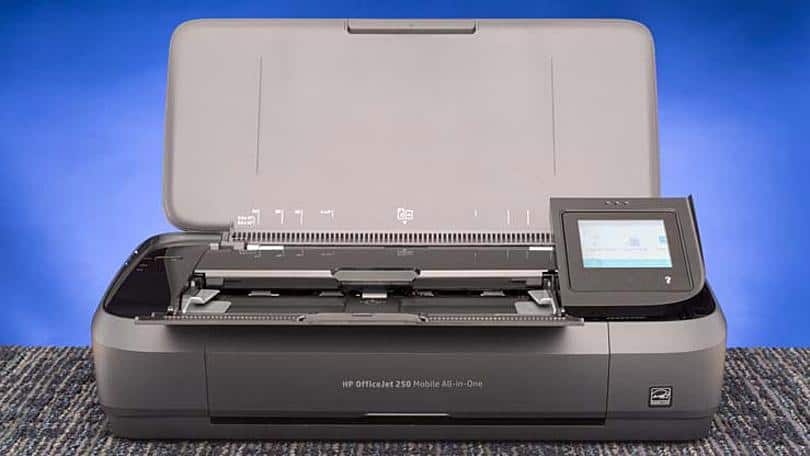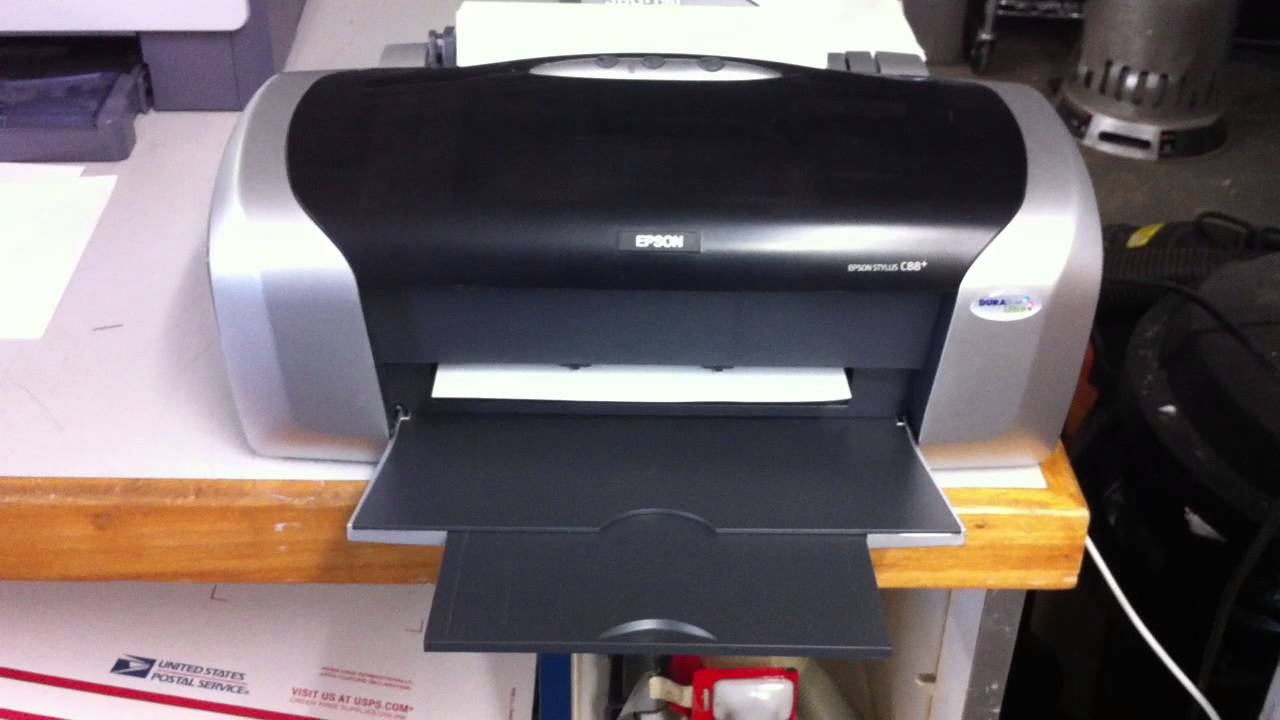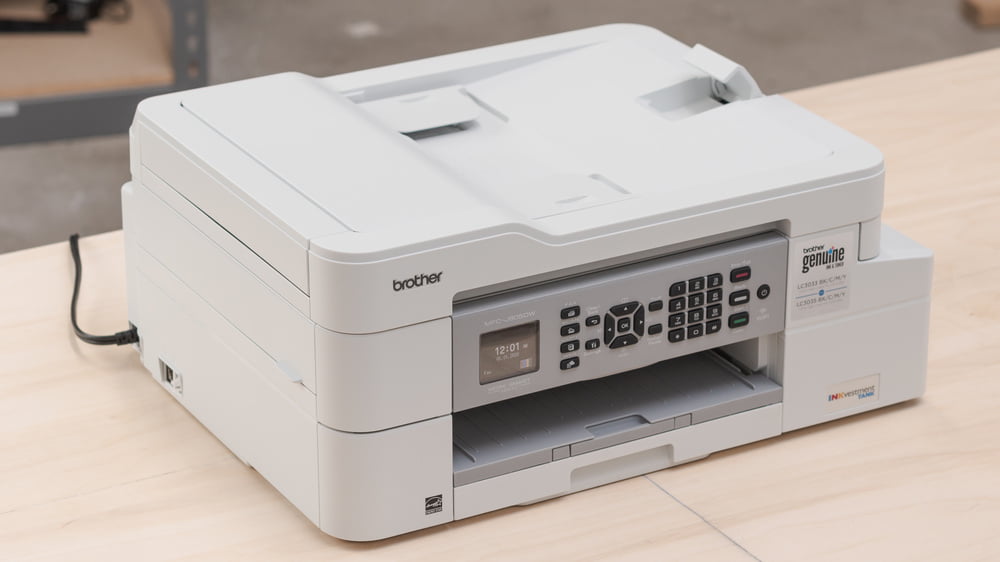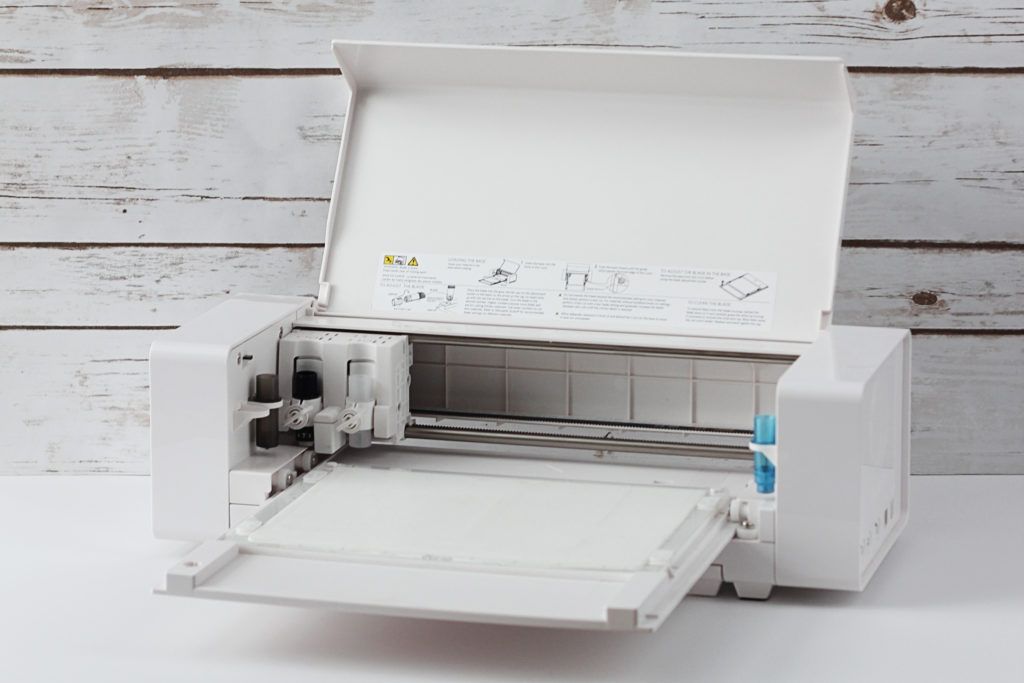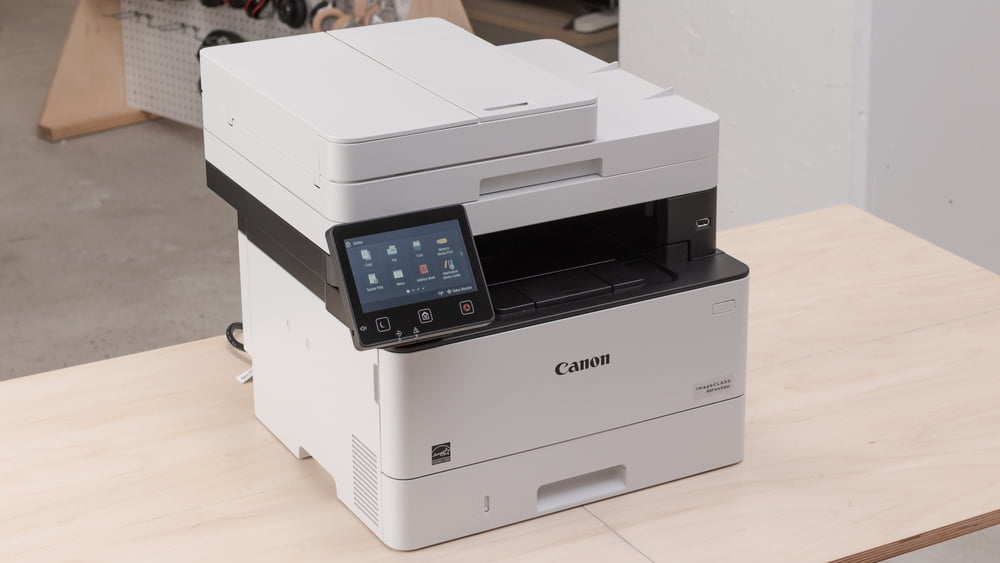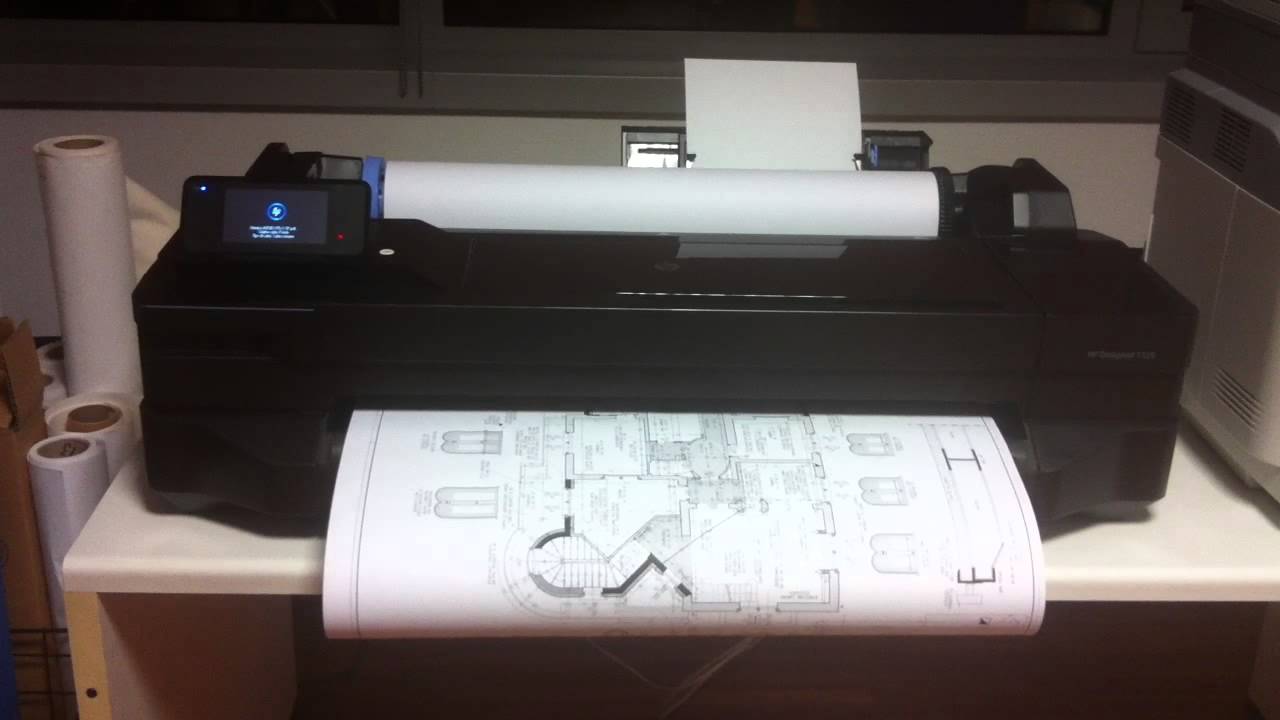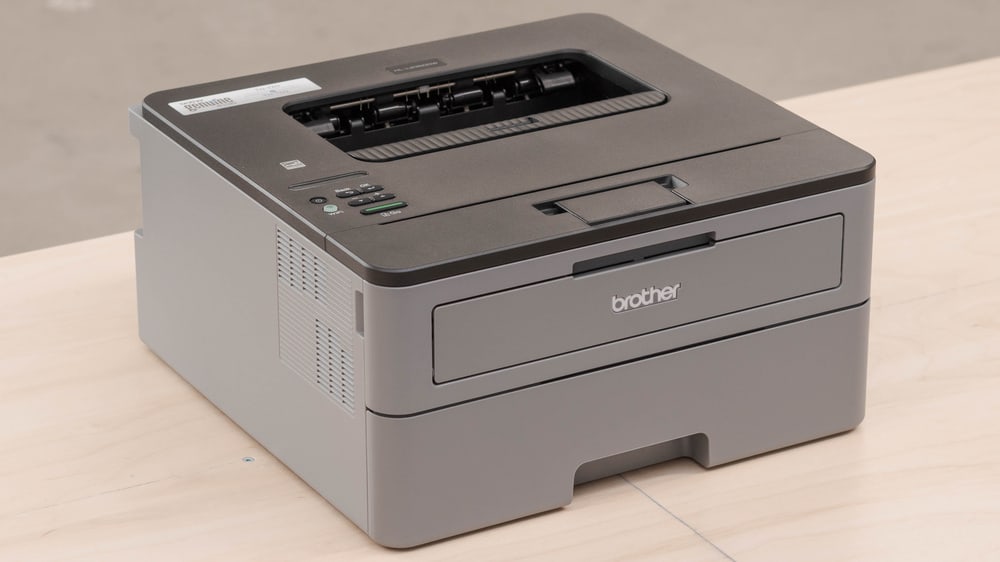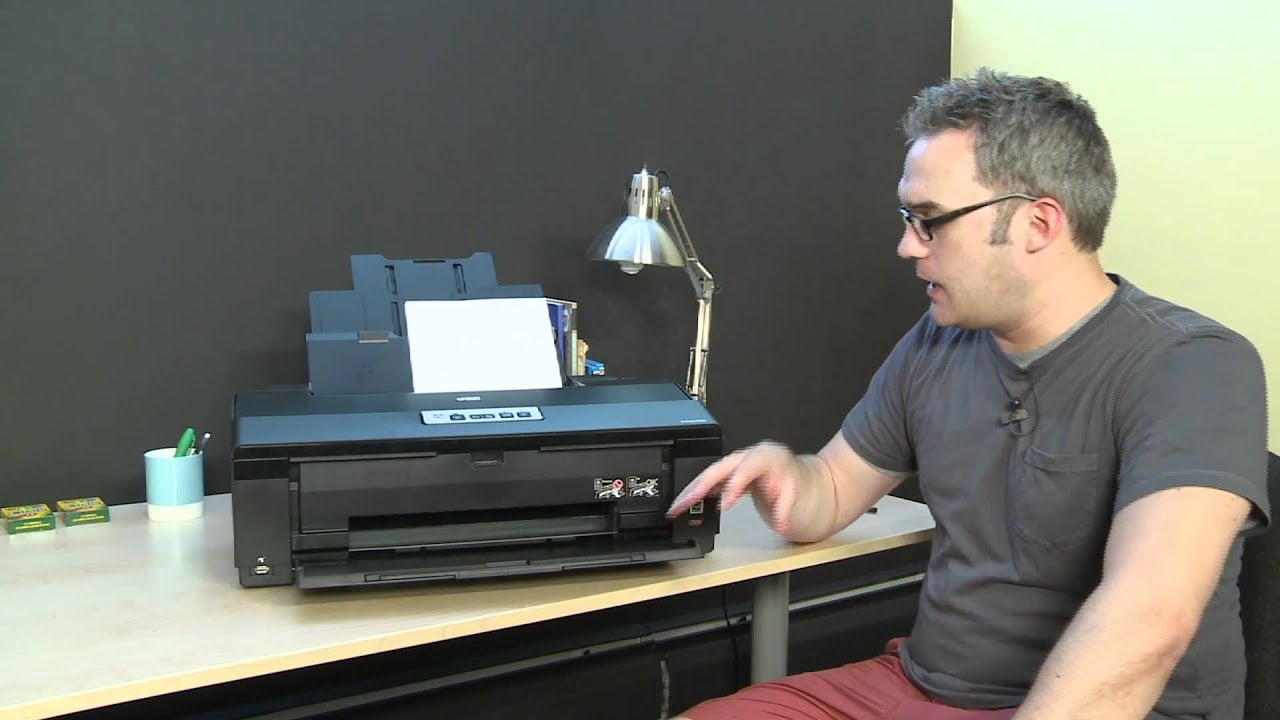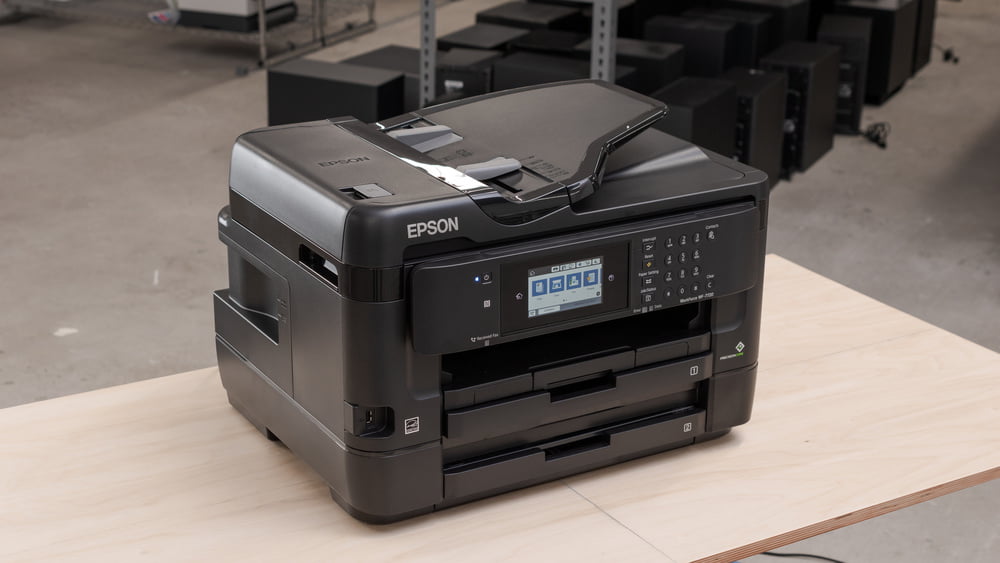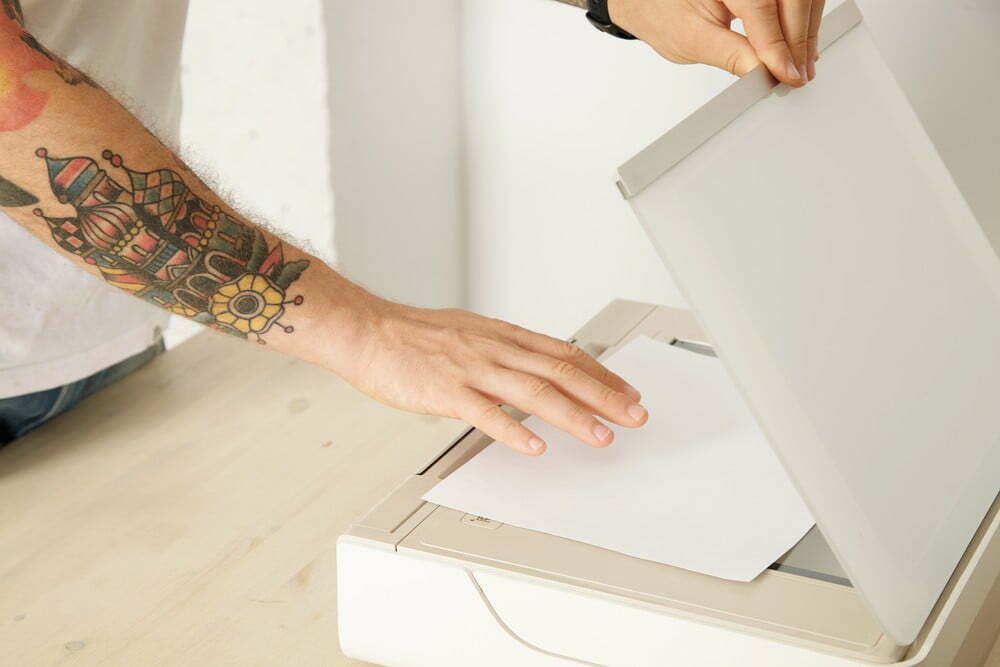

To keep your top-of-the-market inkjet or laser printer working efficiently for as long as possible, it will be a good idea to perform a number of routine maintenance tasks.
KEY TAKEAWAYS:
- You should perform common printer maintenance tasks to increase the overall efficiency and lifespan of your printer.
- Most modern printers can be made to perform nozzle checks, clean print heads, and align print heads in the settings menu.
- You should also manually clean both the interior and exterior of the printer every few months.
What Will Happen if I Don’t Maintain My Printer?
Nothing will happen immediately if you forgo maintenance tasks when it comes to your printer. In time, however, the printer’s overall performance level will decrease, leading to shoddy prints and a decreased overall lifespan. This will lead you to purchase another printer when you could have used the current one for longer.
Insider Tip
The printer will create a test page to test out the nozzle’s various functionalities. If you see solid lines, that means your nozzles are operating correctly.
Commonly Performed Printer Maintenance Tasks
Here are some of the common printer maintenance tasks that you can perform to improve the performance and longevity of your printer. Be warned, the process to complete these maintenance procedures may differ depending on the make and model of your printer. These models vary in price according to type.
Run a Nozzle Check
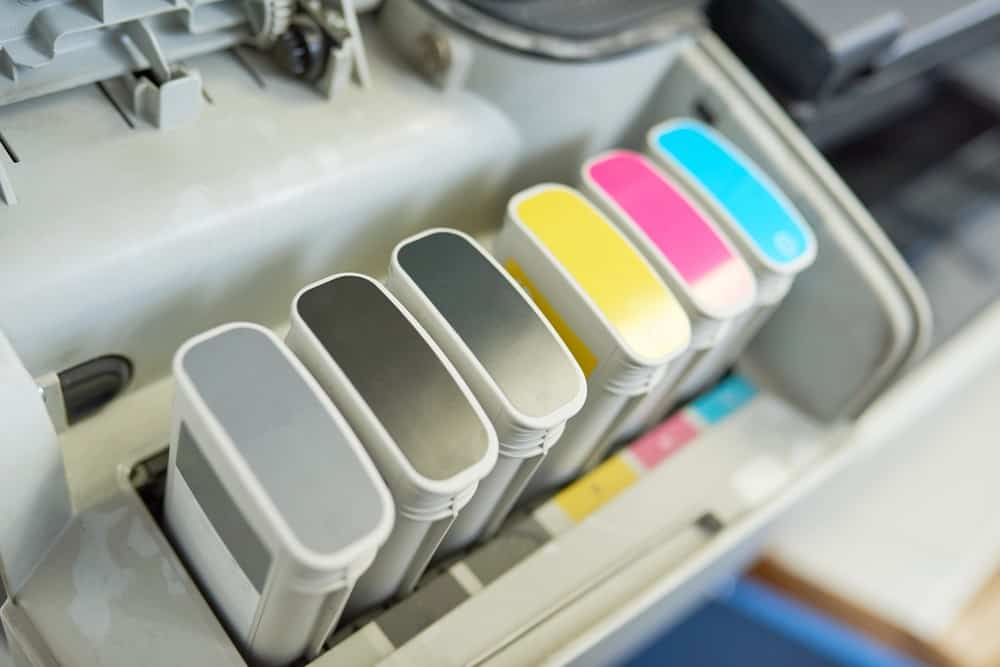
If you want to make sure your printhead nozzles are operating correctly you should perform a nozzle check. Initiating this nozzle check will require a different process from printer to printer, but the end result should be the same. The printer will create a test page to test out the nozzle’s various functionalities. If you see solid lines, that means your nozzles are operating correctly. If you see broken lines or no lines at all, you may have a nozzle-related issue. You can typically clean the nozzle and then run the check again.
Insider Tip
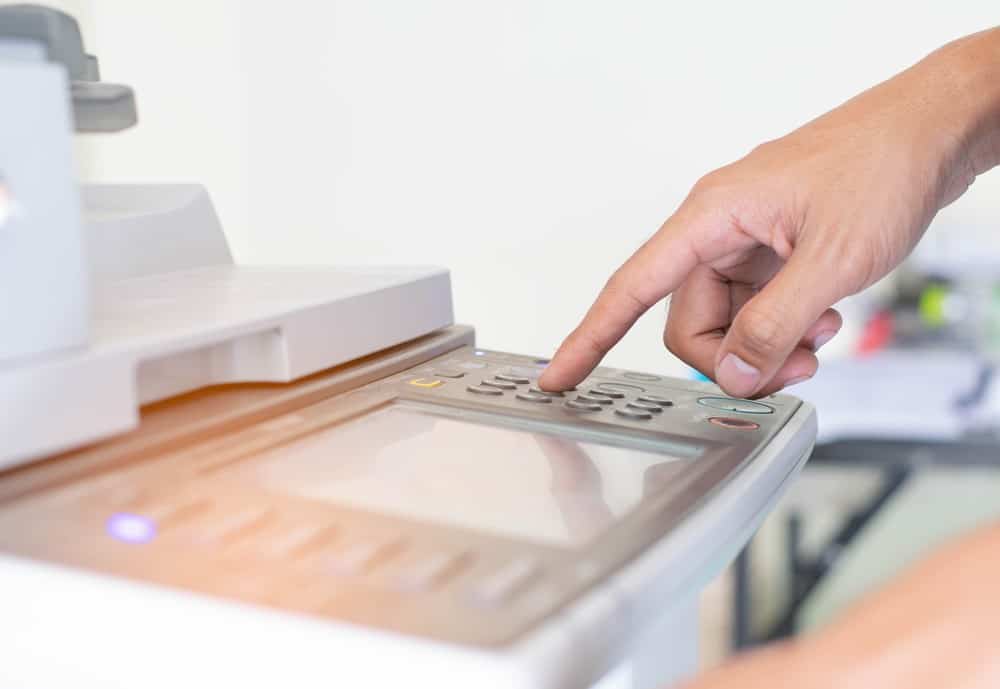
Most modern printers will automatically institute a print head cleaning process somewhere in the settings menu.
Clean Your Print Heads
Cleaning your print heads will be an important part of your regular printer maintenance routine. Most modern printers will automatically institute a print head cleaning process somewhere in the settings menu. If your printer does not allow for this option in the settings, there are many third-party software suites that can initiate the print head cleaning process. Modern printers can also automatically perform other maintenance tasks, such as aligning the print heads. Be sure to clean and align the print heads every few months for optimum efficiency.
Clean the Printer Itself
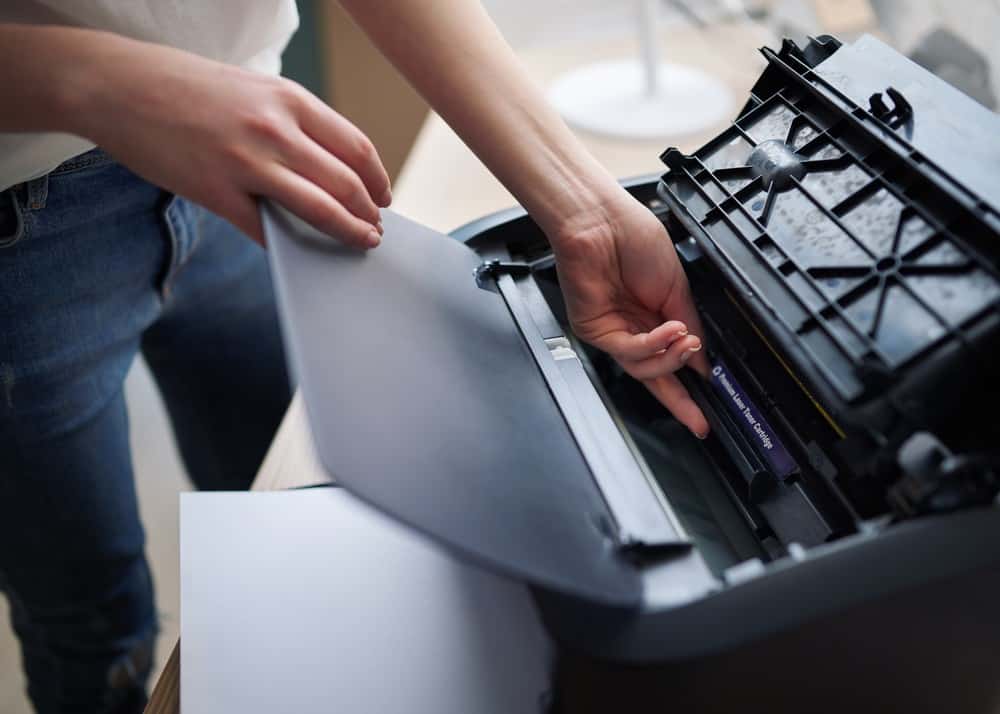
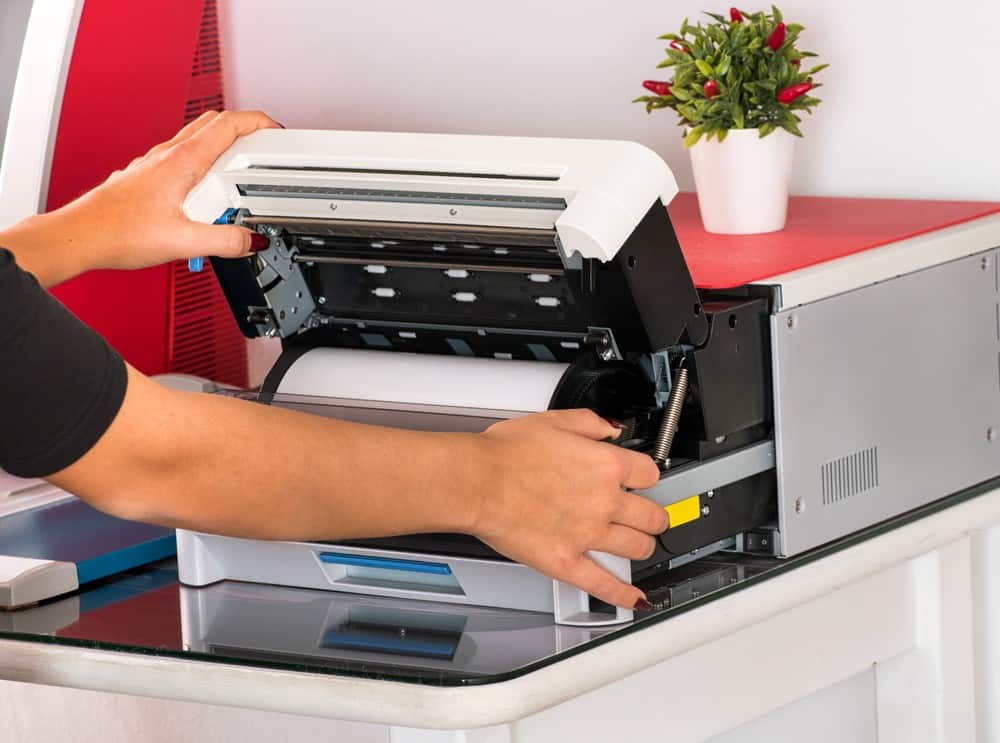
You should also manually clean both the exterior and interior of a printer. This cleaning process will differ depending on the type of printer you have, laser or inkjet, and the individual printer model. You can never go wrong, however, with a simple microfiber cloth. Many printers can also handle a bit of isopropyl alcohol. Make sure that the printer has been powered down before you open it up to clean the interior components.
Warning
If you see broken lines or no lines at all, you may have a nozzle-related issue.
F.A.Q.
What are the must-haves for a printer maintenance kit?
You should make sure you have paper, for running test pages, some microfiber cloth pieces for cleaning, and a bottle of isopropyl alcohol. There are many dedicated printer kits available for purchase that include these and other items of use.
Do I need a dedicated printer maintenance kit?
You can normally get by with DIY printer maintenance kits but some laser printers do require complex maintenance procedures, which can be simplified by using a purpose-built kit.
Why should I maintain my printer?
Maintaining your printer is key to increasing the overall lifespan of the printer and ensuring that it keeps cranking out high-quality reproductions.
STAT: 20 to 50 million tons of e-waste are created each year, with 80 to 85% being discarded in landfills or incinerators. (source)