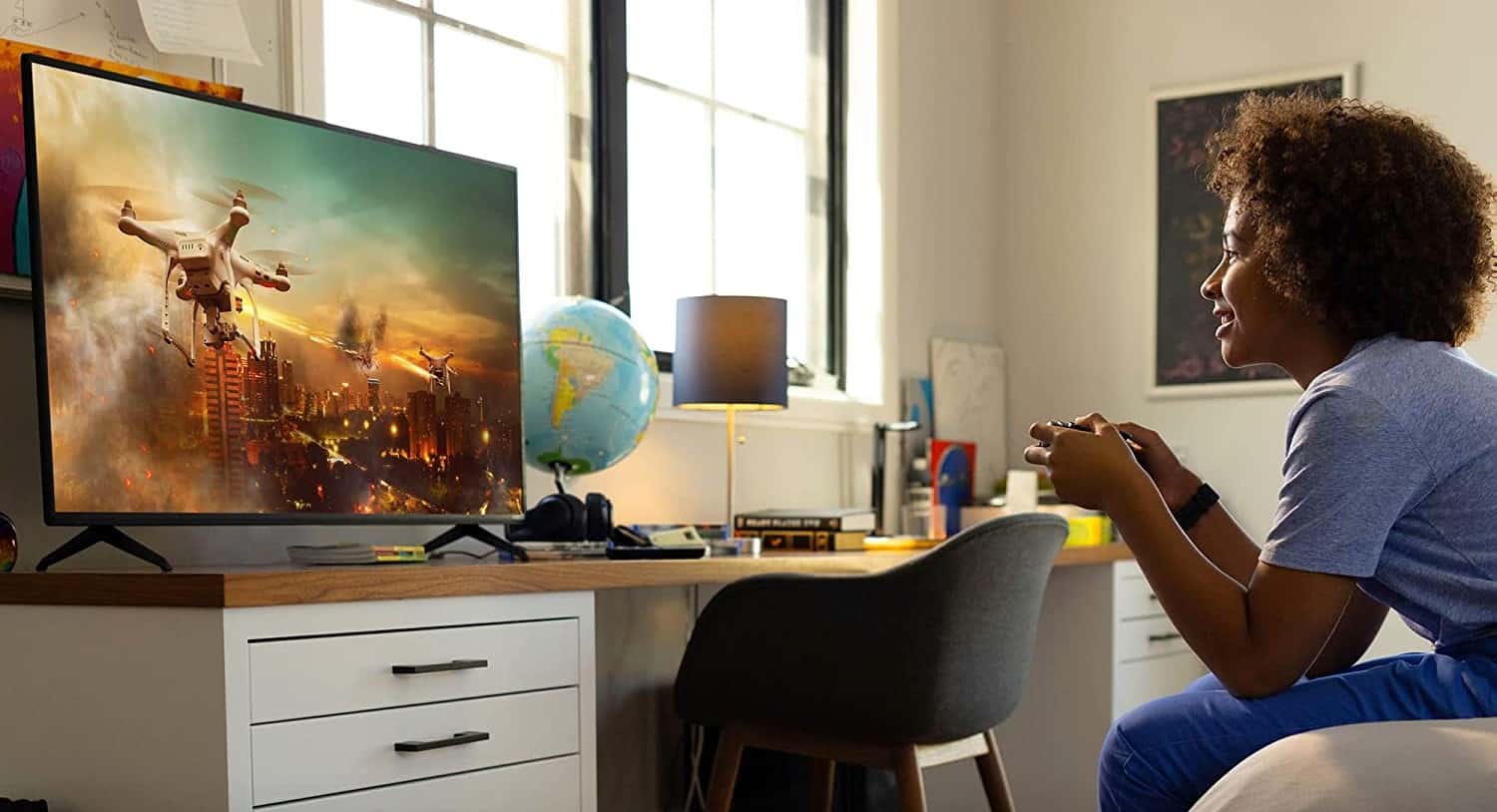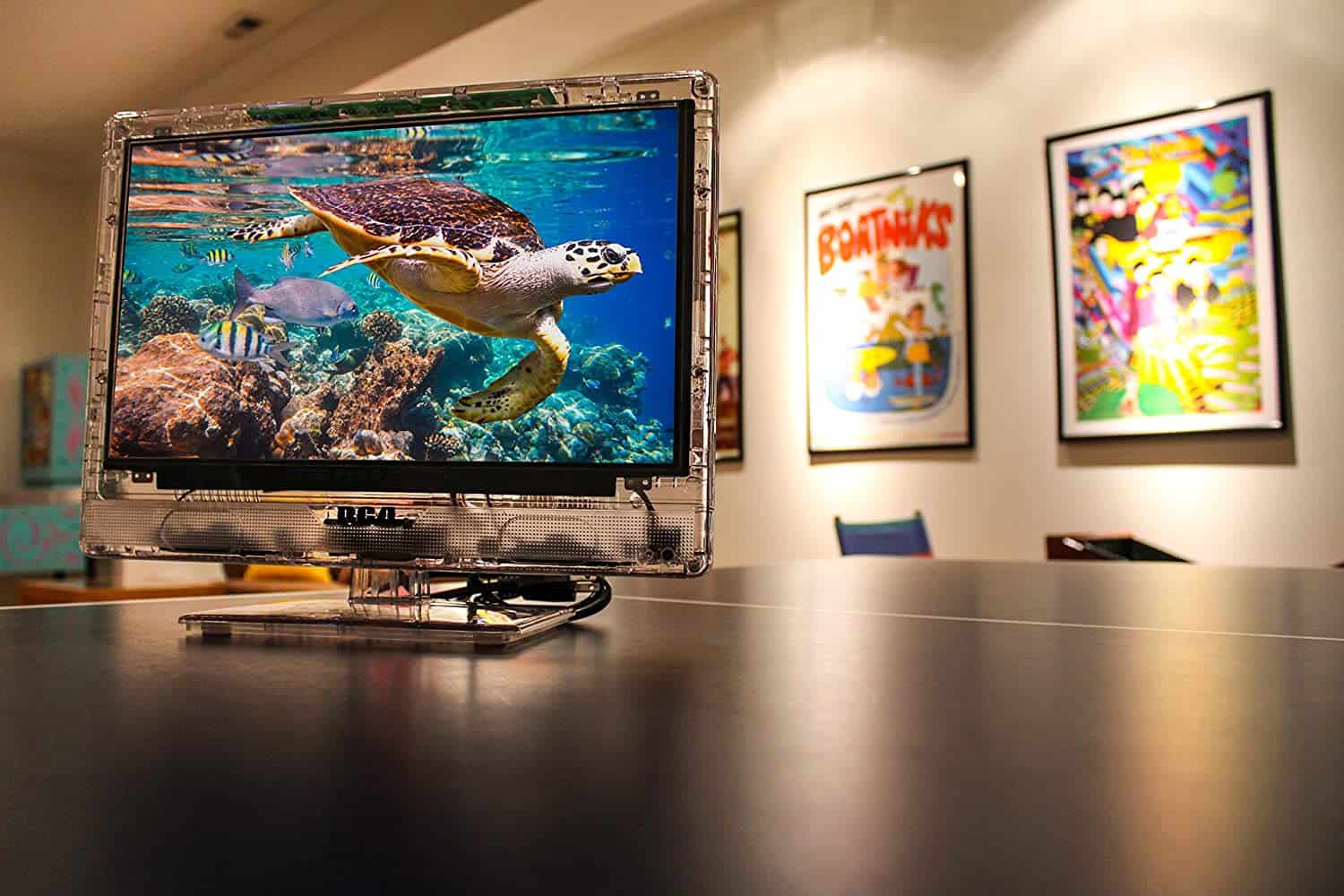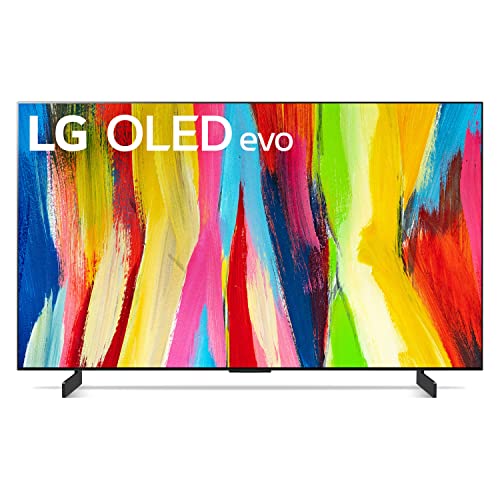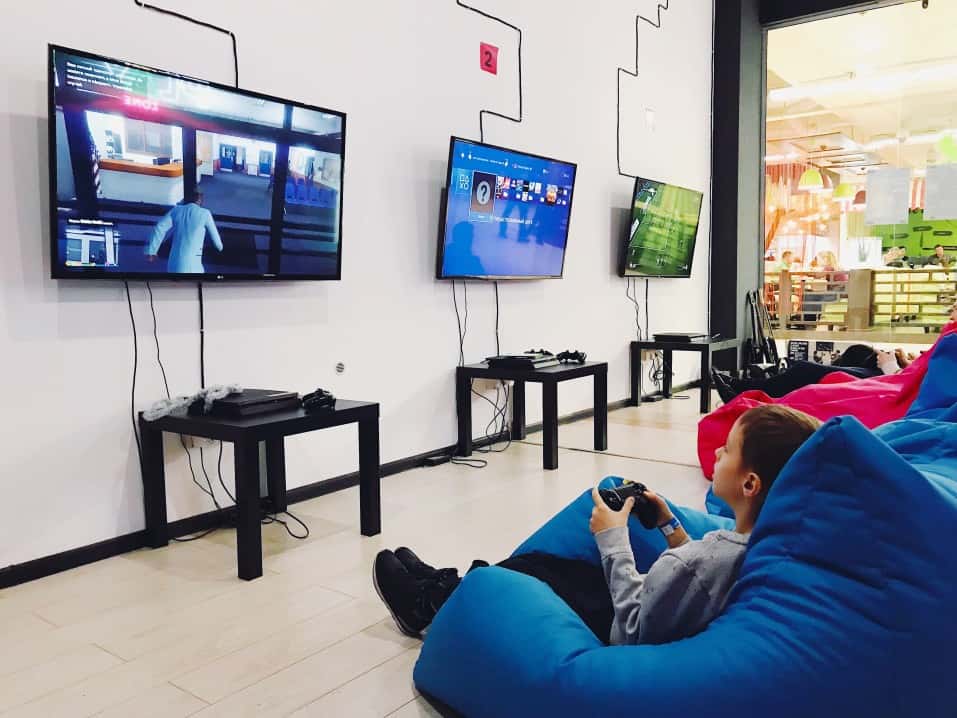

Gaming on a TV vs a monitor comes with several advantages and drawbacks. Though the choice of a purpose-built gaming or PC monitor may seem obvious for many gamers, plugging your system into a TV — especially the larger displays more common at reasonable price points — may make more sense, when looking for the best TV.
KEY TAKEAWAYS:
- Monitors are generally capable of multiple native resolutions and support high frame rate (120 fps +) gaming.
- TVs have lower pixel density and higher input lag, scaling with screen size, but start at much lower price points.
- Purpose-built gaming displays are far more expensive than flatscreen TVs of equivalent screen size but offer far superior performance for serious and competitive gamers.
Features like 120Hz or 120fps performance in multiple resolution modes are some of the differences between monitors and TVs. Understanding what these differences mean will help you make the right choice and get the most out of your gaming rig. You may want to read up on newer TV technology while you’re at it. For example, knowing the difference between full array LED TVs and Edge LED TVs is important if you decide on a TV.
Insider Tip
The reduced input lag and higher refresh rates of gaming and PC monitors make them the best option for competitive gamers if the budget allows for it.
Differences Between Gaming on a TV vs a Monitor
Though TVs and gaming or PC monitors seem very similar in a basic sense, the differences in their specs, features, and performance make them very different when it comes to their best use. Resolutions, color display numbers, refresh rates, price point, and versatility are major factors in defining how a TV differs from a monitor.
Response Time
Response time is the measure of the speed at which pixels on a display switch colors. The faster the response time, the richer and more realistic images look during fast-paced action on screen. Slower response times can produce blurry images and “ghosting” during such scenes. TVs have faster response times than monitors, giving them a slight advantage here.
Input Lag
Input lag is the time it takes for a signal (from a gaming controller, for example) sent to a display to be processed and appear on the display’s screen. This is an important specification for gamers because high input lag means an actual lag in the response time from controller inputs.
Because TVs use filters and algorithms like motion smoothing, noise reduction, upscaling, and more for better image quality, they have higher input lag, while gaming monitors have no such onboard filters, allowing the fastest possible response time from the controller to the screen.
Refresh Rate
Put simply, the refresh rate of a display is the number of times per second an image is refreshed. The faster the refresh rate, the less chance of “screen tearing” or blurry images. Most modern TVs have a fixed refreshed rate of 60Hz, meaning that the image is updated 60 times per second.
While this used to be more than adequate for console gaming if not for PC gaming, Xbox’s 2018 software update allowed displays capable of it to work at up to 120Hz, which also allowed for the faster frames per second that modern and competitive gamers prefer. Again, monitors have the advantage here, allowing for a range of refresh rates for next-gen gaming.
Cost
Gaming monitors and performance-oriented PC displays come at a premium, both for their advanced technology and smaller market share. TVs, meanwhile, may not be capable of the image quality and speed that competitive and pro gamers require, but will still be good enough for casual gamers who aren’t playing above 60Hz and 60fps. You’ll also be able to get a large (50″+) TV for a lot less than a monitor of the same size, and gaming monitors don’t come in the wall-covering sizes that modern flatscreen TVs do, making TVs a better value for the money for casual gamers.
Warning
While 120Hz TVs exist, they’re unlikely to confer the same benefits to serious gamers as a 120Hz gaming monitor since their performance will still be inhibited by the filters and other tech TVs use.
F.A.Q.S
Are big TVs bad for gaming?
It depends on the games you’ll be playing and how much input lag bothers you. The general rule is that the larger the TV, the bigger the input lag. If you’re not playing fast-paced shooters, racing games, or playing competitively, this may not be that noticeable an issue for you.
Are monitors cheaper than TVs?
No, quite the opposite, actually. PC and gaming monitors are generally much pricier at equivalent screen sizes to flatscreen TVs because of their increased versatility, performance, and features.
Which is better for Xbox: a TV or a monitor?
If you want to play fast-paced games at higher fps and lower input lag, a monitor is the better choice for Xbox. More casual gamers may not want to spend the extra money for better performance, however, since standard HD flatscreen TVs can be found for a lot less money at room-filling sizes.
STAT: 120Hz monitors first appeared commercially around 1990 but were mostly only found in professional graphics departments. (source)