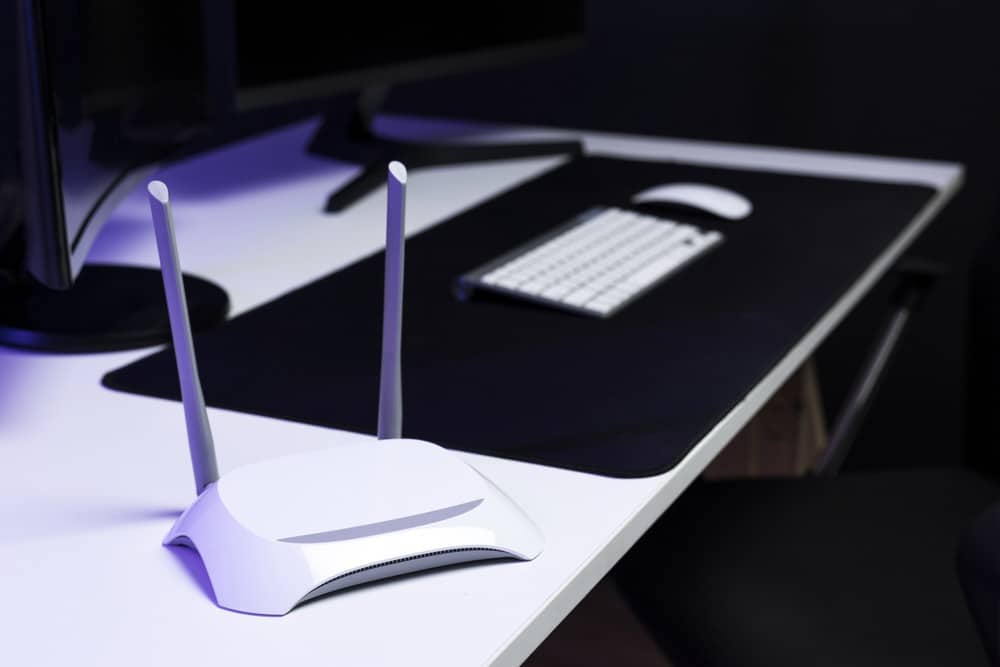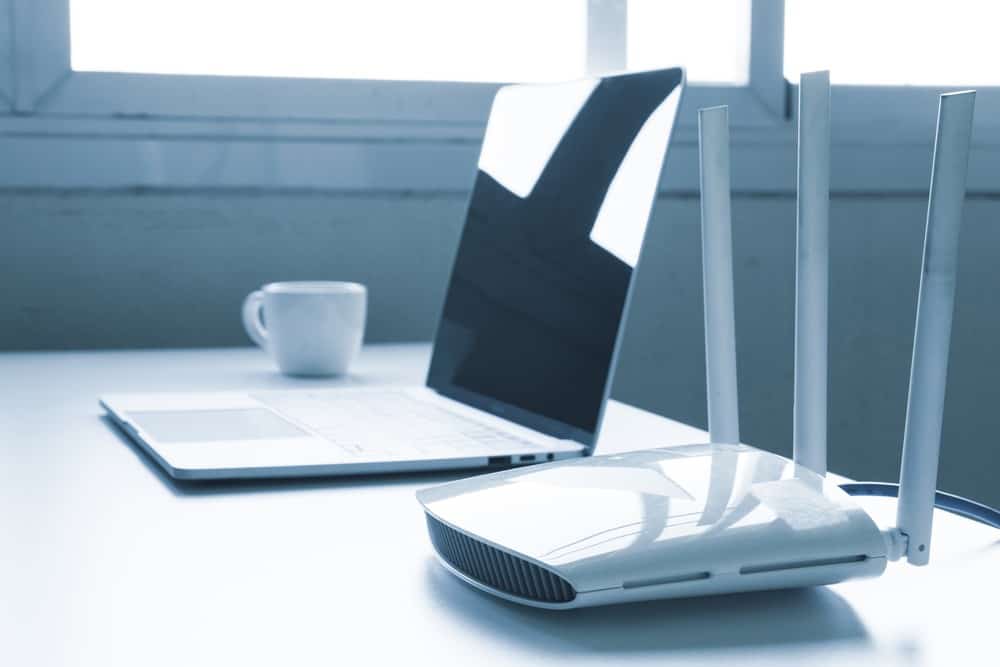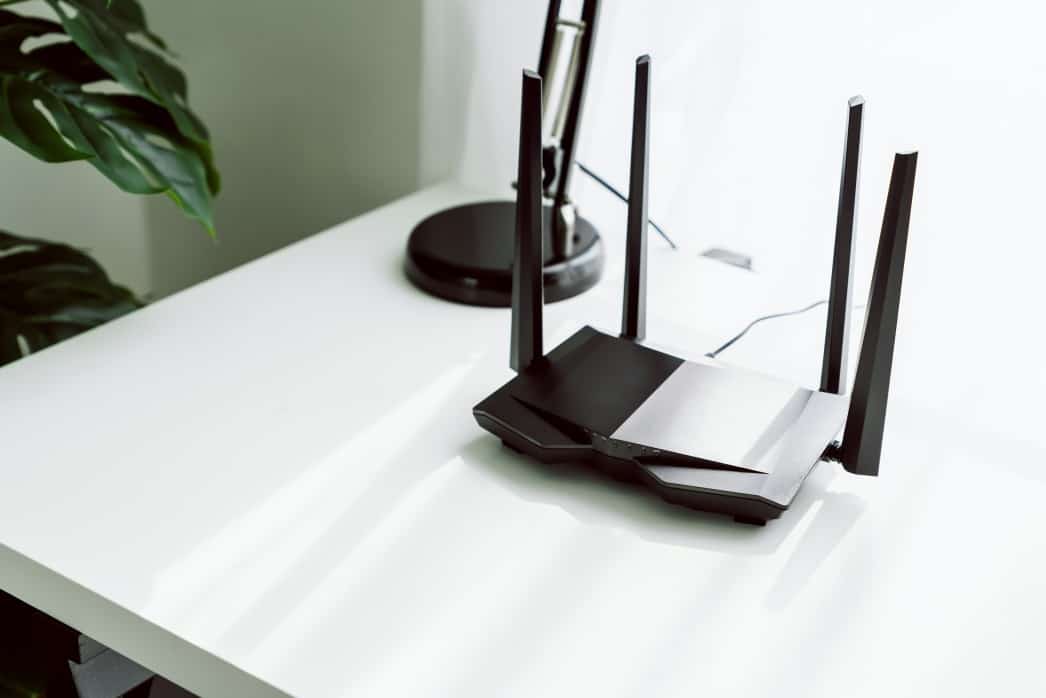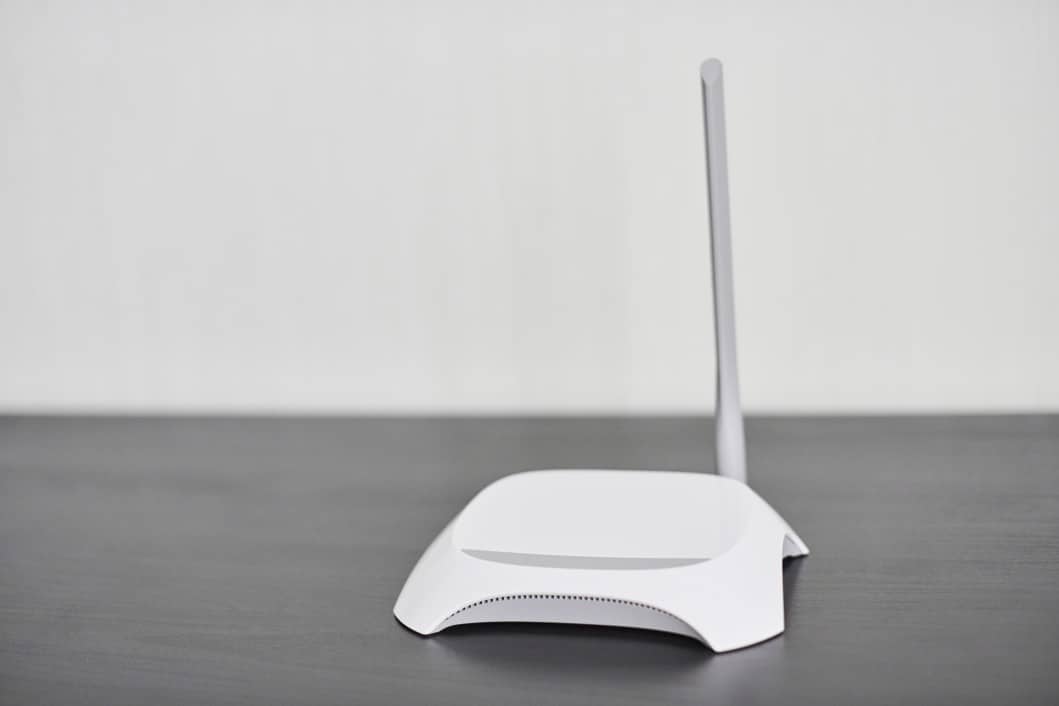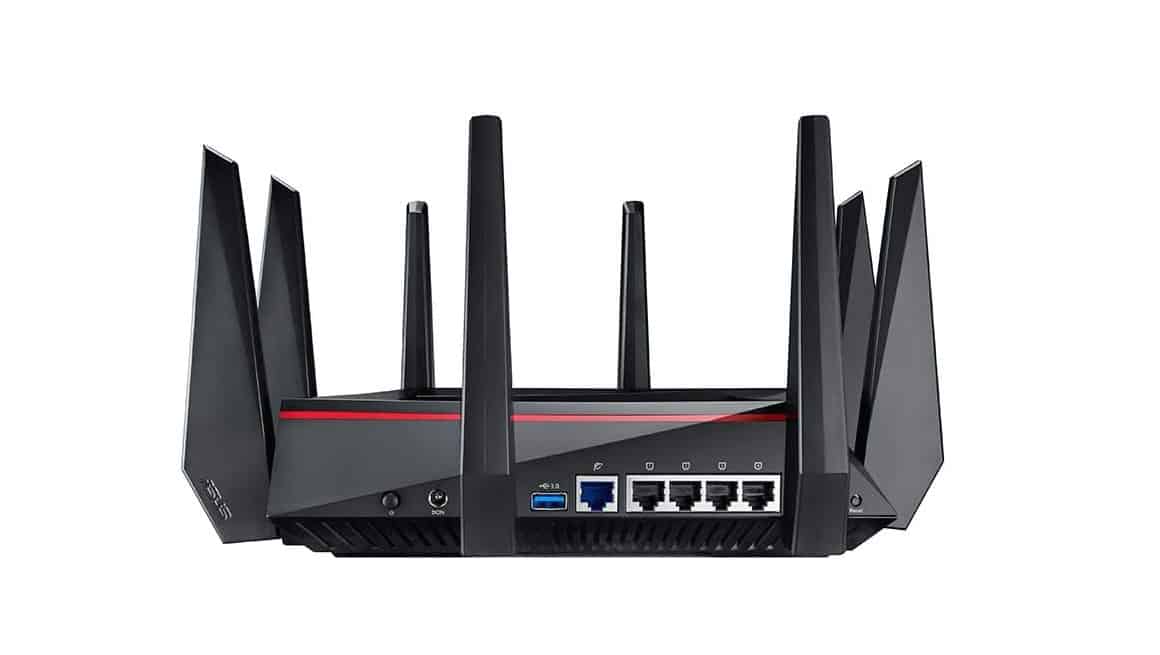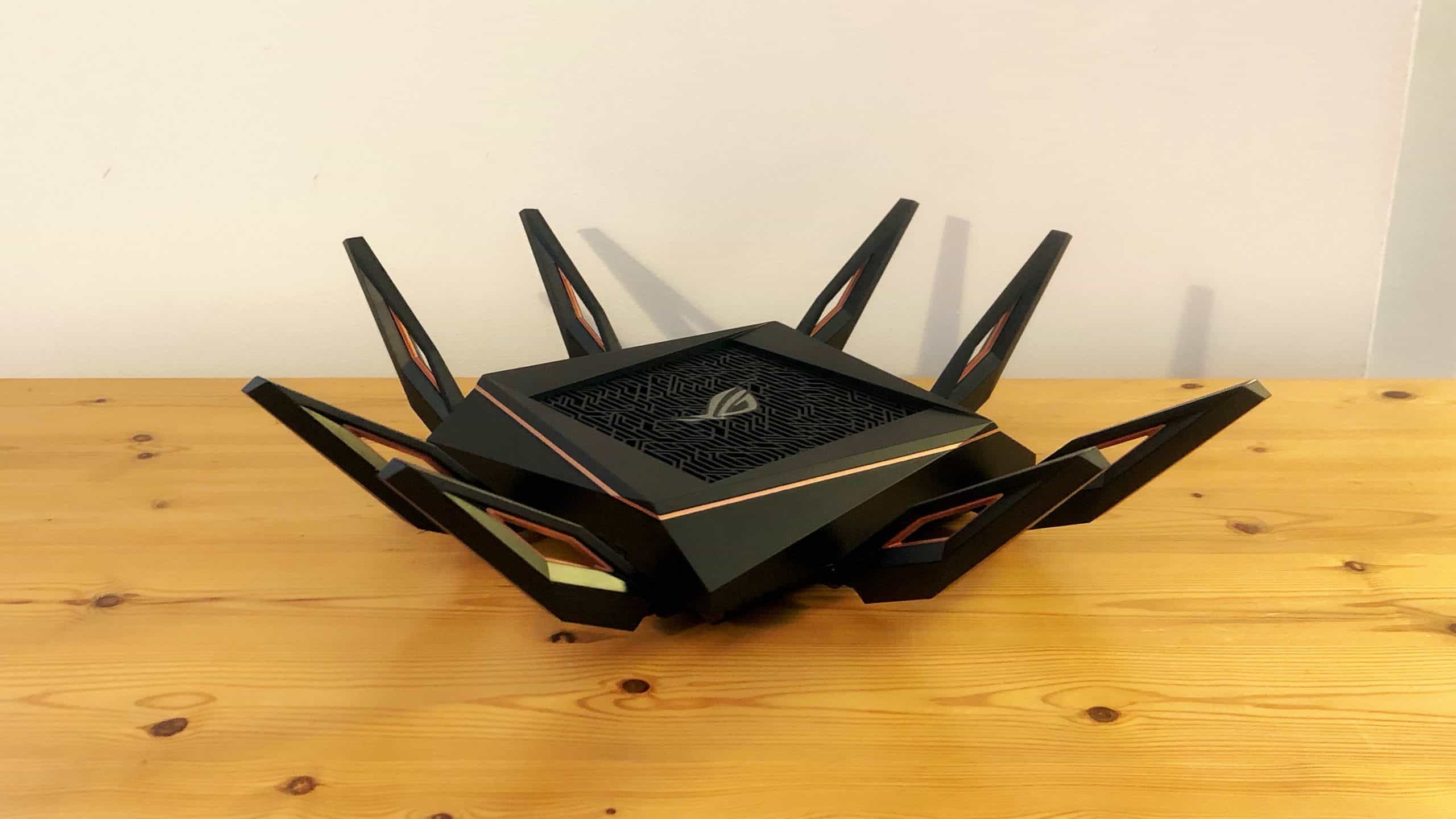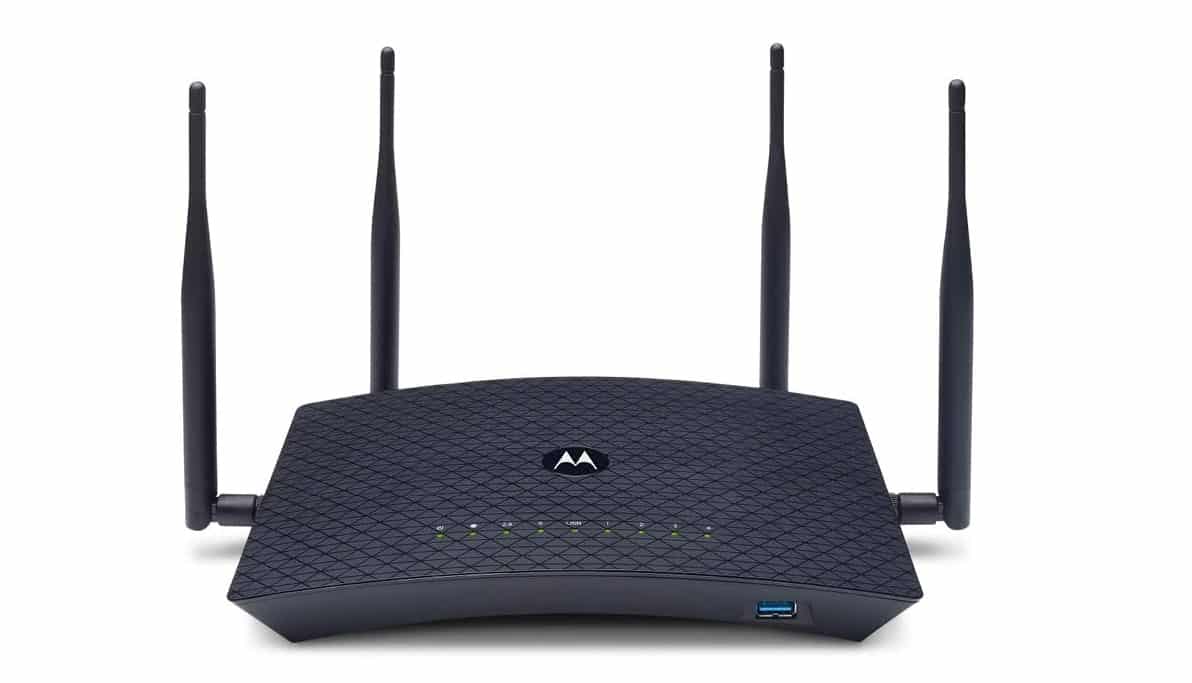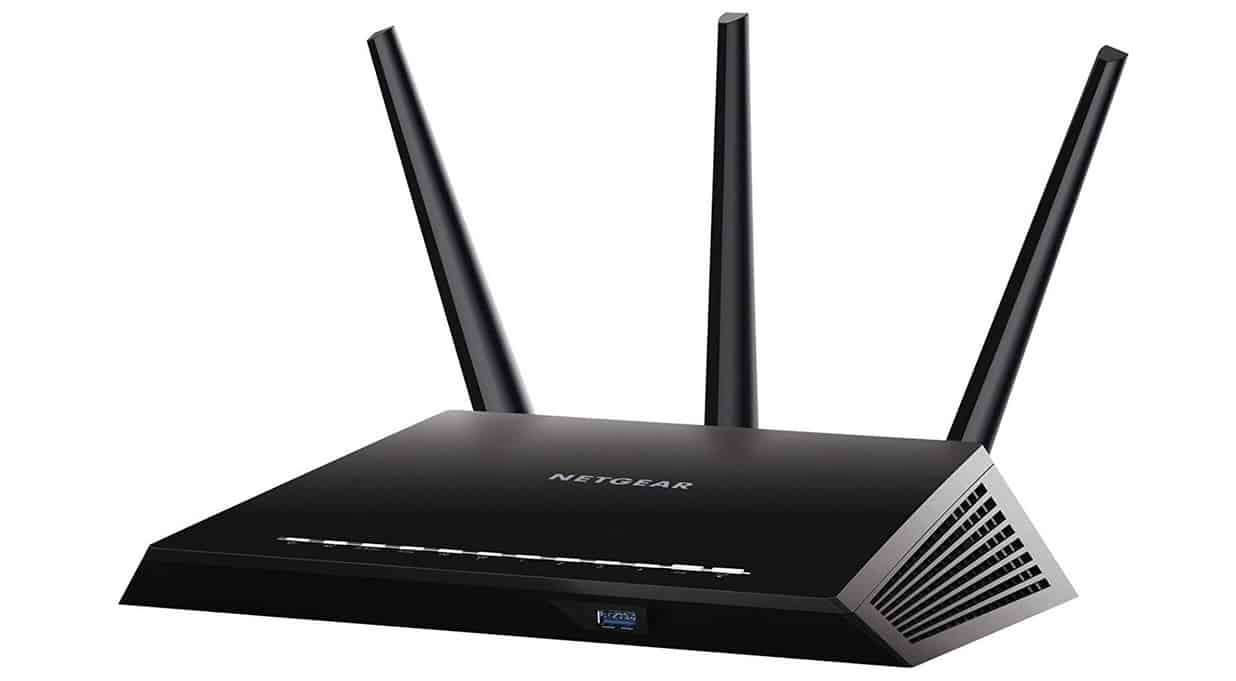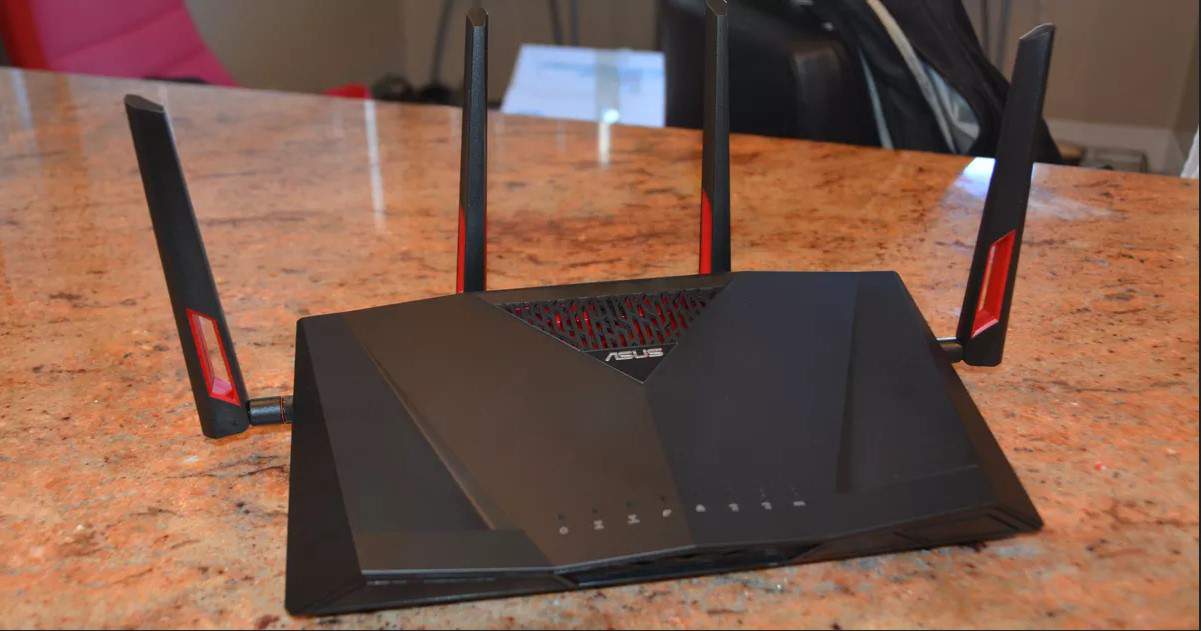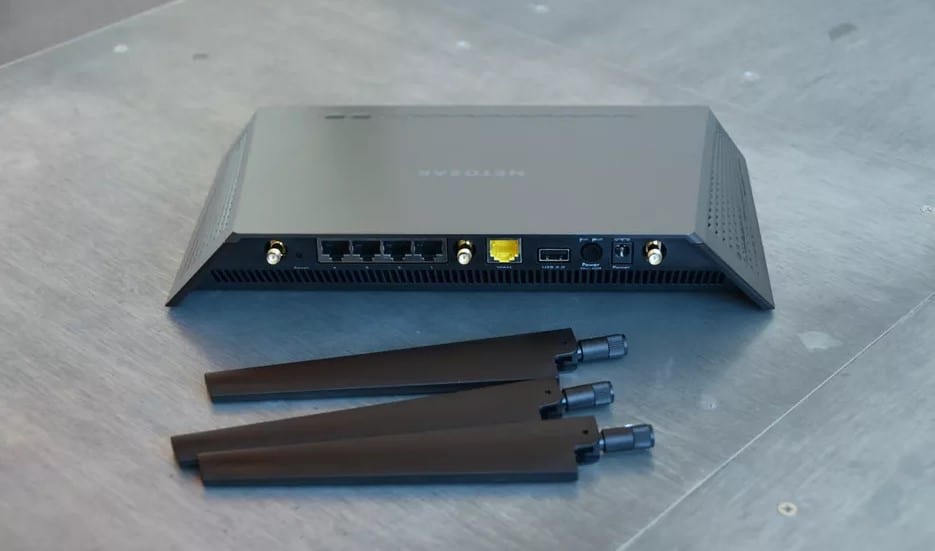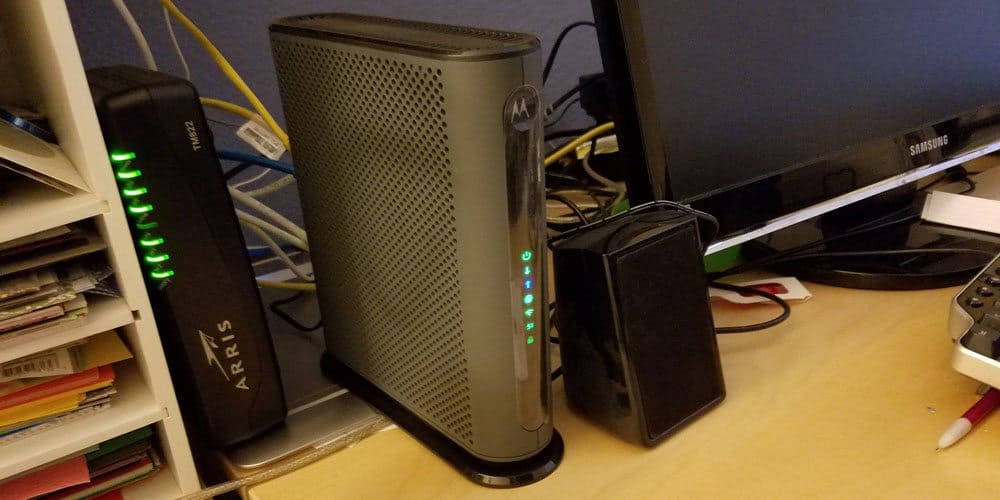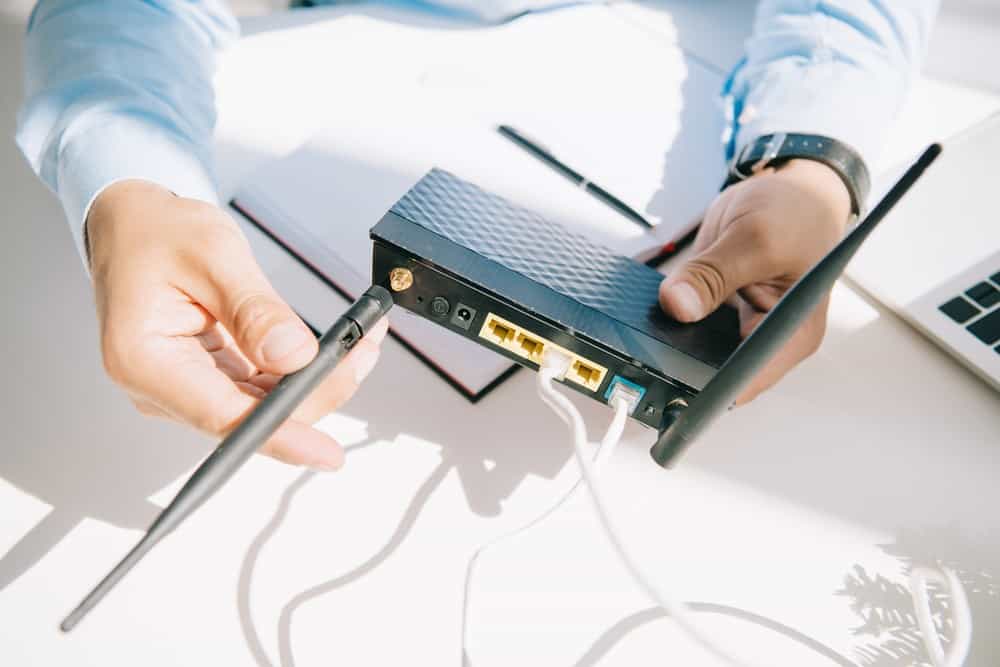

While wireless network interruptions are frustrating, they are usually simple to fix. Even if you have the best router, you can still occasionally run into a hardware issue or software bug. That said, your router resetting should not disrupt your internet connection for very long. In addition, most routes to a reliable connection don’t even require a call to your internet service provider. So, if you’re wondering why does my router keep restarting, read on to get your networking hardware back online.
KEY TAKEAWAYS:
- If your router keeps restarting, ensure the router’s power-port plug is firmly installed in the wall outlet and your device.
- Ensure your ethernet cables are fully inserted into your modem and other connected devices.c
- If you have too many devices using a single band on a dual-band router, your unit may become overloaded.
Why Does My Router Keep Restarting Itself
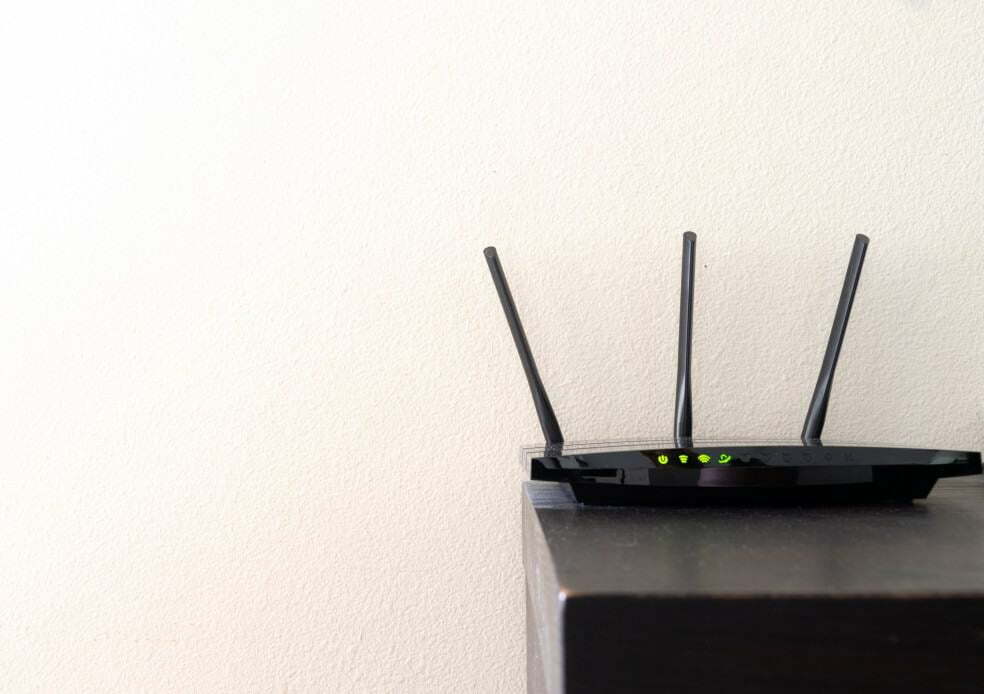
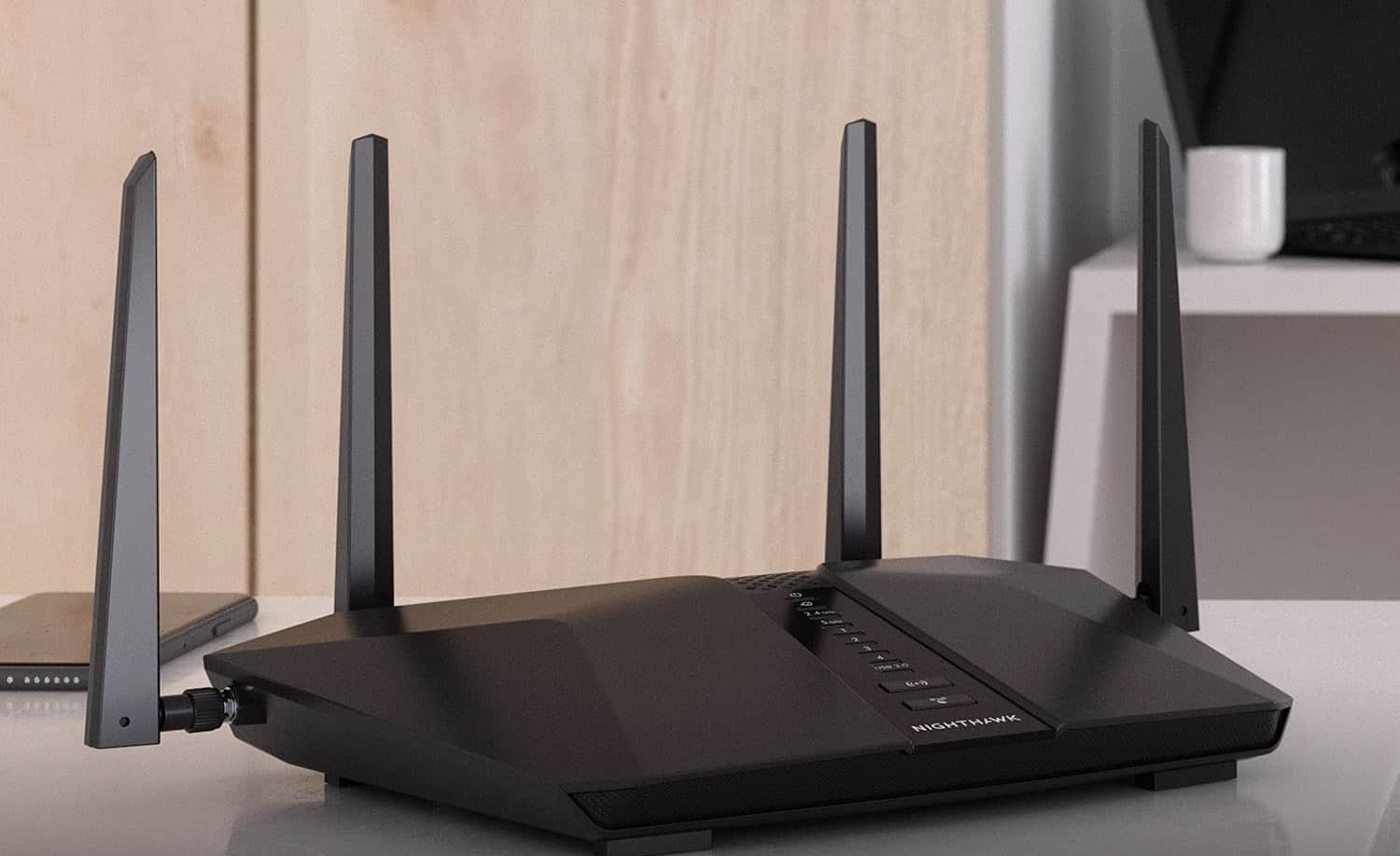
Like your computer, your router uses various hardware components to work correctly. In addition, the router manages your internet speed and provides service to mobile and smart home devices on your network. So, why does my router reset itself? Likely, it has to do with your power supply, but software components and outdated firmware arent’ out of the question.
Insider Tip
Connect smart appliances to your router’s 2GHz band, and leave the 5GHz band for online gaming and streaming HD video.
Before troubleshooting your connected devices, you should review connecting a cable modem to a wireless router. Doing so ensures your cable connections are not to blame for losing your 5G Wi-Fi router uptime.
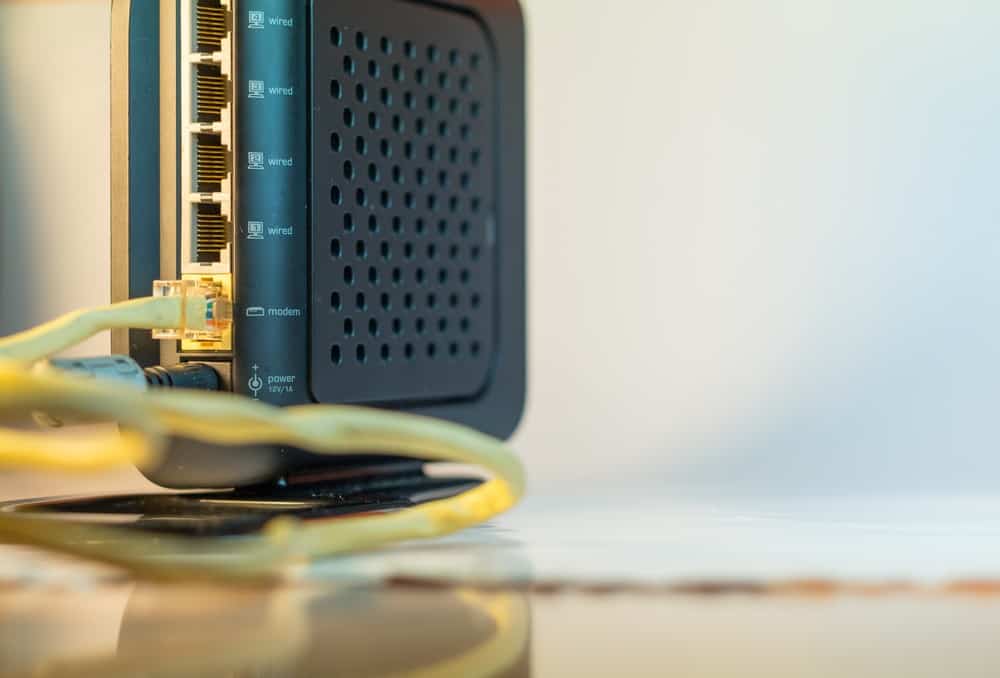
Loose Power Connection
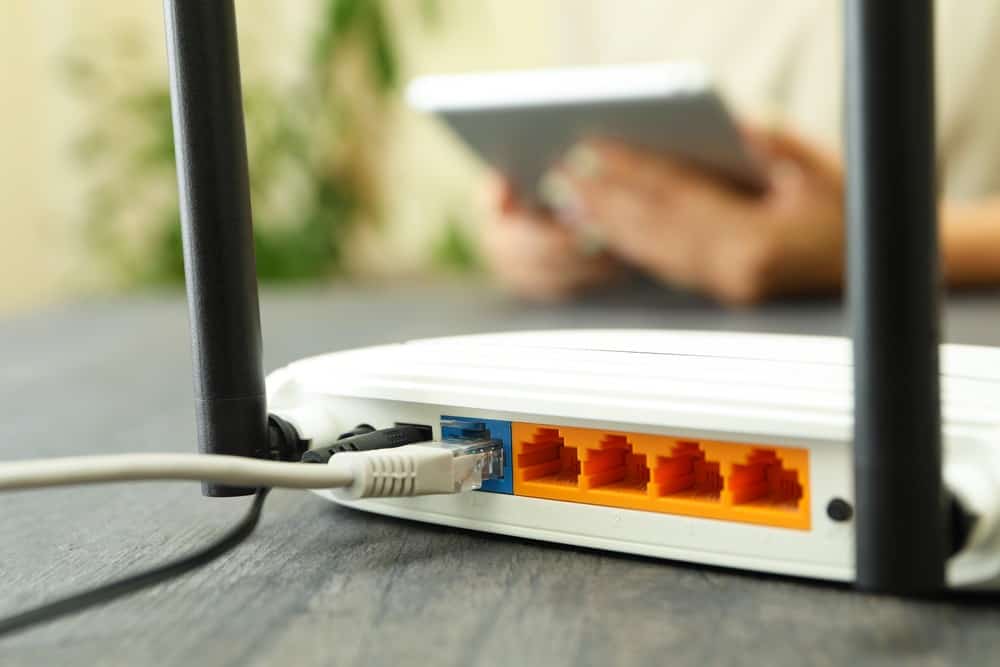
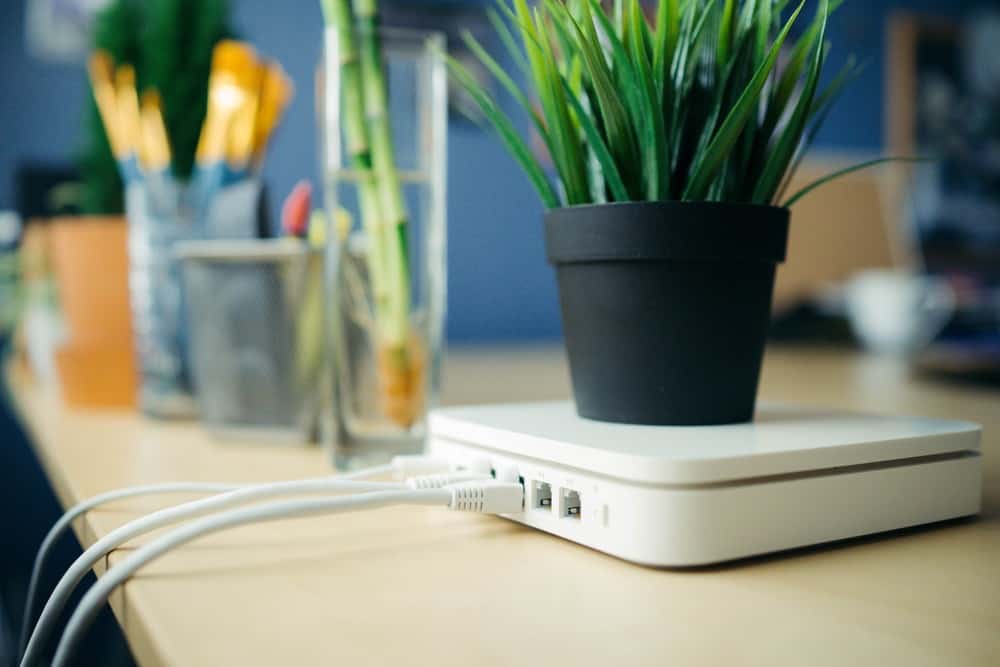
Your router needs an uninterrupted power supply if you want consistent internet. Ensure your power plug is firmly plugged in at both the wall and your router’s power port. If your power connector is unplugged or ajar in the outlet, you may experience service interruptions.
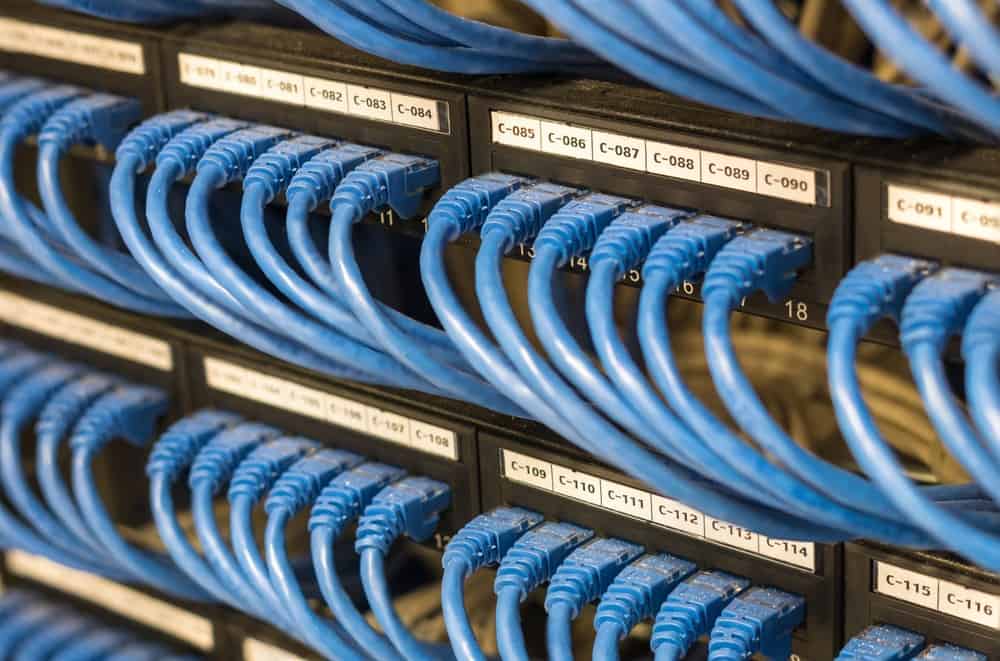
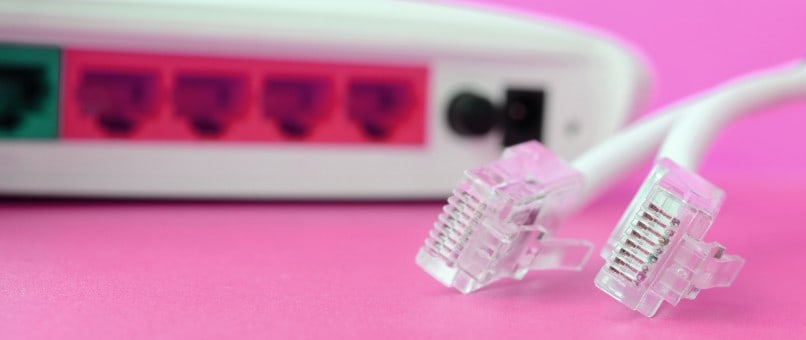
Loose Ethernet Connection
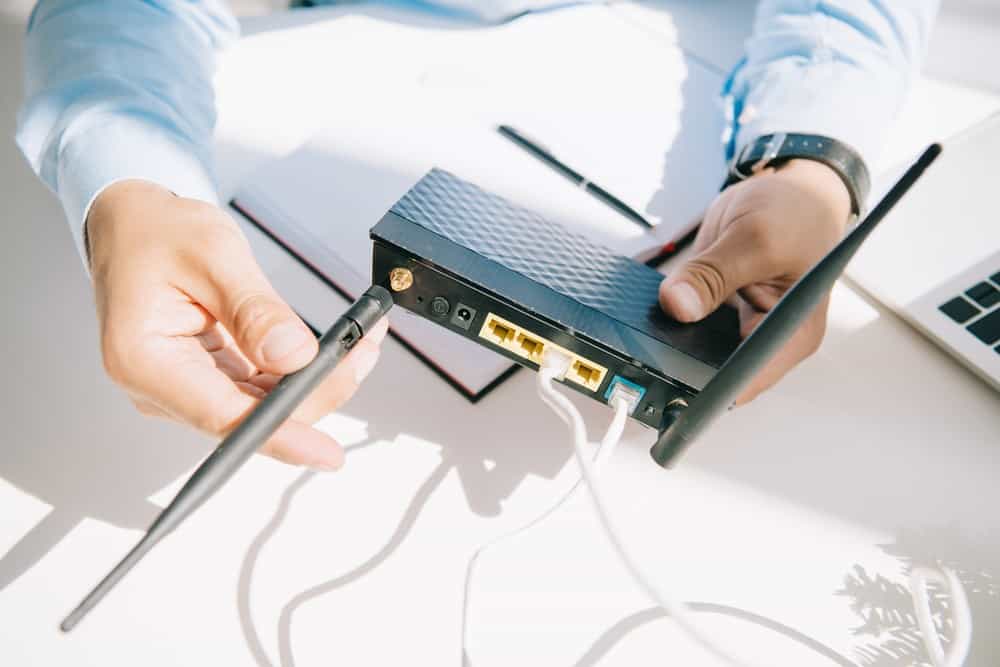
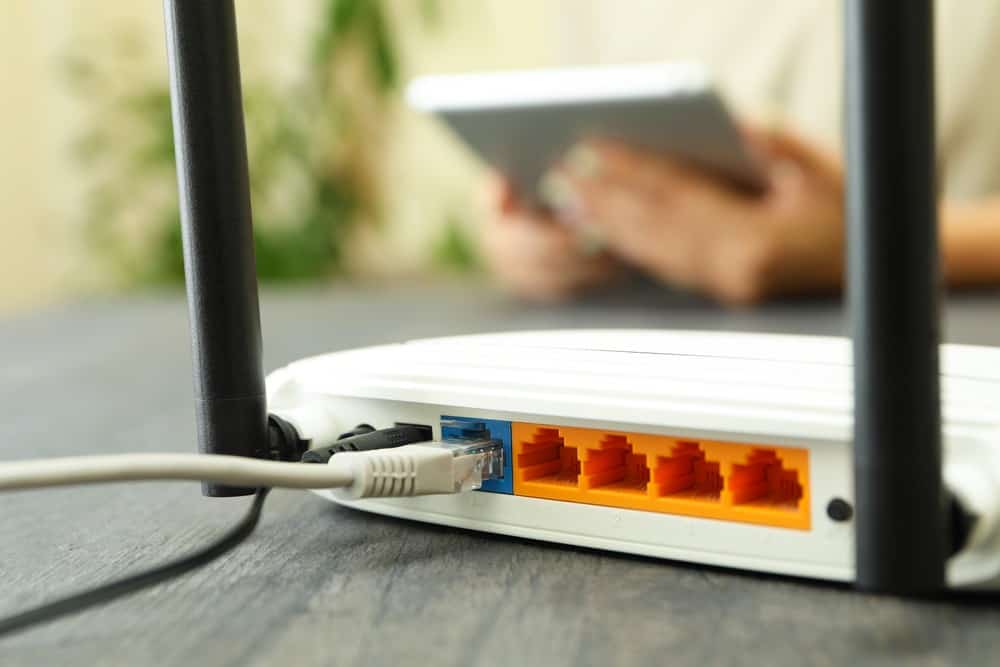
If your ethernet cable isn’t properly connected, your internet signal will be weak. So, check all your connections. If you know how to connect a router and a network switch, you should also double-check those ethernet connections.
You Need a Firmware Update
If you’ve had the same router for years and it is still on the stock firmware, you need to update it. Over time, router and modem manufacturers push updates that affect your network security, internet speed, and software stability.
Your Home’s Wi-Fi Router is Overloaded
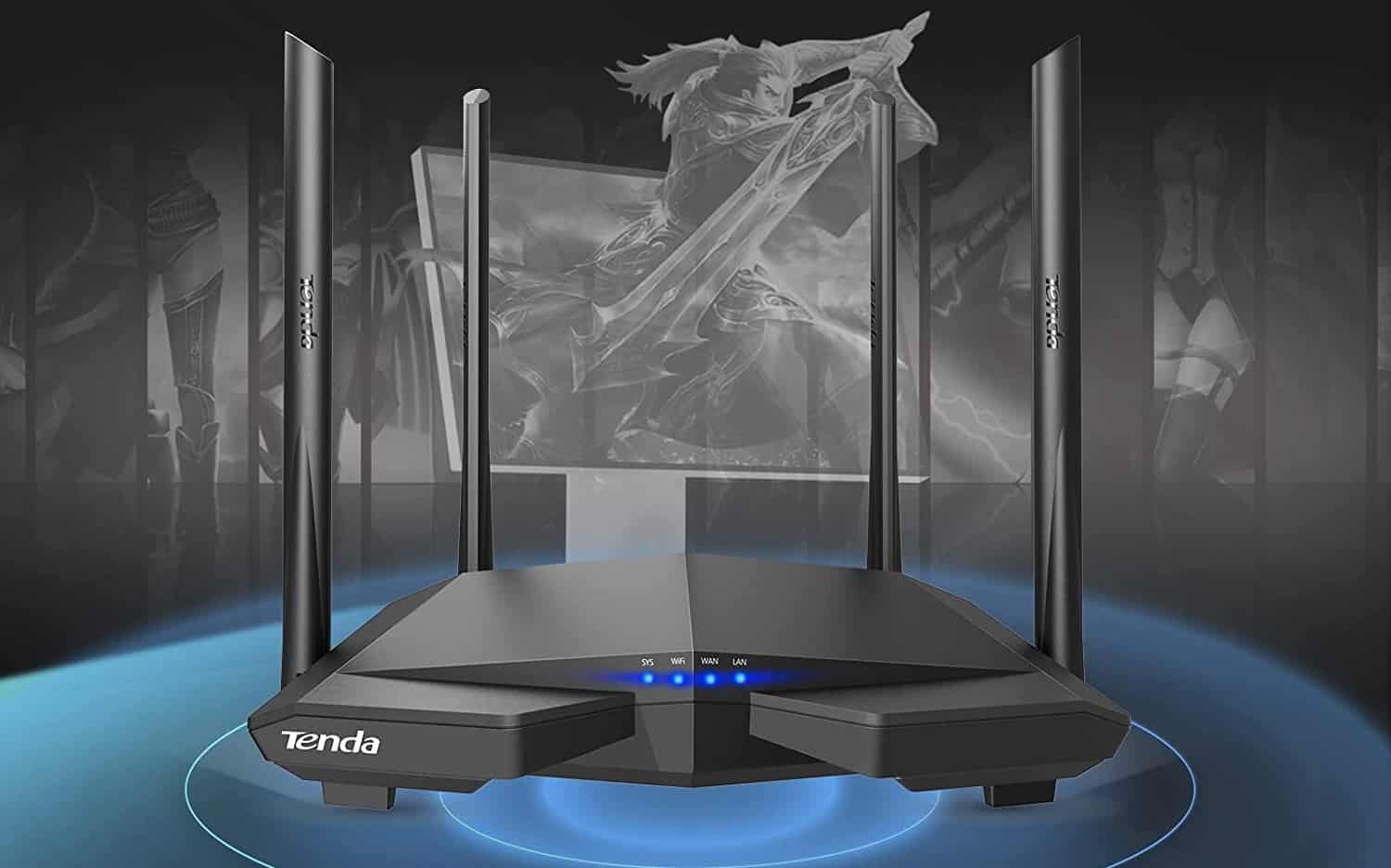
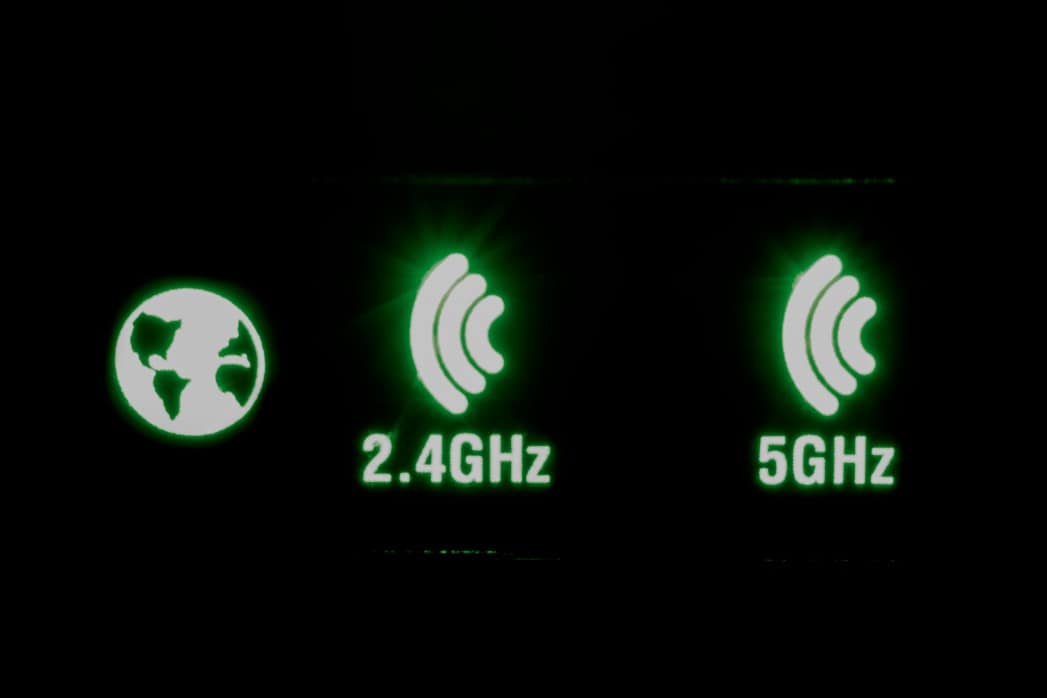
Do not connect too many devices to a single router band. For example, only place specific devices on each frequency if you have a 2.4GHz band and a 5GHz band. If not, one frequency will become overloaded, causing service interruptions.
Warning
Ensure that your router is clean from dirt, dust, or animal hair. Just like other devices, routers can overheat without proper ventilation
F.A.Q.S
How often should you reboot your router?
Over time, your router will develop software issues in the system cache. That said, most bugs will only slow down the 2.4 or 5GHz band to your mobile devices. You can power cycle your router by unplugging the power cable or pressing the reset button.
Do you really need to wait 10 seconds?
Most devices have reliable power for several seconds after removing the power adapter. You should wait until the power light on your router turns off before reconnecting it to the power outlet.
What is a modem-router combination?
A modem router combo is a device that combines the functionality of a router and modem in a single device. Most internet providers supply this type of modem when you sign up for certain service levels.
STAT: According to the United States Census Office, 85% of Americans had broadband internet service in 2018. (source)