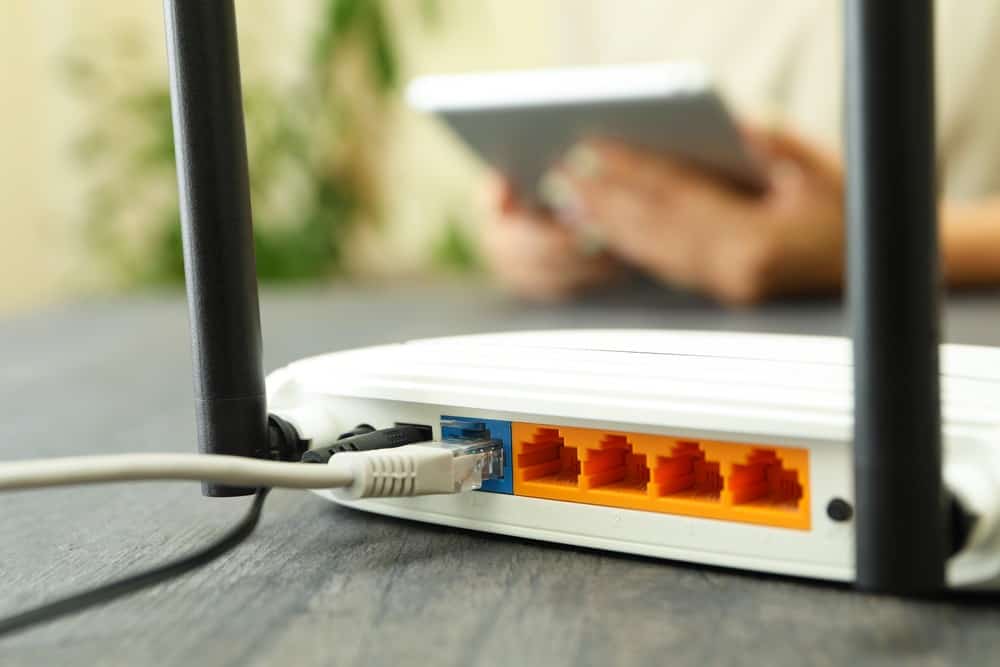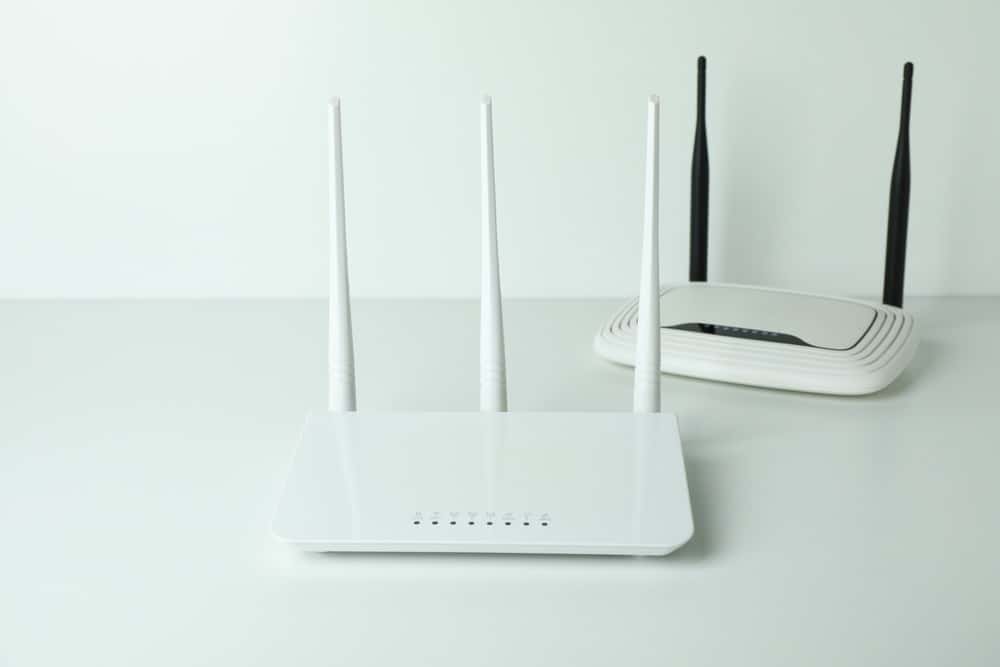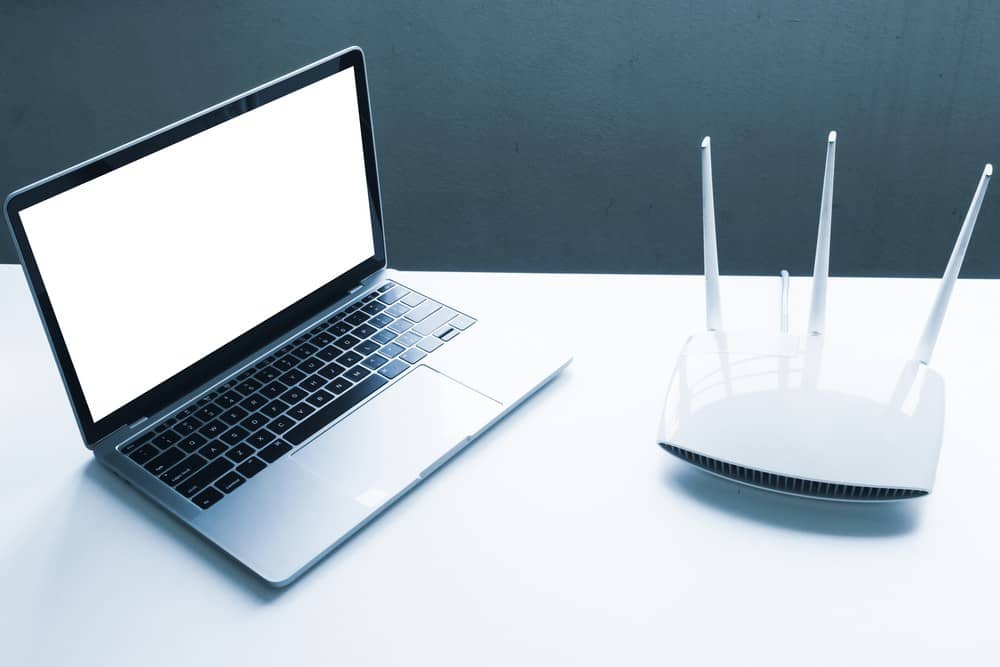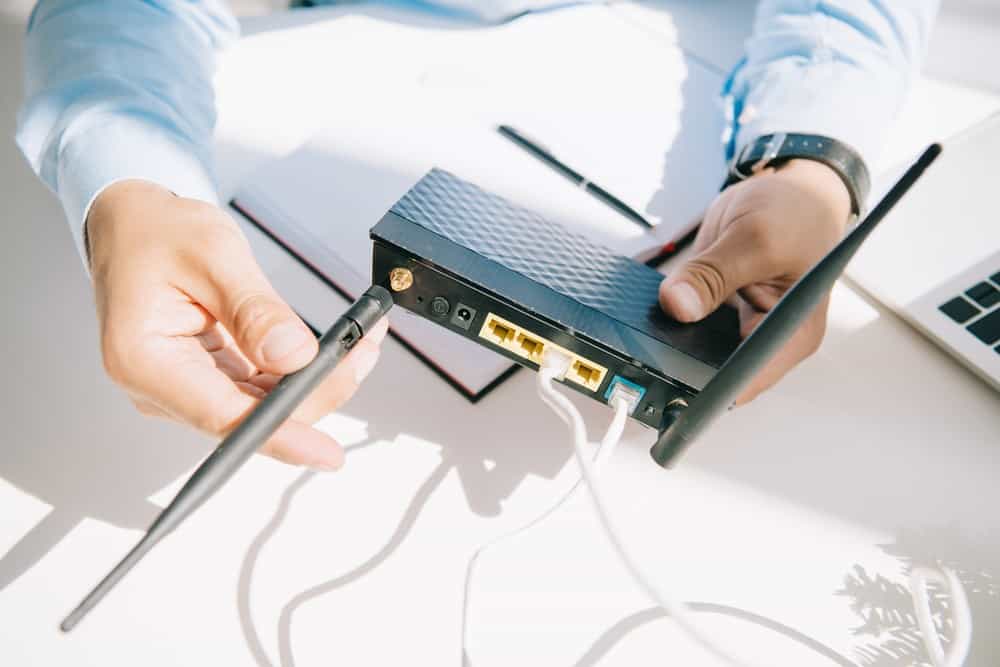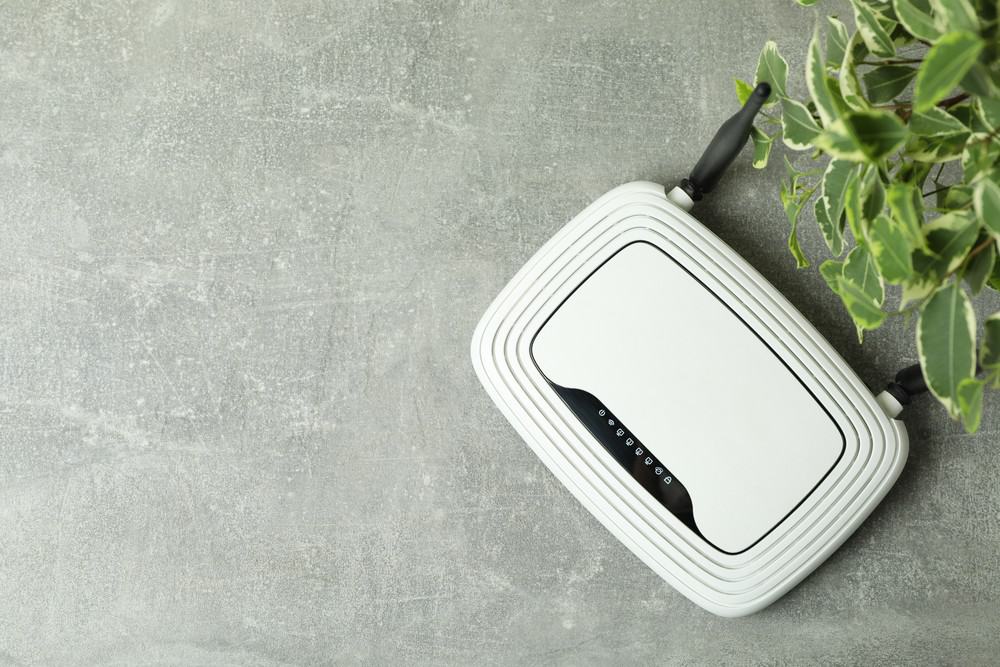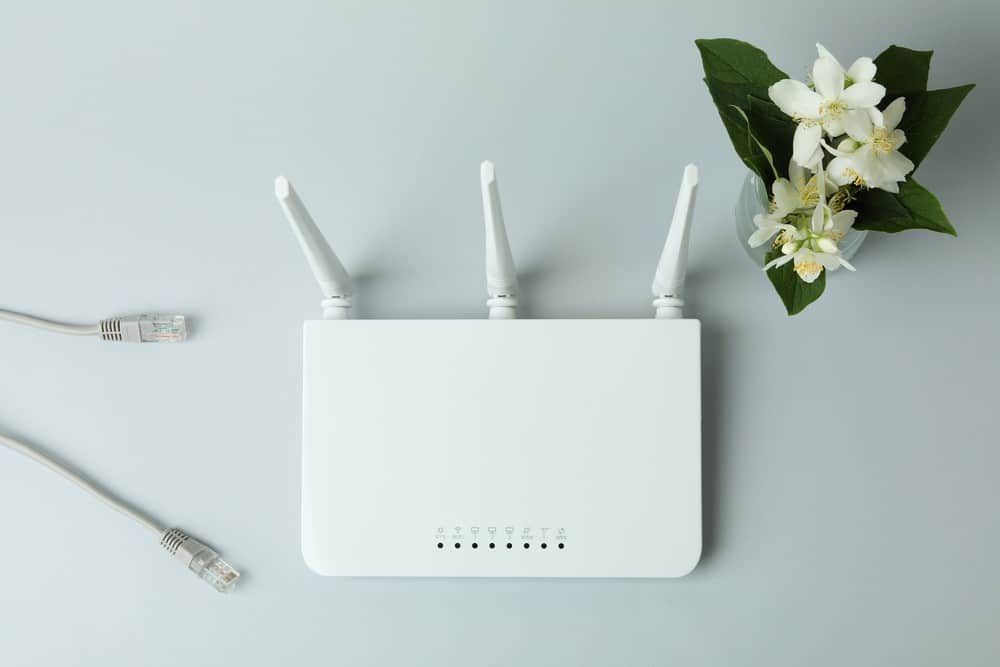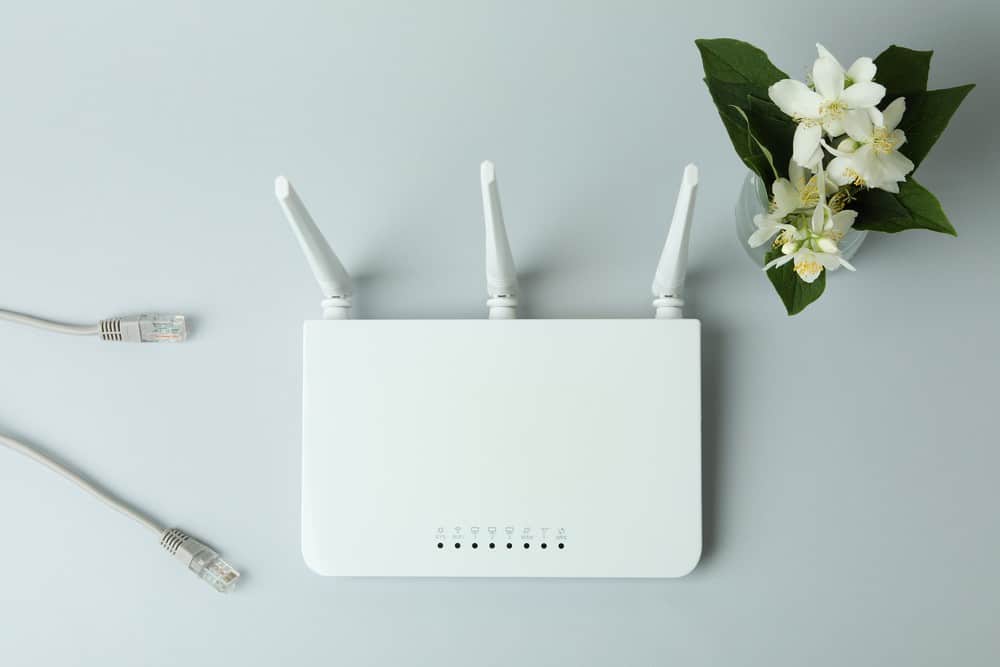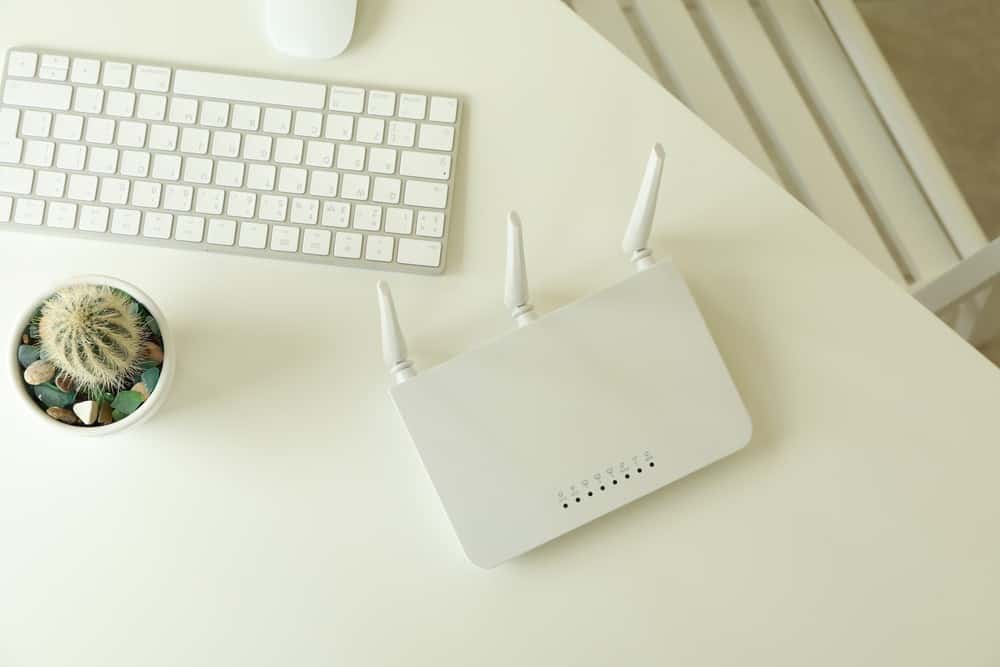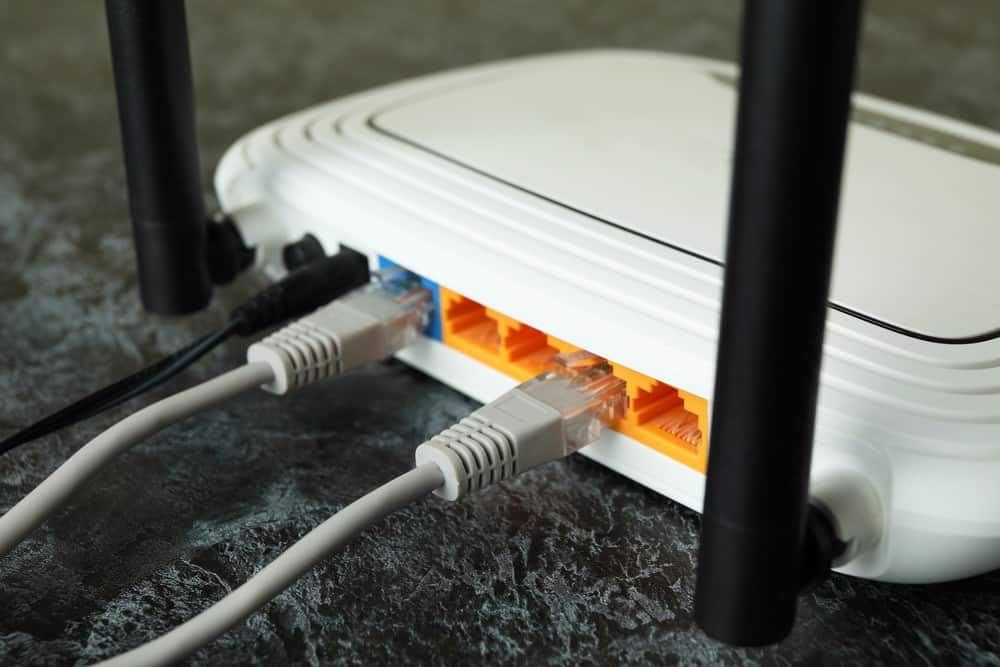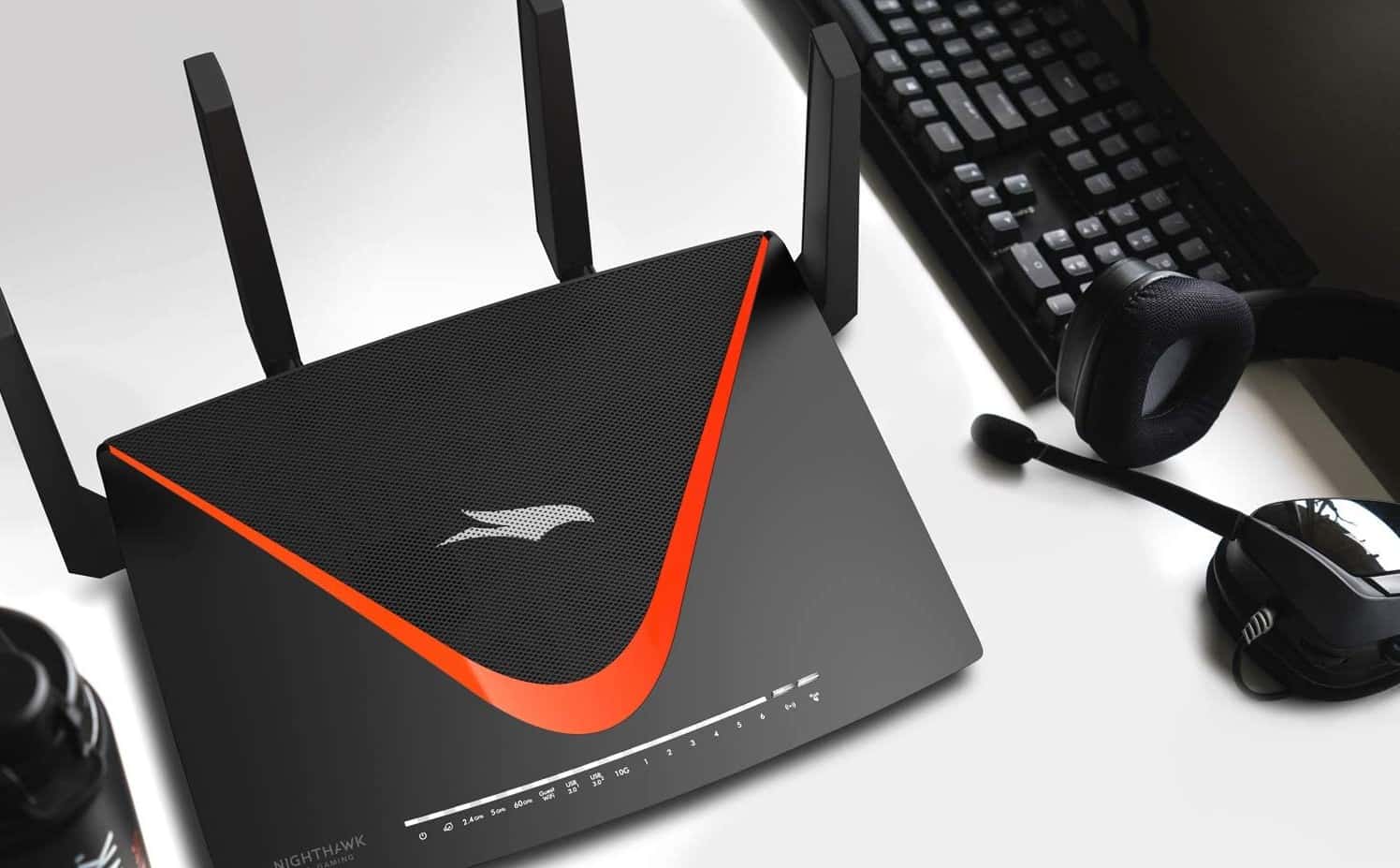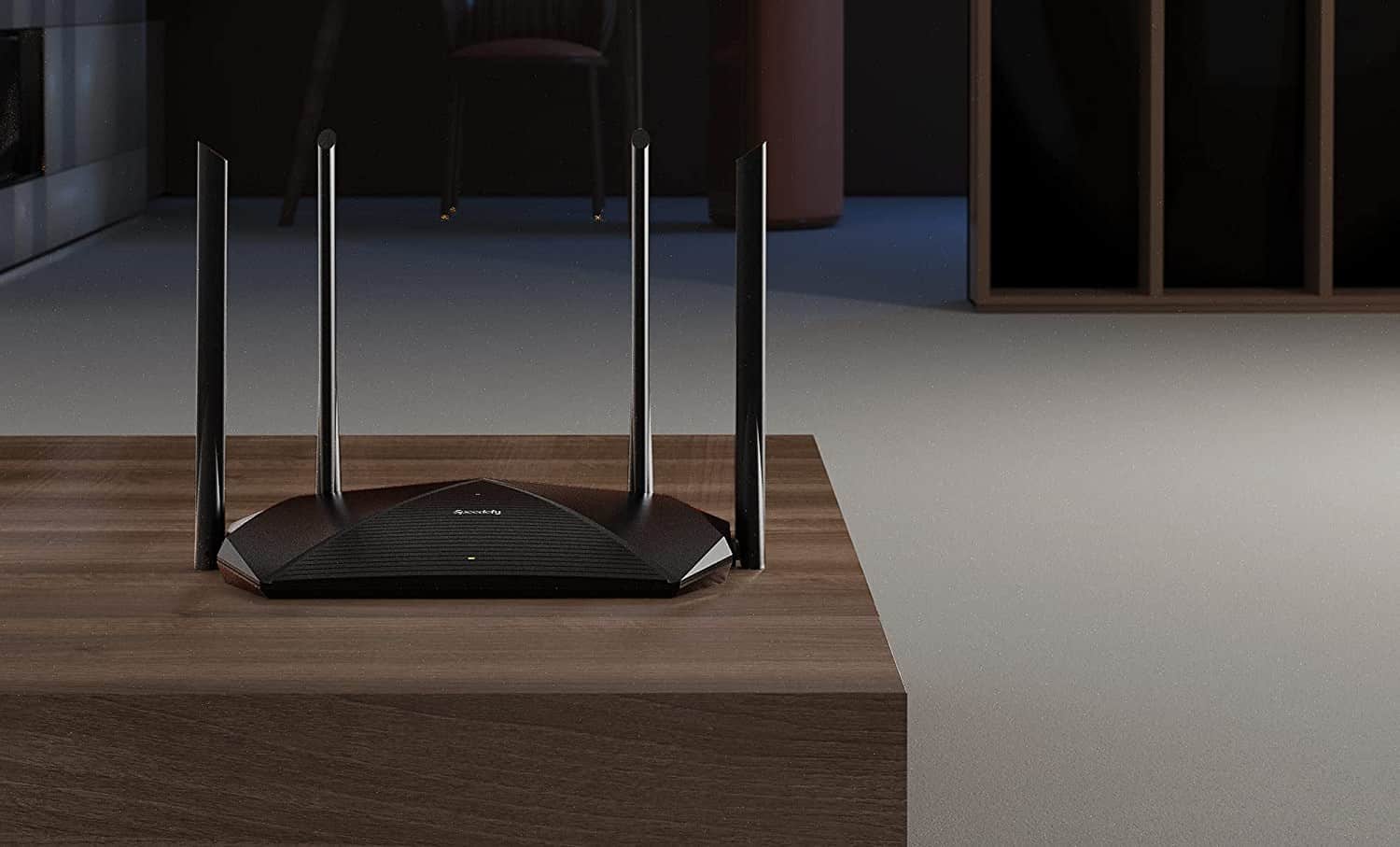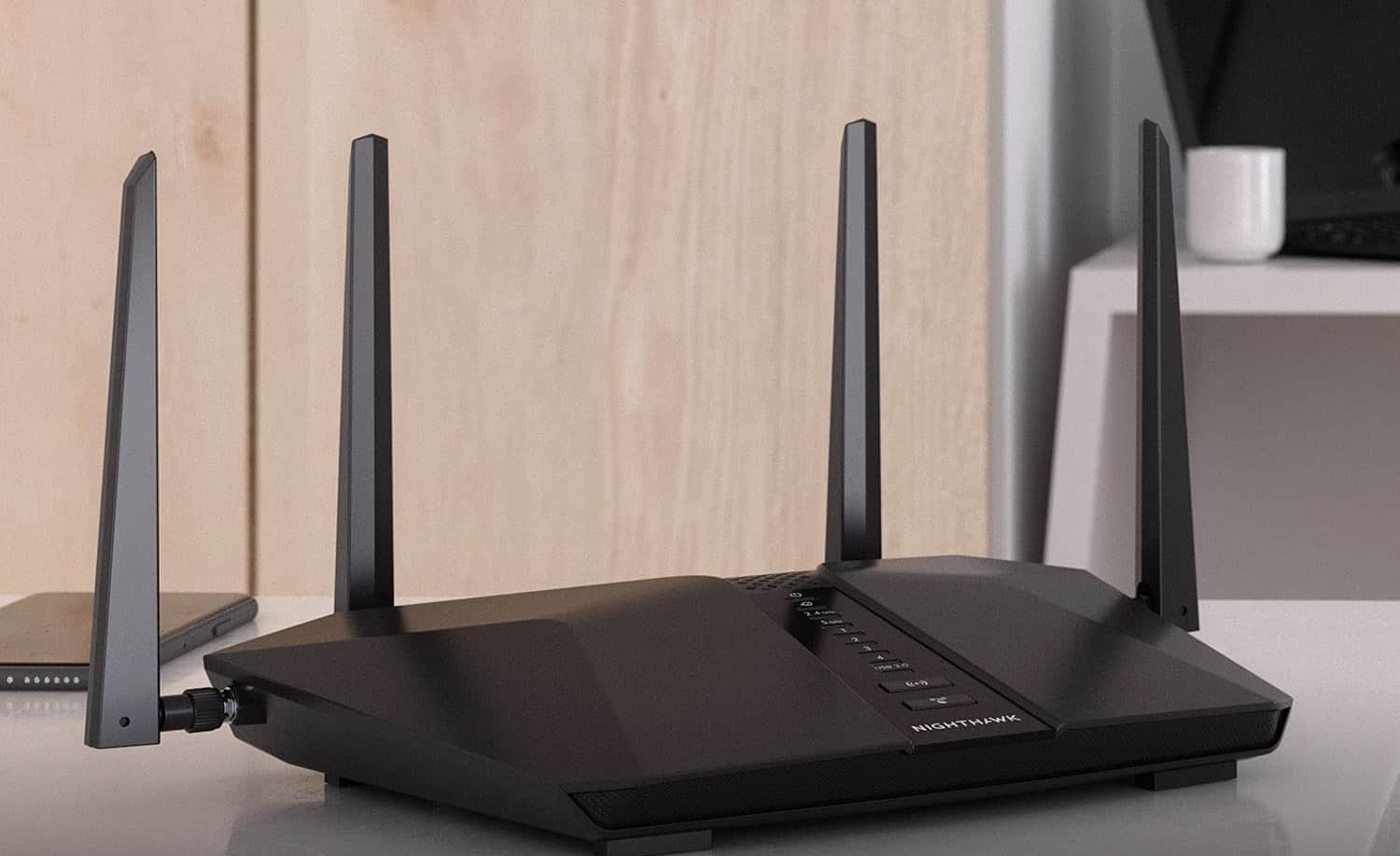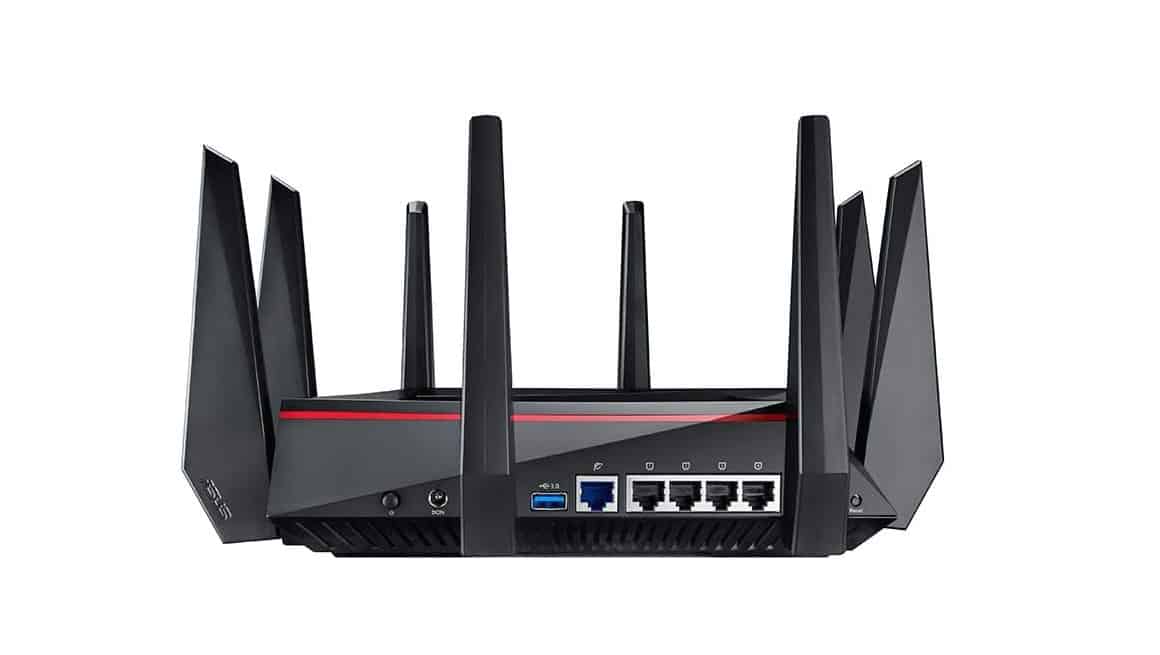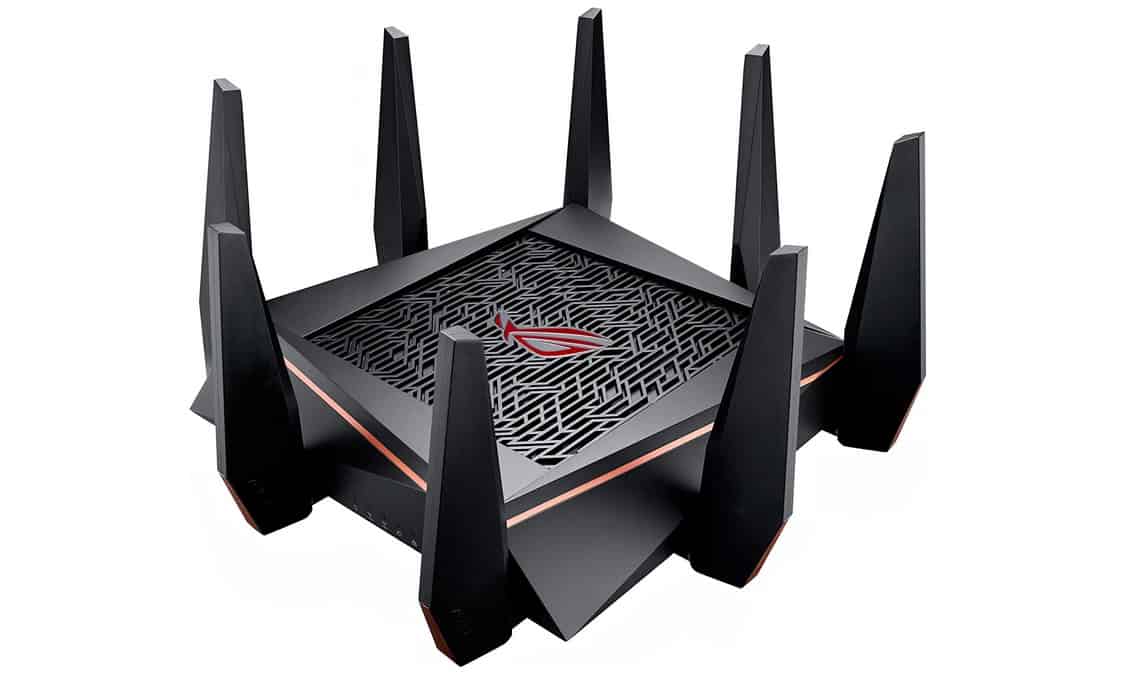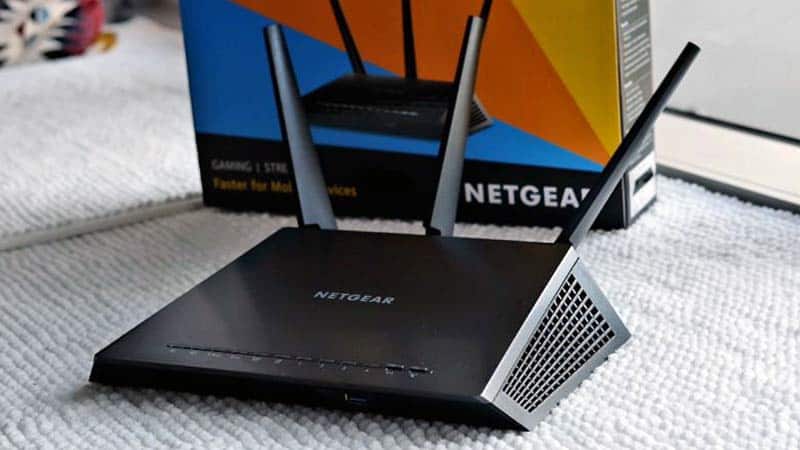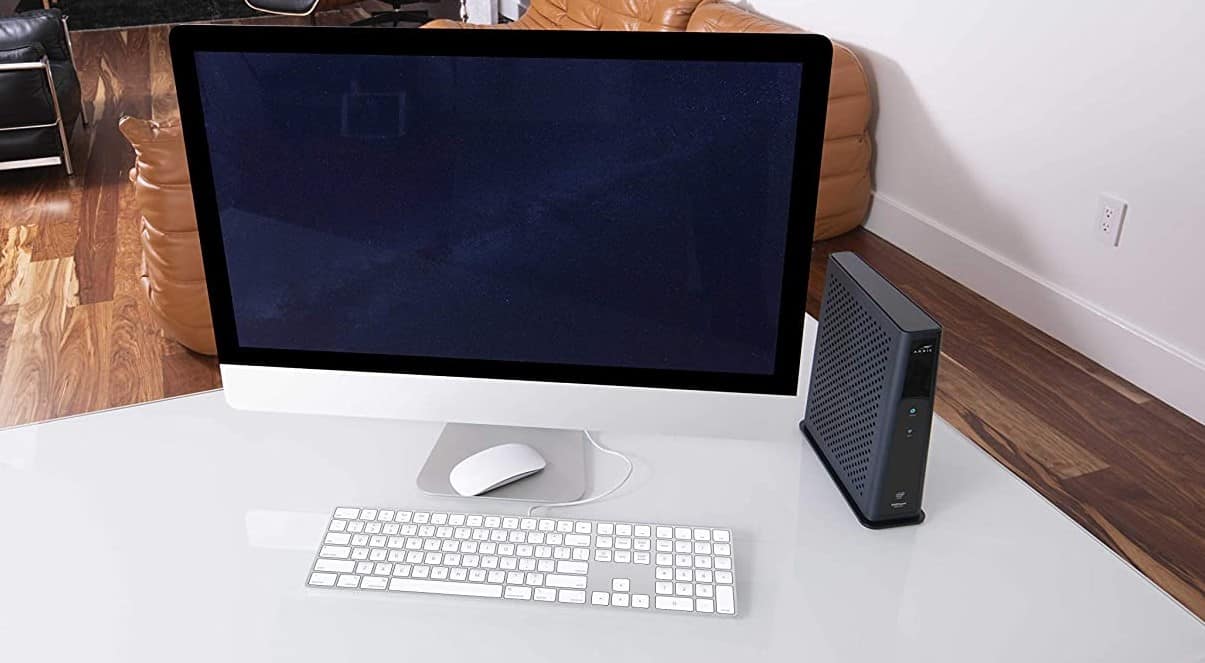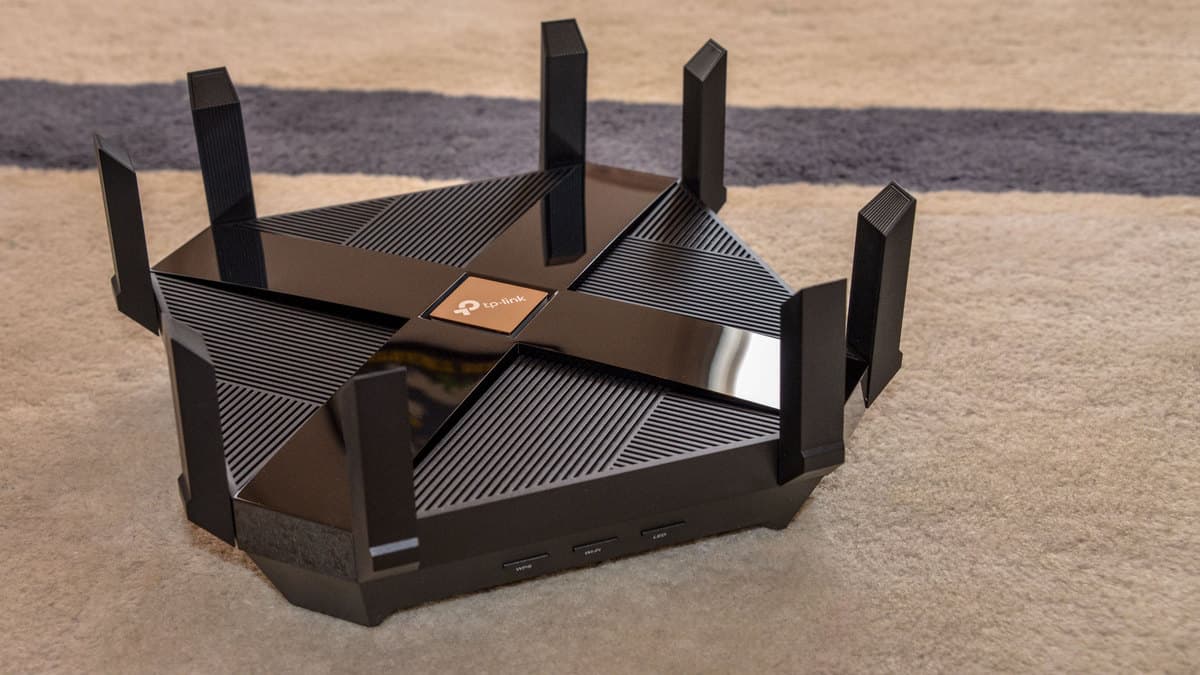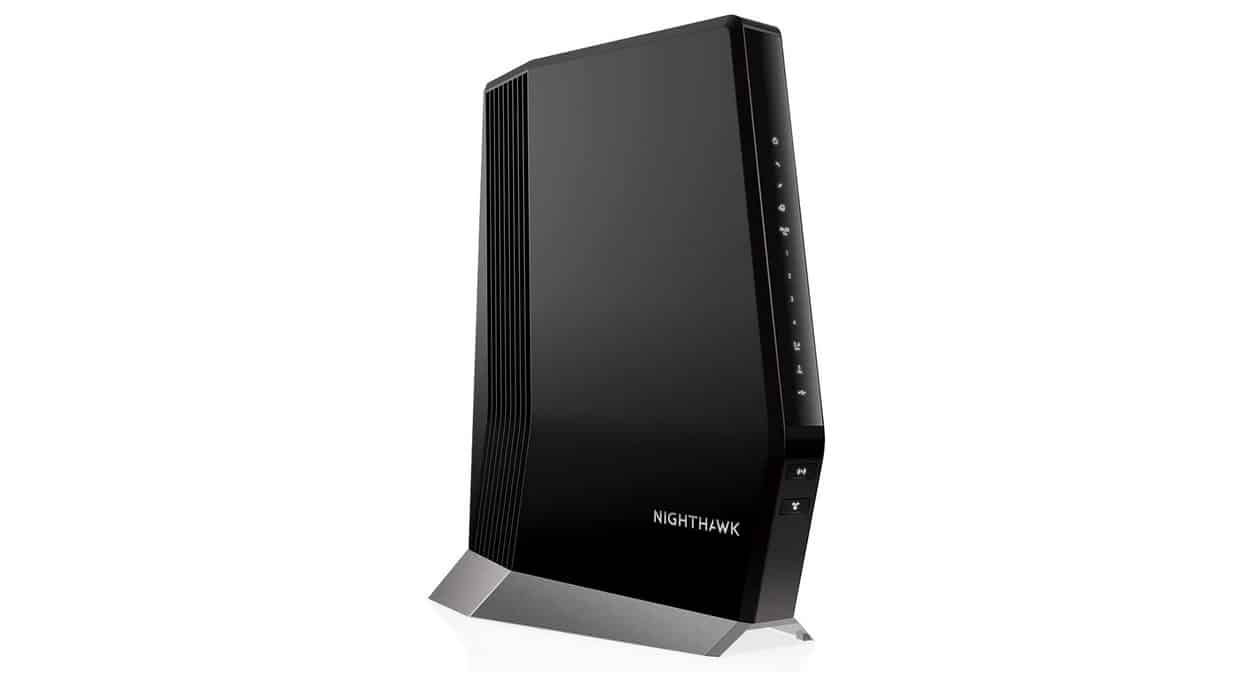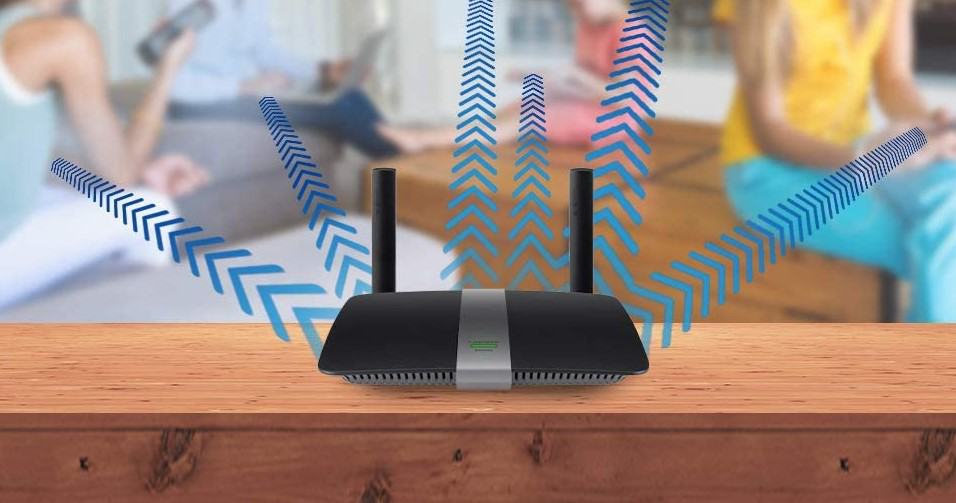

If are setting up a new network in the home or office, you may wonder how to position antennas on a wireless router. The best routers, after all, need to be placed correctly to maximize coverage range and overall useability. Keep reading to learn about the various best practices to consider when positioning router antennas.
KEY TAKEAWAYS:
- Router antenna placement can make all the difference when it comes to overall Wi-Fi signal strength and wireless coverage.
- Keep router external antennas pointed away from walls or certain appliances, such as microwaves, radios that emit radio waves, metal objects, and baby monitors.
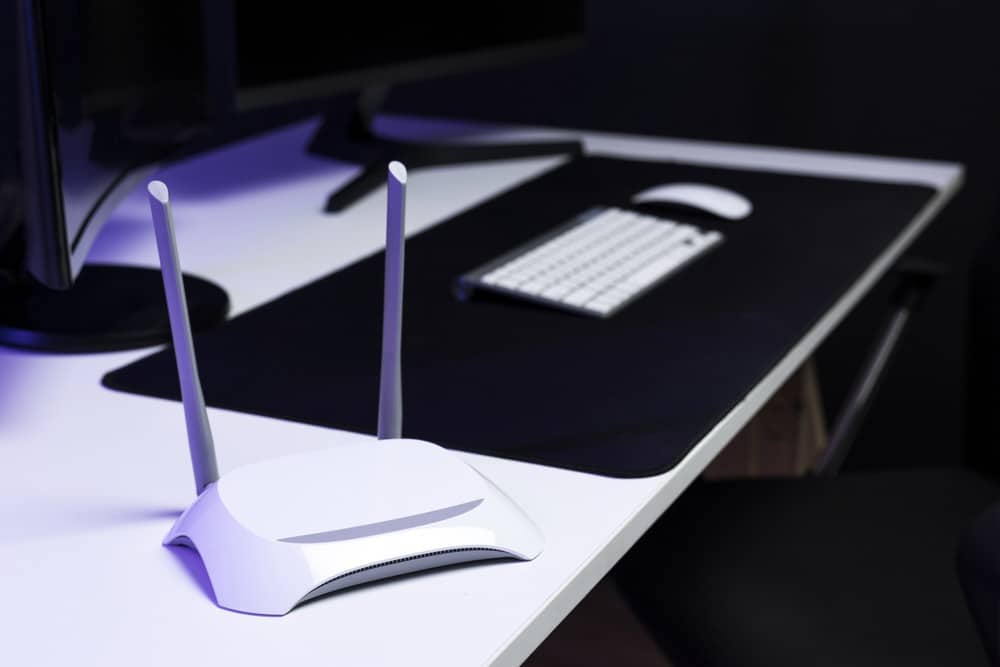
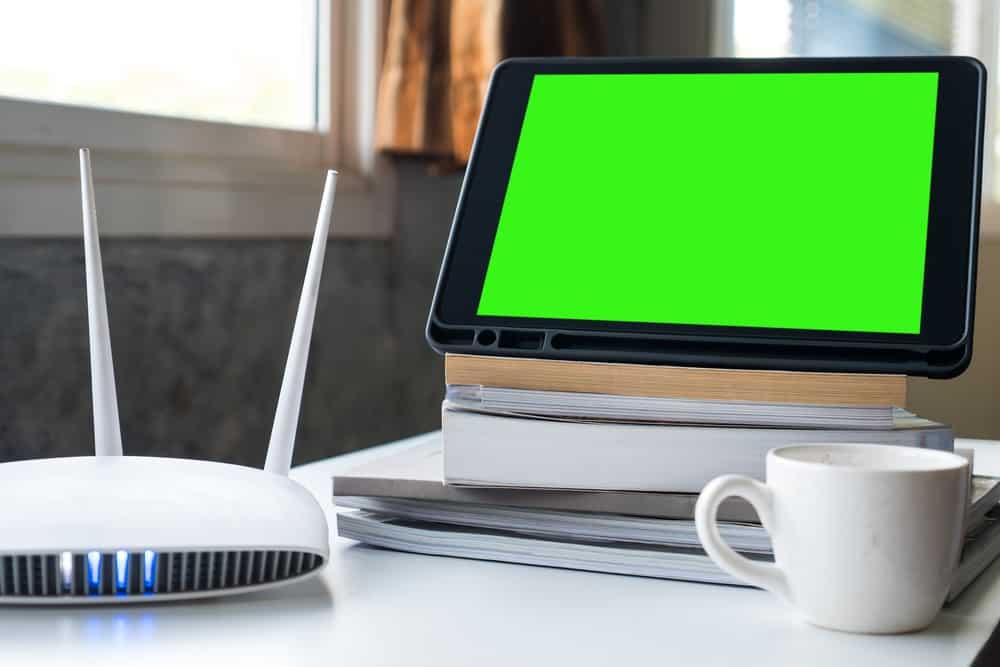
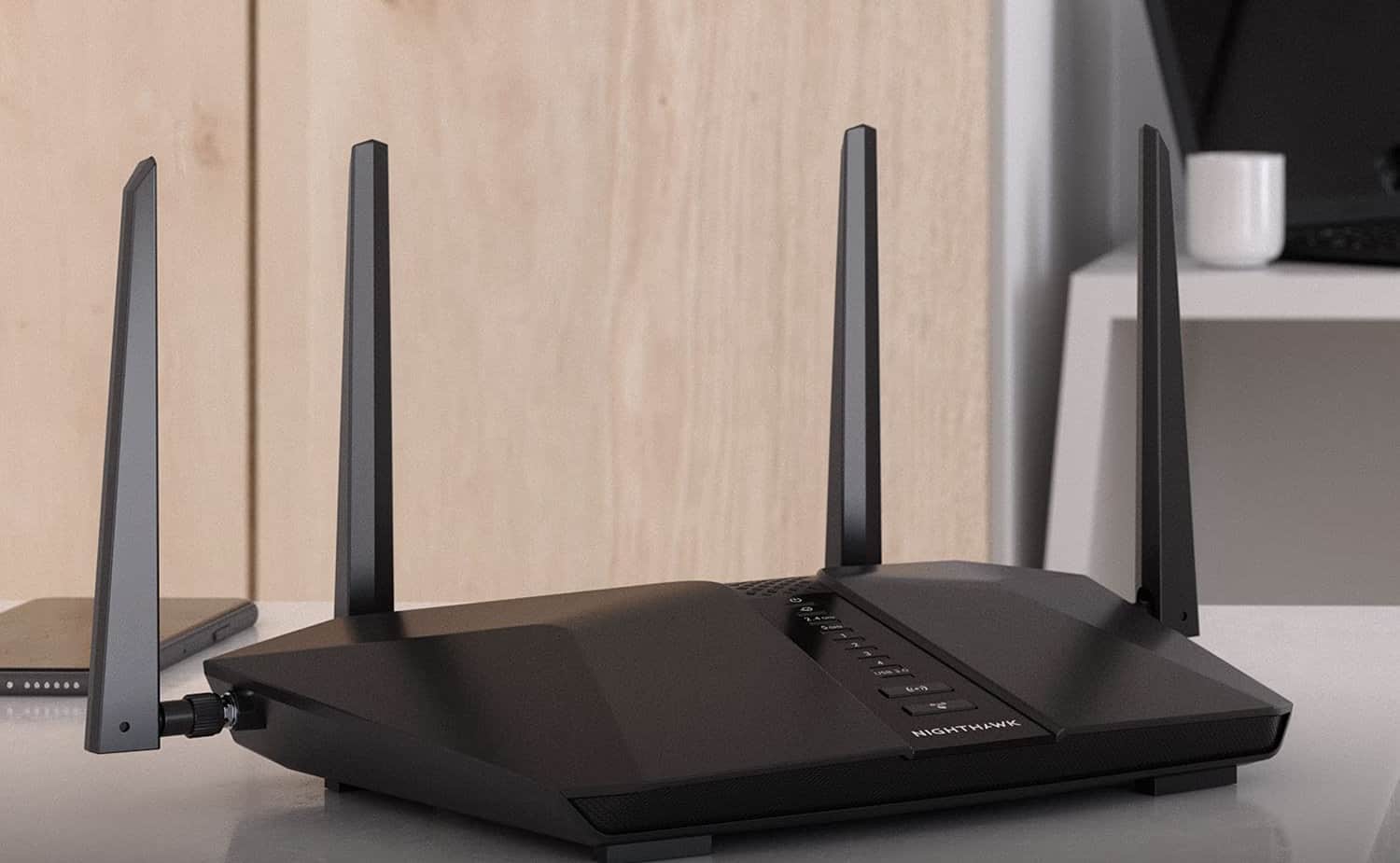
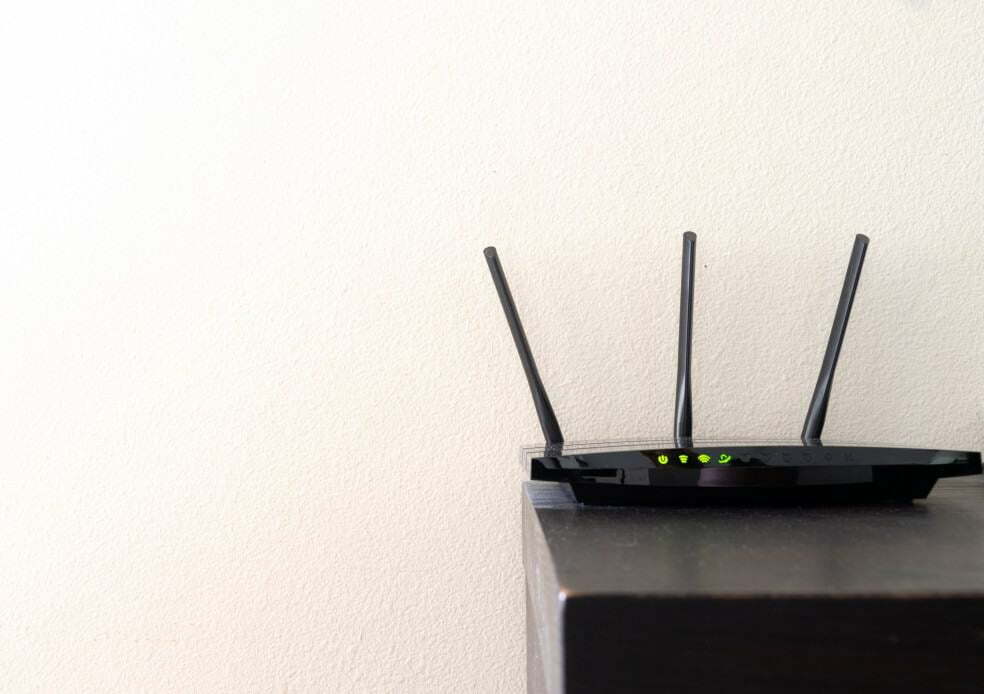
- In most cases, point the Wi-Fi router’s external antennas up, as a vertical antenna tends to emit a wireless signal horizontally.
How to Aim Router Antennas
Every home is different, as is every router WiFi antenna. In other words, there is no universal way to arrange your router antennas for maximized coverage, similar to when learning how to check what ports are open on a router. However, there are some universally accepted tips to consider when placing your router and its various antennas.
Insider Tip
Once you are on this settings page, try other adjustments to see what they do. You can always perform a factory reset later.
Method 1 – Keep Away From Walls
Wireless signals don’t do well with large walls, depending on the materials used to construct these walls. Just to be safe, keep the antennas pointed away from walls unless absolutely necessary. The same is also said for the router itself, though not every home shape allows for that. Walls interrupt the signal, leading you to learn how to set up a 5GHz router if your 2.4GHz model can’t cut it.
Method 2 – Opt for Skyward
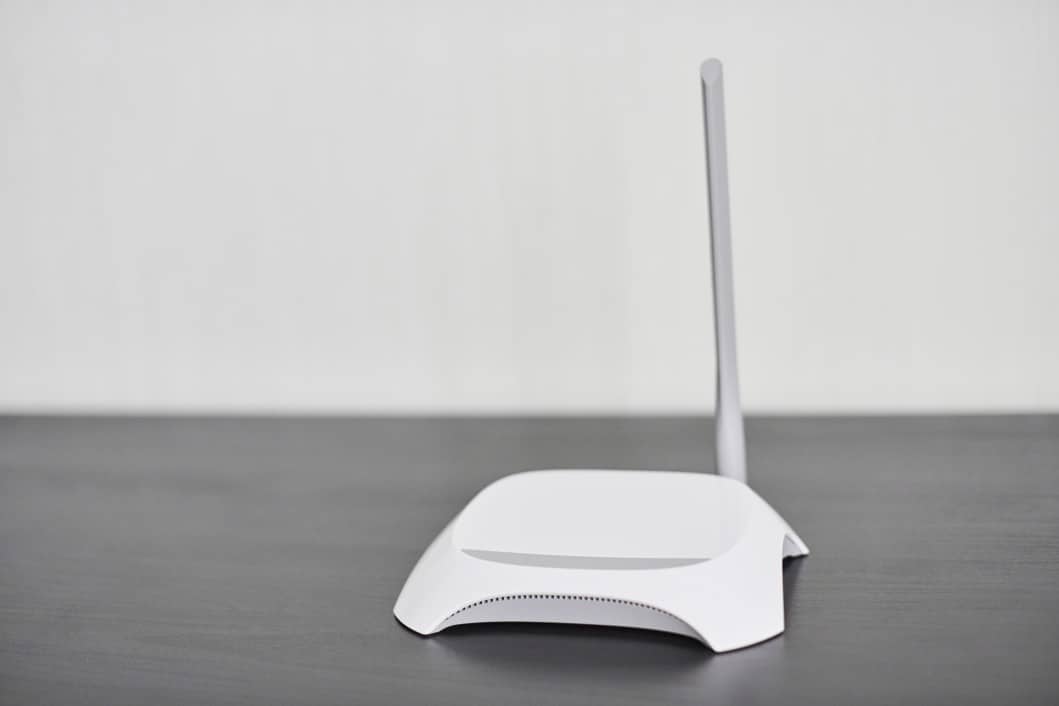
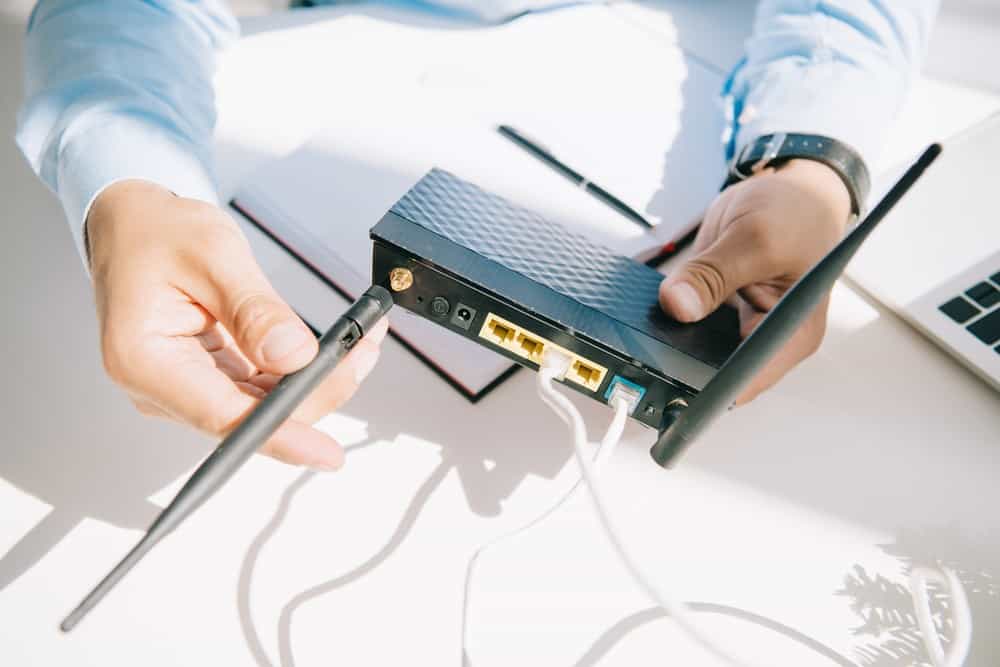
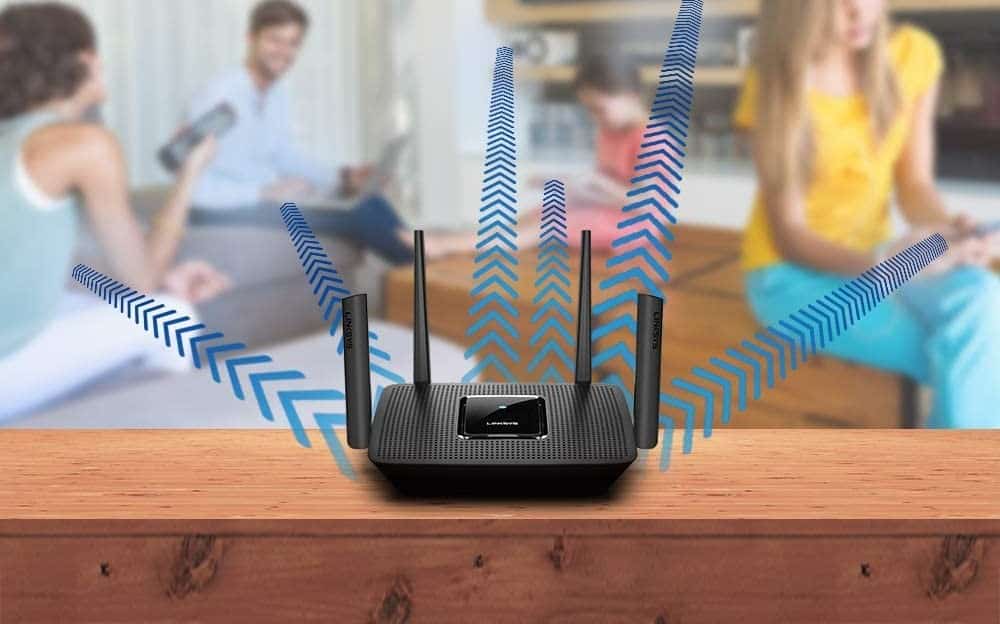
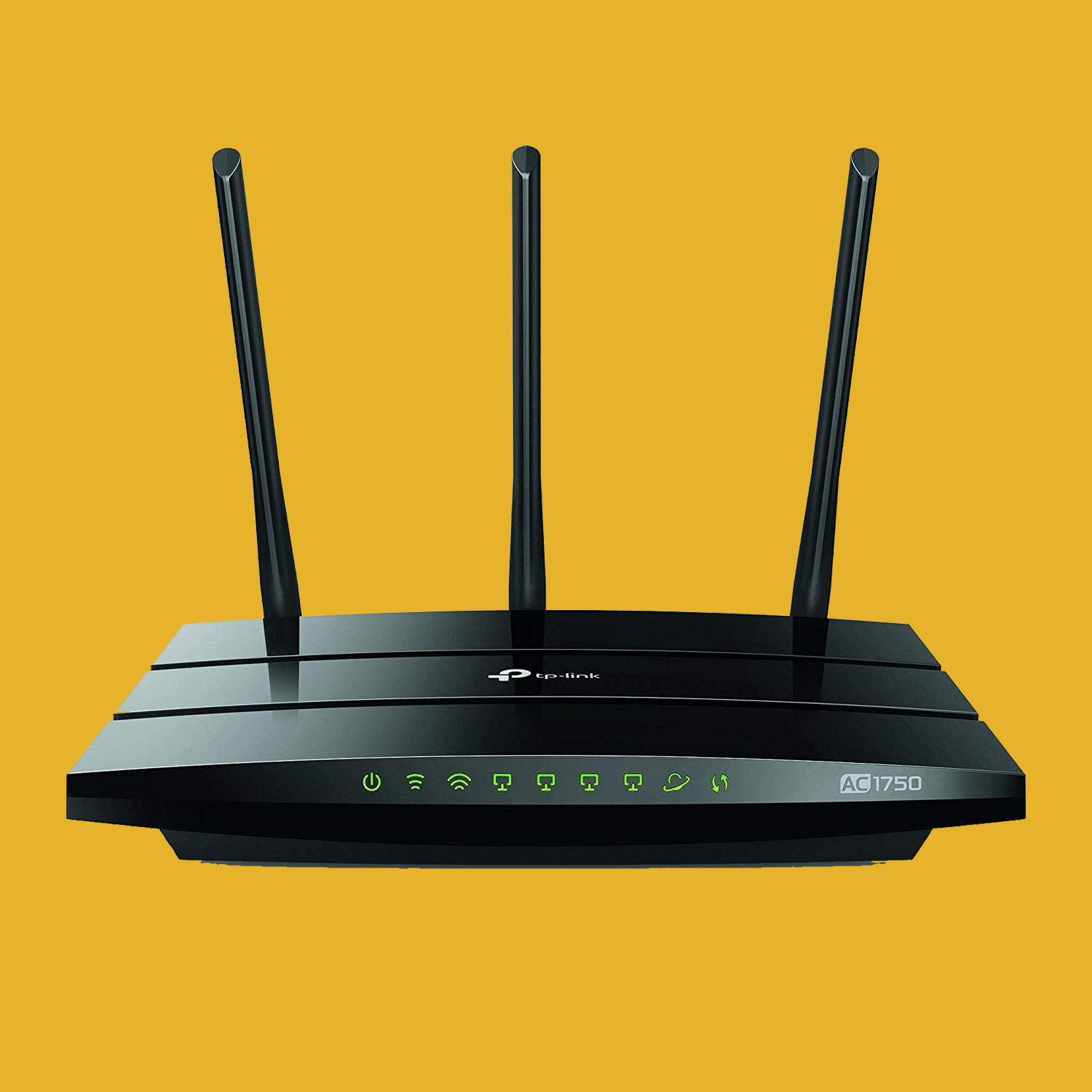
It may seem tempting to arrange your antenna toward where you use the Internet most, such as your bedroom or living room, but the best results will typically be achieved if you point that antenna directly upward. This is especially true if your router includes just a single antenna. If your router includes multiple antennas, point one up and the others toward high-traffic Internet areas. The reverse is true if your router is placed in the basement, so point the antennas horizontally and not vertically.
Method 3 – Avoid Certain Appliances
Some major appliances conflict with router signals, so they should not be placed in a direct line of sight with the antennas. Microwave ovens, baby monitors, walkie-talkies, and radios of all kinds all get in the way of a wireless signal. Also, Bluetooth devices of any kind can interrupt a WiFi signal. Just be cautious while placing the router and arranging the antennas and you should be fine.
F.A.Q.S
So do more antennas mean more range?
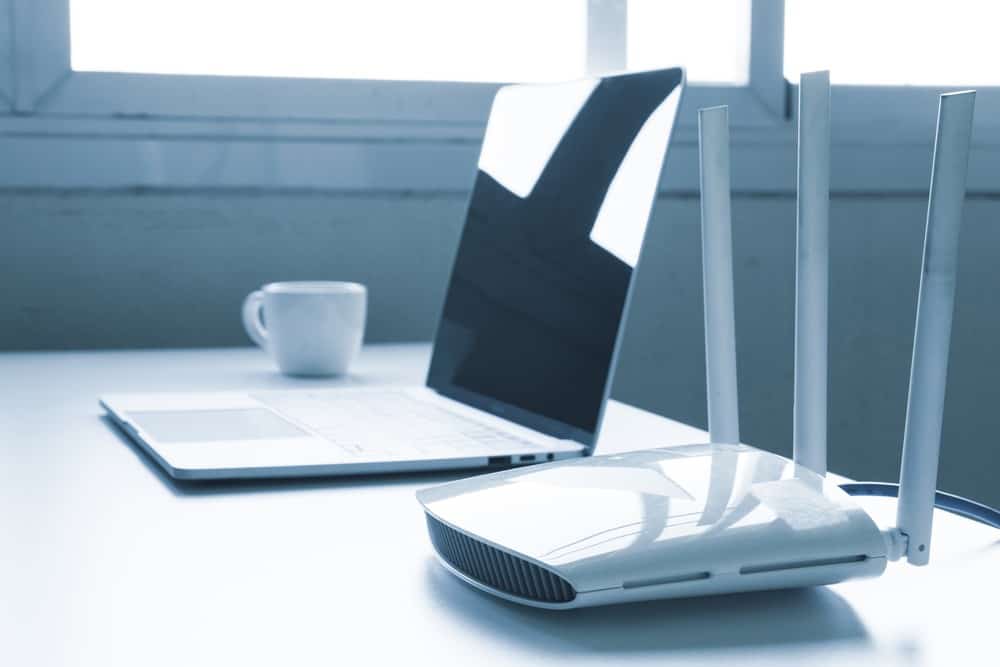
When it comes to the range of WiFi routers, adding another Wi-Fi antenna increases the range in most instances, but not always.
How to improve the Wi-Fi range?
Place your router in a central location and arrange the WiFi antenna correctly for maximum coverage.
Why do routers have multiple antennas?
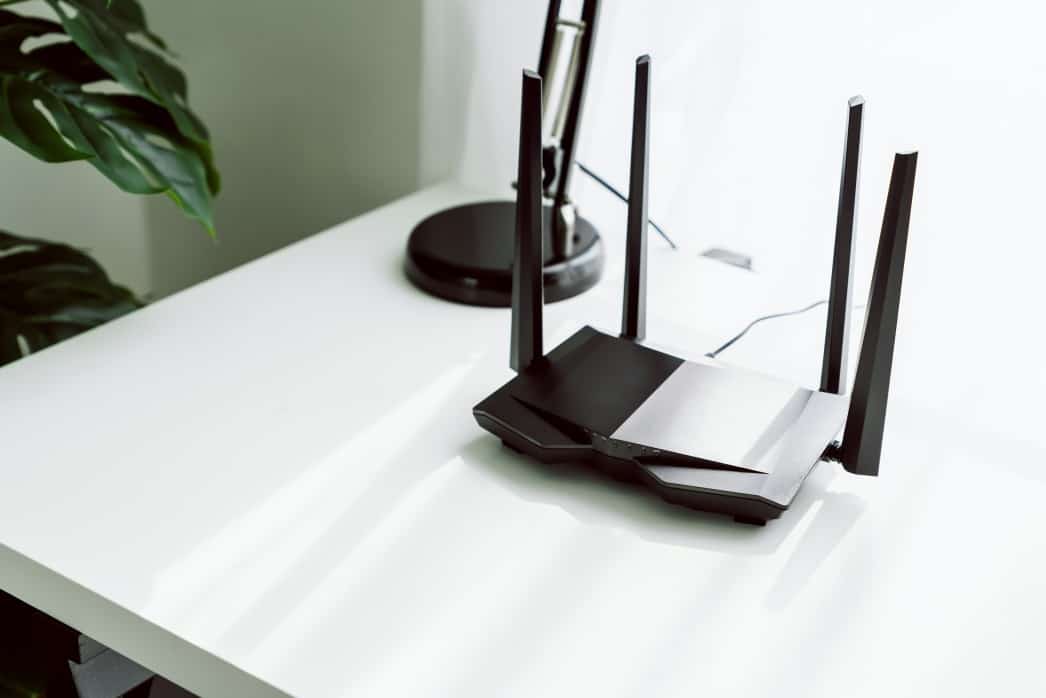
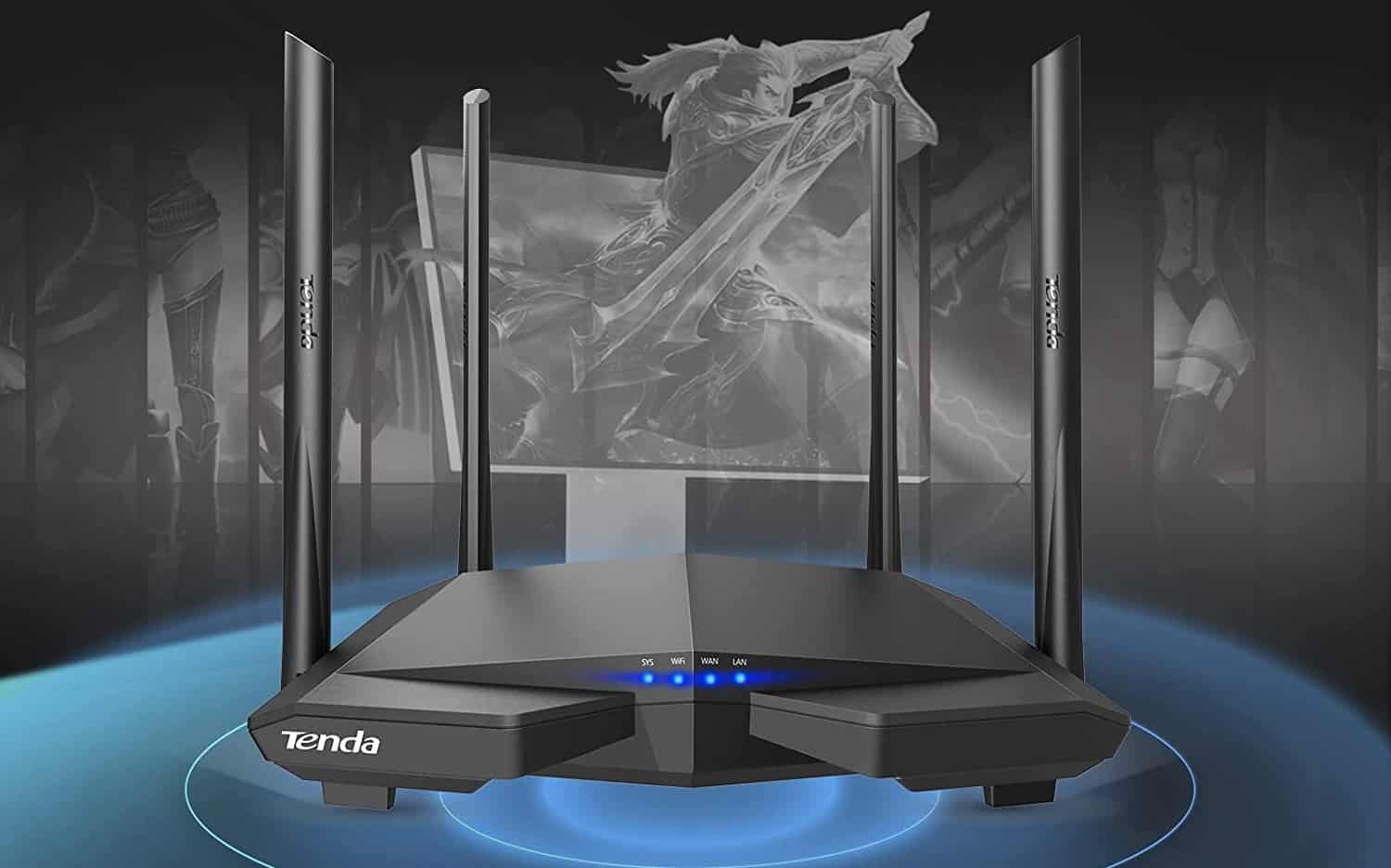
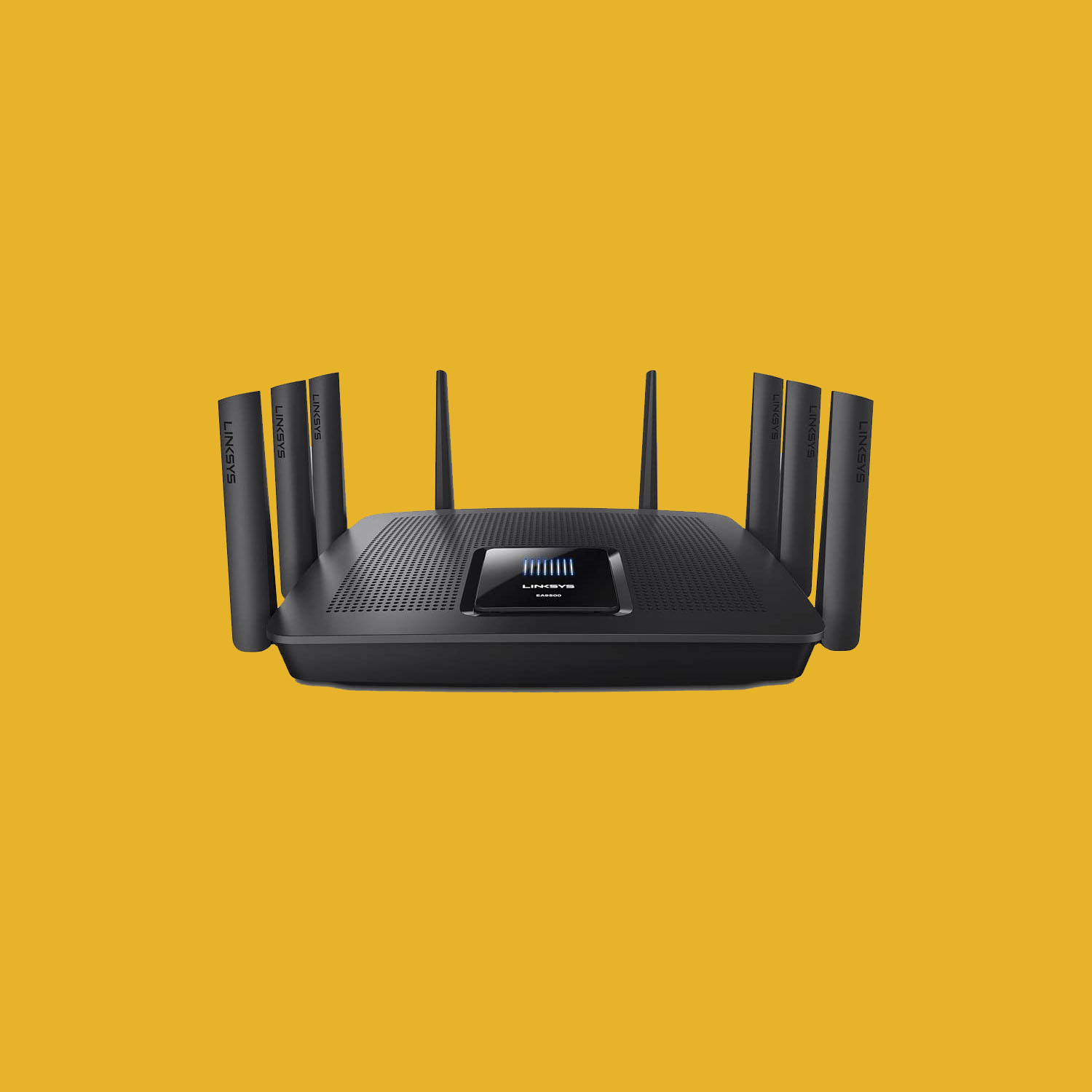
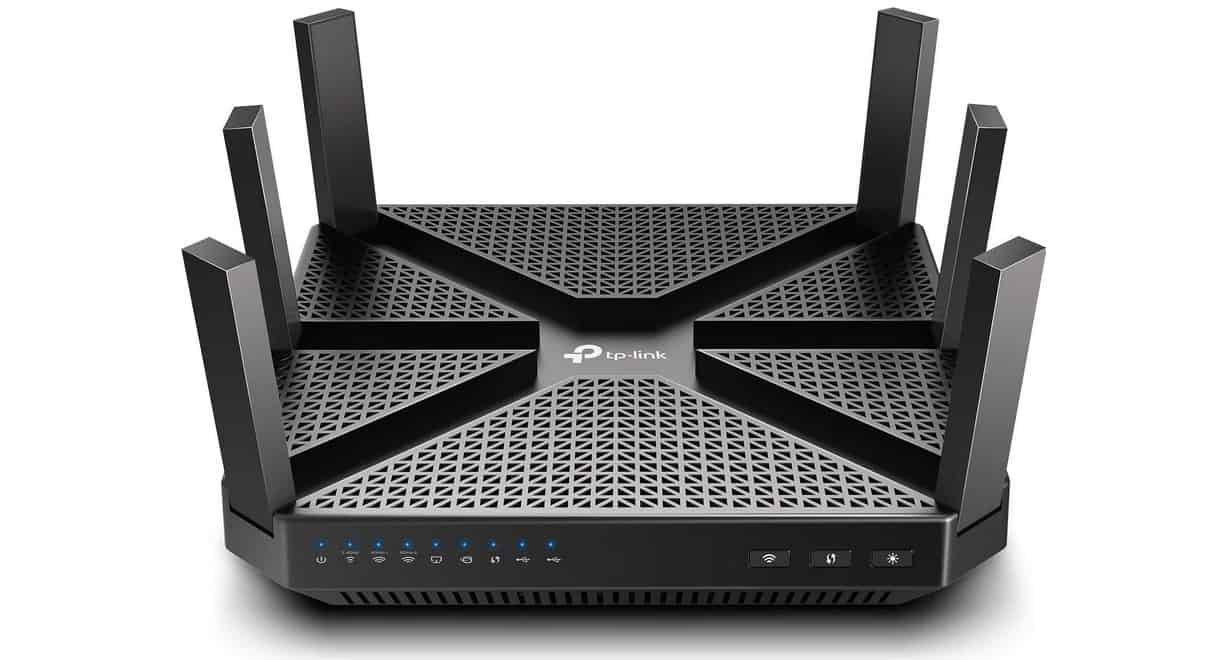
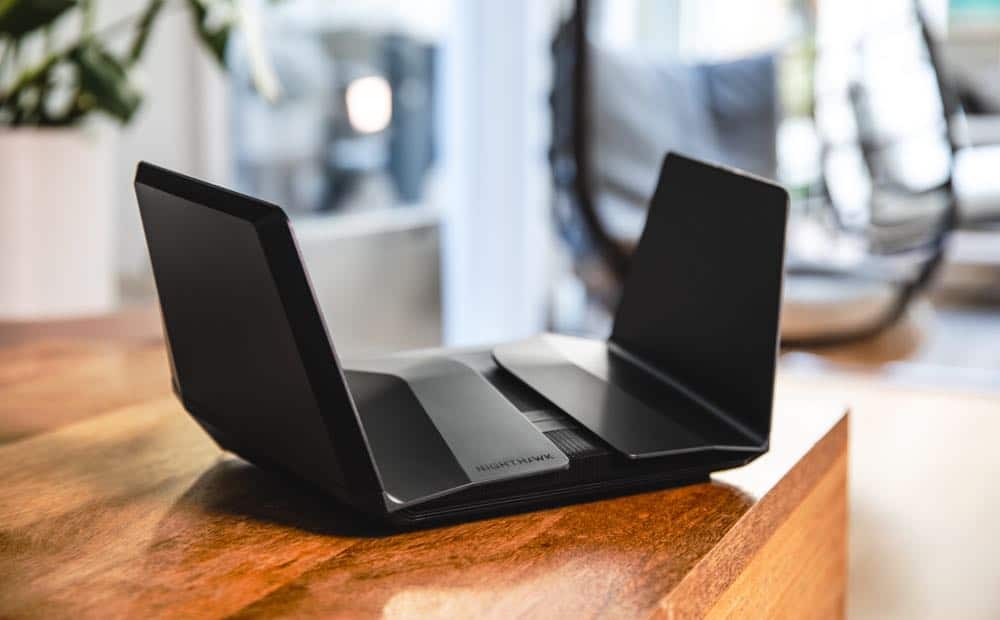
Routers include multiple antennas for increased range and to ensure optimal coverage. Many routers, however, include an internal antenna instead of an external router antenna or two (or three, or four.)
STAT: In 2003, Linksys was forced to open-source the firmware of its WRT54G router series (the best-selling routers of all time) after people on the Linux kernel mailing list discovered that it used GPL Linux code. (source)