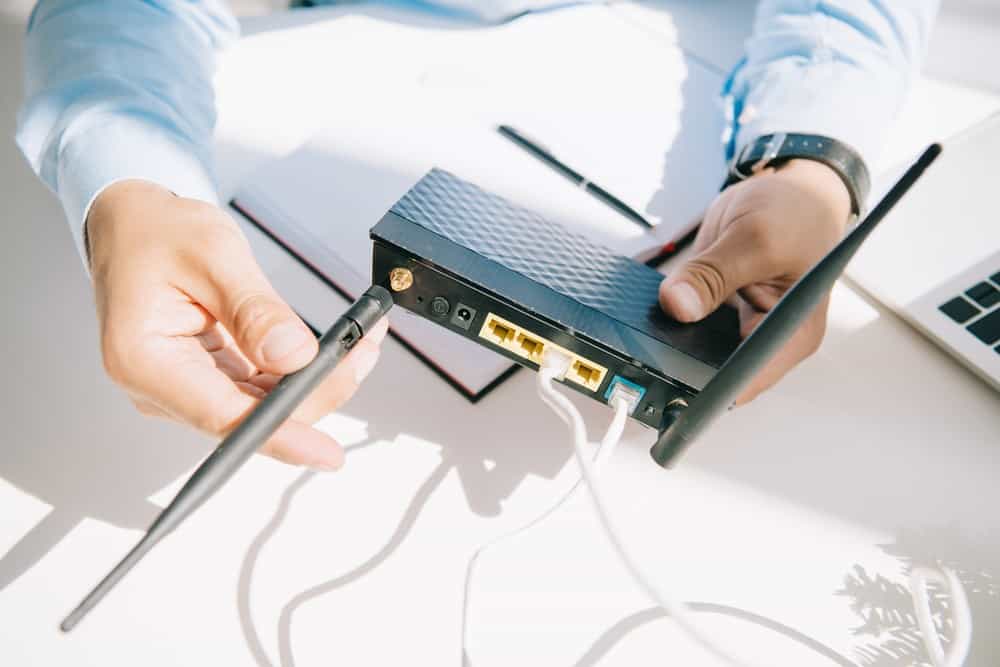
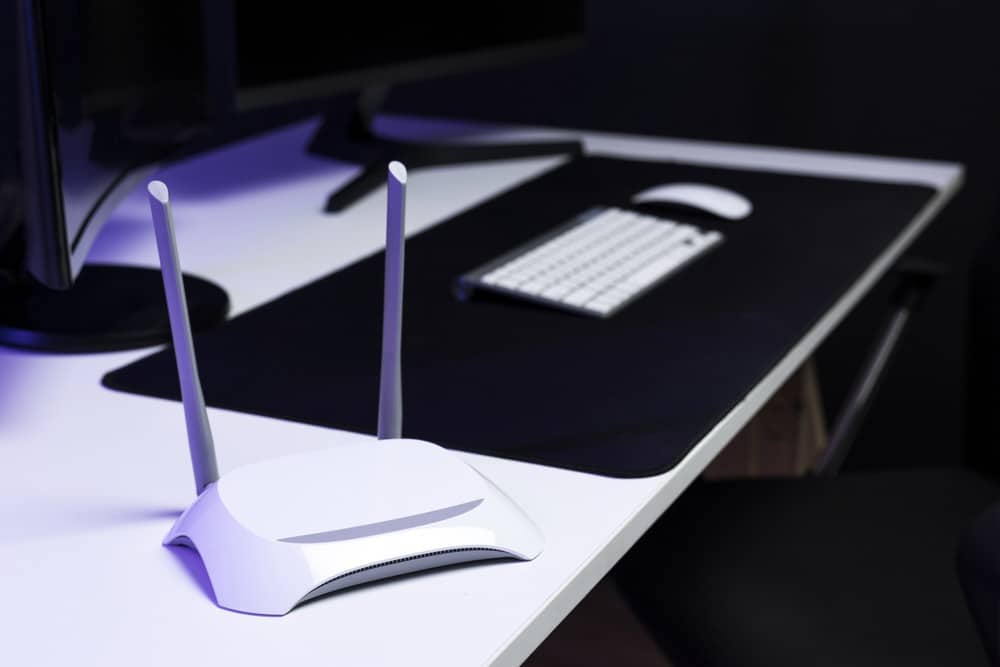
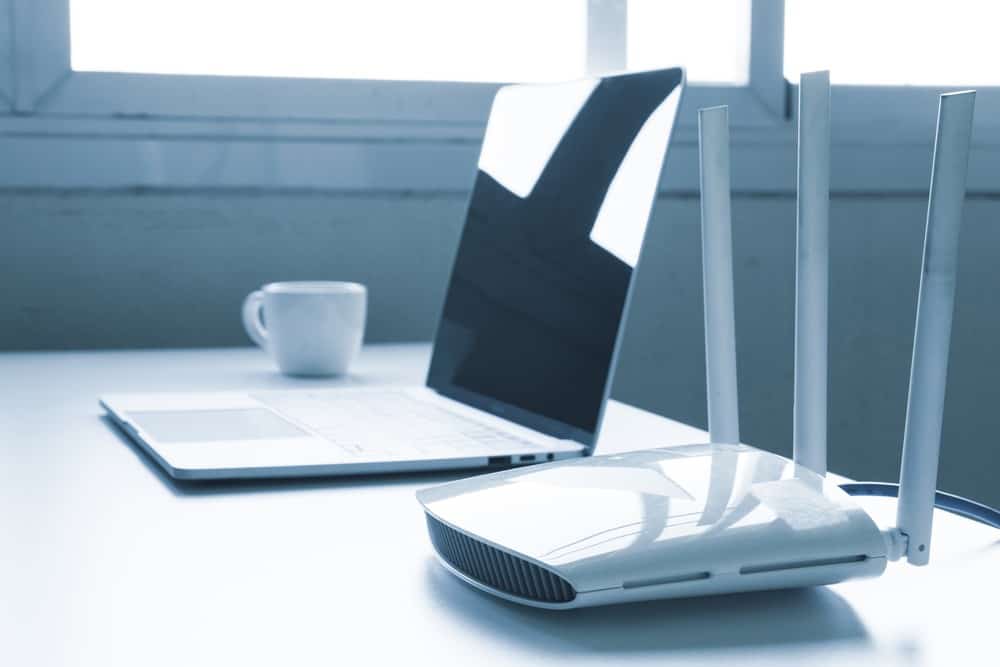
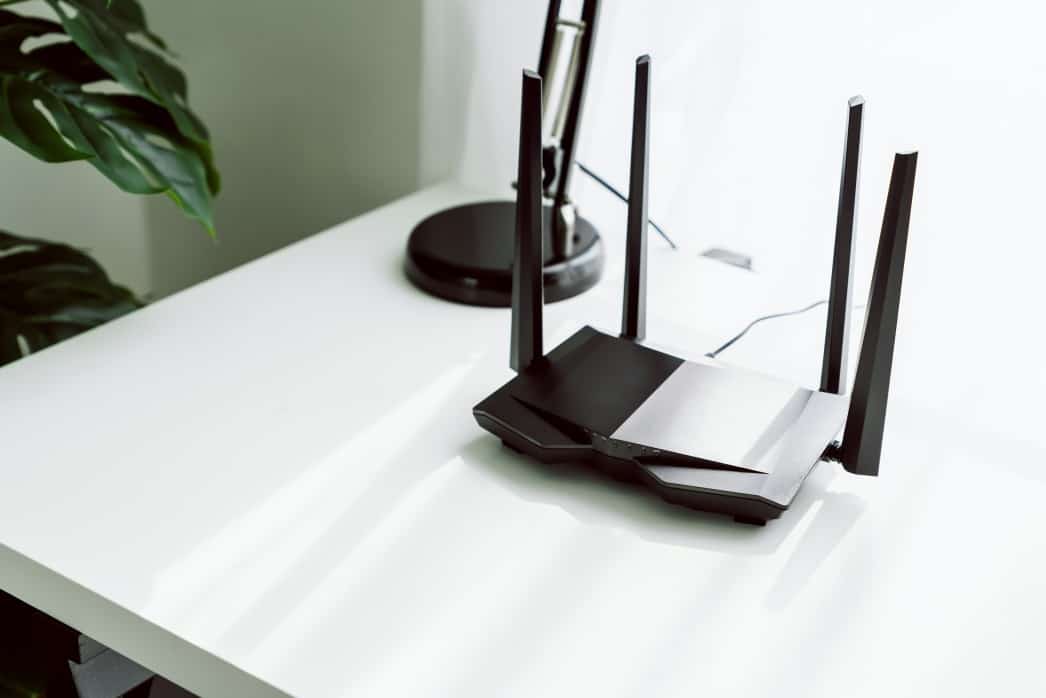
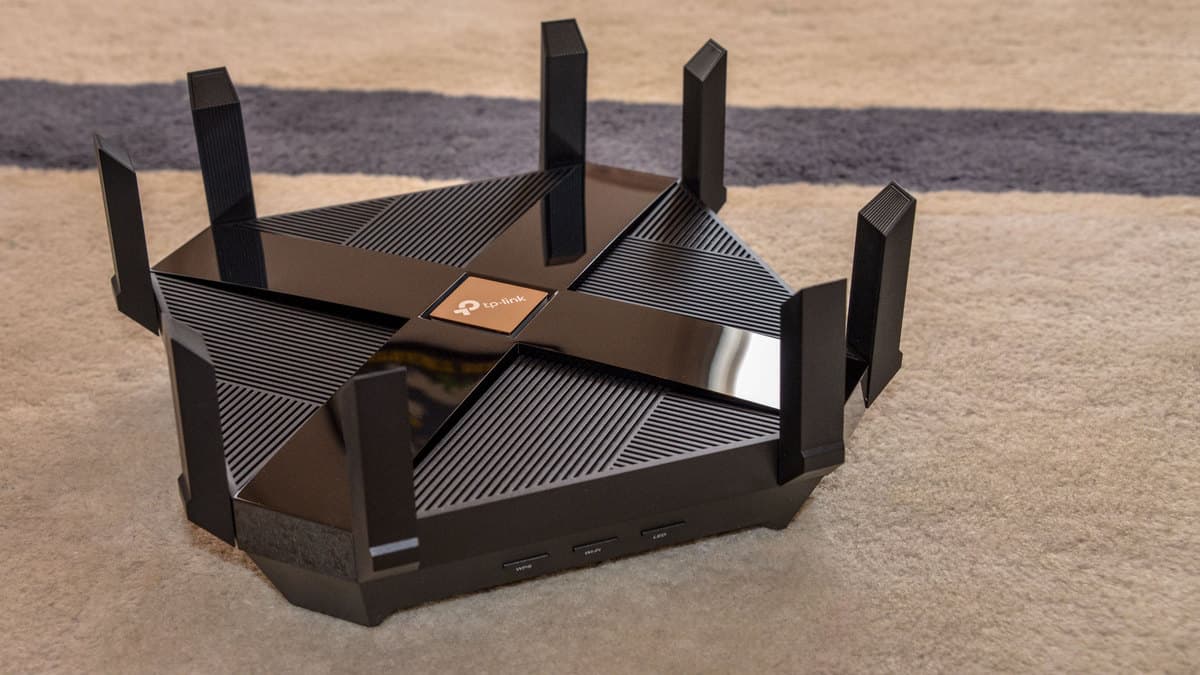
If you are perfecting your wireless network setup, you may wonder how to check a router’s signal strength. The best routers, after all, can struggle once in a while when it comes to signal strength, depending on a number of factors. Here is how you can nip that in the bud.
KEY TAKEAWAYS:
- There are a number of relatively simple ways to keep an eye on the Wi-Fi signal strength of your router and Internet connection.
- Start by opening up your network settings application on your computer, as both Windows and Mac computers boast this feature via a menu bar or option key.
- You can also enter the router’s dashboard via the firmware or use a dedicated Wi-Fi signal strength indicator device to find the current and maximum signal strength.
Checking Router Signal Strength
Before you learn how to how to make a WiFi router faster, you need to know how to check on its speed in the first place. Luckily, there are many ways to do this, and most of them are on the simpler side. Once you get a full understanding of the speed of your wireless network, you can go about fixing it as necessary, such as learning how to set up range extenders and the like.
Here are ways to check on your router signal strength.
Method 1 – Use a Built-in Utility
- The major operating systems, Windows and Mac, offer built-in network utilities that relay all manner of information, including router signal strength.
- Open up the utility and follow the on-screen prompts to gather data.
- You can also check on the signal strength on the top-right side of your monitor screen, via the Wi-Fi icon.
Method 2 – Use a Smartphone or Tablet
- Many smartphones and tablets have integrated utilities that can check network signal strength.
- If your mobile device lacks such a utility, download a third-party app, as there are dozens available.
- Run the app or utility according to instructions and gather all of the data you need on router signal strength.
Insider Tip
You should keep an eye on your signal strength at various points throughout the day to gather data as to when your signal is weakest and strongest.
Method 3 – Use a Router Dashboard
- Most routers allow you access to a settings dashboard via a standard web browser.
- You can access this dashboard by using a computer connected to your wireless network and entering a web address provided by your manufacturer.
- There could also be standalone driver software installed on your computer, which also allows access to the dashboard.
- Check the settings to receive data on signal strength.
Method 4 – WiFi Locators
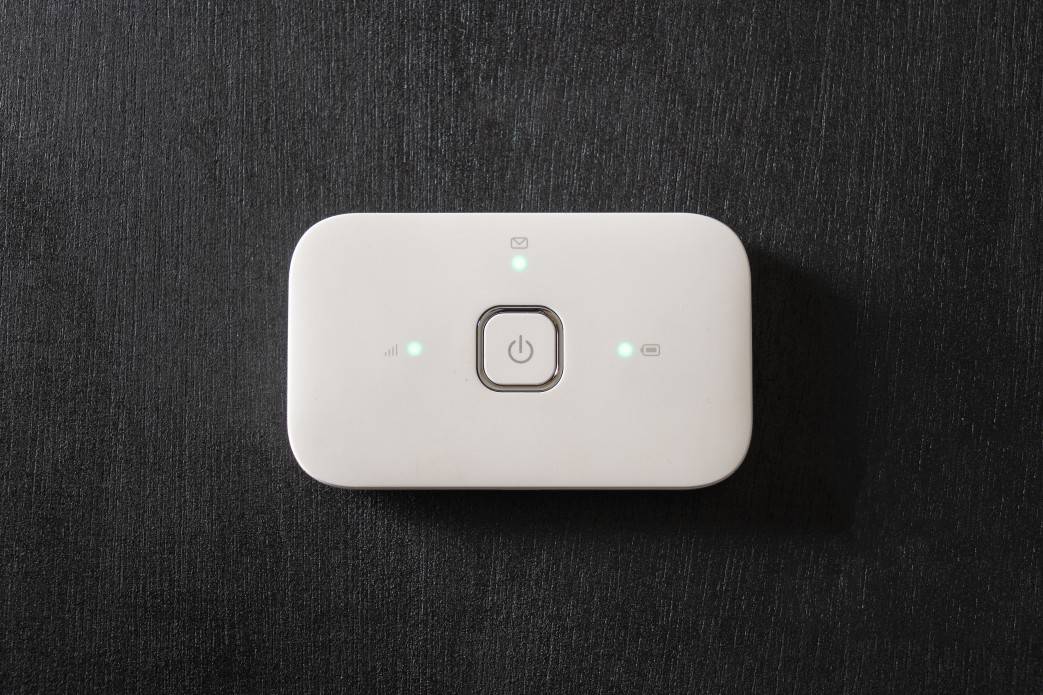
You can also buy something called a WiFi locator, which is a gadget used to measure wireless signal strength.
Purchase and power on the locator, moving it throughout your home for pertinent data.
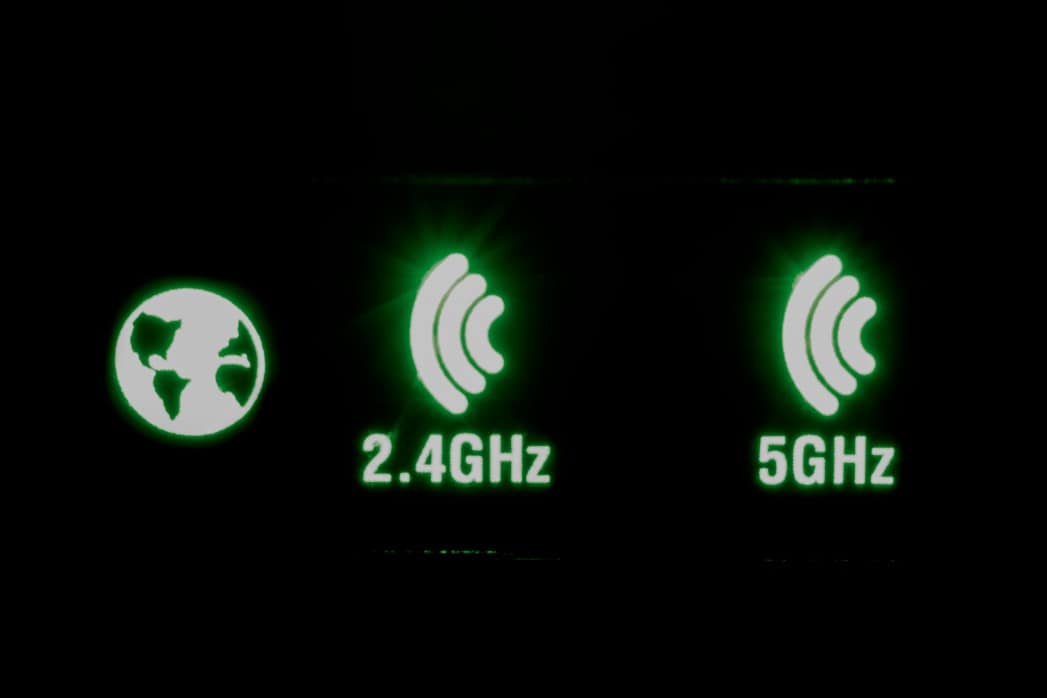
Wireless strength is typically illustrated via a number of LED lights.
F.A.Q.S
What do the Wi-Fi signal strength values mean?
They indicate negative values, for a weak signal, or various bars for a strong signal.
How to check Wi-Fi signal strength on iPhone?
An iPhone will display the current signal strength on the top-right of the display, though more detailed information can be found in the wireless network connections settings app.
Why do I need to measure Wi-Fi signal strength?
If you suspect a weak signal or you want to ensure a reliable connection, it can be helpful to keep an eye on the signal strength of your Wi-Fi router, Wi-Fi network, and wireless connection.
STAT: Wireless signal strength is measured in dBm (decibel milliwatts) and is, somewhat confusingly, expressed only as negative values. (source)
REFERENCES:
- https://eyesaas.com/wi-fi-signal-strength/
- https://eyenetworks.no/en/wifi-signal-strength/
- https://support.lenovo.com/in/en/solutions/ht071746-how-to-check-wireless-wifi-signal-strength-windowsr
- https://www.minim.com/blog/wifi-signal-strength-test-your-guide-to-a-better-wifi-experience
- https://apps.apple.com/us/app/wi-fi-sweetspots/id855457383