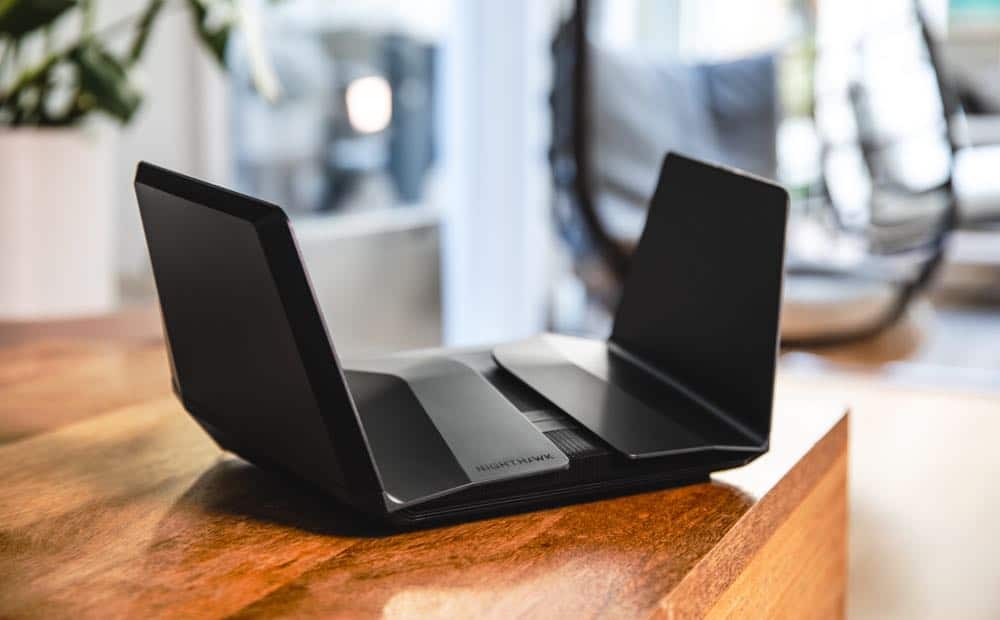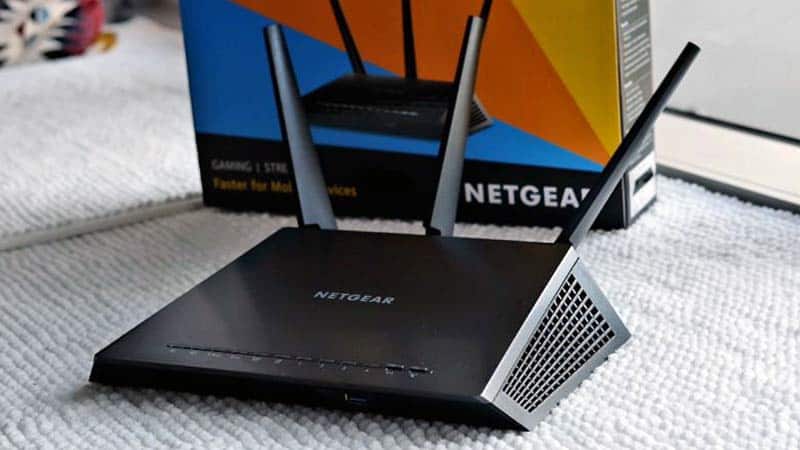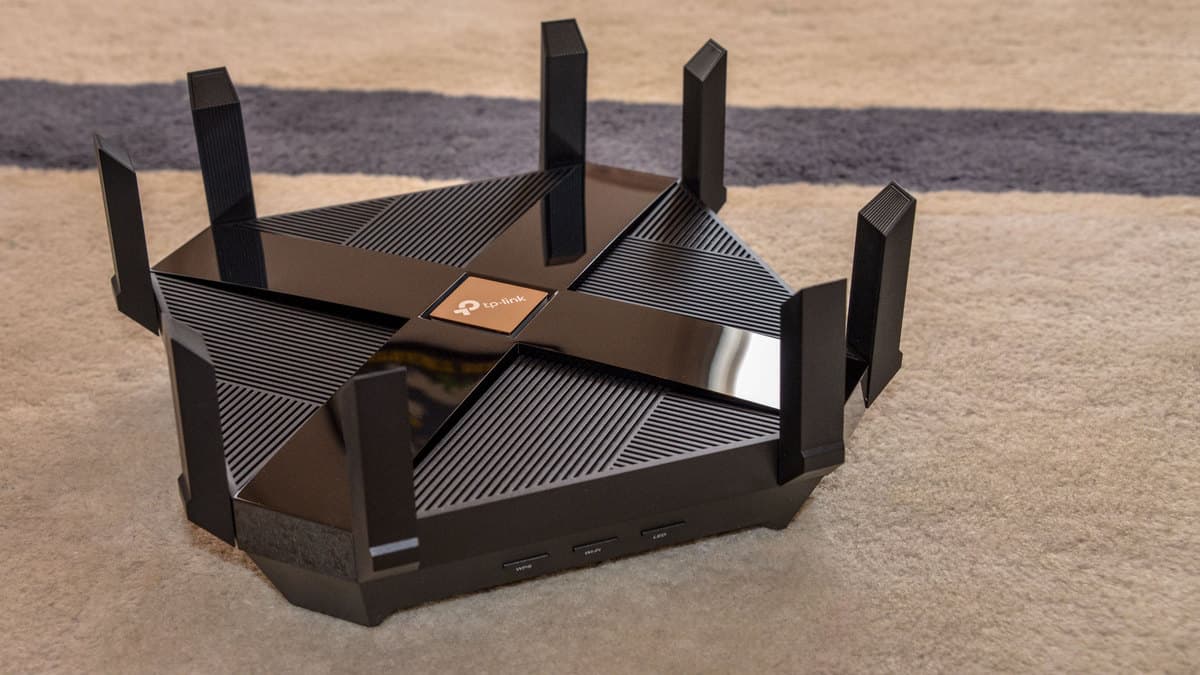

If you have been learning all about wireless networks, you may wonder how many IP addresses a router should have. Even the best routers can be somewhat confusing when it comes to the subject of IP addresses. Keep reading to learn all about the number of addresses you can store with a typical Internet router.
KEY TAKEAWAYS:
- Generally speaking, modern routers ship with two IP addresses, the WAN public IP address, and the LAN address.
- A wide-area network address (WAN) is the front-facing IP address for Internet use, while the local area network address (LAN) is the private network address.
- There are also a number of dynamic blocks of IP addresses sent to each device in your IP network.
Routers and IP Addresses
Generally speaking, your router will have two IP addresses. There is the wide-area network address (WAN), which is essentially the address used throughout the Internet, and the local area network address (LAN), which is the address used for in-network computing tasks. So, for instance, if you are learning how to check Internet history via your router, you will be looking at the WAN IP address, and not the LAN address. Also, if you learn how to replace an ISP router with your own, you should notice a new WAN address.
Insider Tip
VPN software and proxy software may allow you to create new public IP addresses.
You can also set a number of private IP addresses for personal use.
What About Computers?
There are a number of other IP addresses stored on the router, all derived from the unit’s primary WAN address. These dynamic IP addresses are sent out to any device using the wireless network, such as computers, smartphones, tablets, and just about everything else. In most cases, a router can issue 100 of these dynamic addresses. Some subnets allow for 250 IP addresses.
Static IP Addresses
You can go in and manually change the IP address that is used with your device, replacing it with something called a static IP address. These user-assigned IP addresses are great for getting around certain Internet restrictions but do leave you vulnerable to the risk of hacking, particularly if your firewall is not up to snuff or nonexistent.
How Many Devices Can Connect at the Same Time?
Though your router can issue between 100 to 250 IP addresses, this does not mean that 100 devices can use the wireless network at the same time. Each individual router places restrictions as to how many devices can be connected simultaneously. Some routers allow for eight devices at once, others allow for just four. Check the instructions that accompanied your router for more information.
F.A.Q.S
What happens if your router runs out of IP addresses?
If you go over the allotment, the router will begin writing over previously used addresses by older devices.
How to find your router’s IP address?
This depends on your router and the various ways it allows users to access subnet masks and its default gateway. The static IP address, public IP address, and any private network information will show up somewhere.
What devices don’t typically need a static IP address?
Any device you don’t use too often will not need a static IP address, settling instead for a dynamic IP address.
STAT: Public IPs are used by routers and by computers connected directly to DSL modems without a router. Private IP addresses are special IP addresses that are known only to a router and its home network. (source)