
If you’ve ever asked, “Why do I have to install a driver for my gaming headset?” rest assured that you aren’t the only one. Understanding sound settings has the best people scratching their heads.
KEY TAKEAWAYS:
- An audio device driver allows wired or wireless headsets to process audio output. They make it easy to hear the precise location of enemy footsteps and bullets whiz by you.
- Some headsets require special software such as the Logitech G Hub. Companies make downloading a driver easy using systems like the Alienware Headset Center.
- If you have trouble with your audio connection, always check the levels tab by right-clicking on the sound icon to open. The sound window that pops up provides troubleshooting options.
The best gaming headset will come with advanced sound settings that you’ll need to learn. Keep reading, whether you’re listening on mobile devices or using a connection type on your computer such as a USB port.
We’ll make your audio driver make sense in this article.
What is Driver Software in Game Audio Devices?
Most people understand that every device has a few types of audio ports they can use, from headphone ports to lesser-used USB ports.
Insider Tip
Any trouble with headset microphones is easy to troubleshoot with the recording tab. This is in the sound menu under operating system options.
No matter the connection options you use, all audio settings rely on a device driver. Sometimes microphone issues can also be caused by a bad driver. Luckily, companies make installing the correct one easy.
This might not always be the cause of your audio issues, however. If you’re still left wondering, “Why do my gaming headsets break?” then we have an excellent article for you.
How to Find the Correct Default Audio Device Driver
Manufacturers make finding the correct driver easy. All you need to do is make sure you have the correct device information and head to their website. It’s a good idea to put the software on a USB drive so different consoles have access to software installation.
Contact the vendor if you can’t find the driver on the website or require additional software.
Why It’s Important to Have the Correct Driver
Without the correct device driver, your audio input and output won’t work correctly. This means you won’t enjoy either game or chat audio.
When You Should Update Audio Driver Software
When not in use, make sure you learn where to store a gaming headset properly. If it breaks, you’ll have to rely on the sound experiences provided by your device’s default speakers.
Make sure you update your driver software every time you receive a prompt from your system. This will happen randomly, depending on when the company releases patches, bug fixes, or upgrades.
If you need to uninstall anything, learning how to uninstall a gaming headset safely is crucial to ensure you don’t have trouble installing your next headset.
Warning
Headset volume can damage your ears if it’s too high. Keep the volume to less than 60% to avoid permanent hearing loss.
F.A.Q.S
What does the Logitech G Hub do for a connected headset?
The Logitech G Hub handles all audio output and input devices you have from Logitech. Downloading the software is easy. All you do is follow the on-screen instructions.
Is a large budget necessary for wired or wireless headsets?
Luxury models are more expensive but have audio enhancements, like better frequency response, easily accessible mute buttons, and better ear cushions. They also have a longer limited warranty period. Of course, you may need additional software for these models.
Which adapter cable do I need for my headset for gaming?
That depends on which headset ports come standard for your connection type. Here are a few types:
- USB Cable for USB Port
- Micro-USB Audio Cable
- Analog Cable
Which compatible headset do I need for my gaming console?
You’ll need to make sure you have a compatible headset by cross-referencing with the product listing. Here are a couple of options:
- Alienware Wireless Gaming Headset AW988
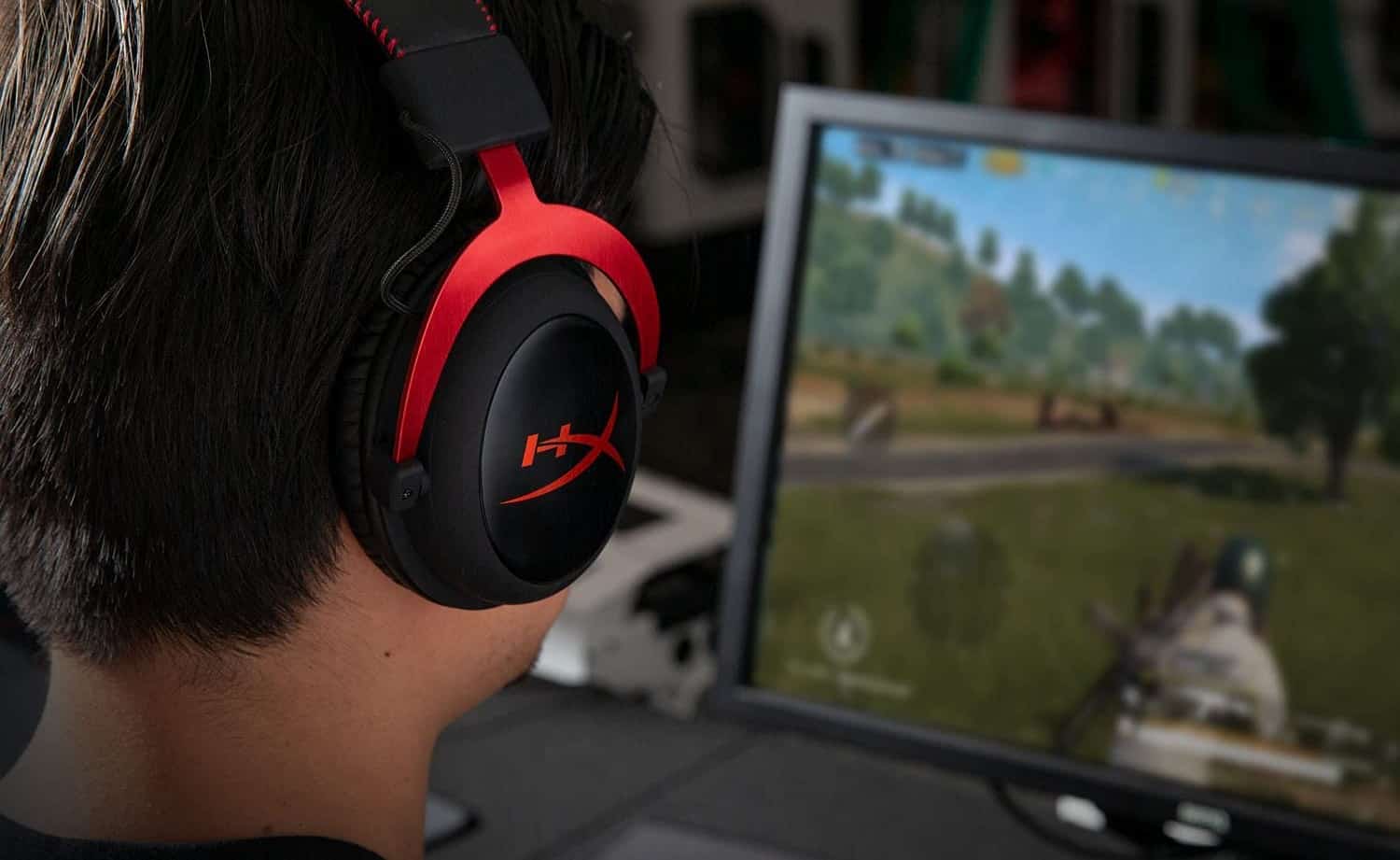
- HyperX Cloud Alpha
STAT: In 1997 the Committee for the Fiftieth Anniversary of the AES was formed to increase the awareness of where we have been and what we have accomplished. (source)
REFERENCES:
- https://online.suu.edu/degrees/business/master-music-technology/studio-game-audio/tech-impact-music-industry/
- https://www.aes.org/aeshc/docs/audio.history.timeline.html
- http://akmedia.digidesign.com/support/docs/Windows_Audio_Drivers_Guide_v80_56149.pdfr
- https://www.researchgate.net/publication/254200107_Audio_Arduino_-_an_ALSA_Advanced_Linux_Sound_Architecture_audio_driver_for_FTDI-based_Arduinos
- https://www.st.com/resource/en/datasheet/cd00000139.pdf