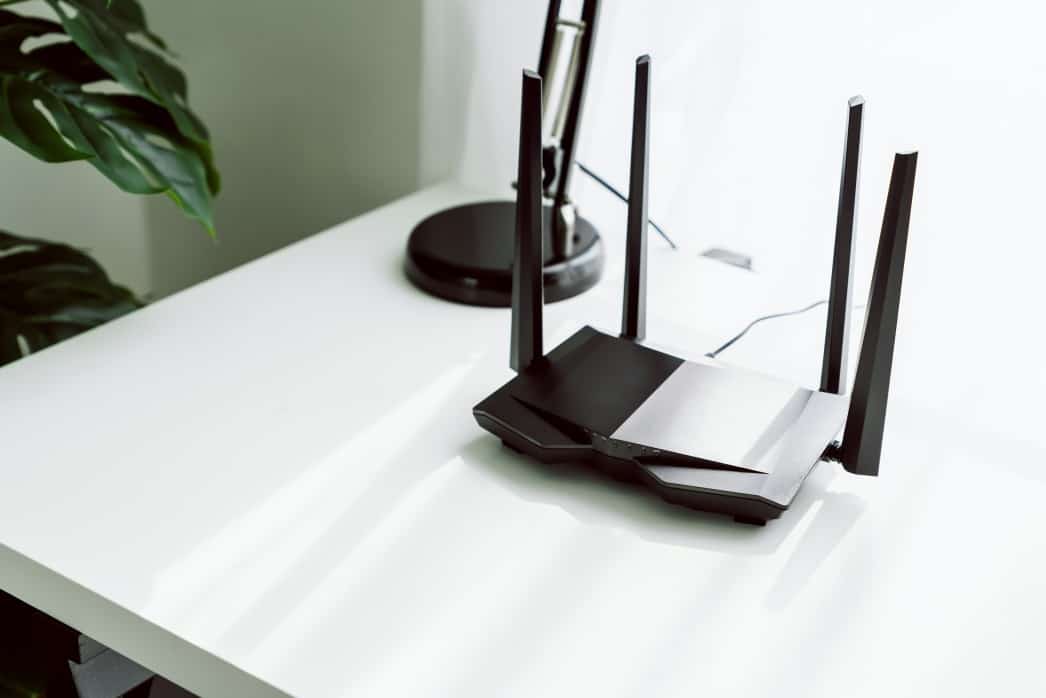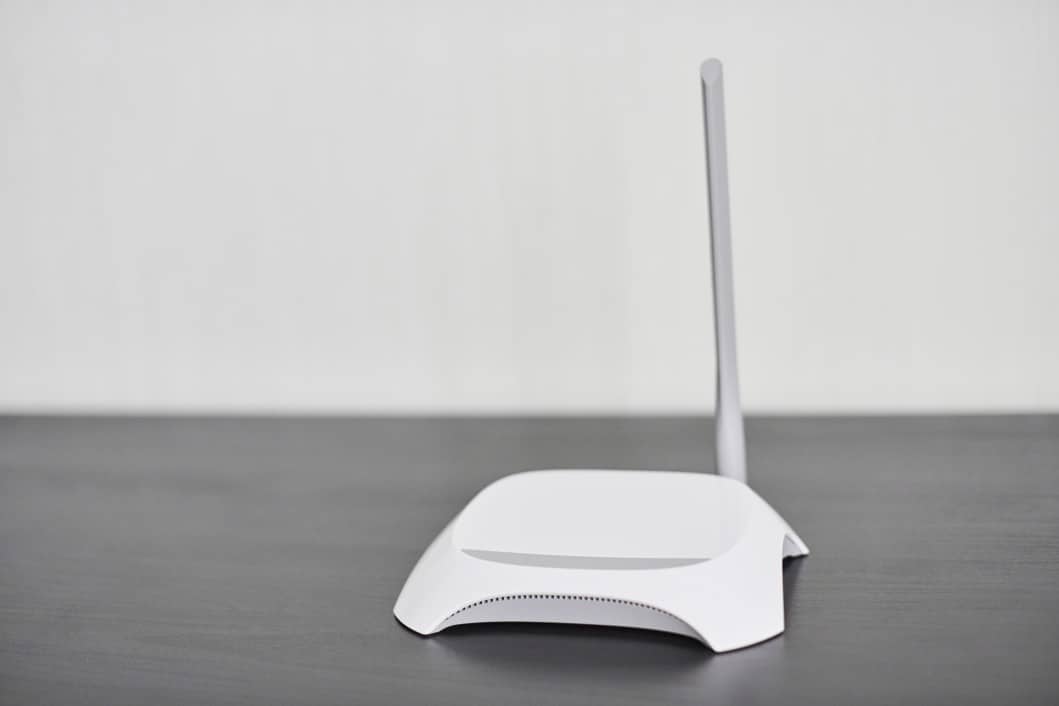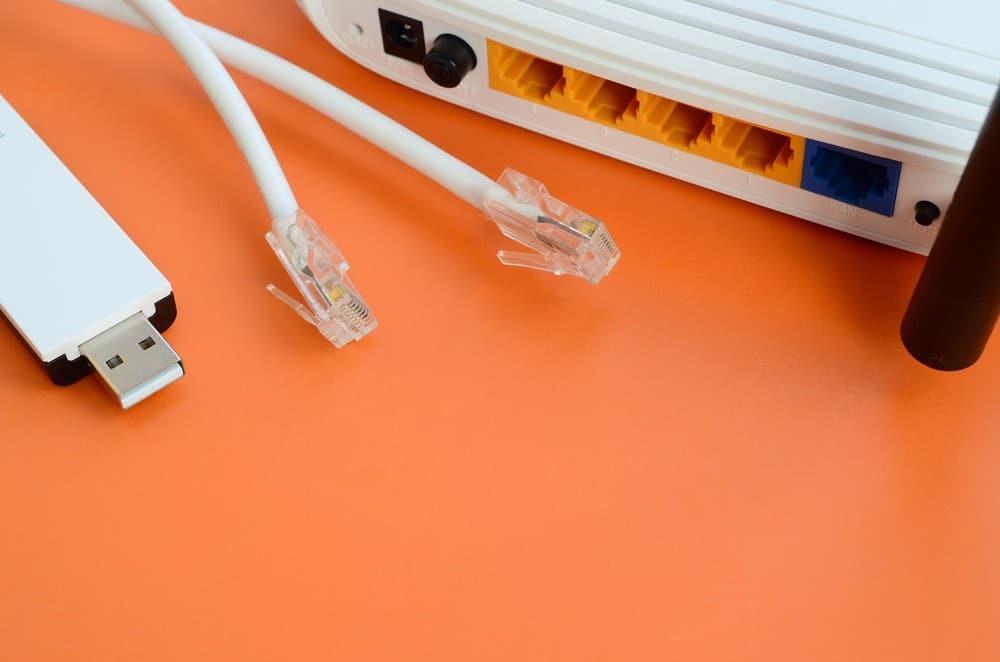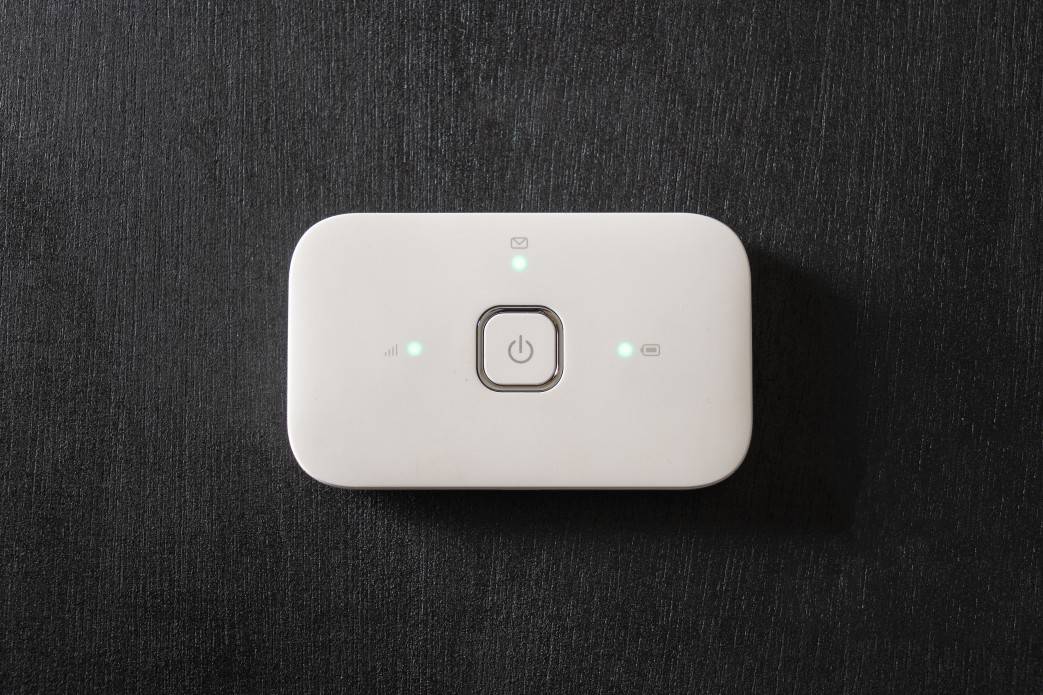

Picking the correct type of router can be a confusing task. If you’re shopping for the best router, you should ensure you have the best wireless standard for your Wi-Fi network. By comparing different Wi-Fi standards, you can find a suitable device for your home. So, if you’re searching for a wireless router, G vs. N networks might provide the internet speed needed for your connected devices.
KEY TAKEAWAYS:
- Wireless-G routers offer up to 54 Mbps, but they are a largely obsolete technology.
- Wireless-N routers offer dual-band connectivity and theoretical speeds of up to 900 Mbps.
- If you’re shopping for a new router, you should not invest in a G router because it will not offer the minimum speeds for today’s internet activities.
So, which networking standard is better between an N vs G router? Read on, and we’ll help you get all your Wi-Fi devices online, and hopefully, you’ll even notice an increase in bandwidth.
Comparing Wireless G Versus Wireless N Routers
Thanks to the Wi-Fi Alliance, shopping for Wi-Fi technology has gotten a bit simpler. So, instead of looking at IEEE 802.11g vs 802.11n, we refer to these wireless networking protocols as Wireless-G and Wireless-N. Like comparing WAN and LAN on a router, these types of routers offer much different internet experiences.
Insider Tip
Do not invest in a new Wireless-G router. Most modern internet activities will require more bandwidth than a G router can offer.
Wireless-G is an older wireless networking standard that offers theoretical speeds of up to 54 Mbps. While that may sound slow compared to today’s 5GHz wireless bands, it was a massive speed boost when comparing B routers vs G routers.
Wireless-N, also called Wi-Fi 4, is a newly-obsolete networking protocol that offers a maximum data transmission rate of 900 Mbps. While that is slower than the transfer rates of wireless AC, many consumers still use Wi-Fi 4 for their wireless devices. That said, you shouldn’t consider a Wireless-N router if you’re considering a gaming router vs a normal router.
Maximum Speed
Wireless-N routers offer a much higher peak transmission rate compared to Wireless-G. N routers provide over 16 times the wireless speeds of G router technology. If you are concerned about bandwidth, go with an N router.
Wireless Signal Range
N Wi-Fi routers are a much better choice for wireless range and stability. Unfortunately, wireless G is not ideal for mid-size homes or offices. In addition, you’ll experience more interference with a G vs N router.
Amount of GHz Frequency Bands
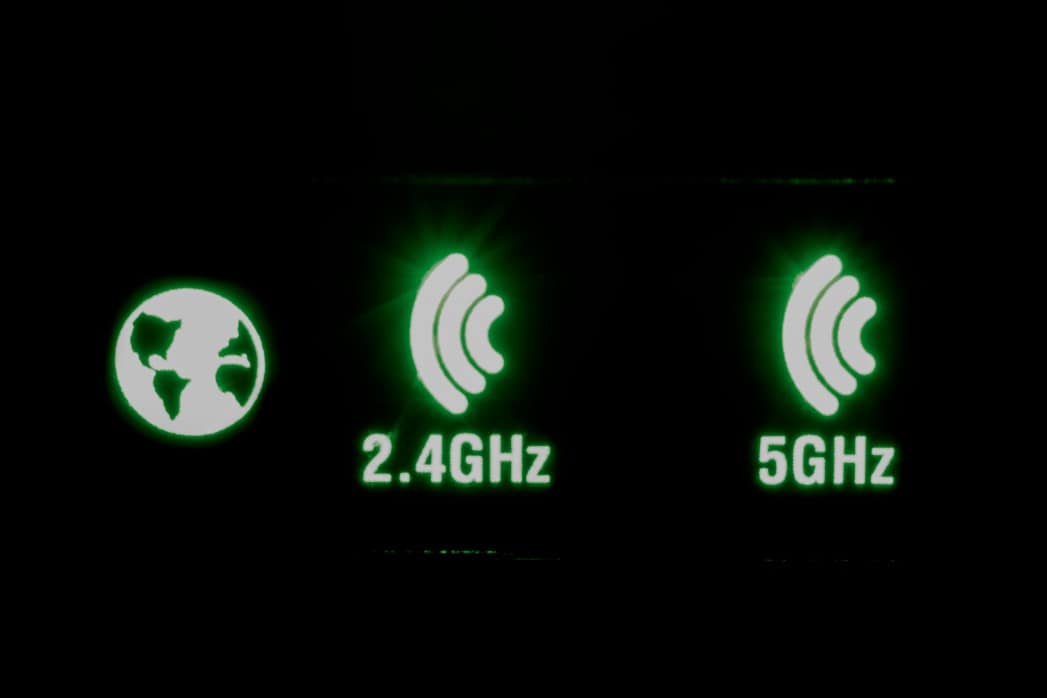
Most modern Wireless-N routers offer two frequency channels: 2.4 and 5GHz bands. 2.4GHz is best for simple activities like web browsing and checking emails. At the same time, 5GHz is ideal for bandwidth-intensive activities like streaming video or competitive online gaming. Unfortunately, Wireless-G routers do not offer dual-band connectivity.
Warning
Do not throw away your old G Wi-Fi router. Instead of creating e-waste, you can use the obsolete router as a network switch.
F.A.Q.S
Why should you upgrade to Wi-Fi 5 or Wi-Fi 6?
If you’re still on a Wi-Fi 4 router, you may not be aware of the faster speeds you’d get from Wi-Fi 5 or 6. If you want to stream HD video or play competitive online games, you should upgrade your router. In addition, previous standards like Wi-Fi 4 are not equipped with the latest security to keep your entire network safe.
Who uses 5GHz WIFI?
Most dual-band routers on the consumer market offer a 5GHz wireless band. Also called 5G, this is the fastest available Wi-Fi frequency. Anyone looking to stream HD videos or play games online should use it.
What is Wireless-B?
Wireless-B is a wireless standard that offers an 11 Mbps maximum data rate. It operates at the 2.4GHz frequency and has a range of about 150 feet.
STAT: According to a 2018 survey from the US Census Bureau, 81% of rural households have an active internet service subscription. (source)
REFERENCES:
- https://www.sciencedirect.com/science/article/pii/S2212426821001408?via%3Dihub
- https://www.wi-fi.org/
- https://www.centurylink.com/home/help/internet/wireless/which-frequency-should-you-use.htmlr
- https://www.youtube.com/watch?v=RswCYd8X-sQ
- https://www.sciencedirect.com/topics/computer-science/wireless-router