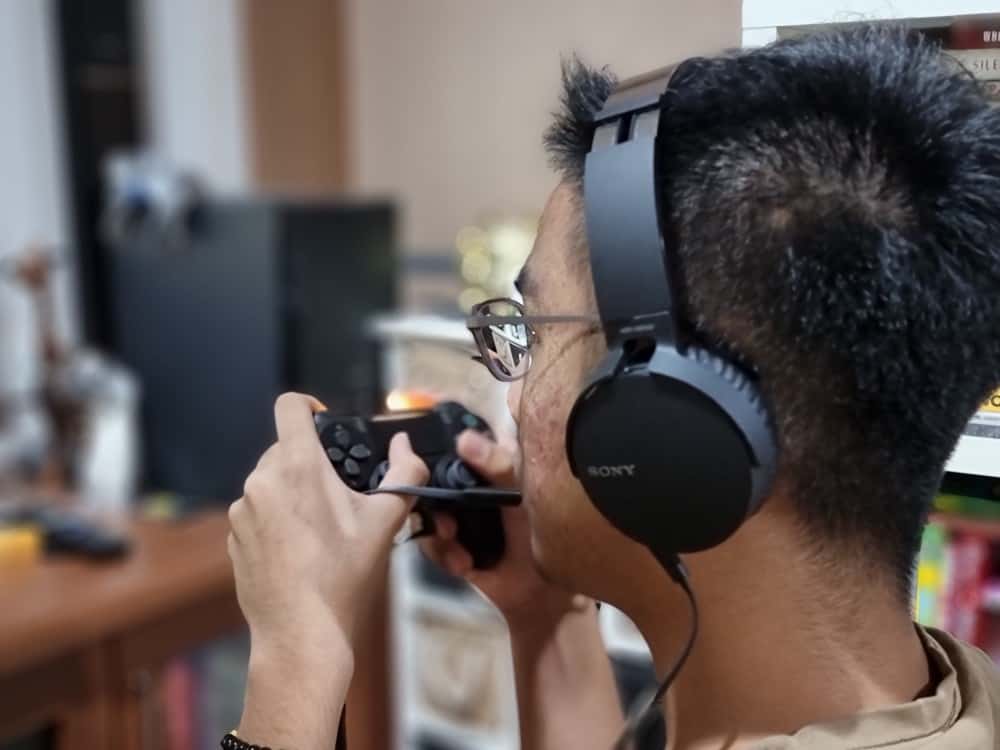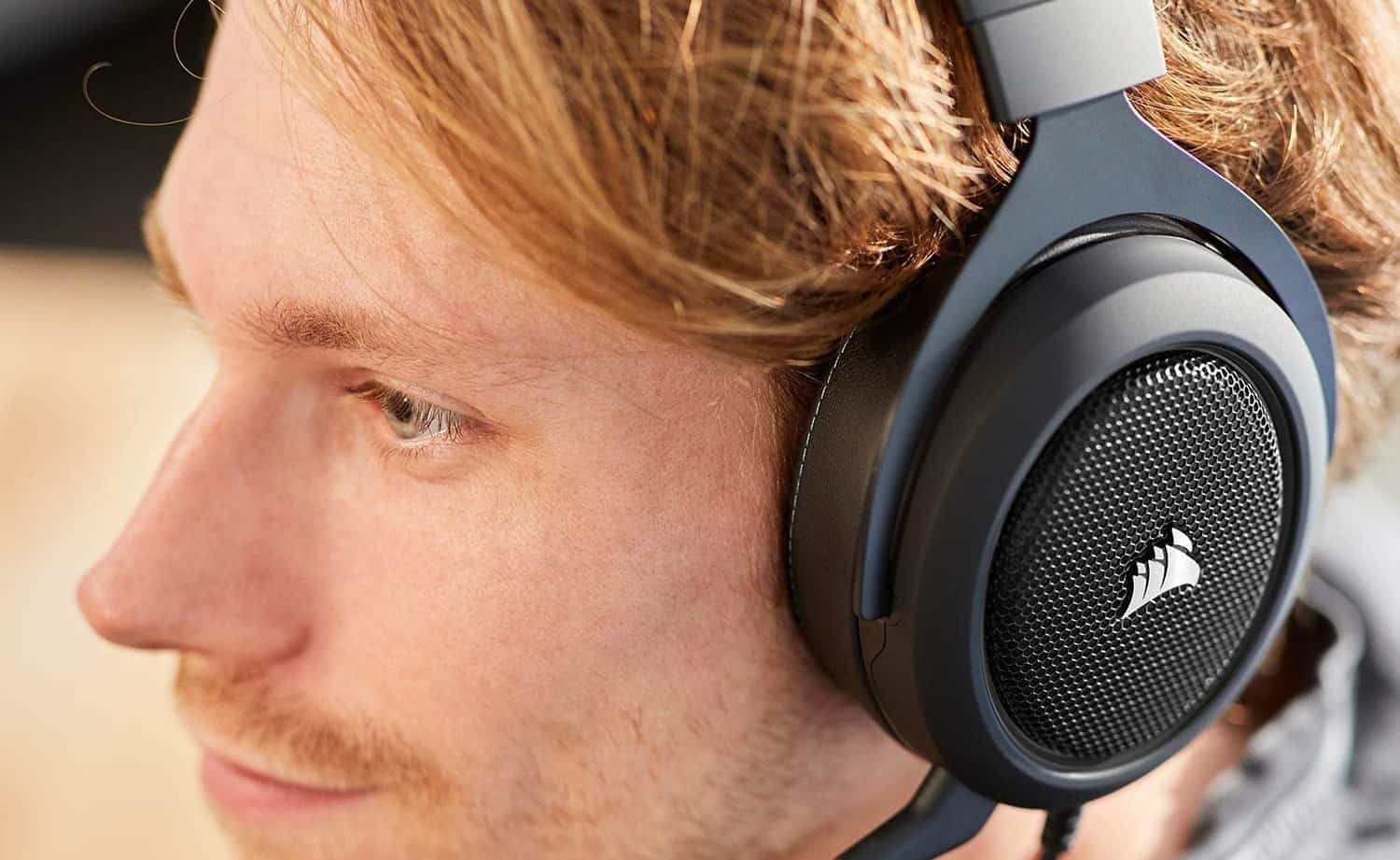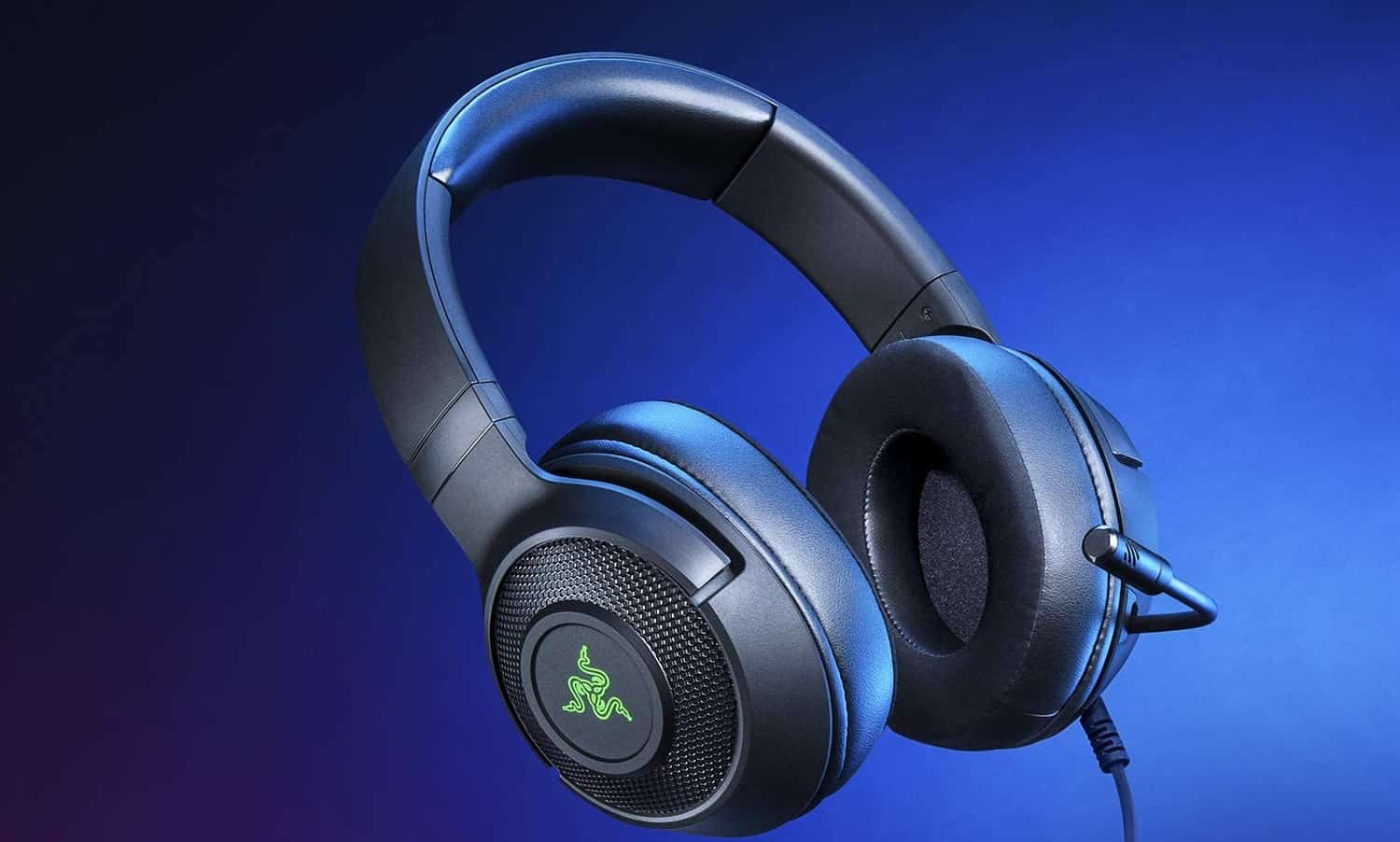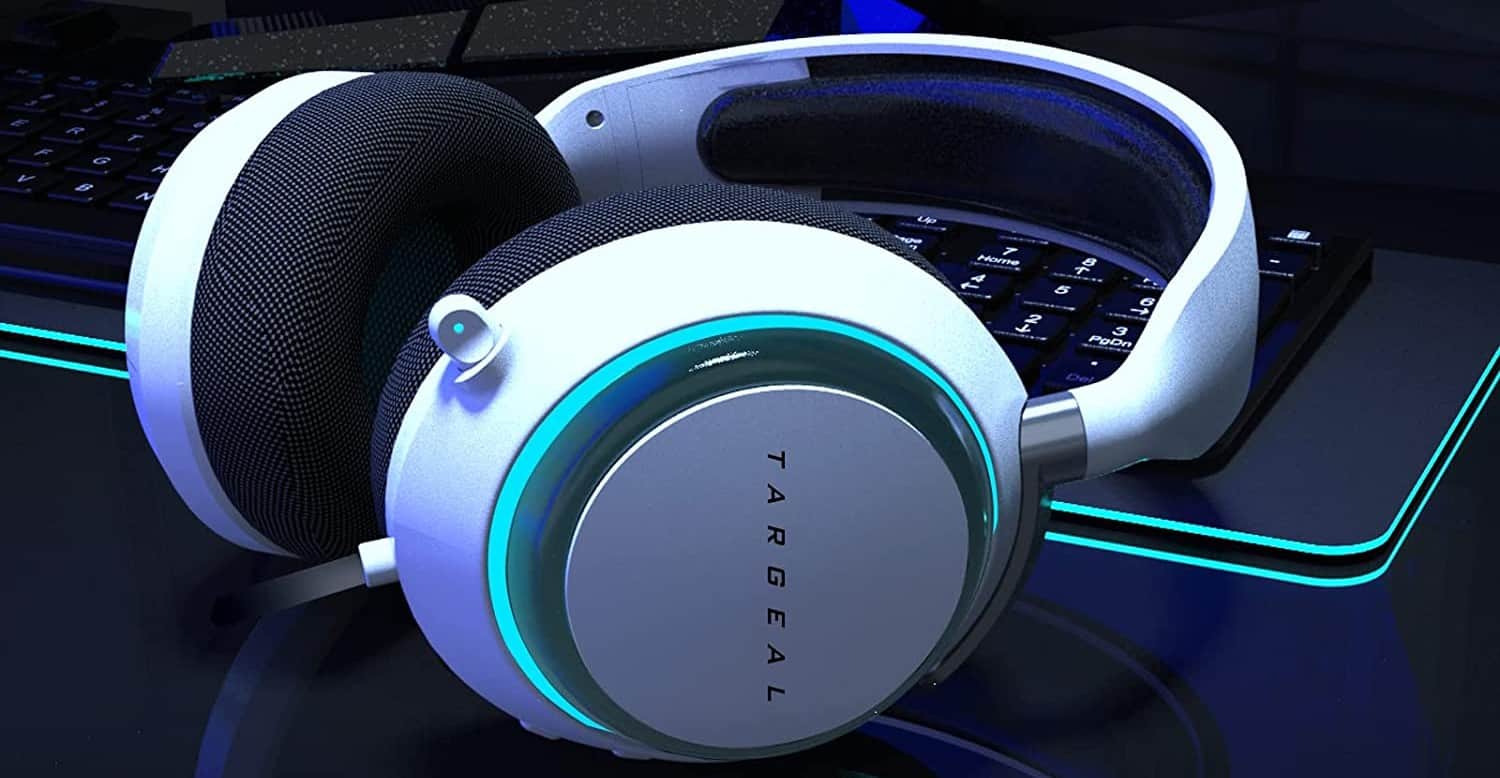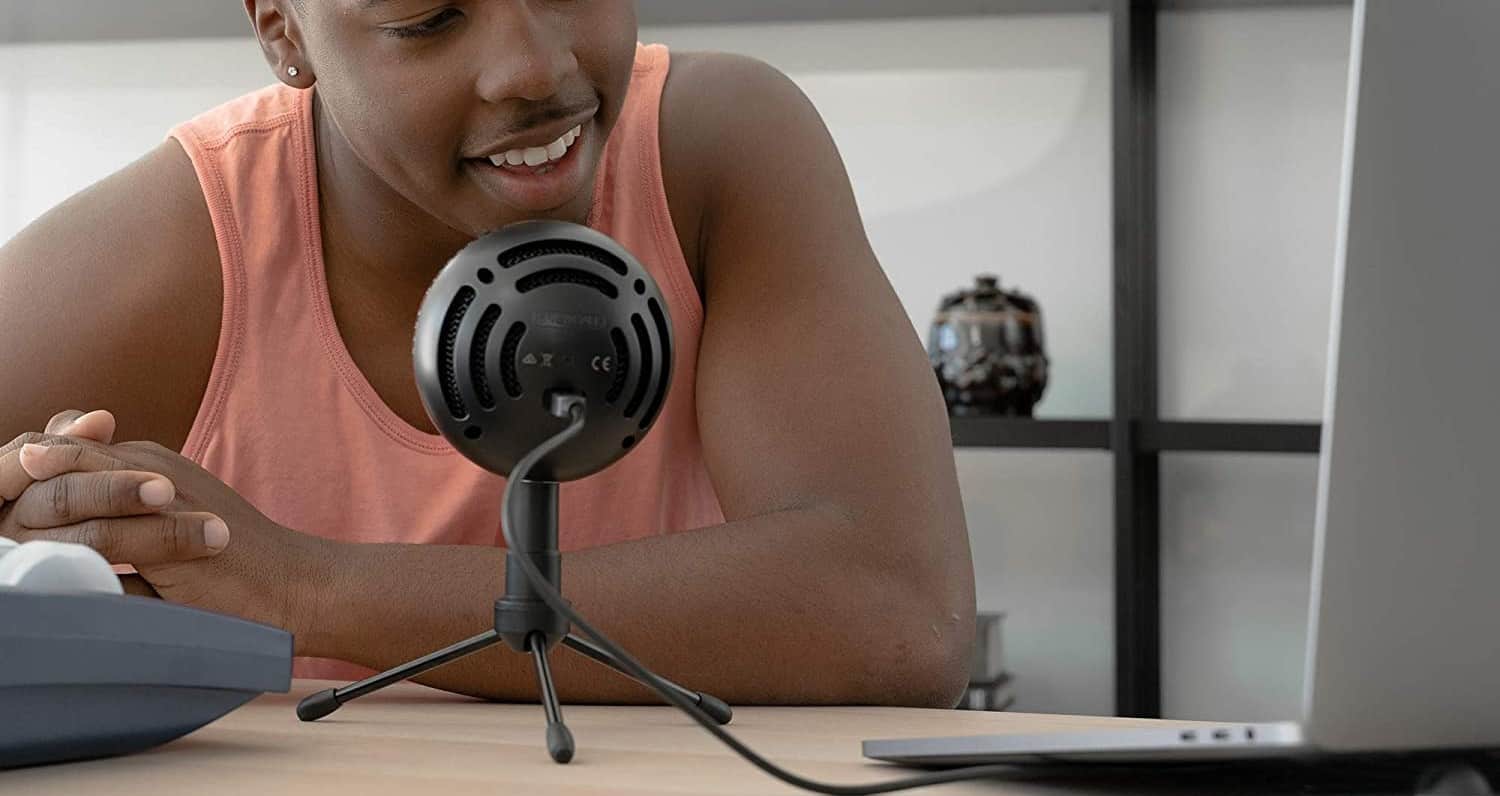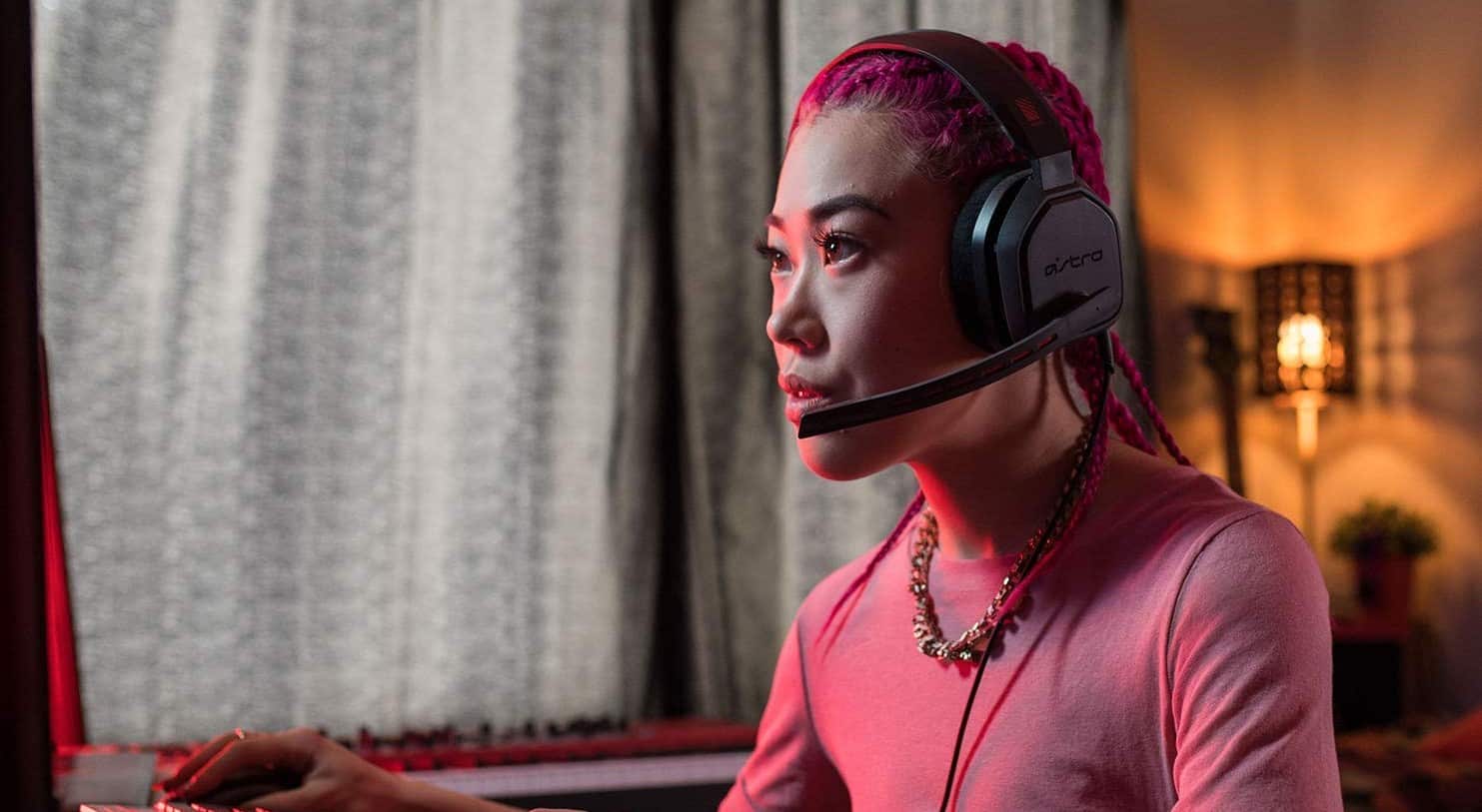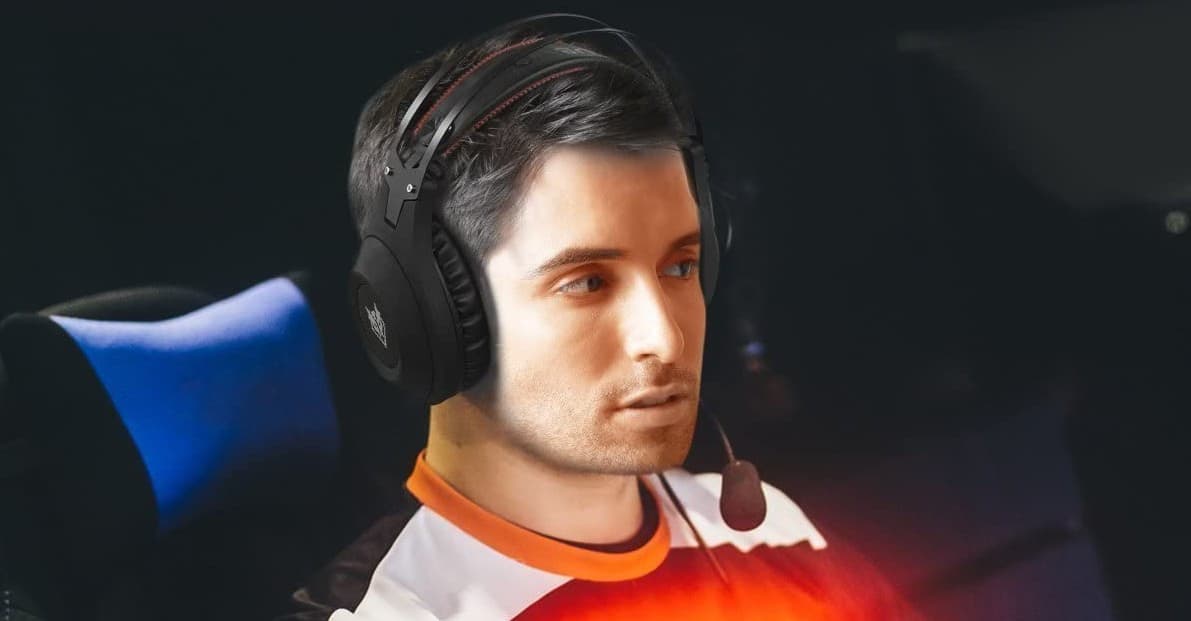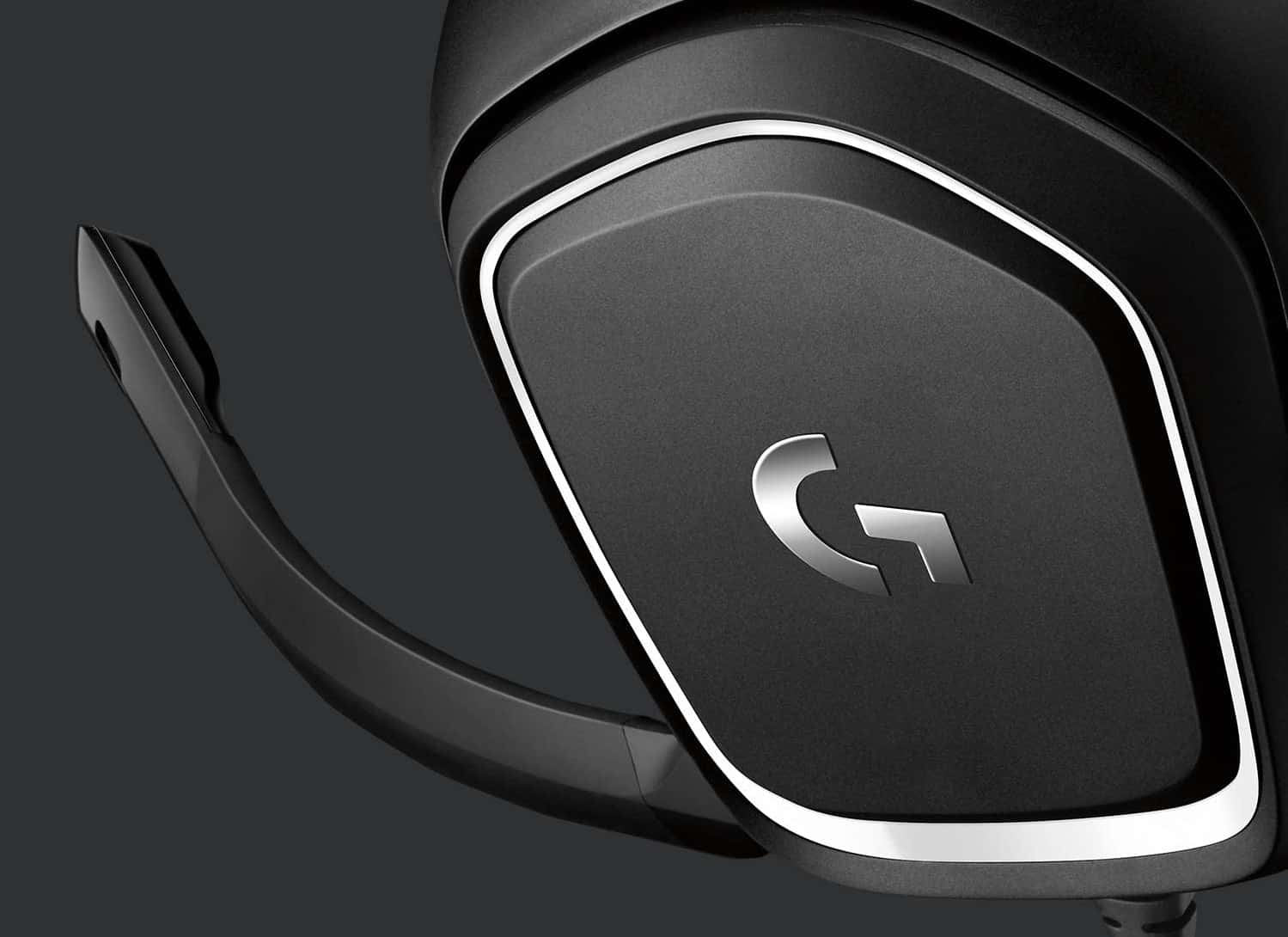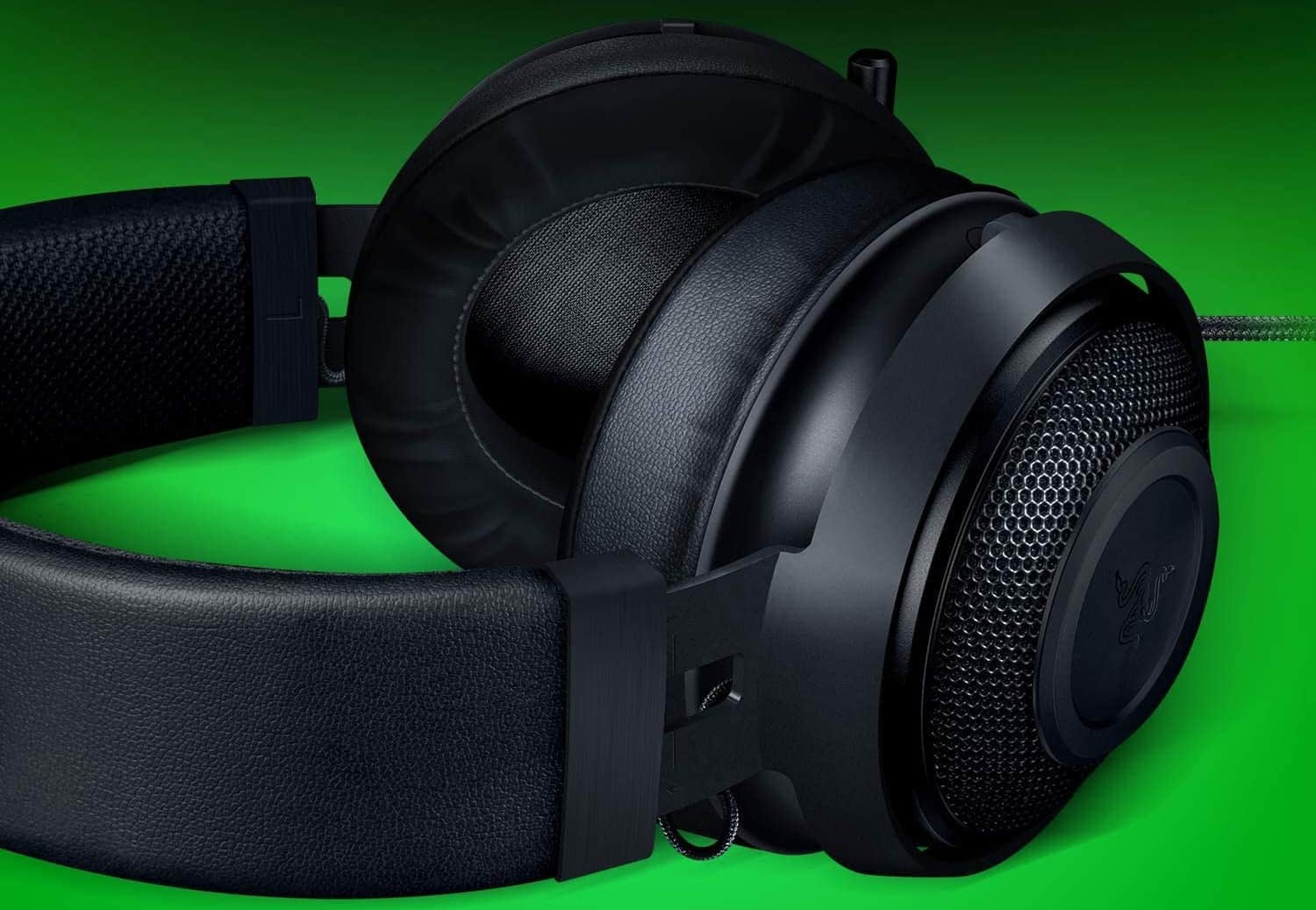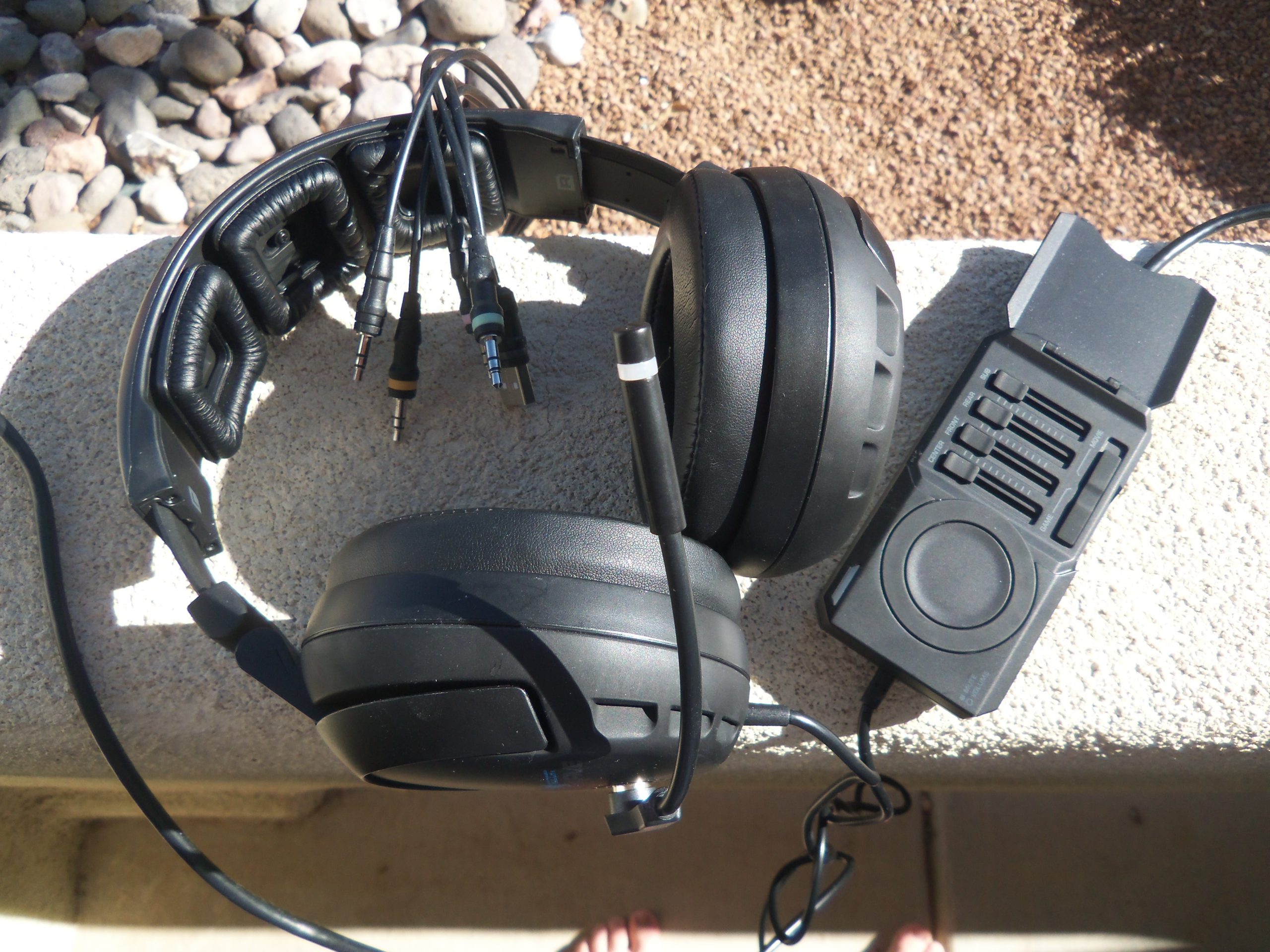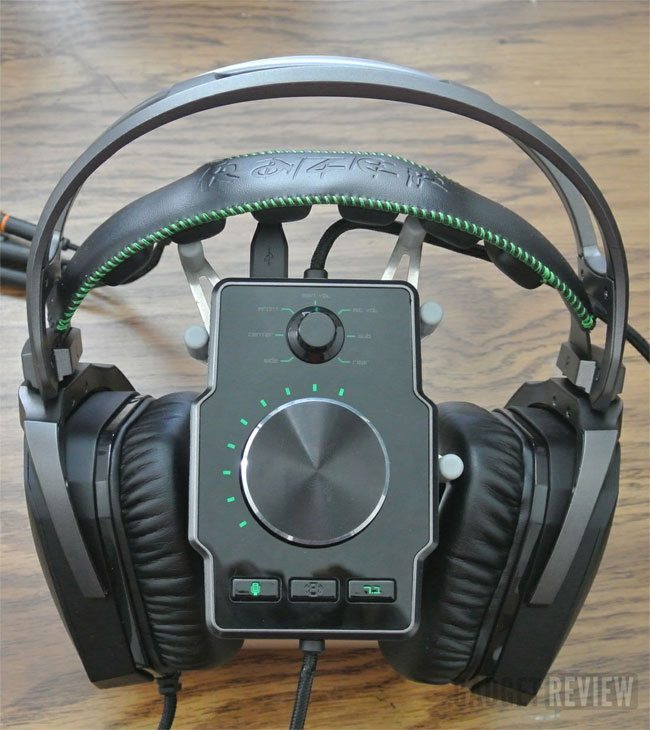

It’s easy to learn how to turn your headphones into a gaming headset. If you want to engage in VOIP chat, you need excellent microphone quality. The problem with a pair of headphones is just that: they don’t have a mic at all.
KEY TAKEAWAYS:
- First, find a microphone to plug into your headset. Pay attention to reviews to make sure the audio quality will be suitable for Skype chat or for whatever system you’re using.
- Next, make sure your wireless or wired headset has a 3.5mm headphone jack so that you can plug in your headset mic.
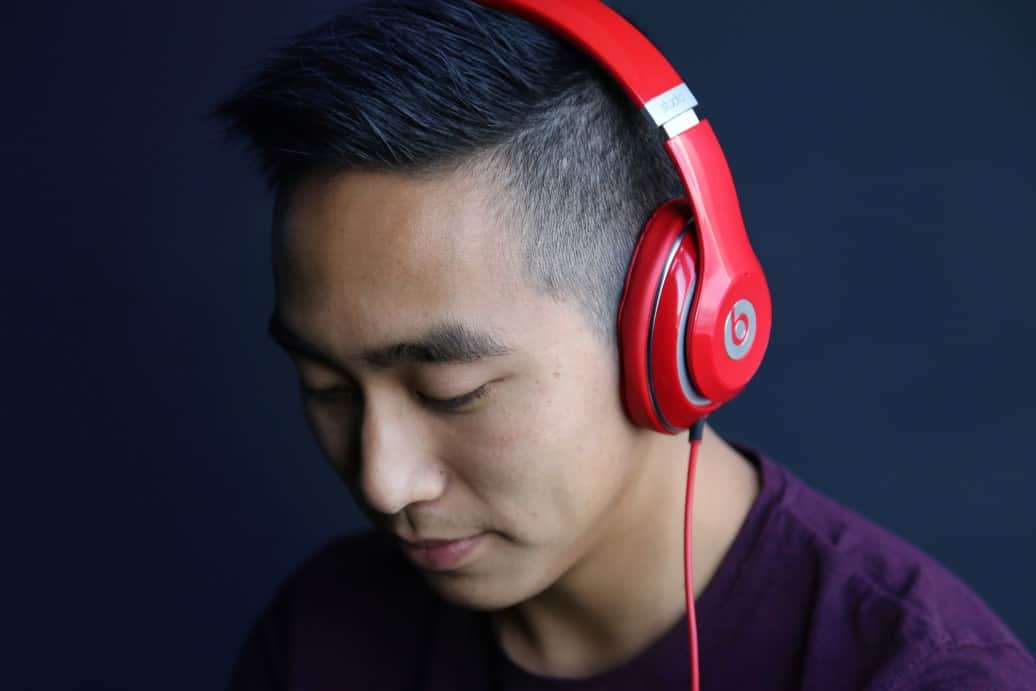
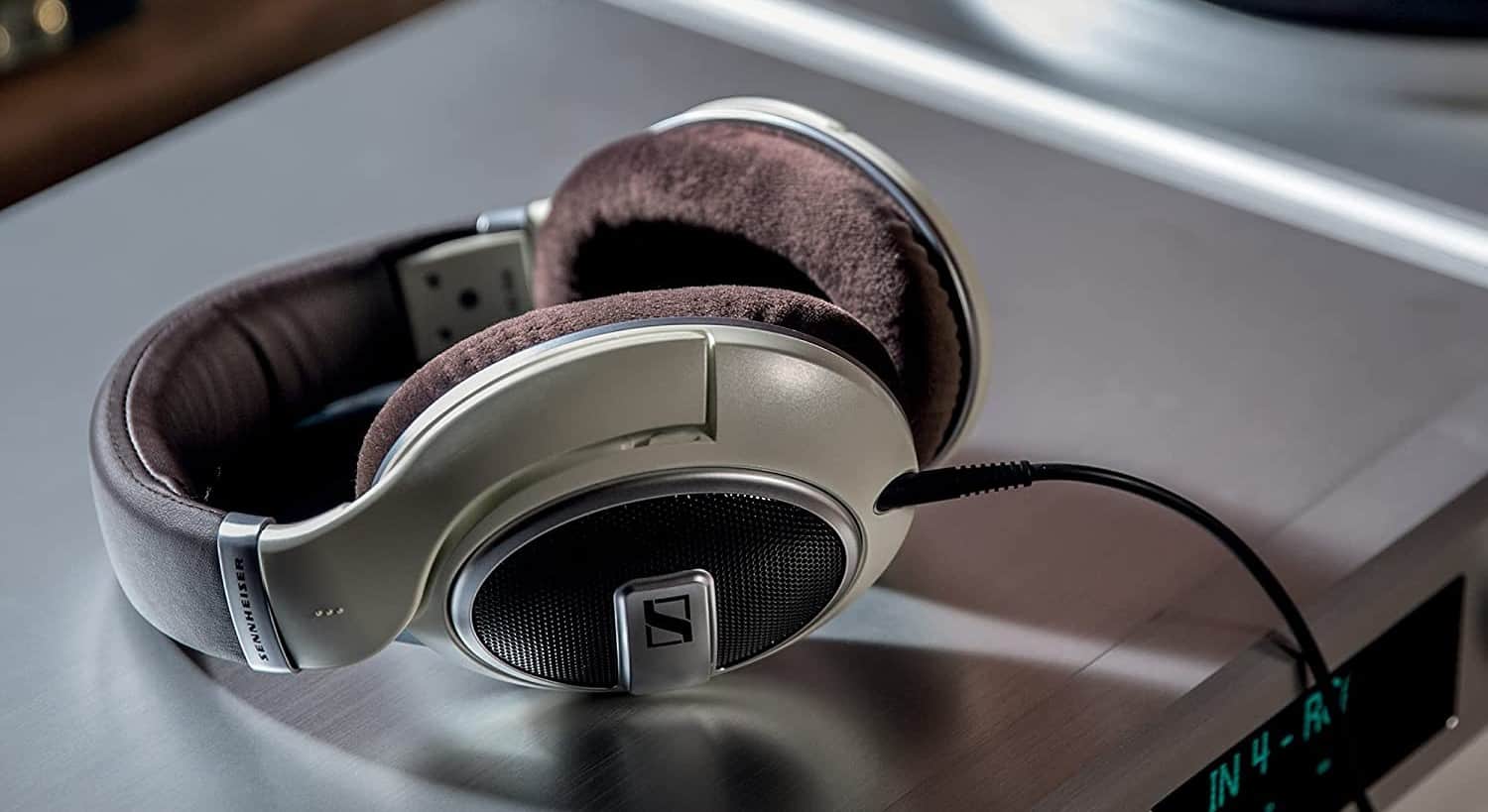
- The most significant difference between wired or wireless headsets and headphone technology is that headphones don’t have a built-in microphone.
Having the best gaming headset possible for VoIP chat is crucial if you want to engage in audio to party chat. Today you’ll learn how to add one to your favorite headphones.
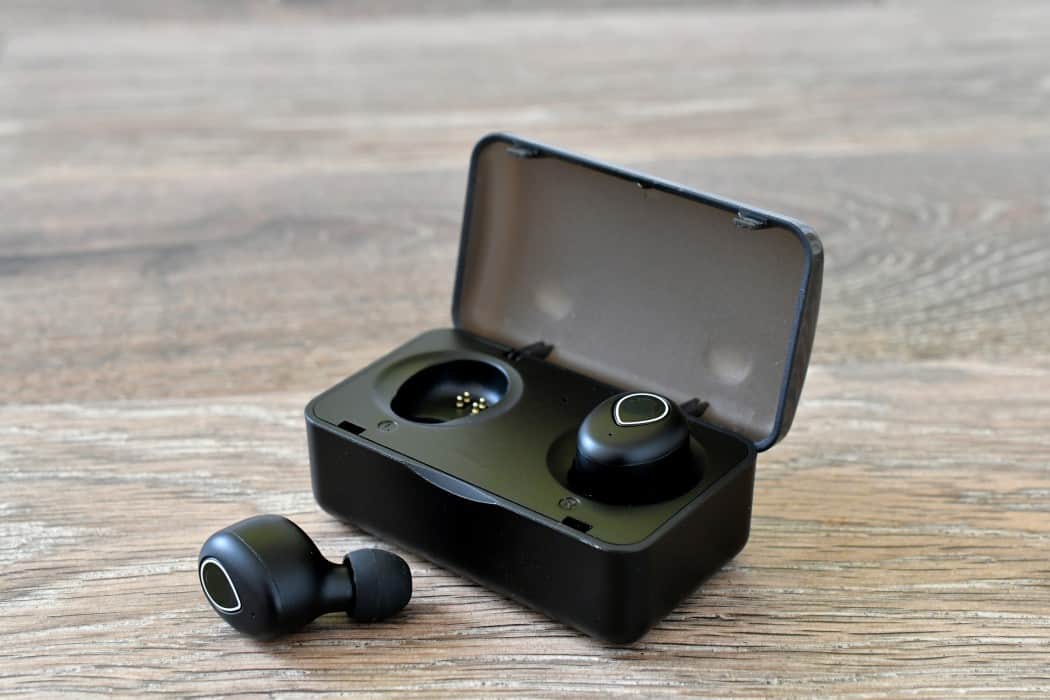
Are In-Ear Headphones Different Than Gaming Headsets?
While both of them are audio devices, you can use to hear game audio, there are key differences.
Insider Tip
Most detachable headphones will work with your mobile device, allowing higher sound quality on the go.
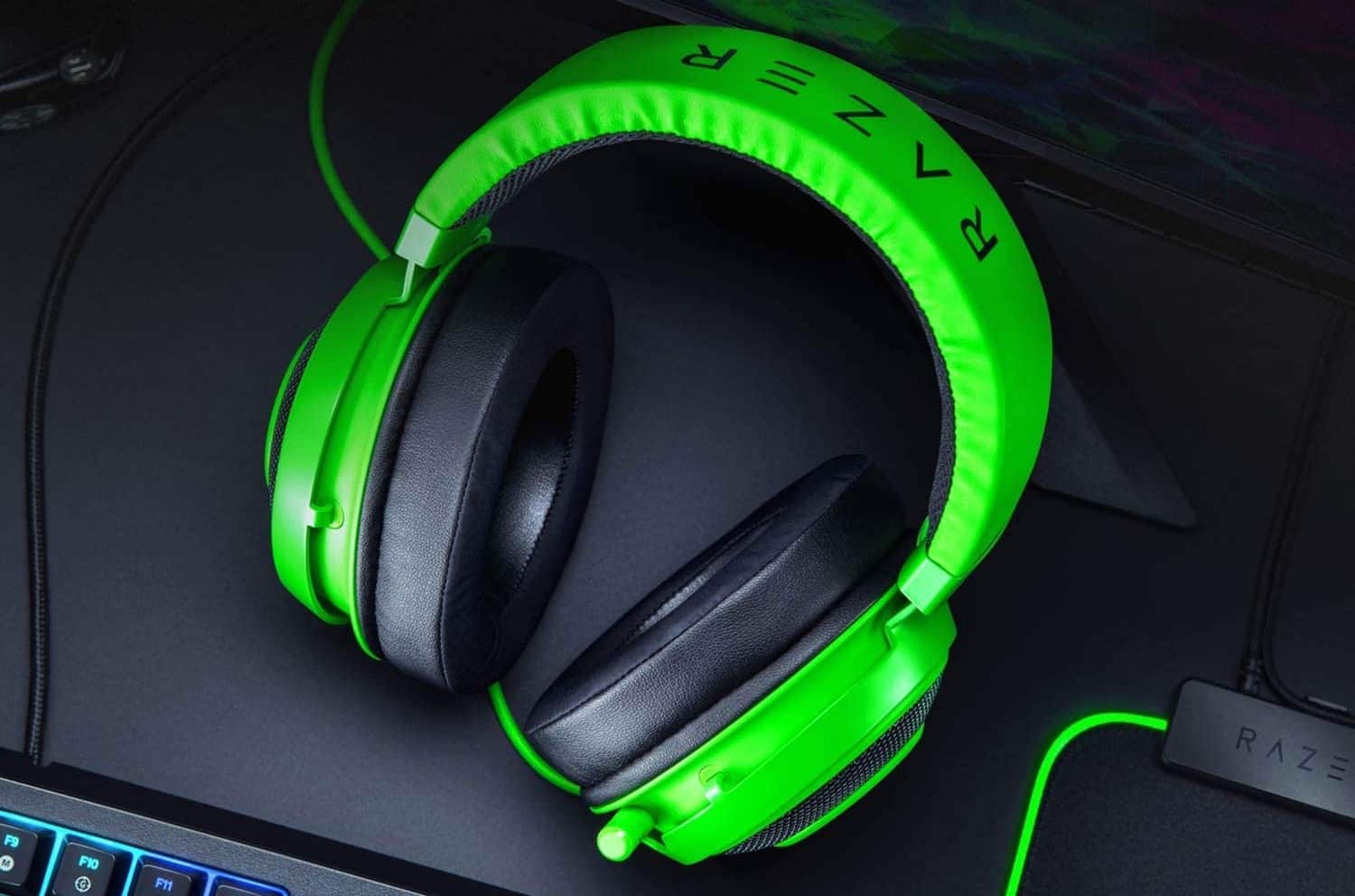
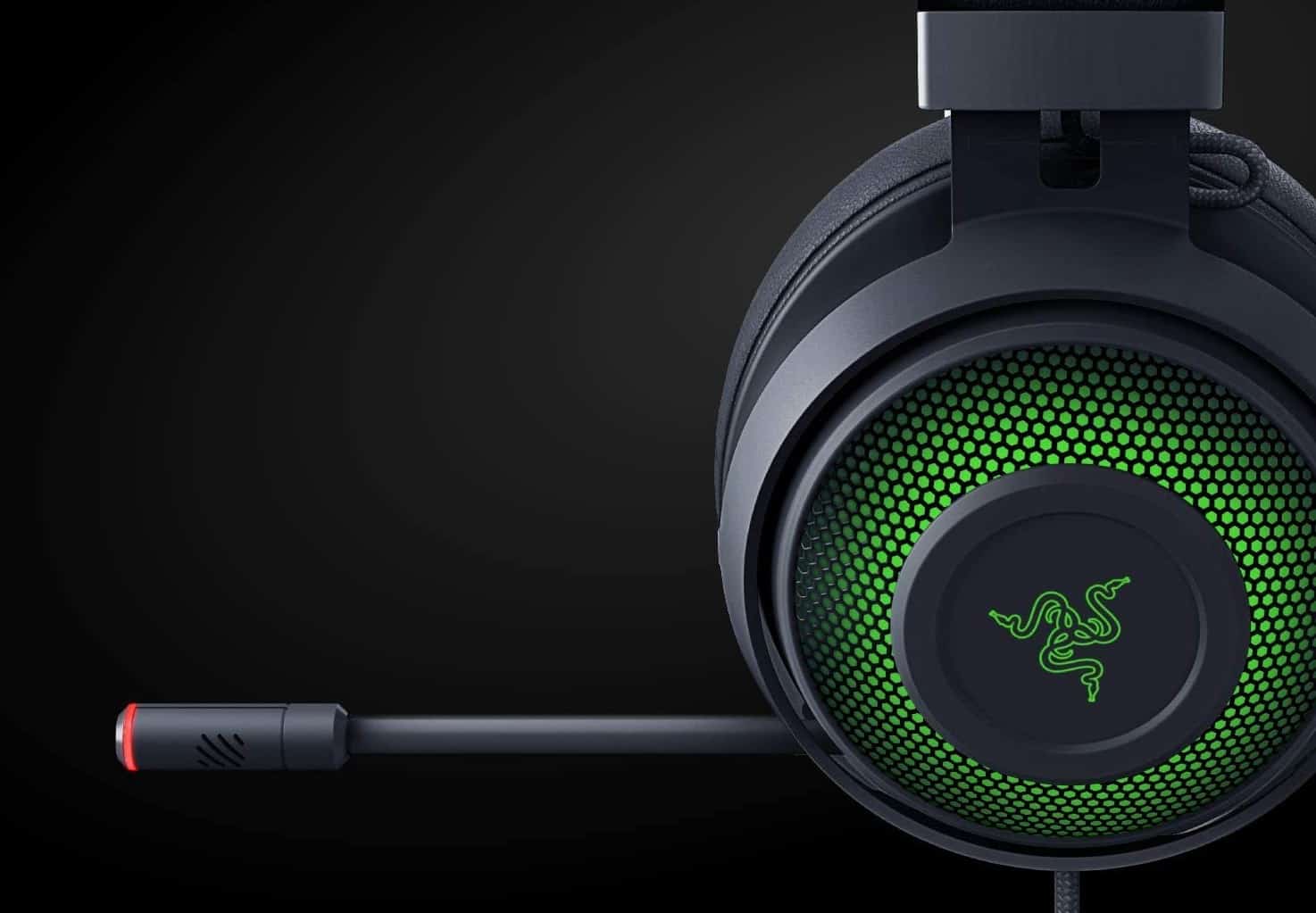
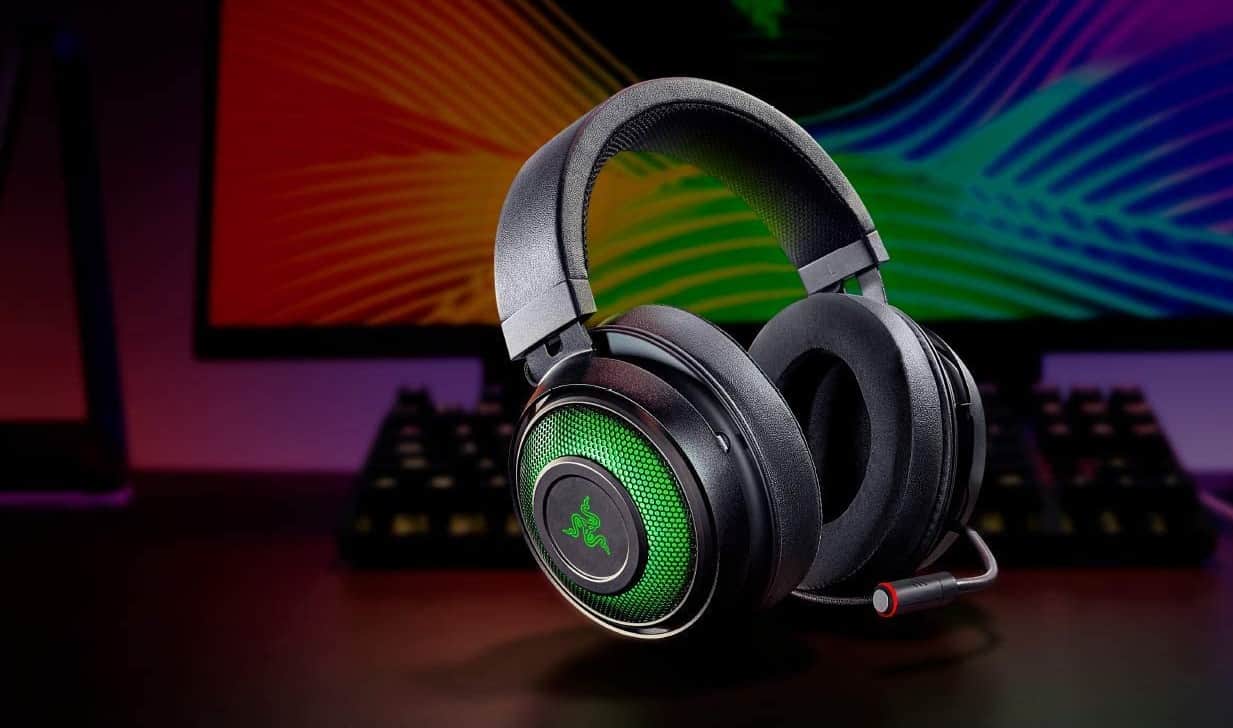
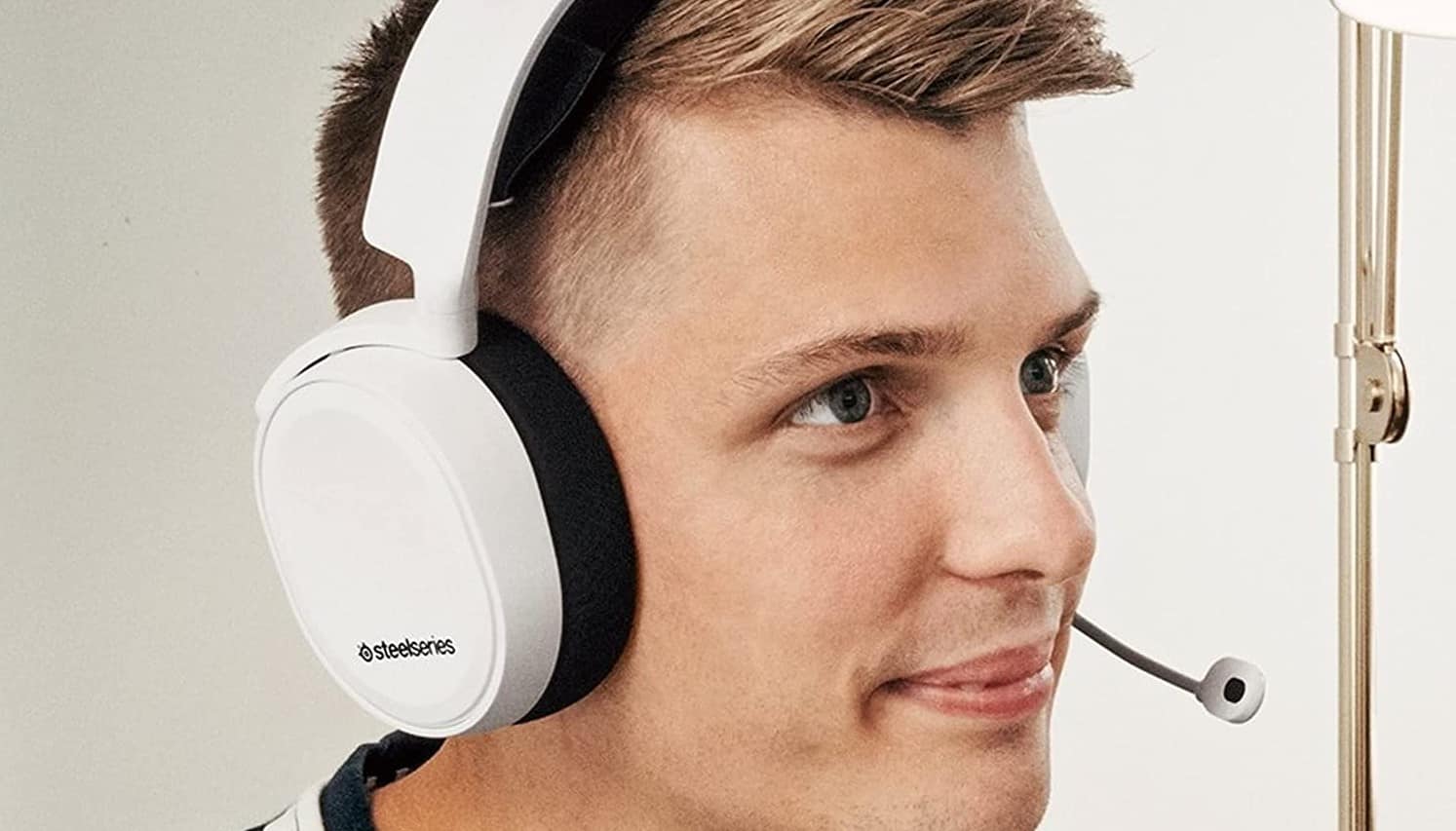
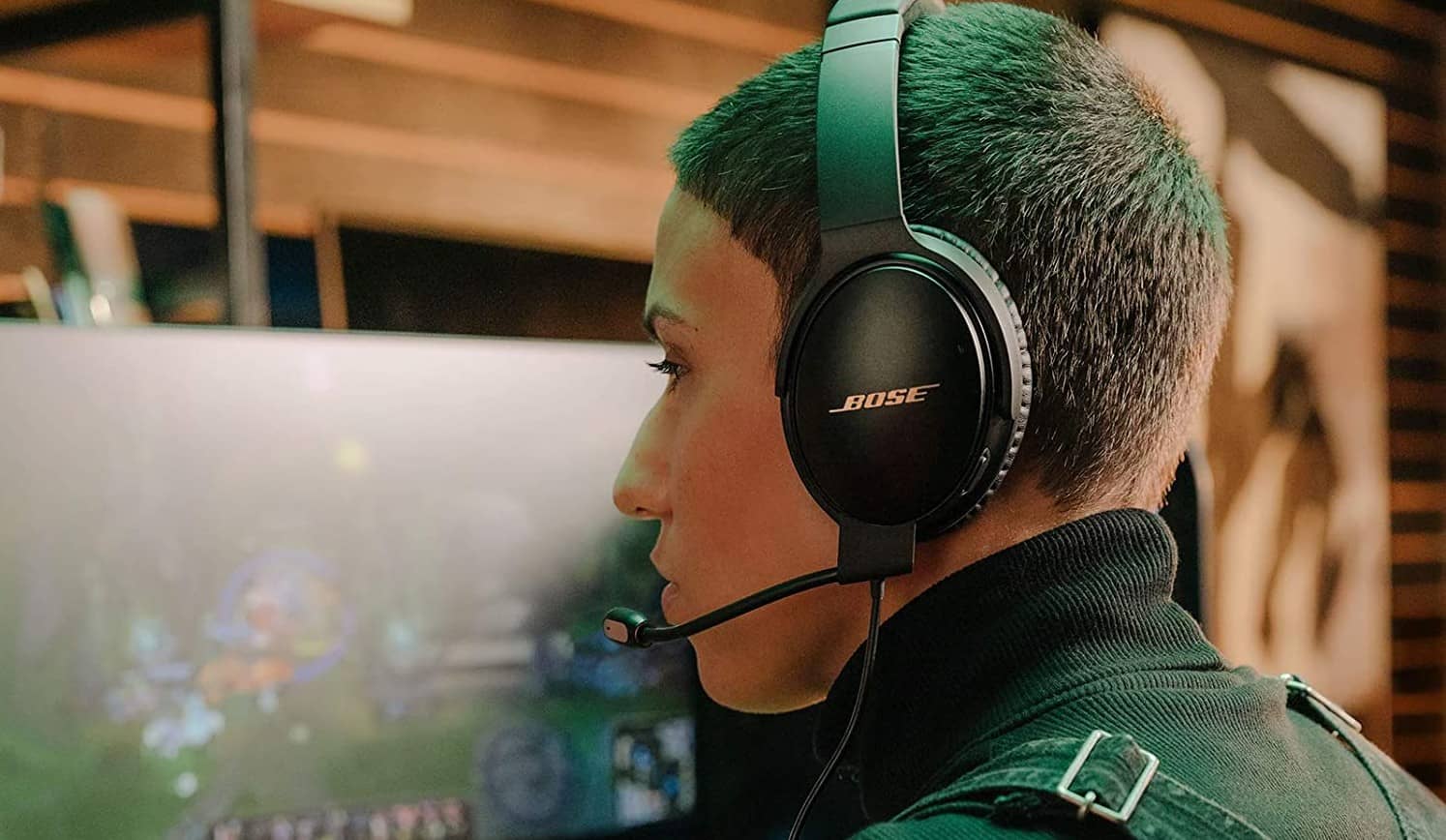
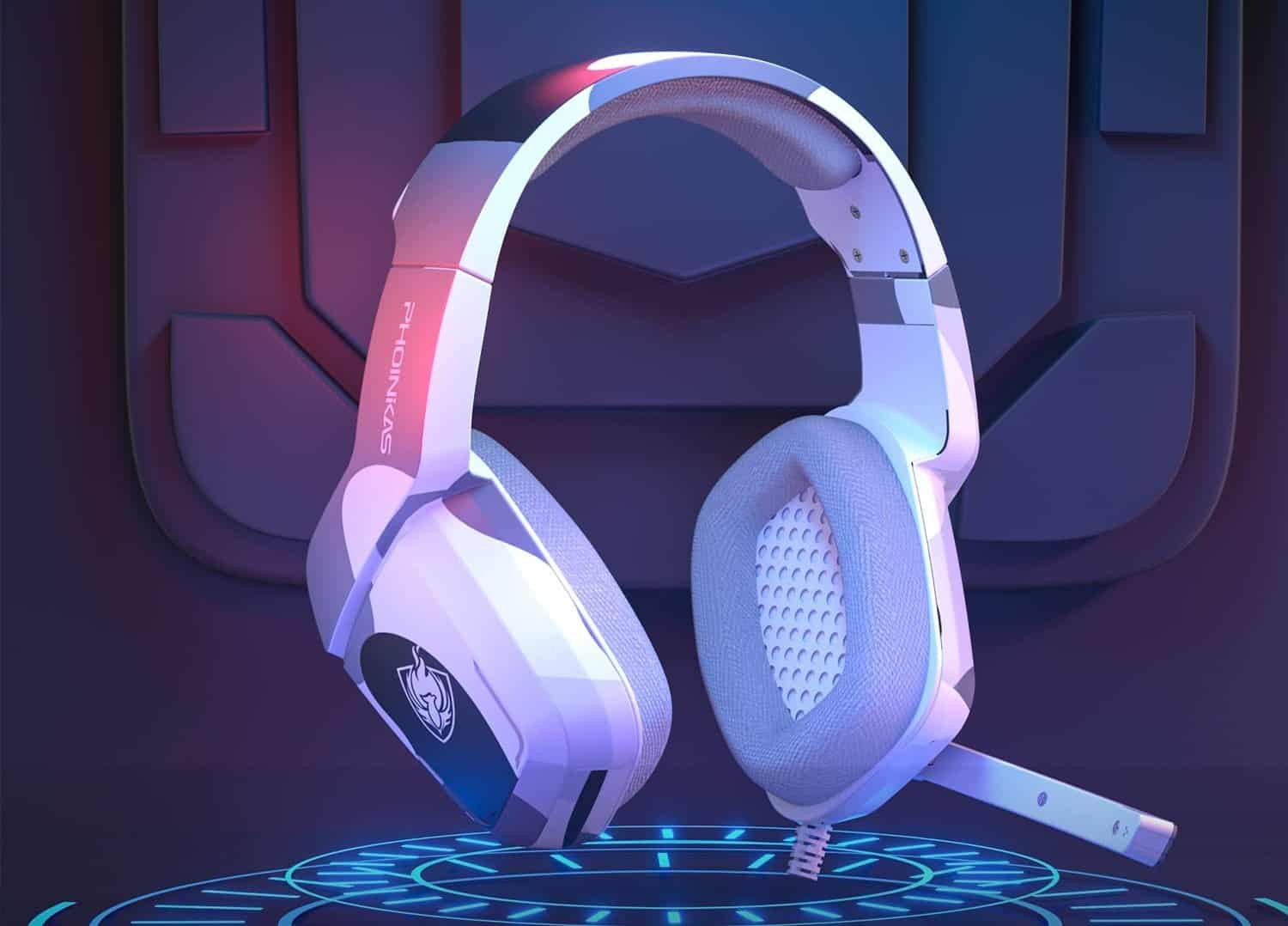
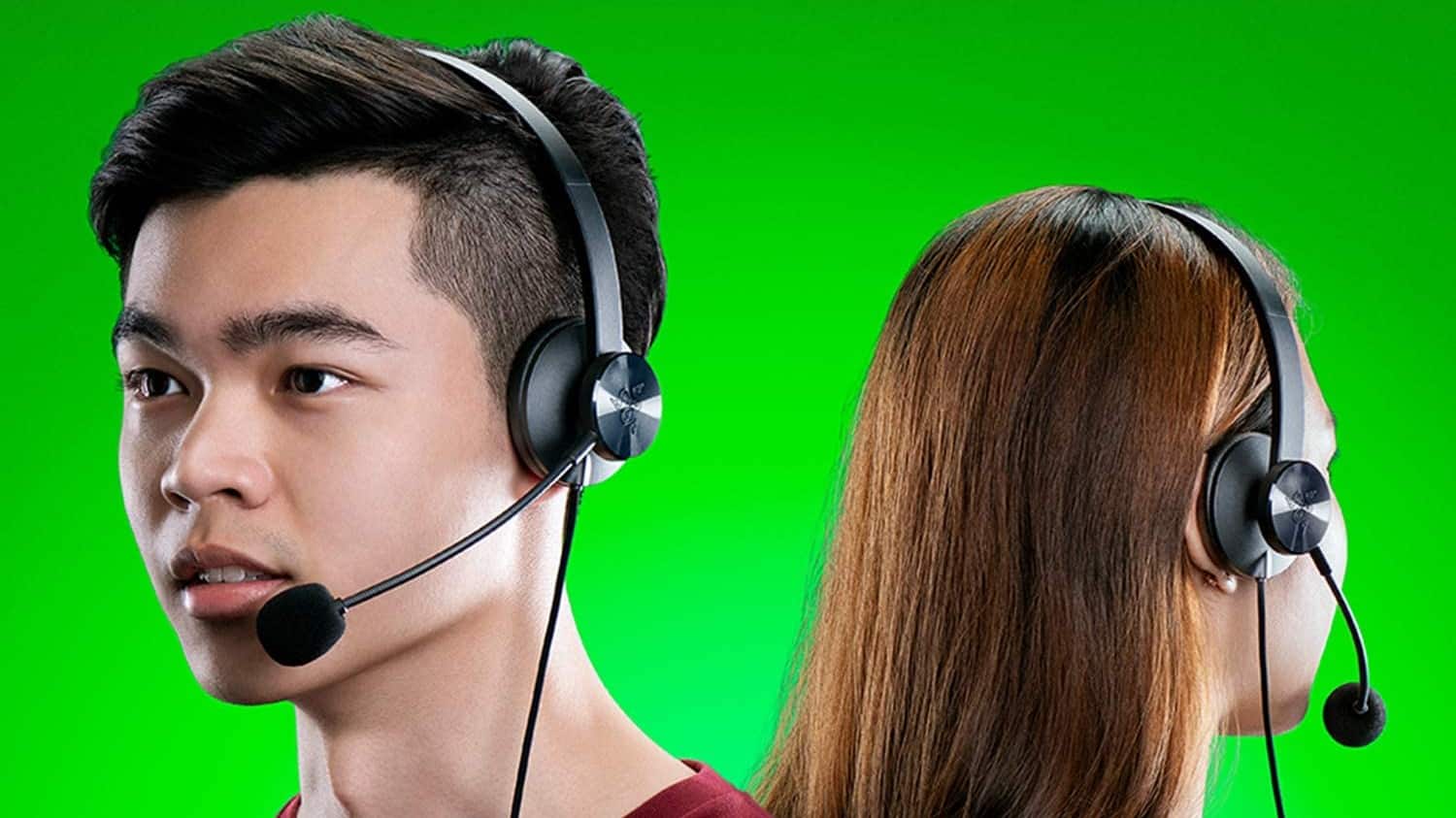
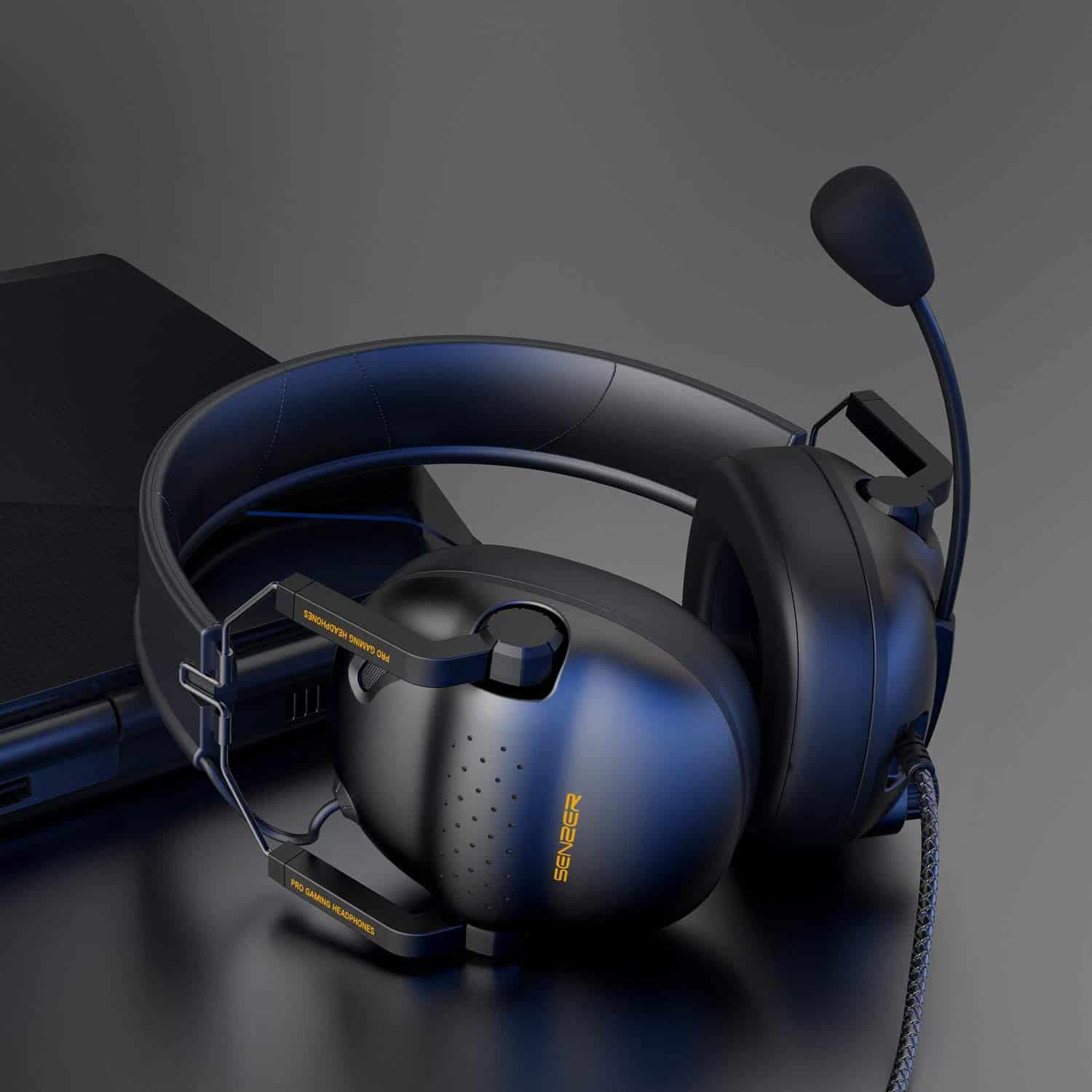
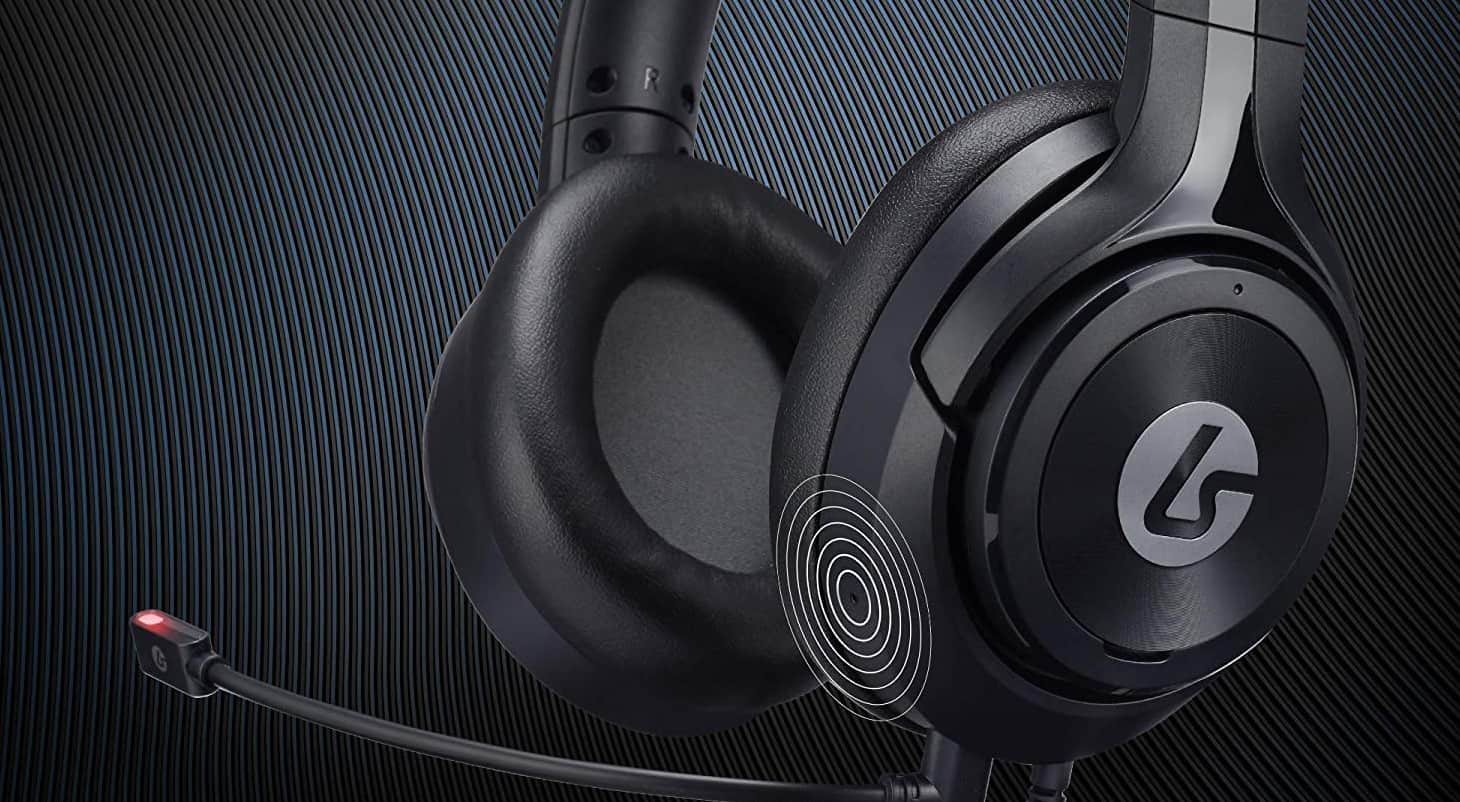
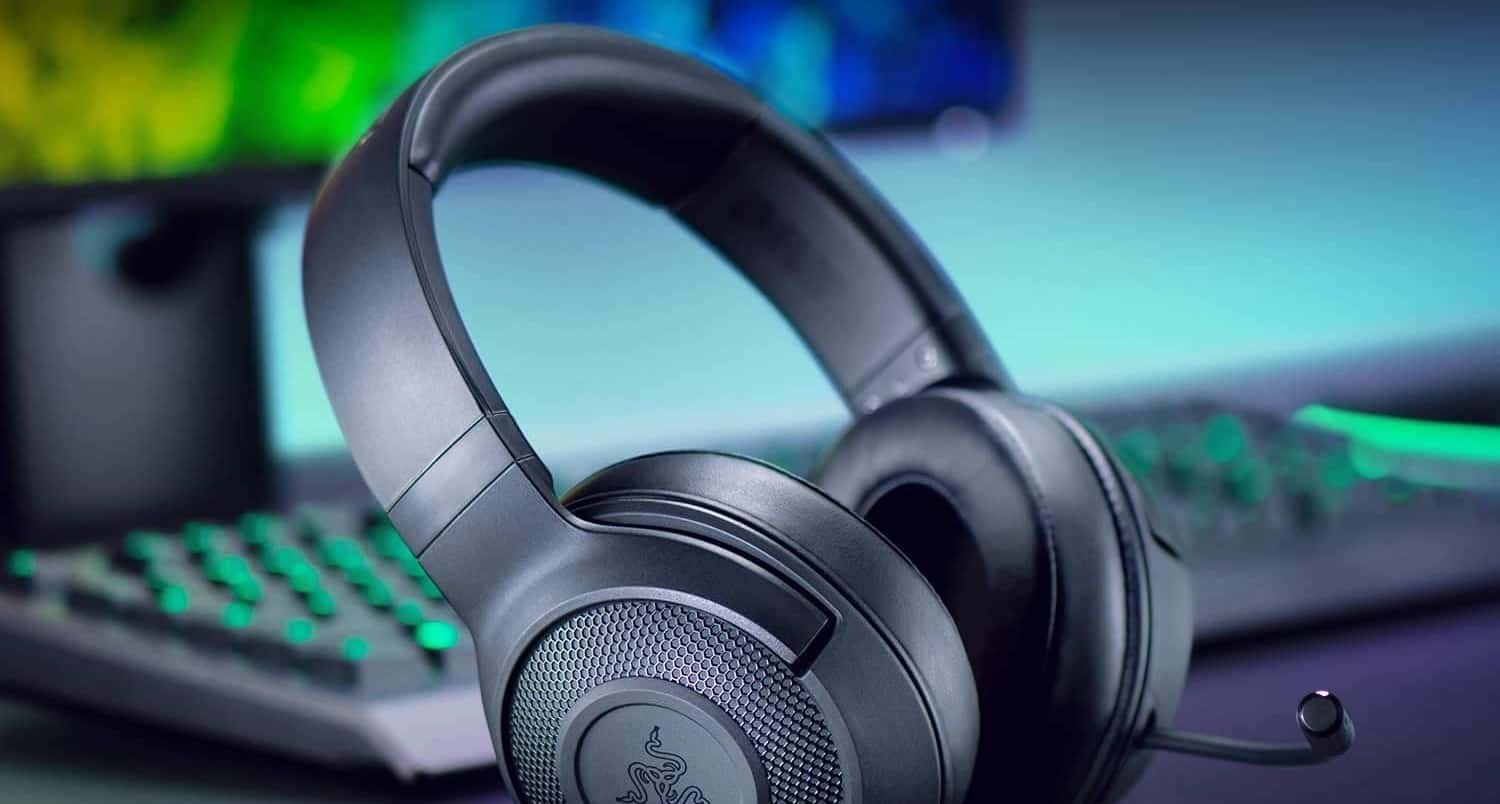
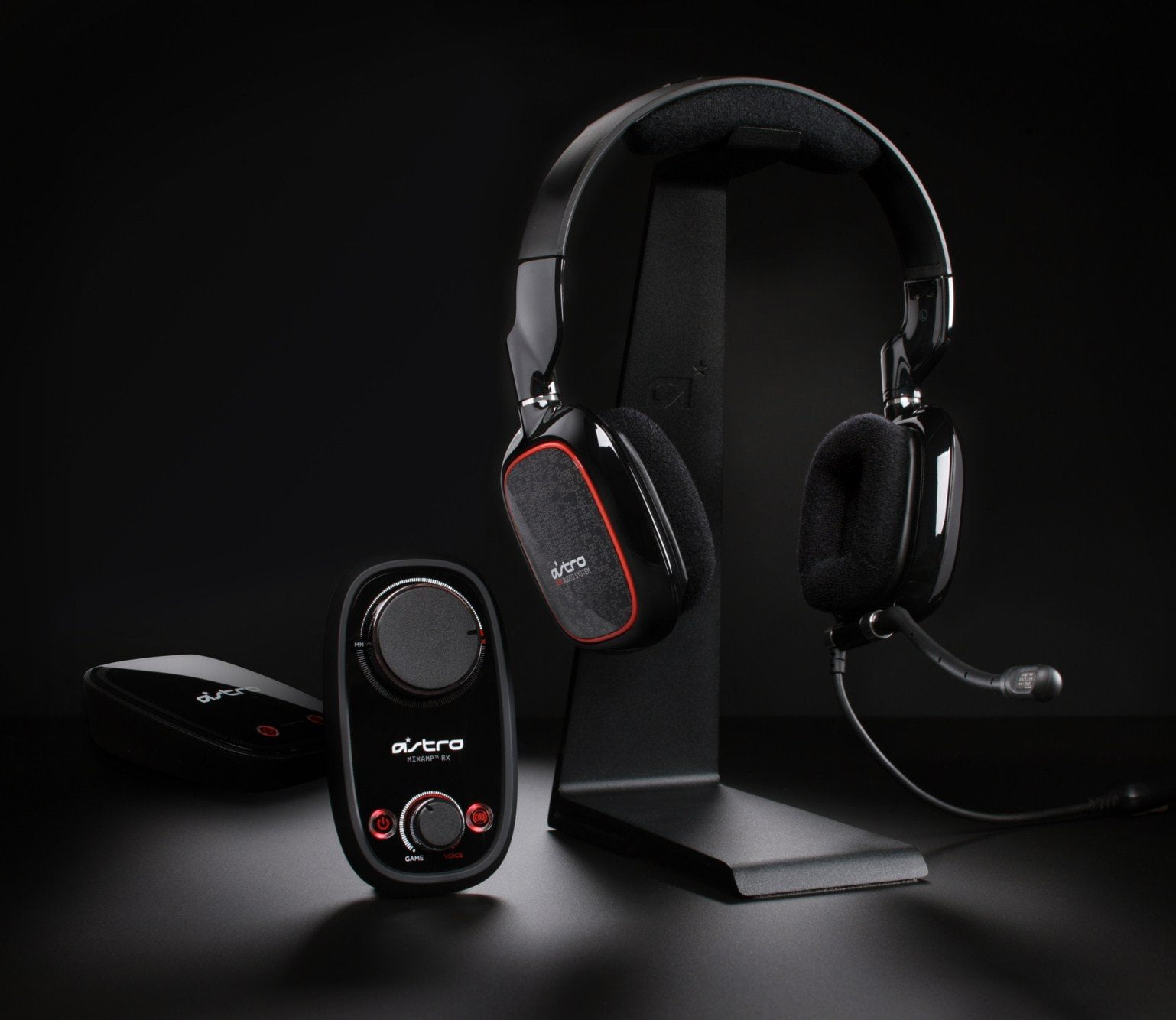
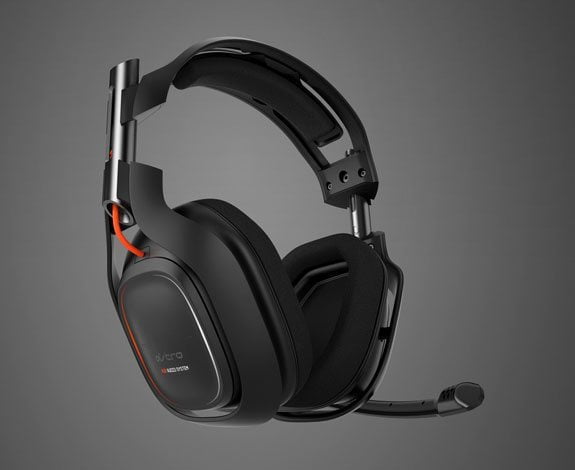
The biggest is that a dedicated gaming headset has a built-in microphone. This is standard so that you can engage in voice and video chat.
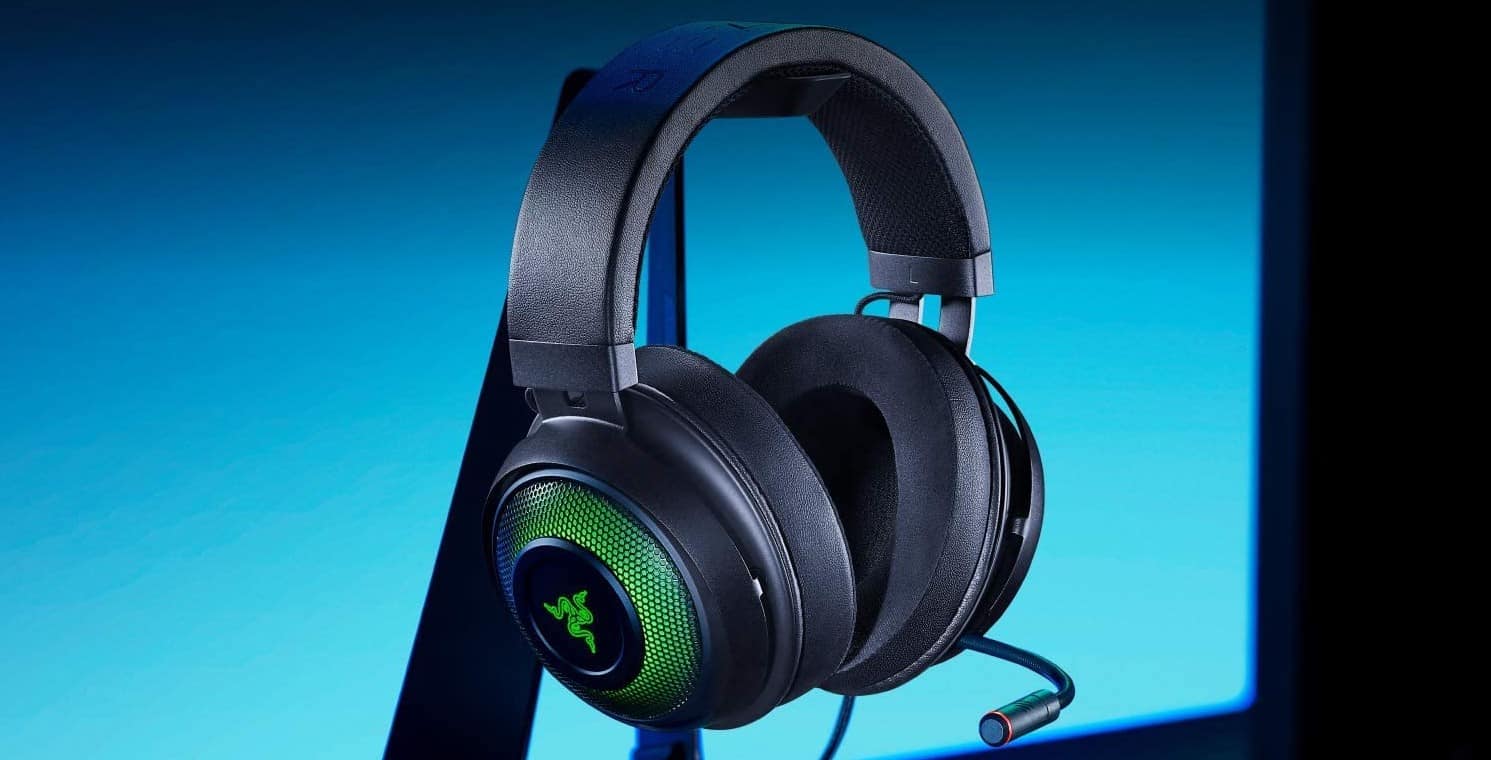
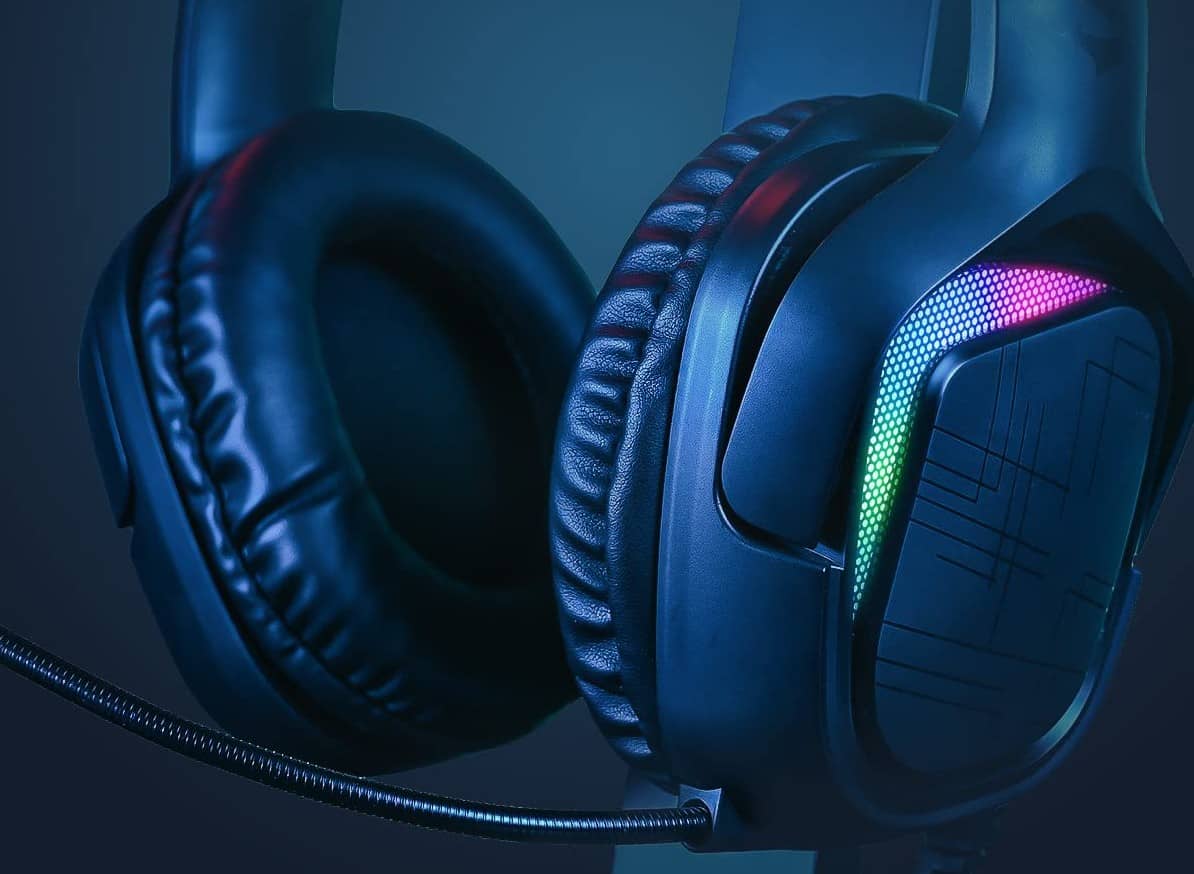
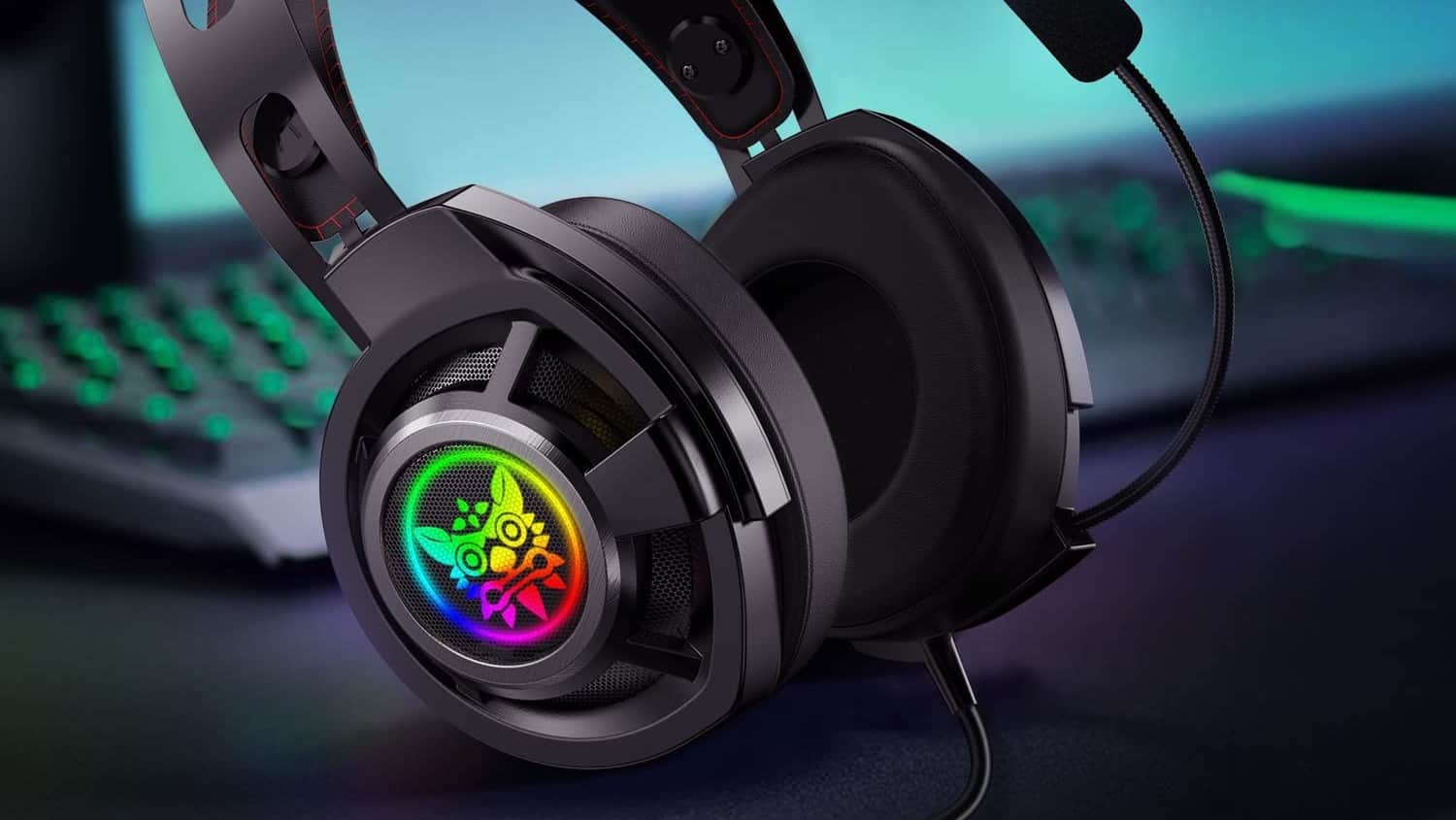
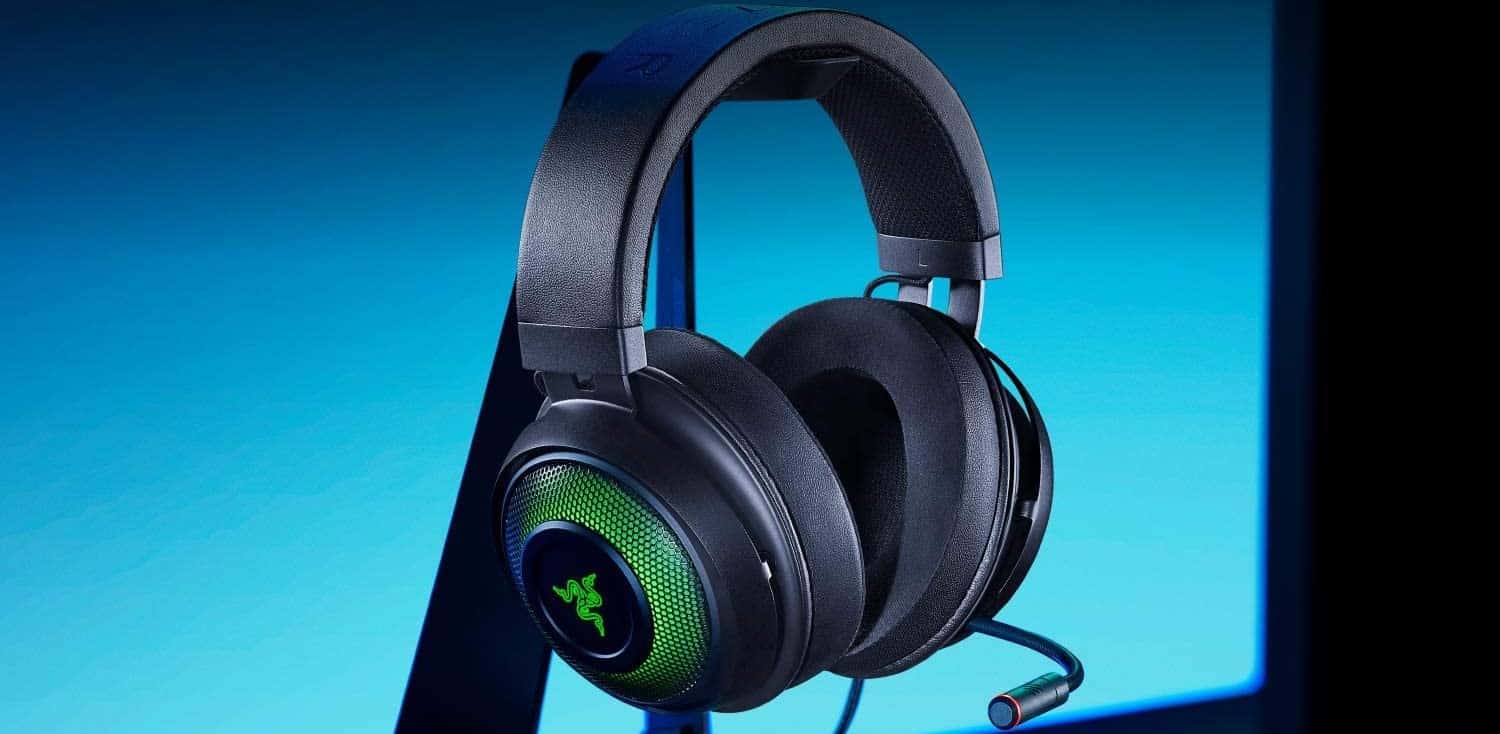
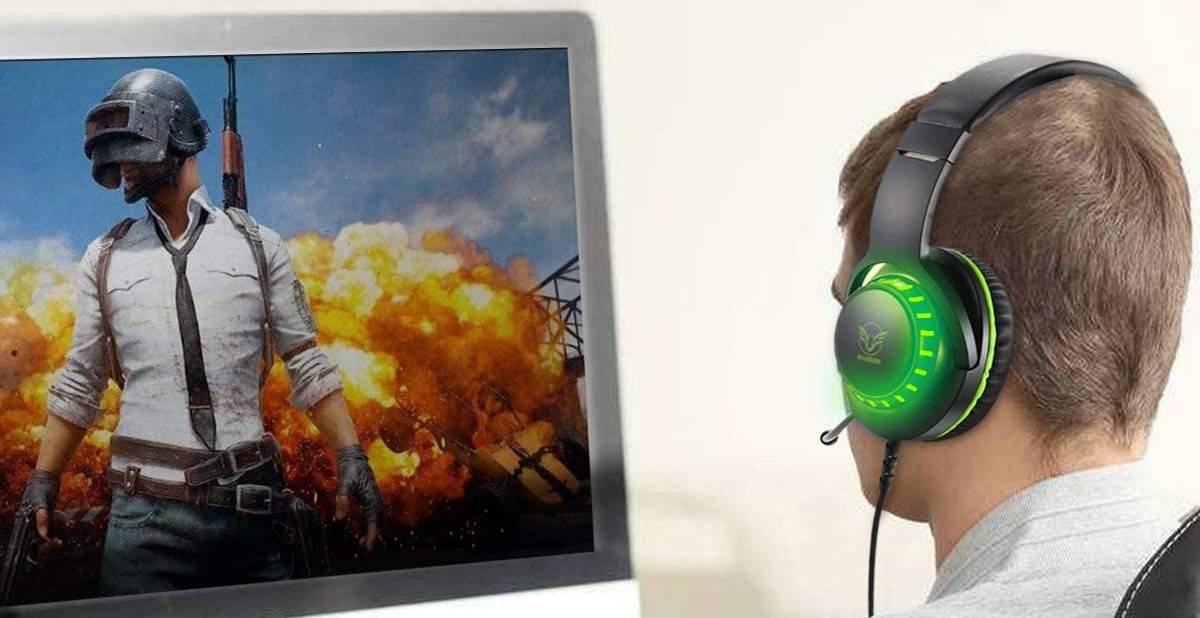
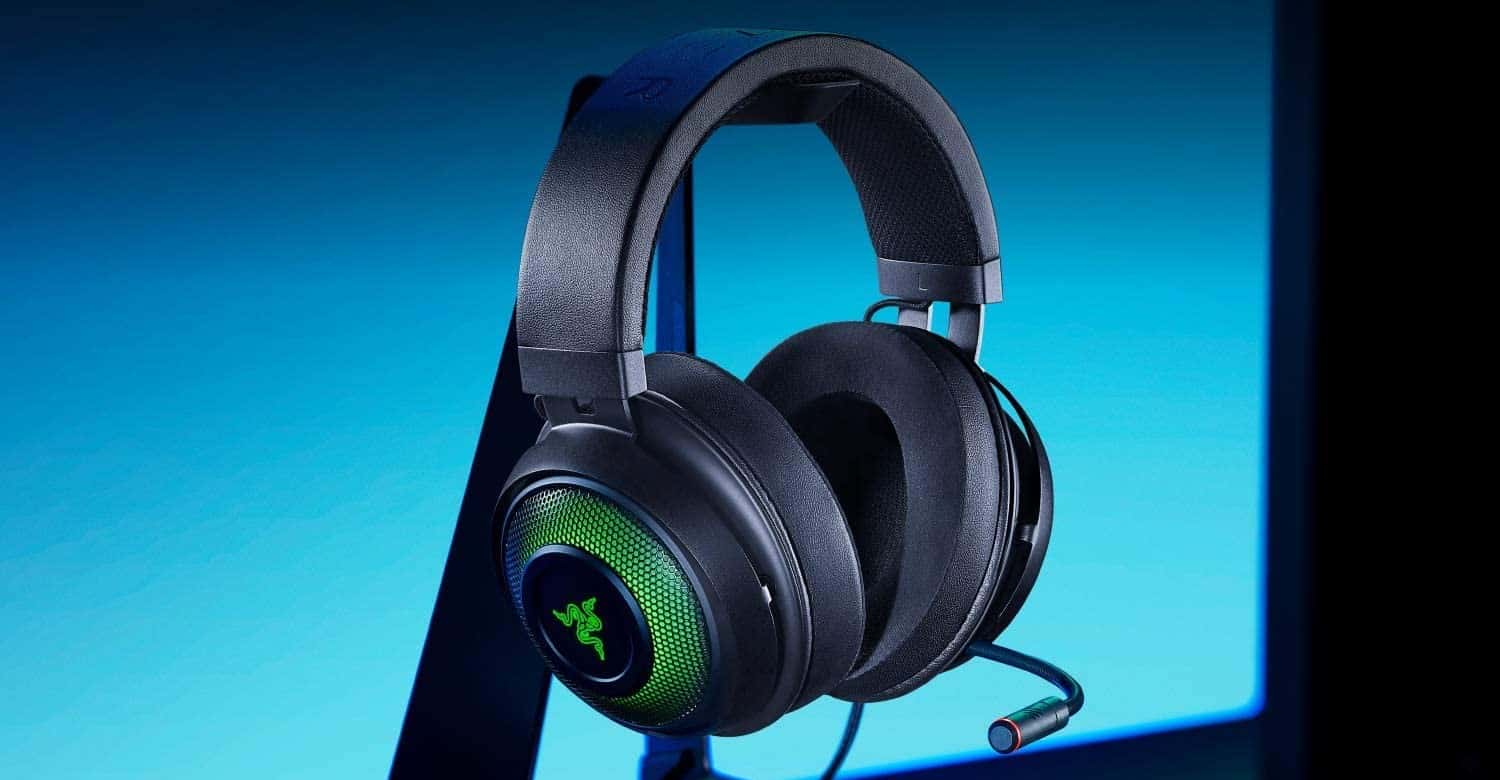
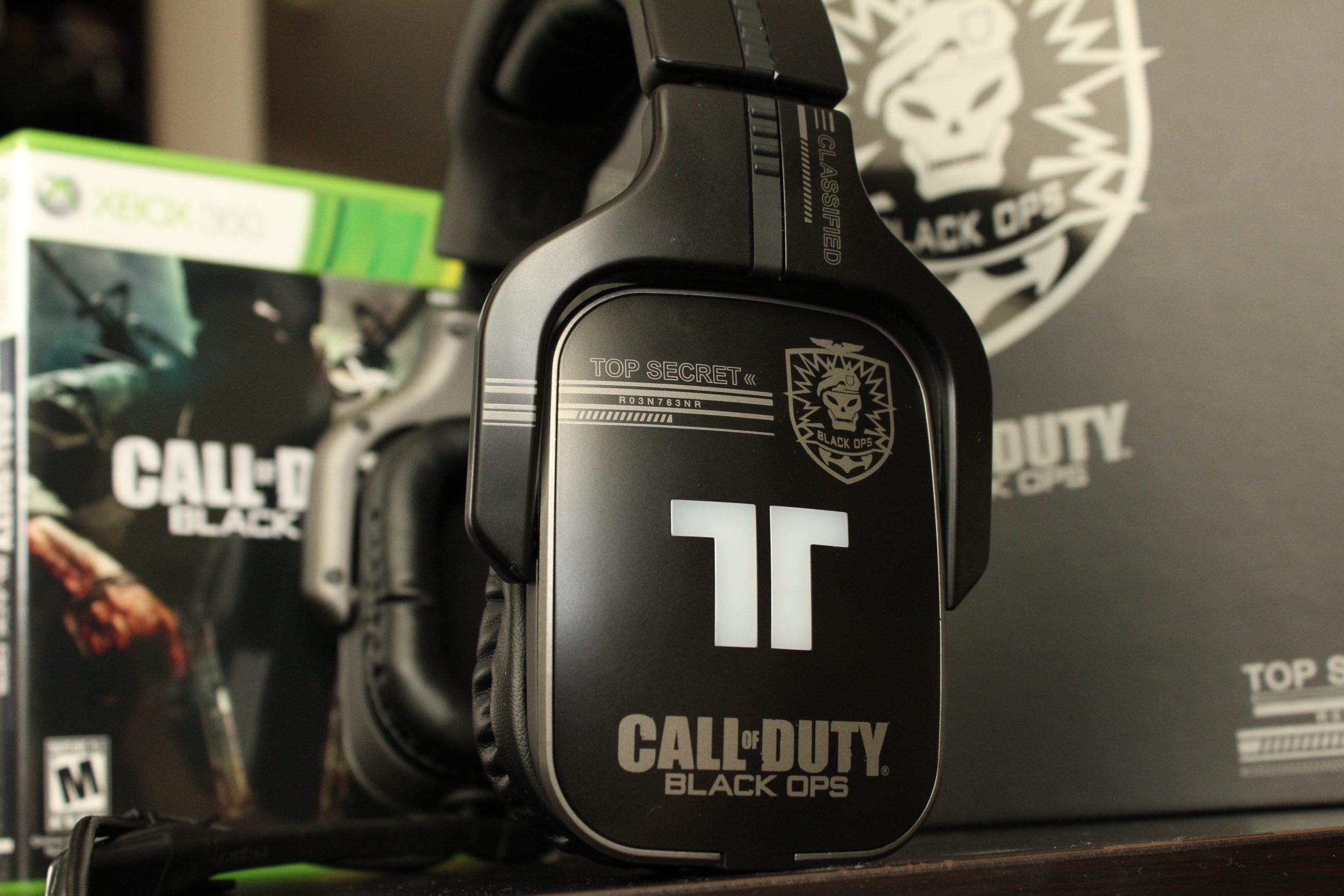
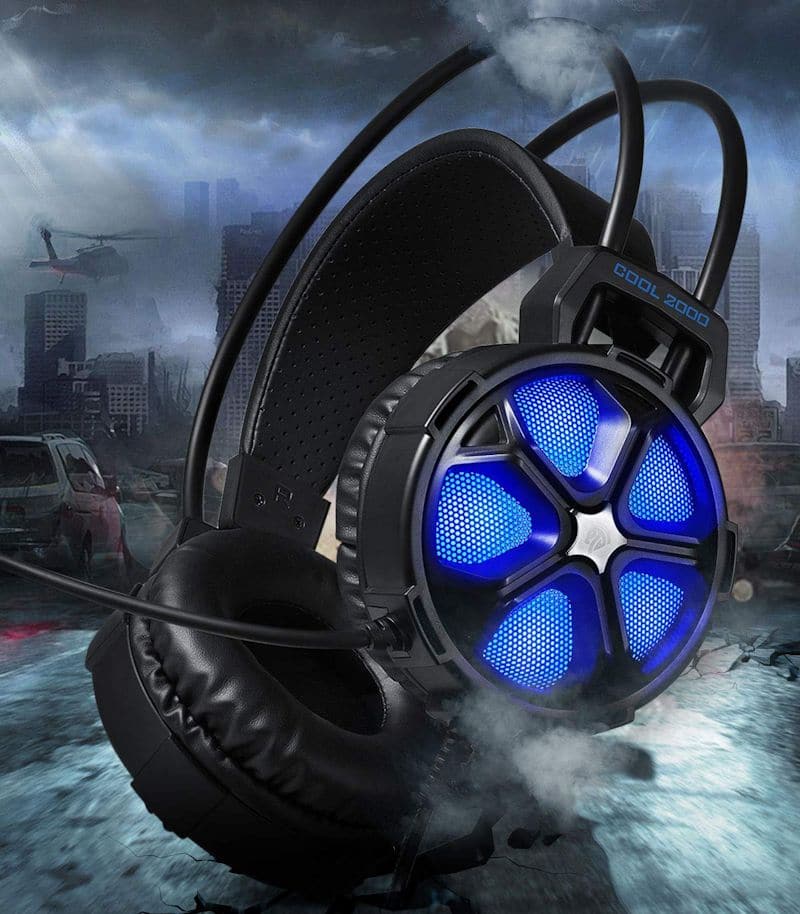
Another is the flair that a dedicated gaming headset has. Many have light-up features to help you get in the game. Knowing how to turn on a gaming headset LED light will help if you have one.
Adding Detachable Microphone Clips to Your Favorite Headphones
While headphone technology may seem intimidating, today’s topic is super easy. All you need is wired or wireless headphones with a 3.5mm headphone jack.
Keep reading if you have a pair of comfortable headphones compatible with today’s tutorial. After finishing, you’ll be able to turn them into the perfect complement to your gaming console.
STEP 1
First, get your wired or wireless headphones ready. Locate the 3.5mm audio-in ports.
STEP 2
Make sure all output jacks are clear and ready to go. Then, take your detachable boom microphone out of the packaging.
STEP 3
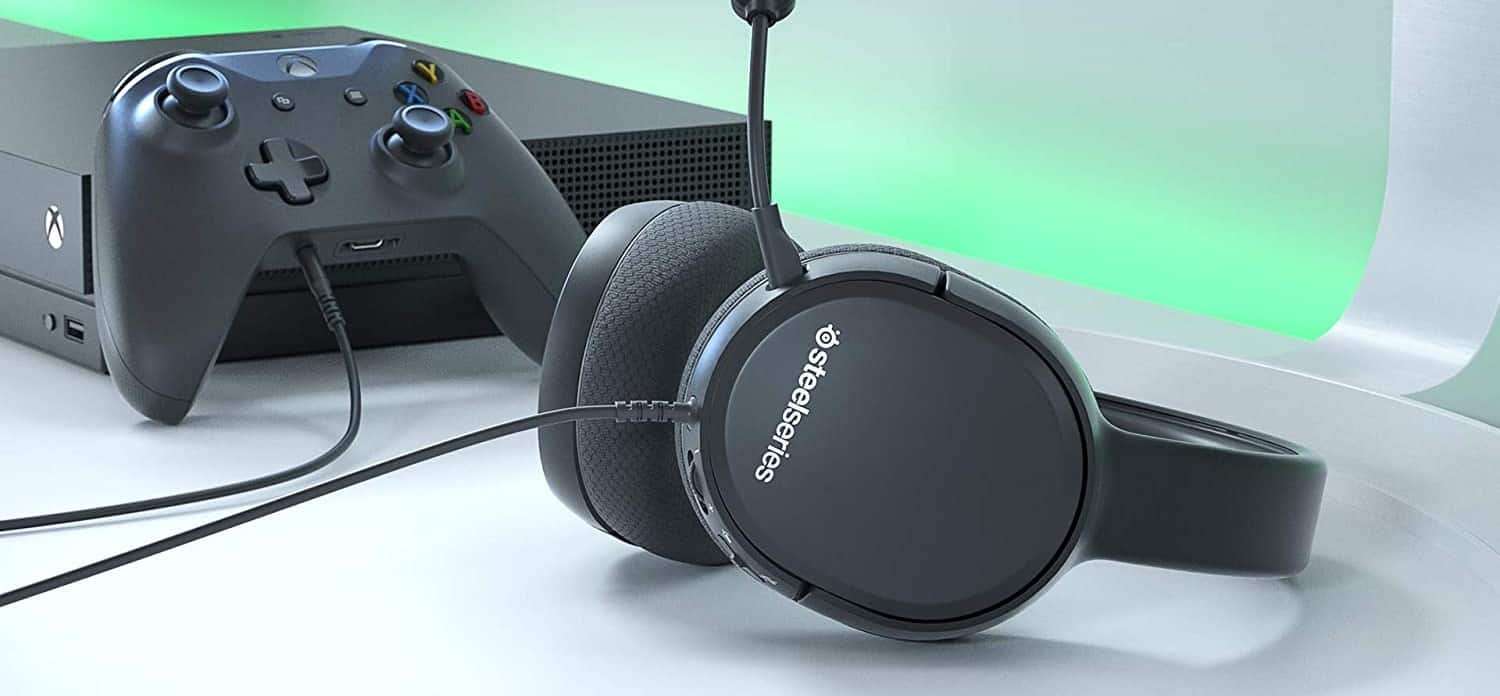
Plug the microphone into the microphone jack. Then, plug your wired headphones into the headphone jack of your game console.
STEP 4
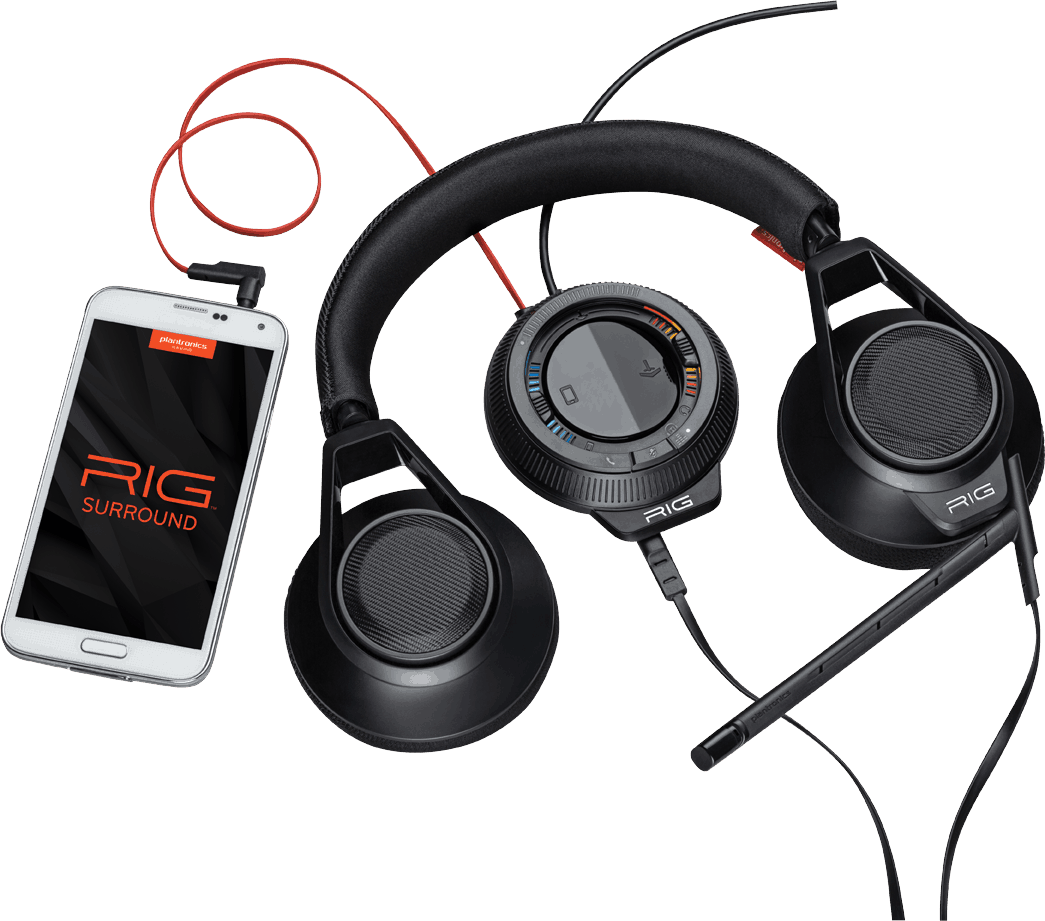
If you have wireless instead of wired headphones, plug any USB dongles into your USB ports instead. You may need to learn how to use a Bluetooth headset for PC gaming.
STEP 5
Turn everything on and see if the audio quality is passable. Checking the homemade headset audio quality is crucial. Sending audio to party chat won’t be easy if the microphone quality is poor.
Warning
Use a unified headphone as much as possible, or you risk losing sound quality.
F.A.Q.S
Can I add virtual surround sound to my headset?
An audio stream using surround sound creates an immersive user environment. All wireless and wired headphones can use virtual surround sound using sound settings in Windows OS.
How do I pair a wired headset using a Bluetooth transmitter?
You can do this with headphone adapters and USB dongles. You’ll plug the secondary device for Bluetooth into your wired headphones. After the headphone adapters for Bluetooth are on, they’ll pair.
How do I connect an Xbox wireless headset with Xbox Wireless?
To connect with Xbox wireless, turn on your Xbox wireless headset. Use your game controller to navigate to the connections screen on your Xbox. Select the Xbox wireless headset, and connect through Xbox wireless.
How does volume control on headphone cables work?
If your headphone audio cable has inline volume controls, there will be a small action button to turn the volume up and down. Your headphone audio cable might also have customization options.
STAT: There is no uniformity in the implementation of safe listening standards across the world. In Europe, the EN 50332 standards have been in effect since January 2013. Their use is mandatory in the countries of the European Union and Switzerland. (source)
REFERENCES:
- https://www.researchgate.net/publication/272681209_Headphone_Fundamentals_and_Comparison_with_Loudspeakers_Tutorial_AES_Paris_2006
- https://nvhrbiblio.nl/biblio/boek/Borwick%20-%20Loudspeaker%20and%20headphone%20handbook%203rd.pdf
- https://daystarvisions.com/Music/HE3-Basics_of_Headphone_Types_and_Tech.pdfr
- https://www.researchgate.net/publication/343410383_Headphone_Listening_Cultures
- https://toddiwema.com/wp-content/uploads/2018/12/headphonesEarbuds.pdf