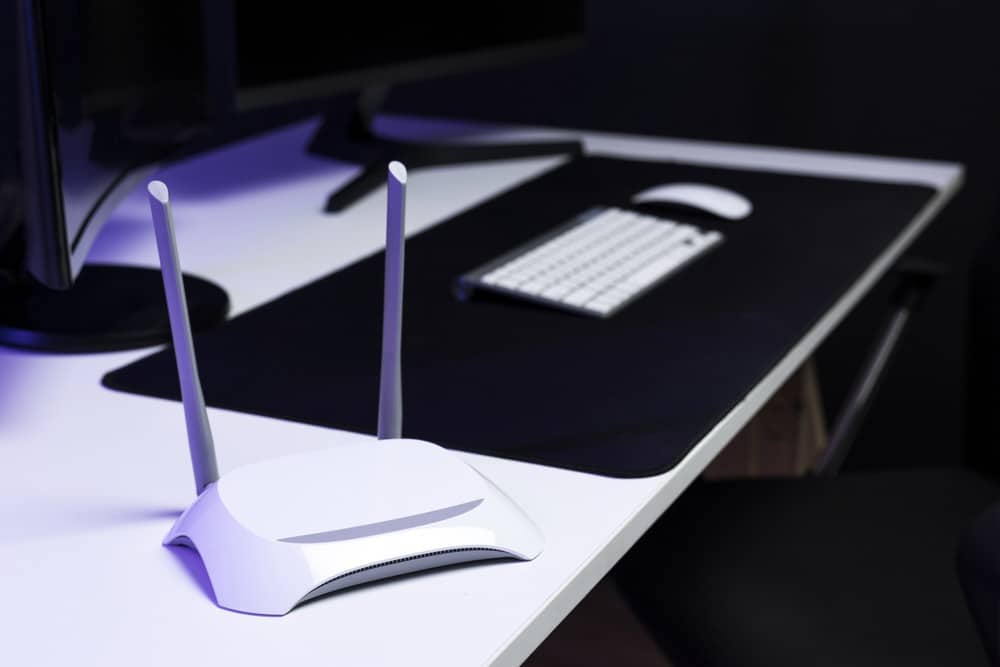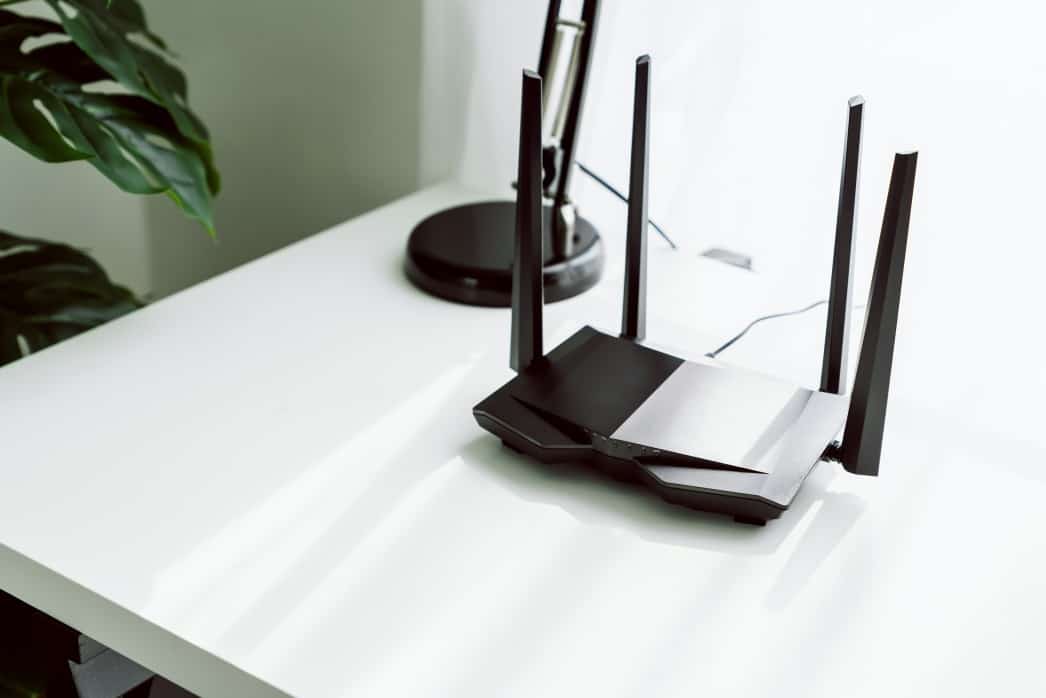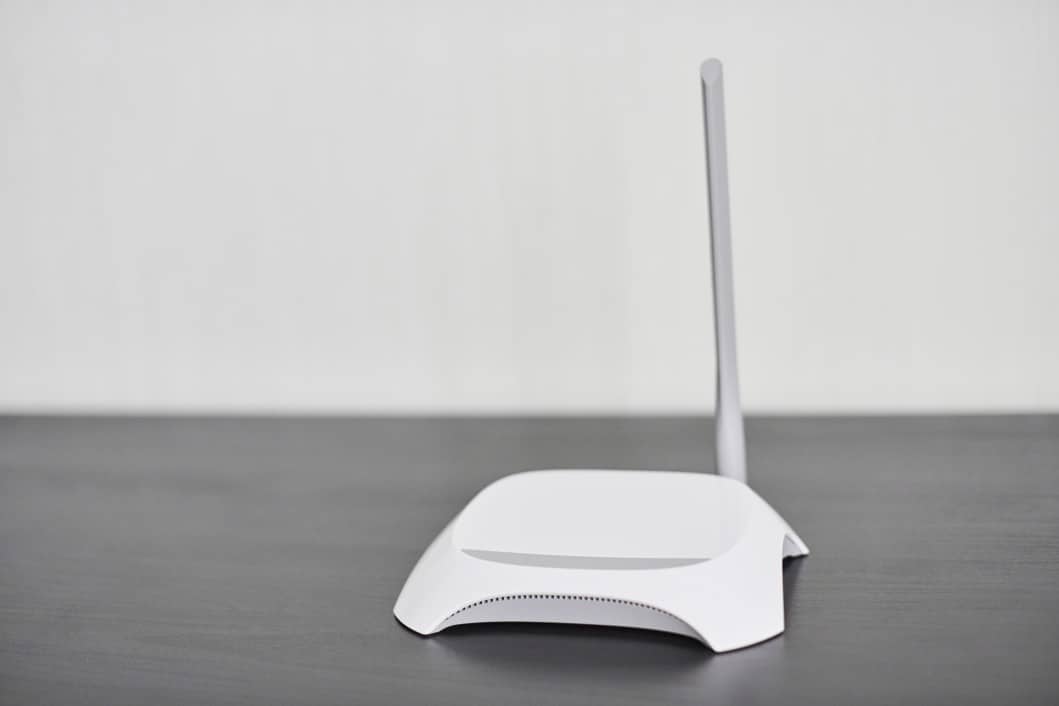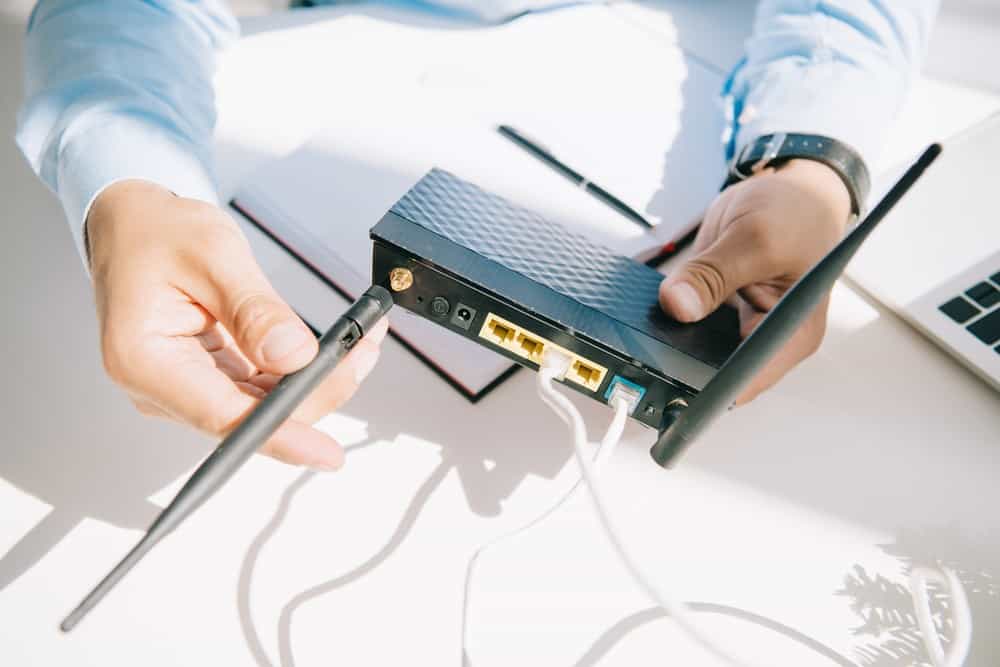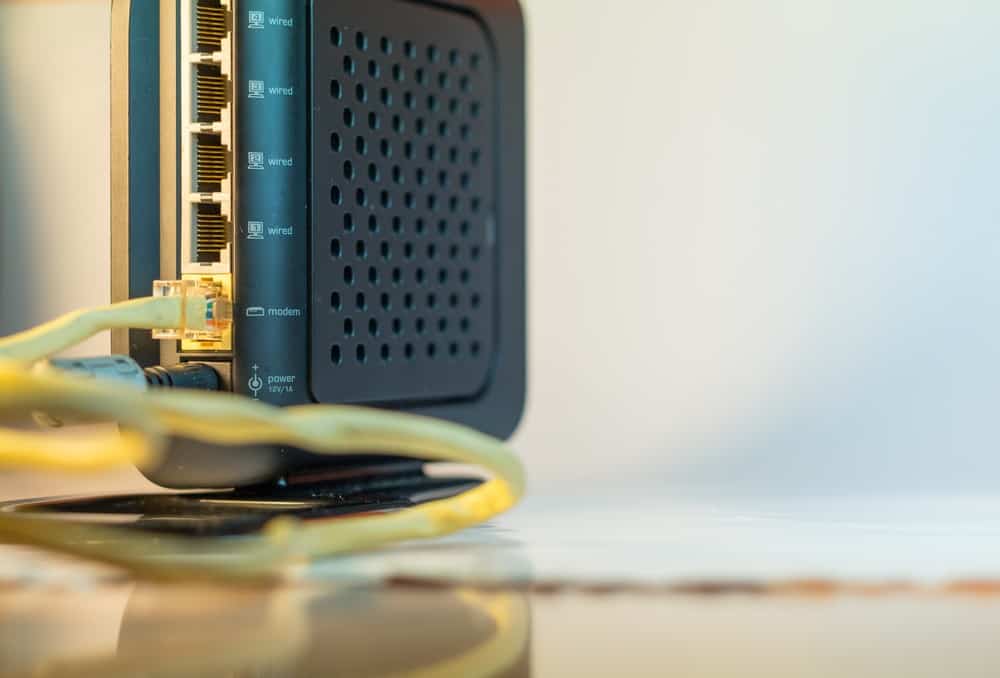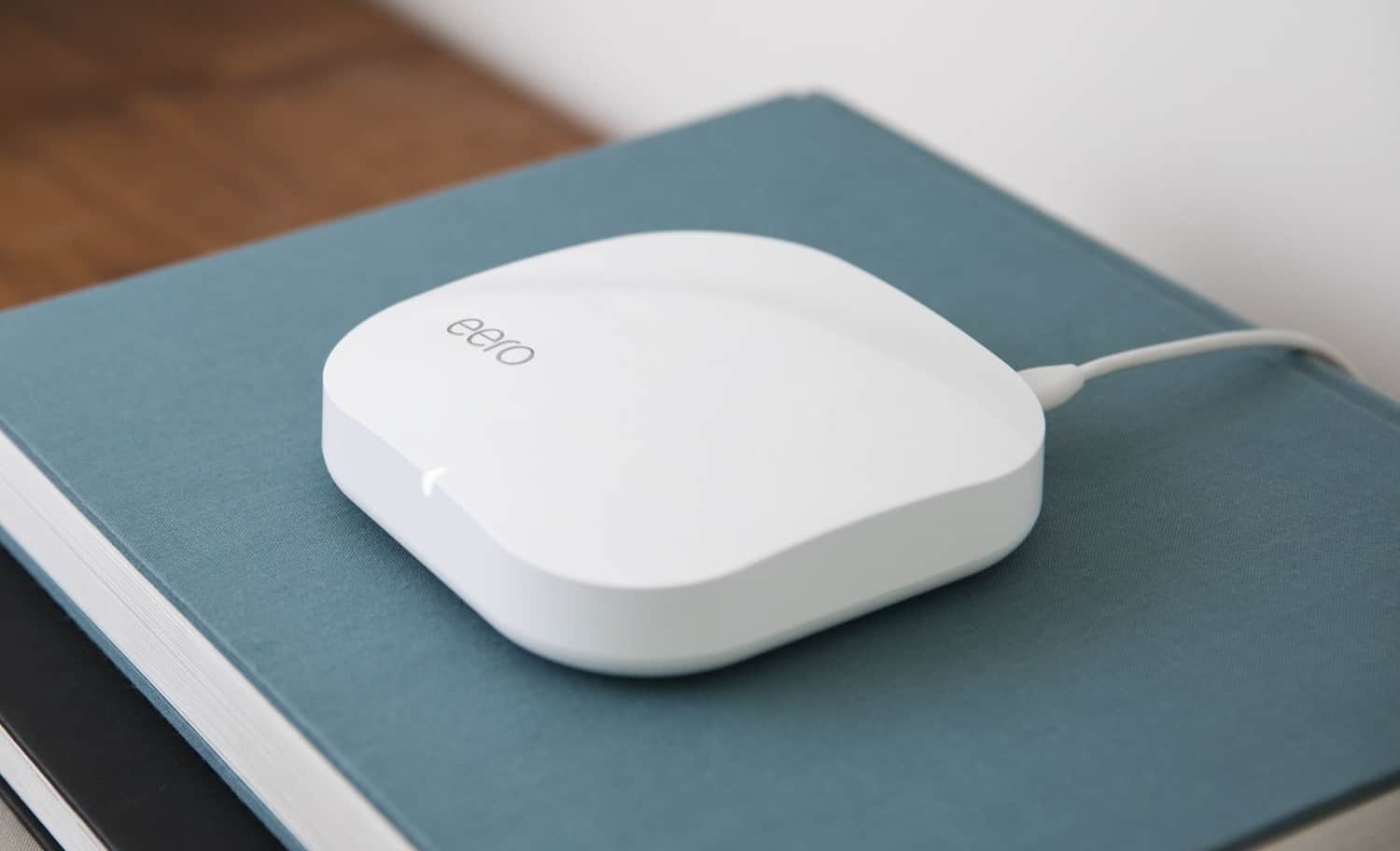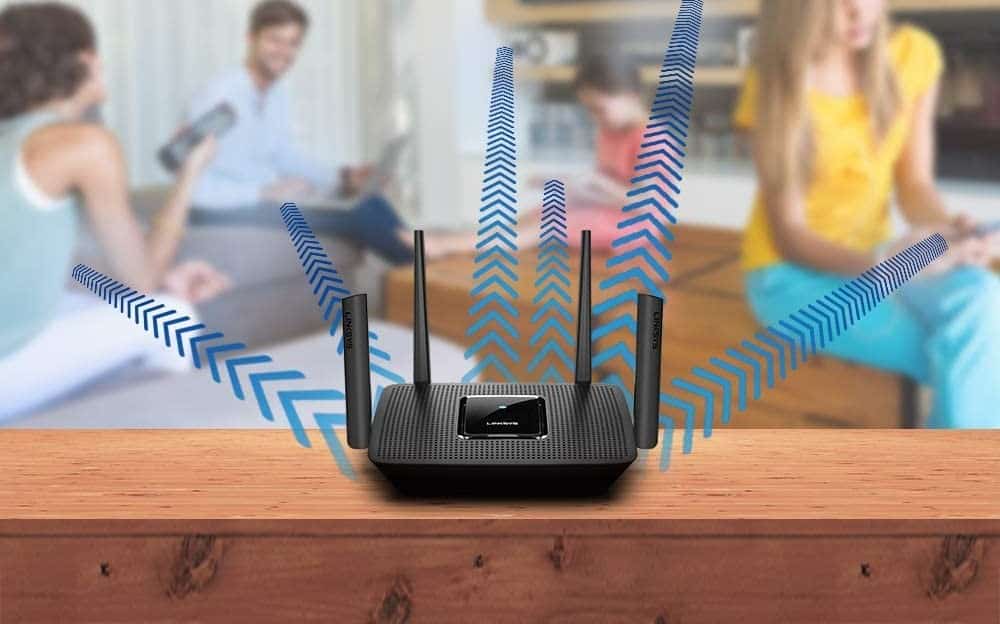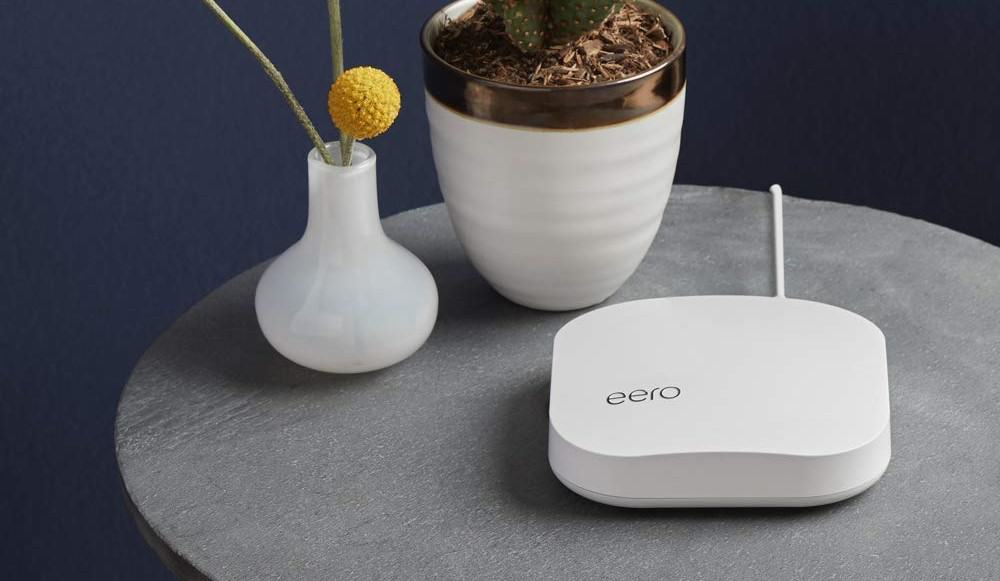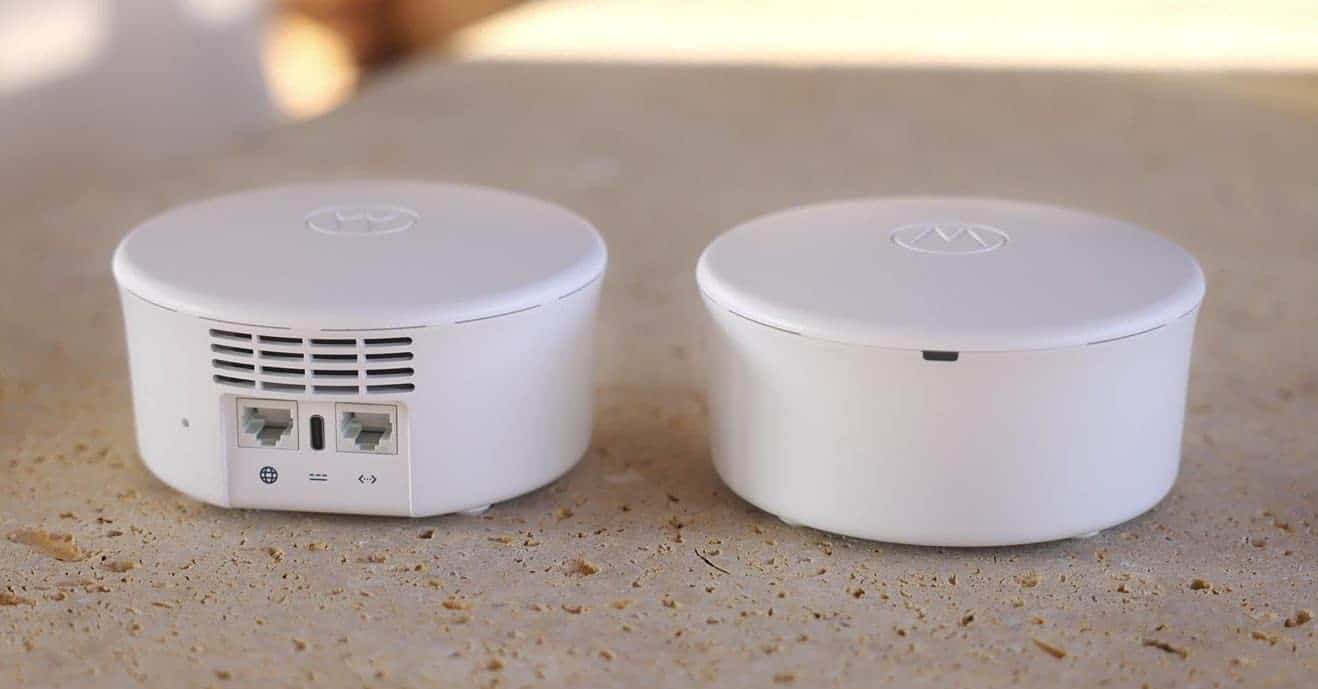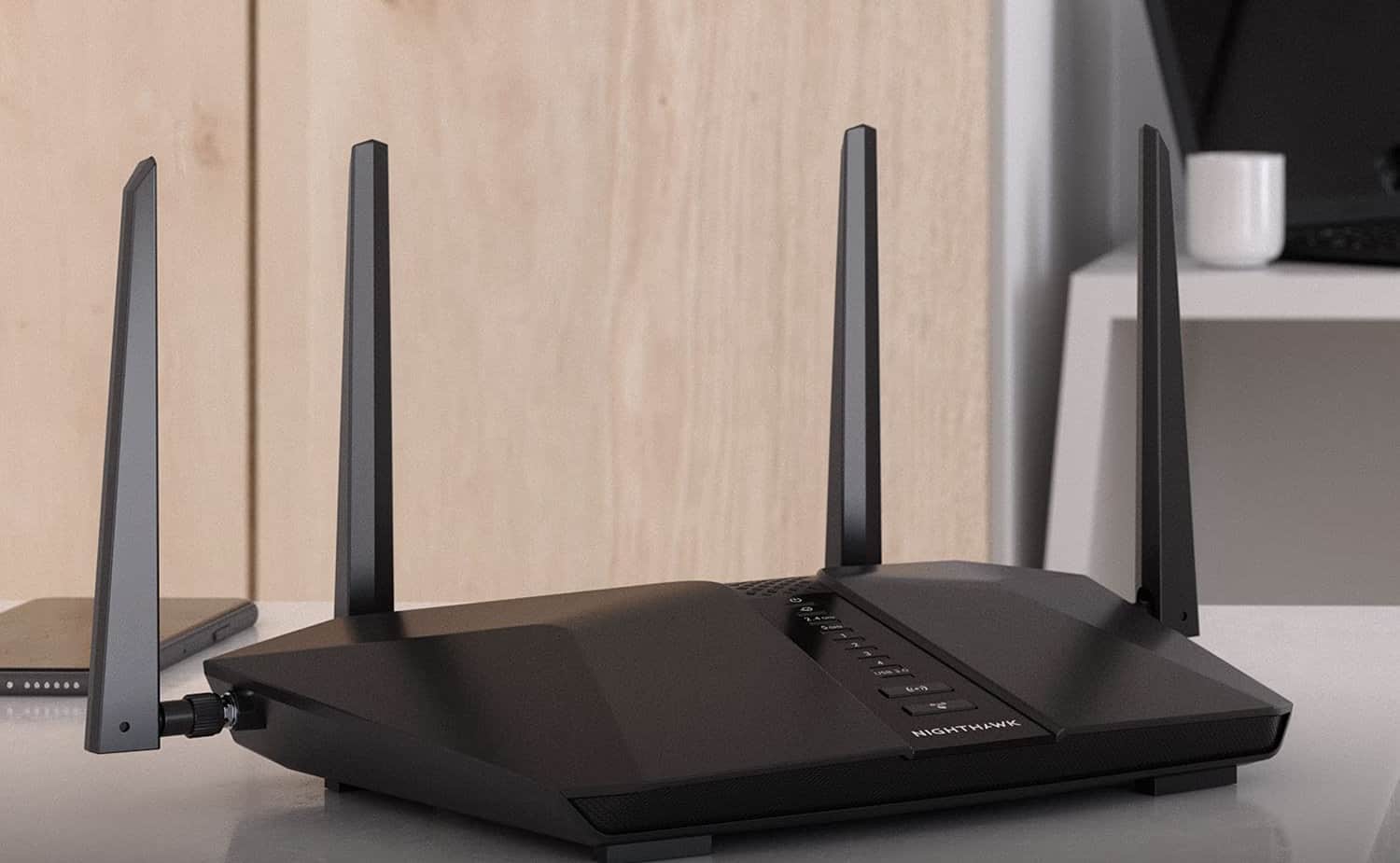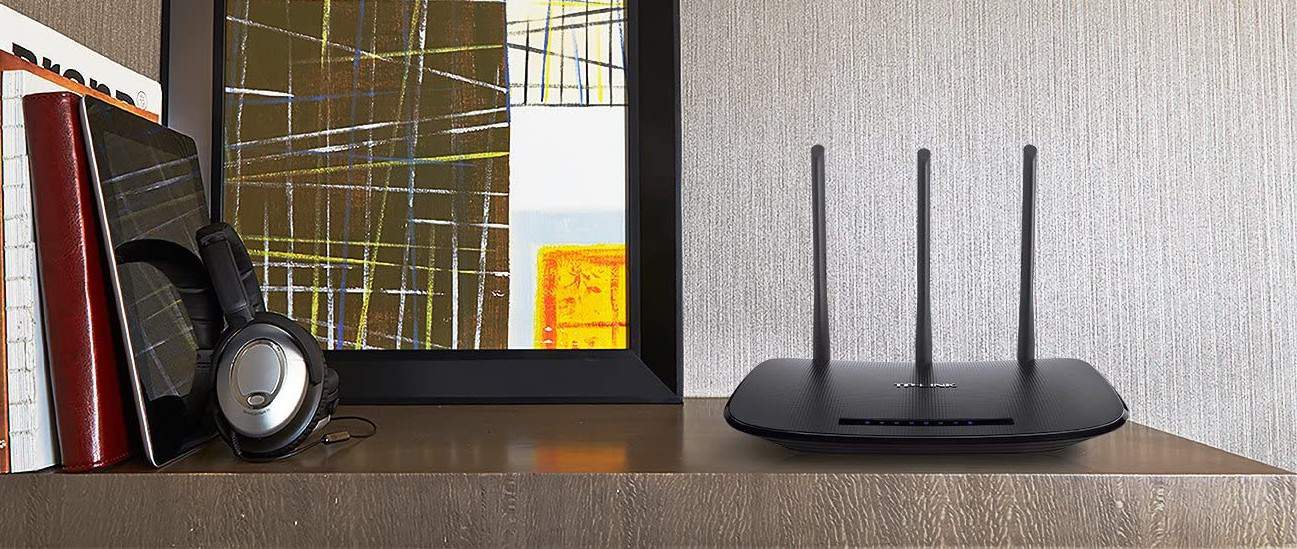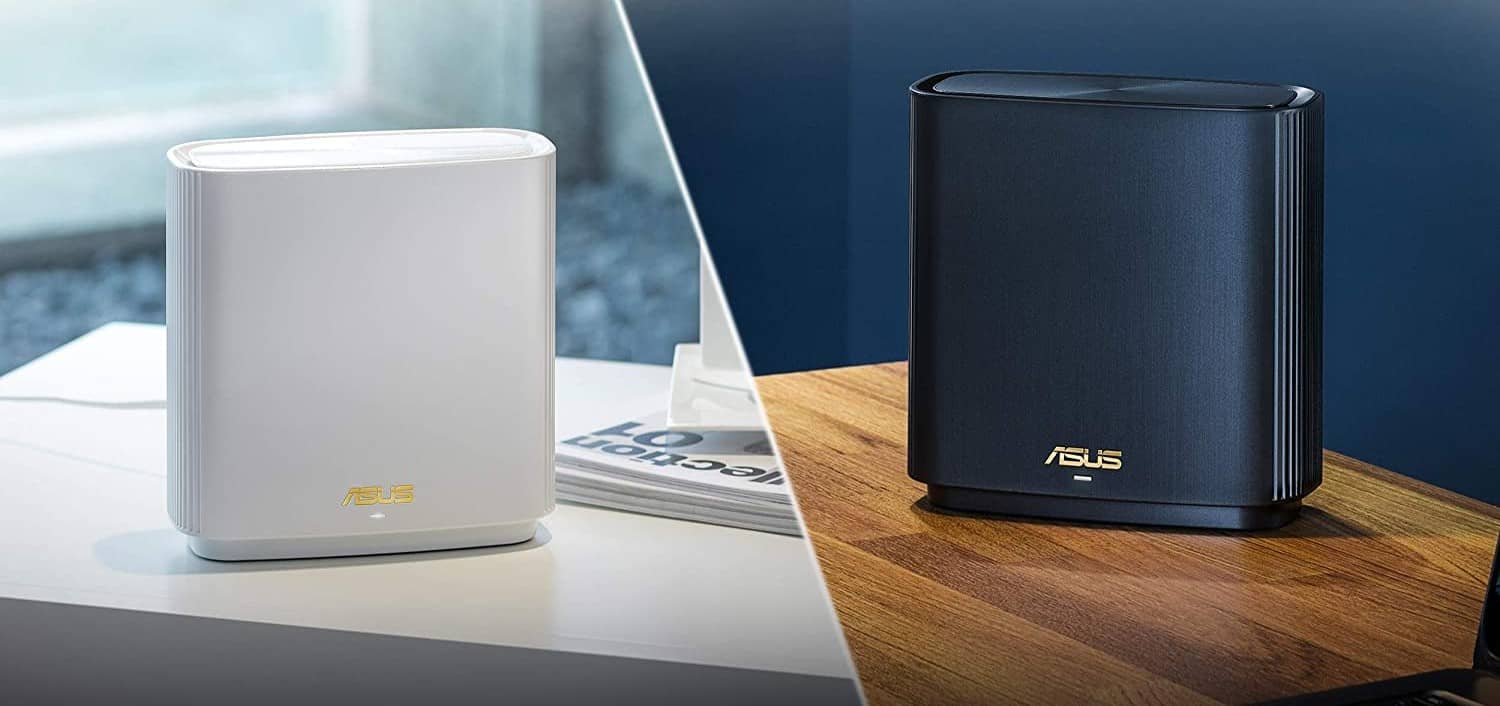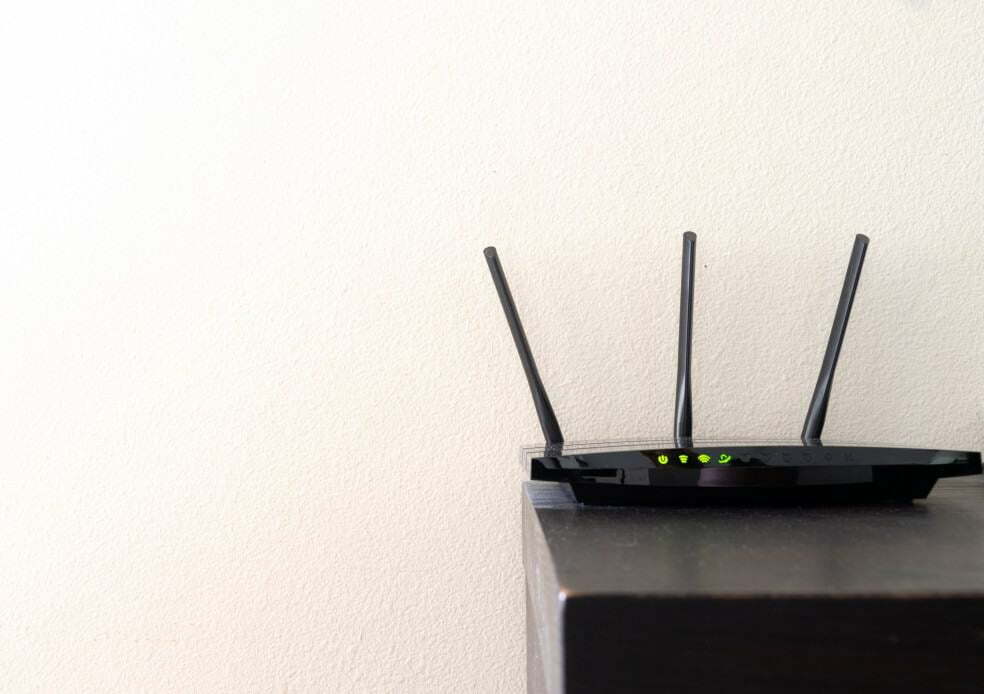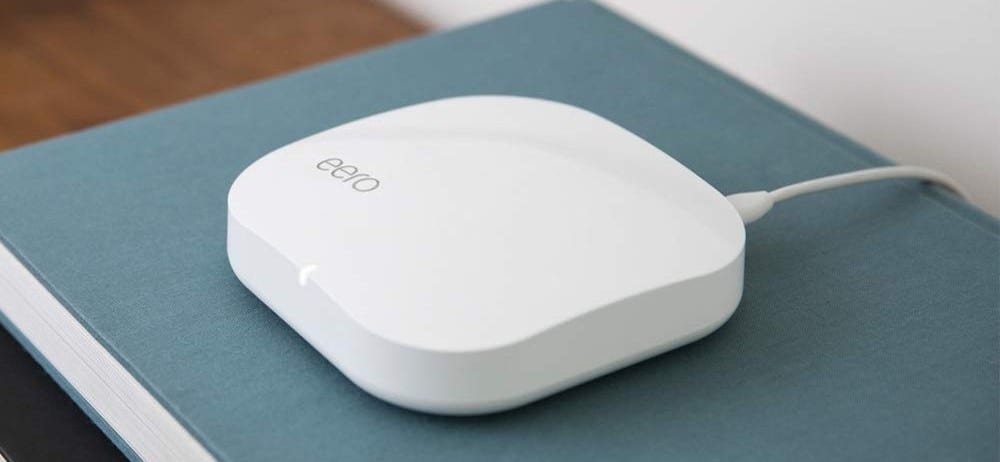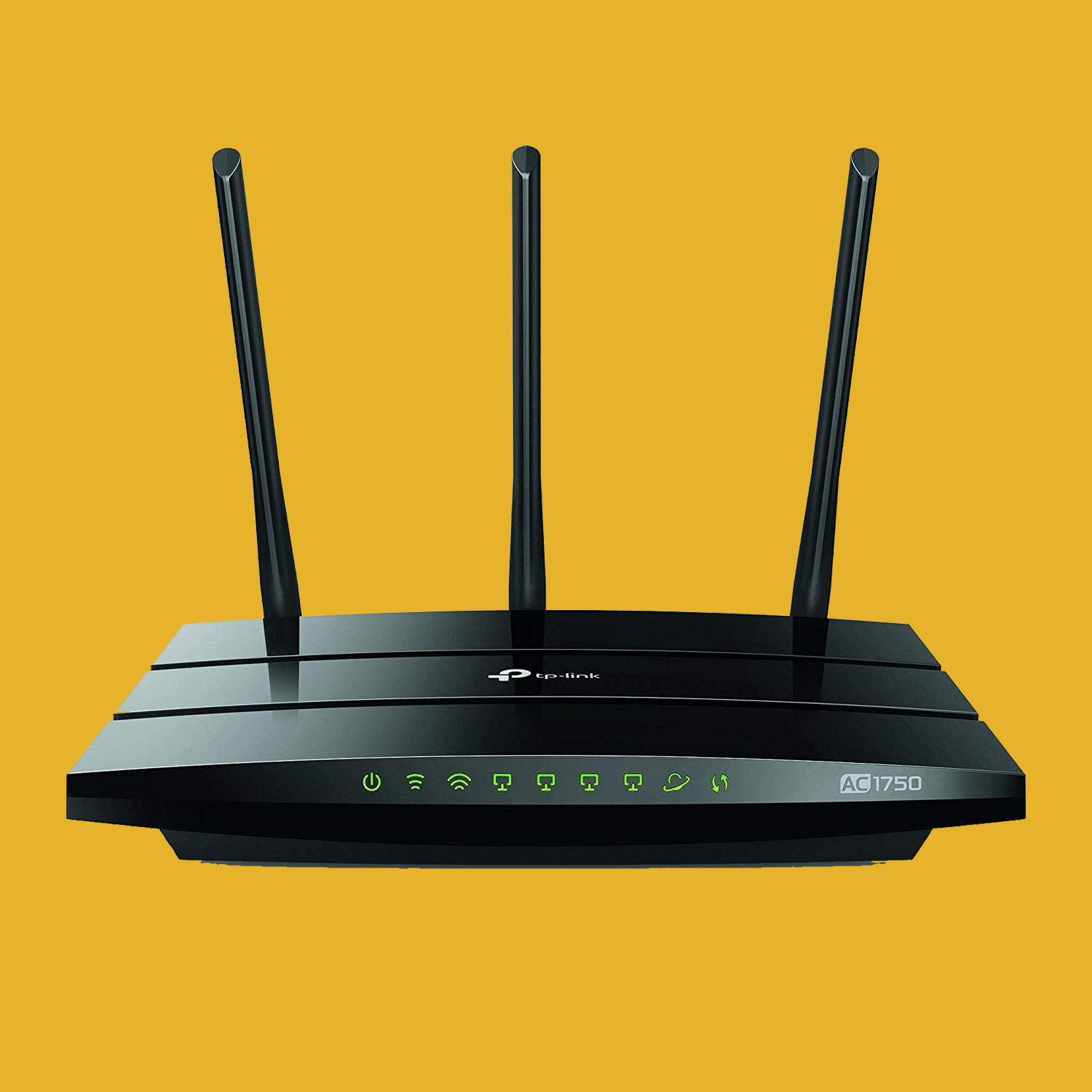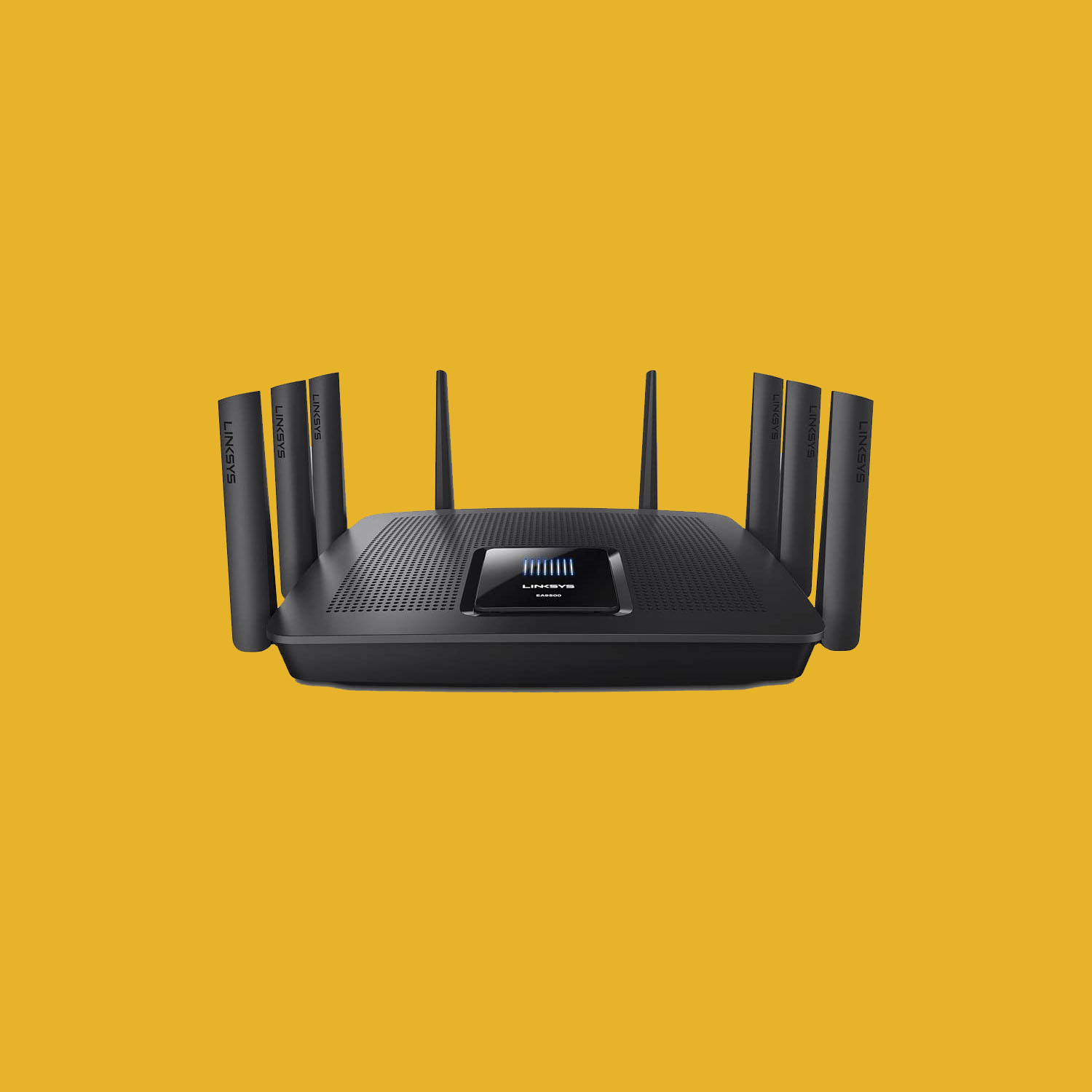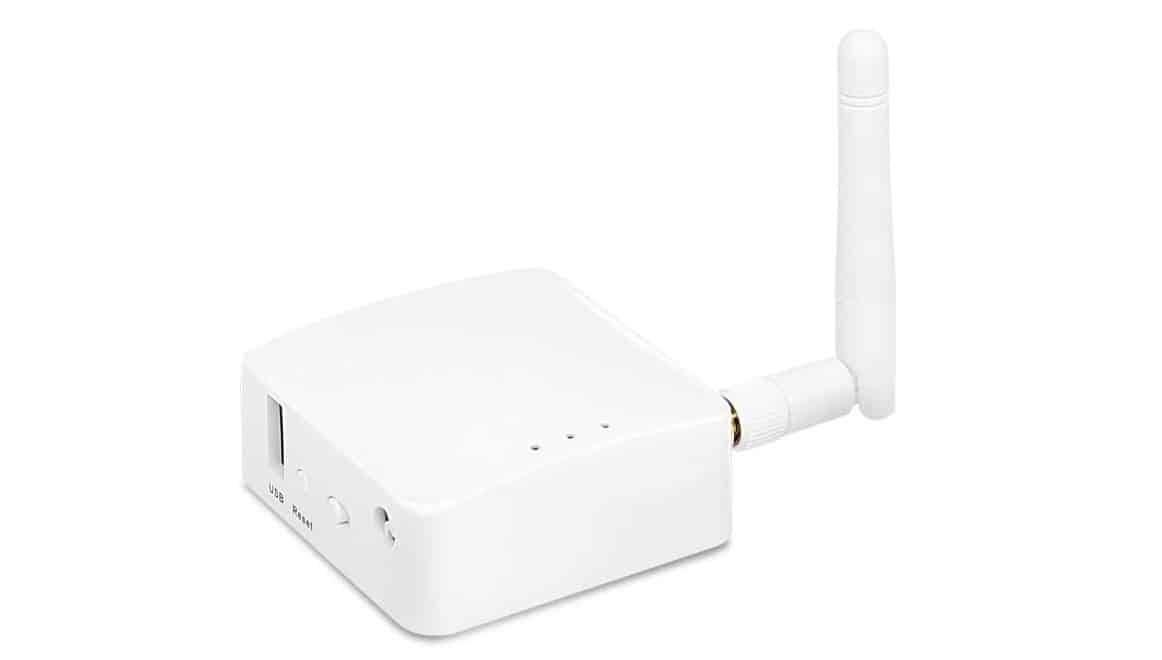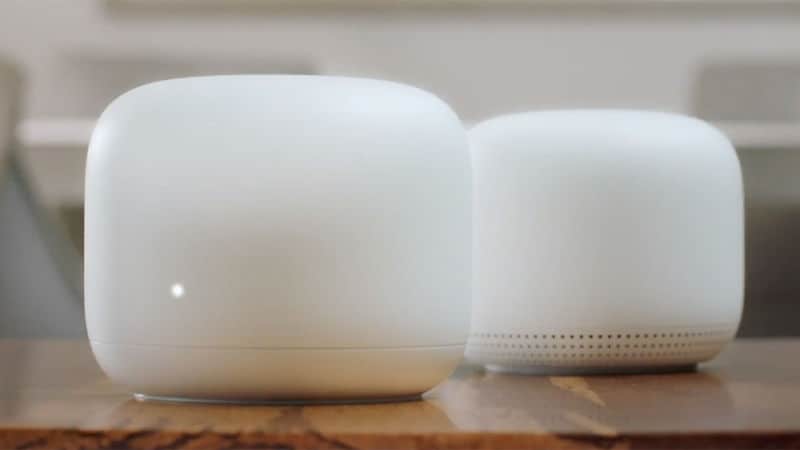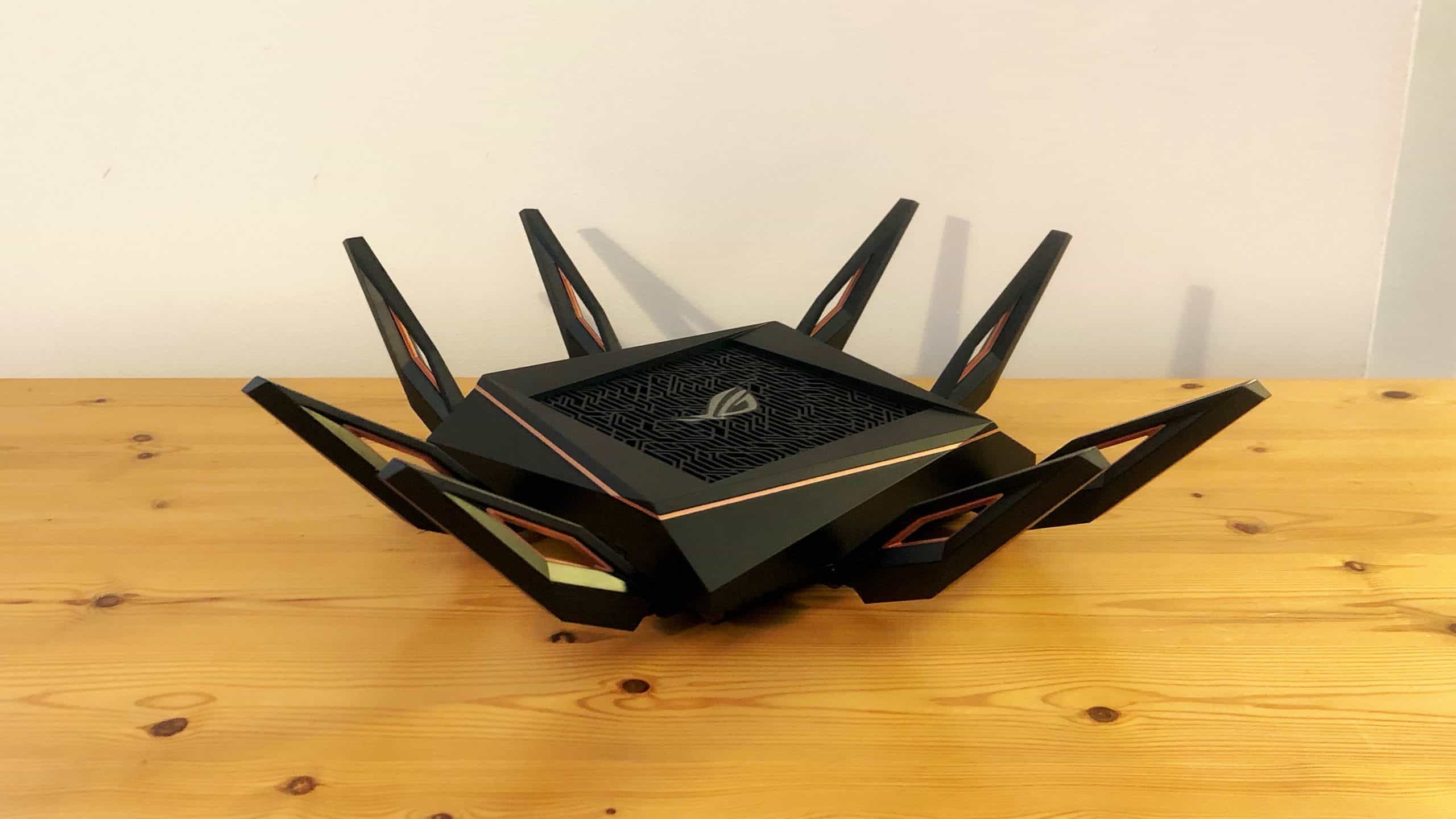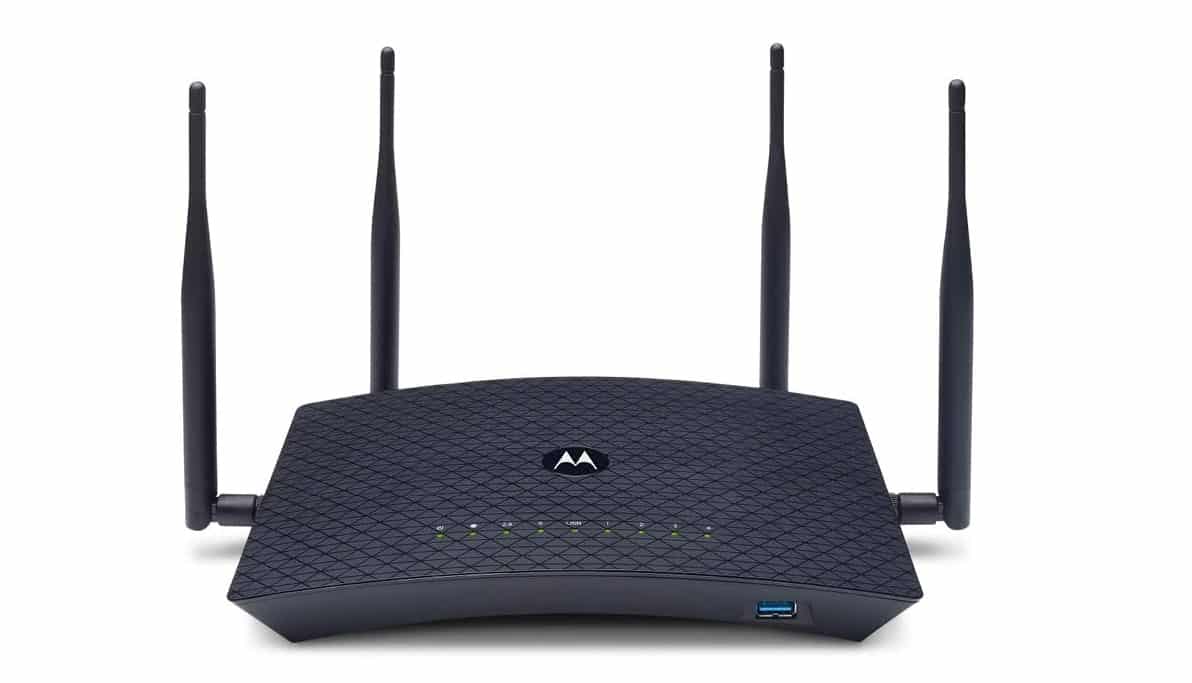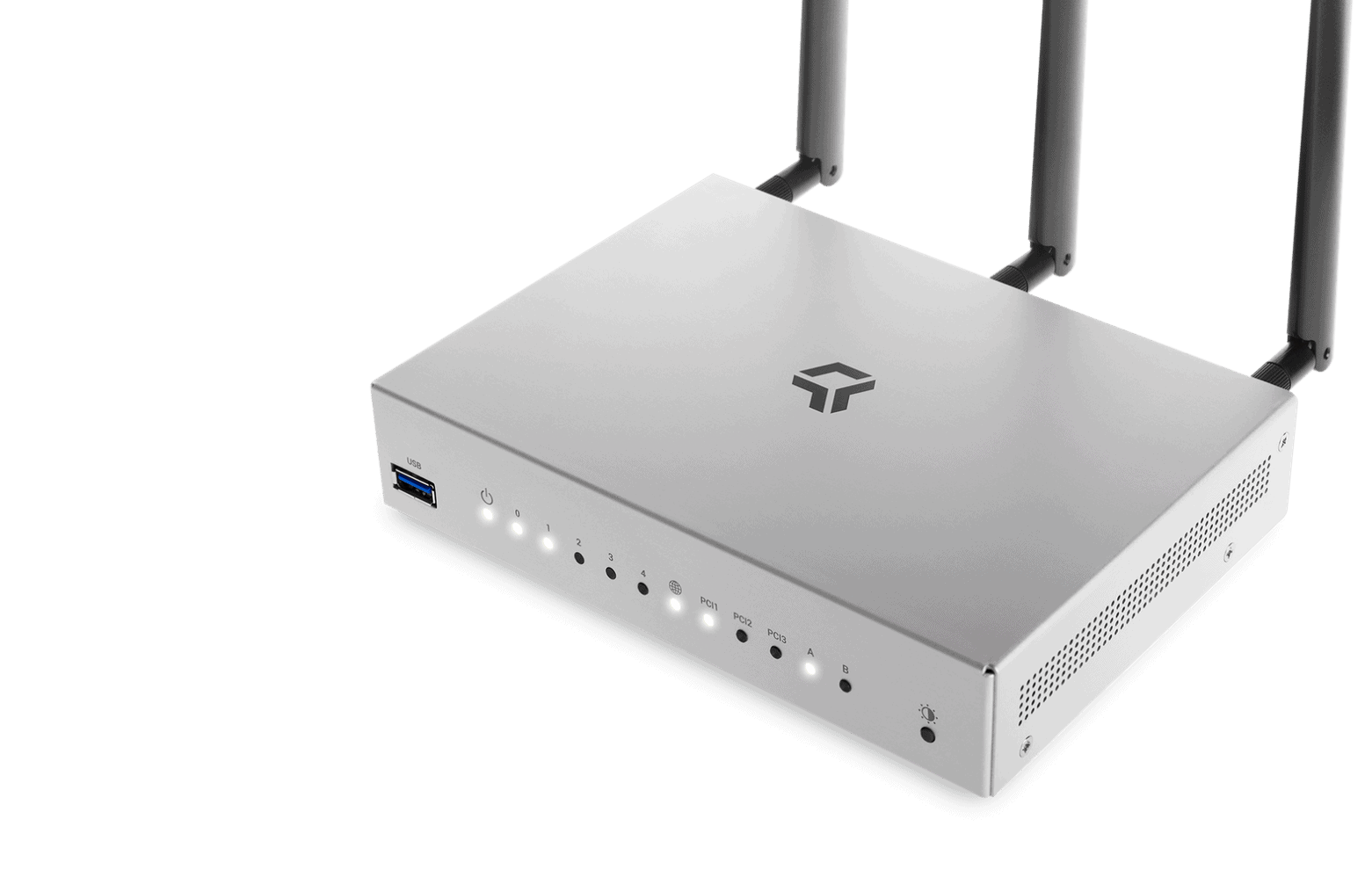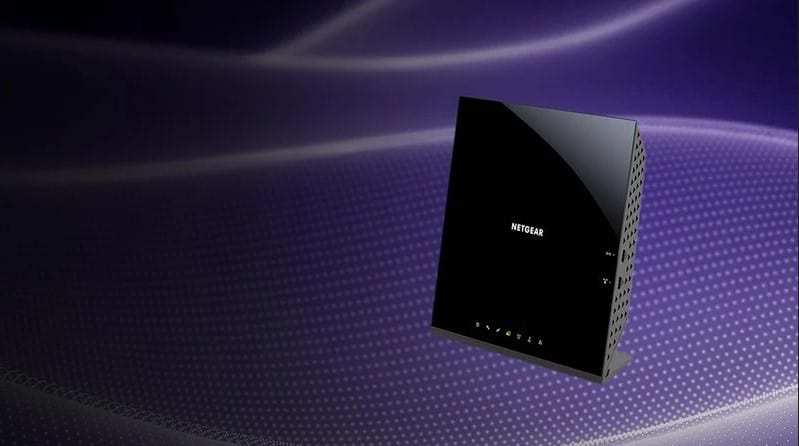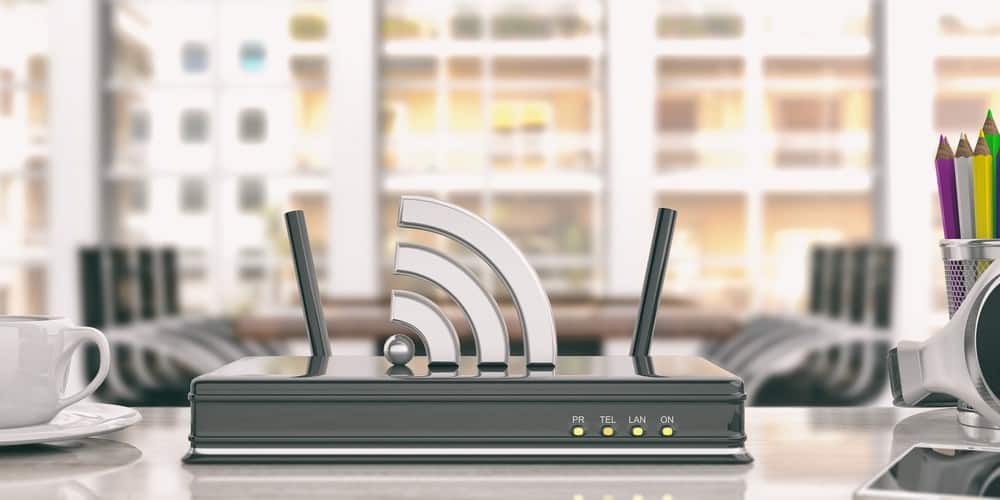

If you are experimenting with various wireless network setups, you may wonder how to use a router as a WiFi extender. The best routers, after all, can do some pretty surprising things when put to the test. Can you use a router as a network extender and how is this done? Keep reading to find out.
KEY TAKEAWAYS:
- You can use old wireless routers as a DIY Wi-Fi extender or wireless repeater, as long as it supports the functionality.
- Follow the instructions in the firmware wireless settings to engage a repeater mode or extender mode.
- Create a static IP address for the WiFi extender and be sure to take some time to test out various connected gadgets for a good wireless signal.
Using a Router as a Wireless Extender
The good news? You can turn an old router into a fairly capable WiFi extender without having to learn too many high-tech procedures, such as how to disable AP isolation on a router. As a matter of fact, you won’t even have to mess with the settings too much at all, so you won’t be learning how to clear the cache from a router.
Insider Tip
If you don’t have access to physical instructions, try Googling for a PDF.
Here are the steps to successfully turn an old router into a handy WiFi extender.
STEP 1Find the Right Router
- Not all routers can be used as WiFi extenders.
- Check the instructions of the router you intend to use.
- Look for instructions on how to turn the router into a repeater or extender.
- Most modern routers, however, can double as WiFi extenders, so you’ll only run into issues with older routers.
STEP 2 Access Firmware Software
- The process to turn a router into a wireless repeater will vary slightly depending on the make and model of your router.
- However, this process will almost always begin inside of the firmware software.
- Access this software and look for settings that enable the repeater or extender function.
STEP 3 Engage the Extender Function
- Follow the prompts to engage the extender or repeater function within the router.
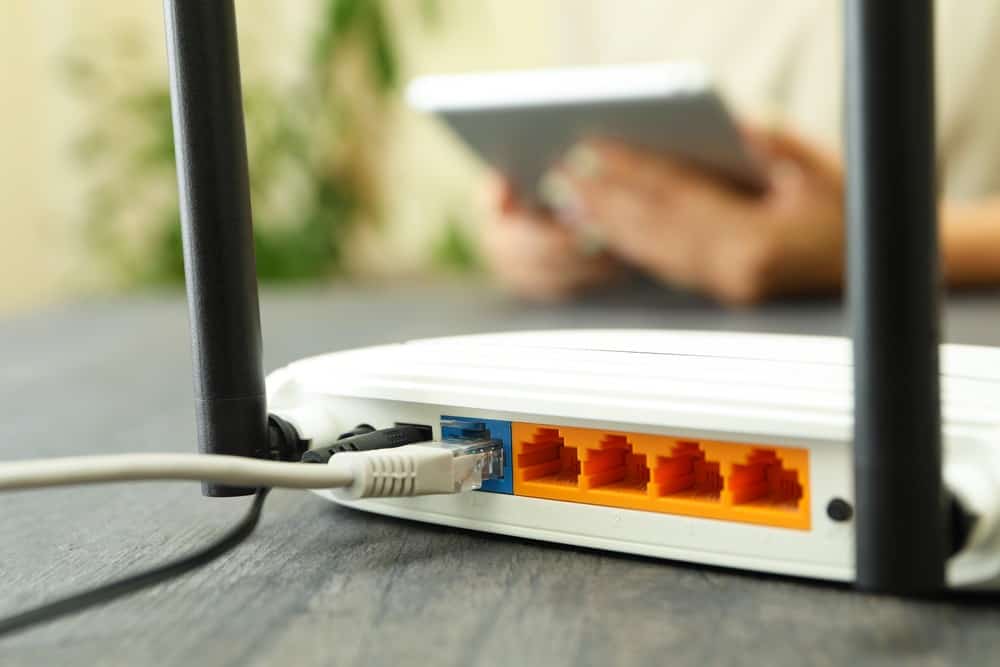
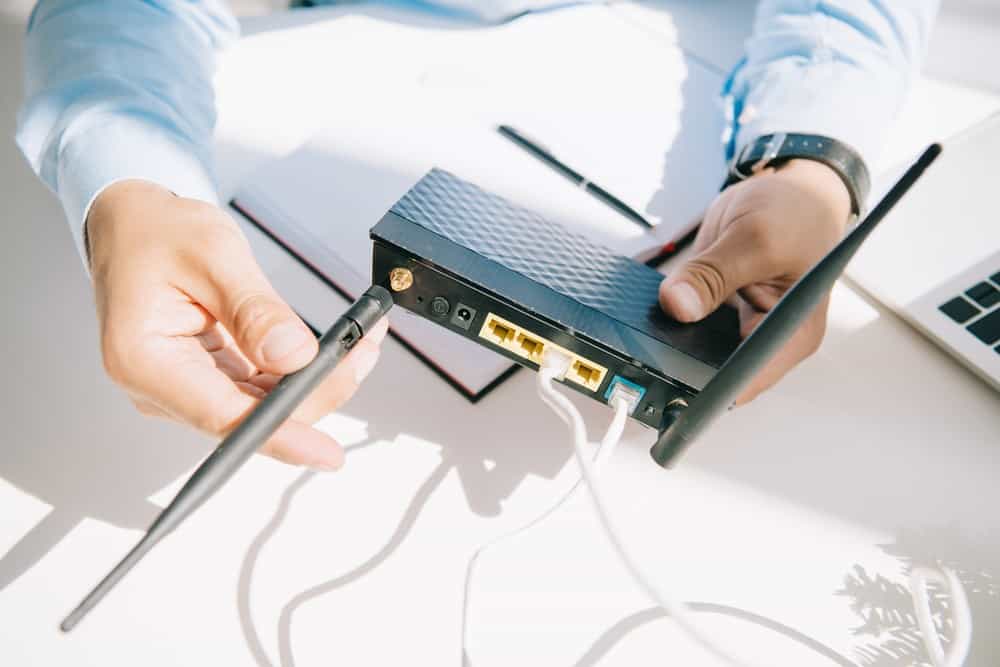
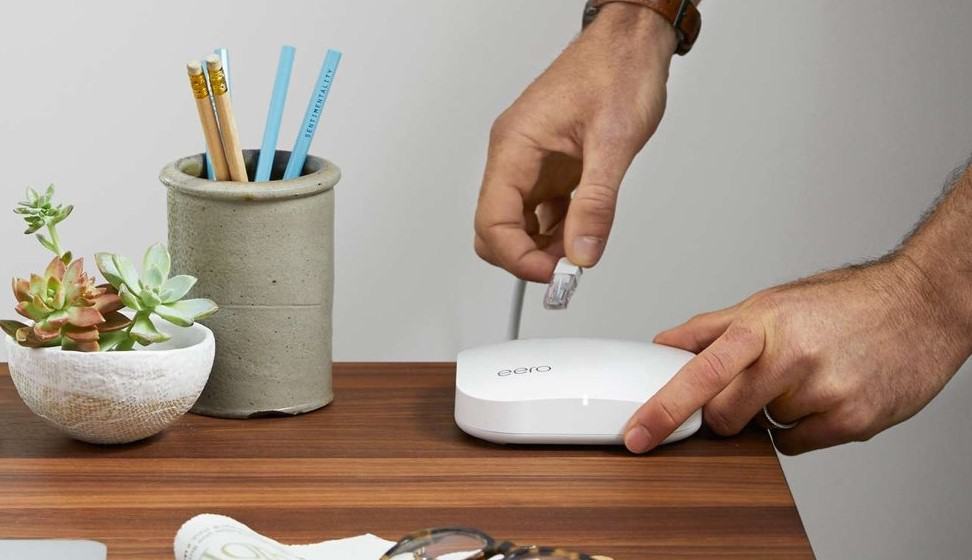
- Make sure the extender router is manually plugged into the main network router via Ethernet cable.
- Create a static IP address to act as the extender router’s permanent IP address.
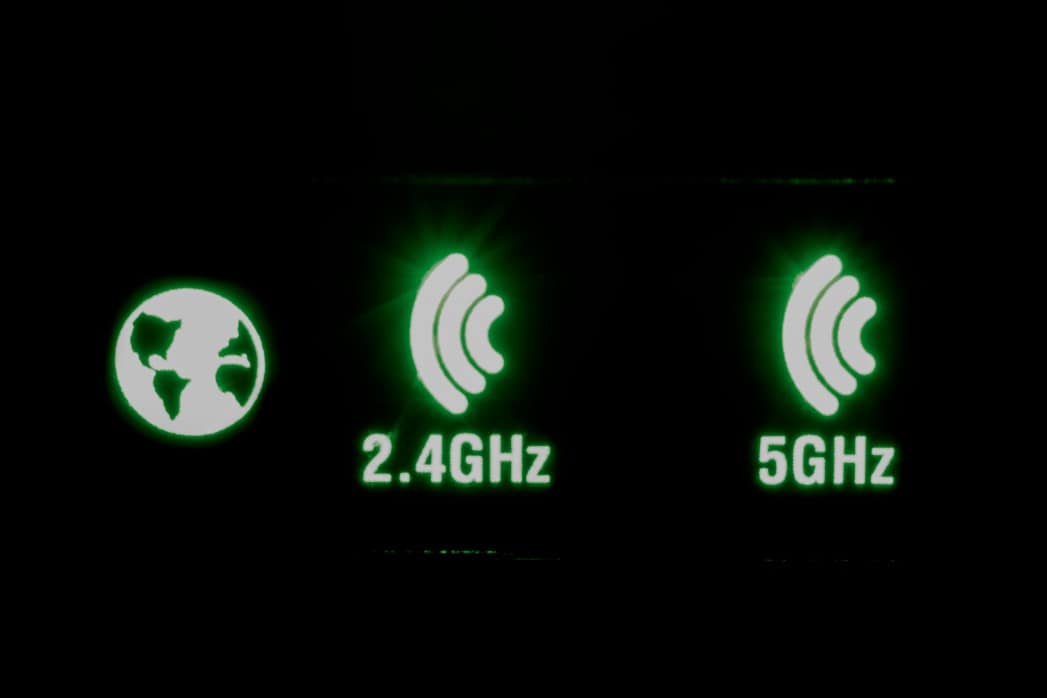
- You may have to repeat this entire process twice, once for 2.4GHz and again for 5GHz.
STEP 4 Test the Repeater
- Now’s the fun part. Take your time to make sure the WiFi extender is doing its job.
- Descend to a basement or wherever the repeater is located and attempt a connection to your wireless network.
- If all goes well, you should find a renewed signal strength.
F.A.Q.S
Why does the label have Wi-Fi names and a password when it should replicate the name and password from my router?
The name and password on the exterior of your primary router are intended to get you started, so you can go into the wireless settings later on and change up the password for this primary router.
Mesh router vs. Wi-Fi range extender: Which is best for your home network?
A mesh router is a great choice for range, as it includes a primary router and various hubs. A Wi-Fi extender works too, requiring the device itself and your primary router. Both are good options.
What is a Wi-Fi extender?
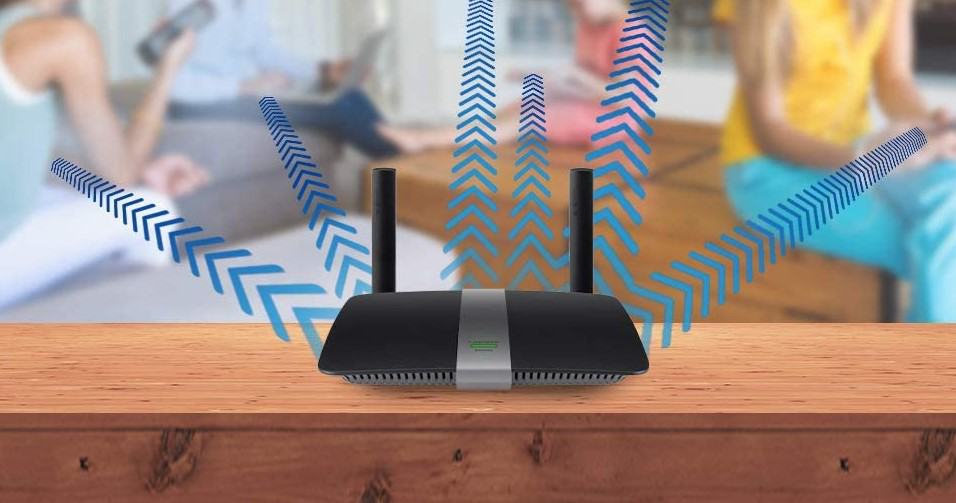
A Wi-Fi extender creates an extended network for greater Wi-Fi coverage. It does this without even needing an Ethernet connection. It simply repeats the wireless signal coming from your primary network, so any mobile device or connected devices within range get a boost.
STAT: If your home electricity runs off just one ring/circuit, you should consider buying a powerline adapter. (source)
REFERENCES:
- https://computing.which.co.uk/hc/en-gb/articles/115002559945-How-to-boost-your-wi-fi-by-using-an-old-router
- https://kb.netgear.com/22035/How-do-I-set-up-my-NETGEAR-WiFi-range-extender-using-WPS
- https://www.linksys.com/us/support-article?articleNum=136155r
- https://kb.netgear.com/24108/How-do-I-enable-the-extender-mode-feature-on-my-Nighthawk-router
- https://www.allconnect.com/blog/best-wifi-extender