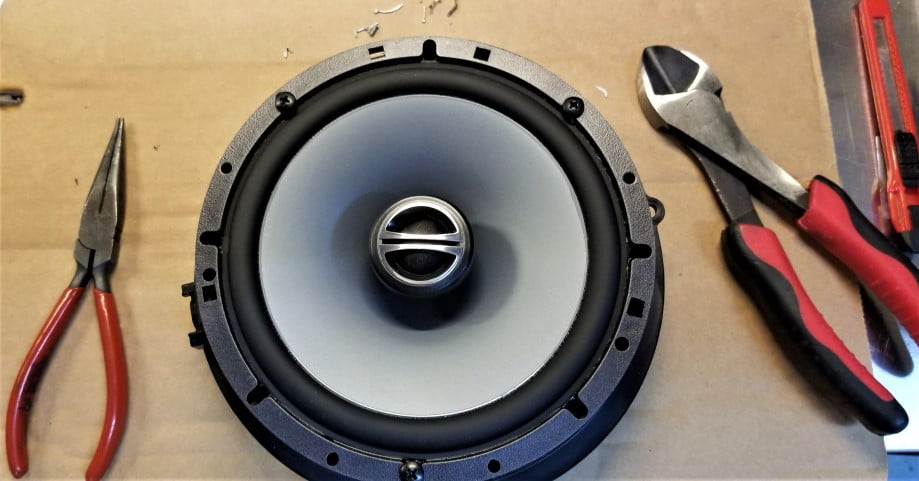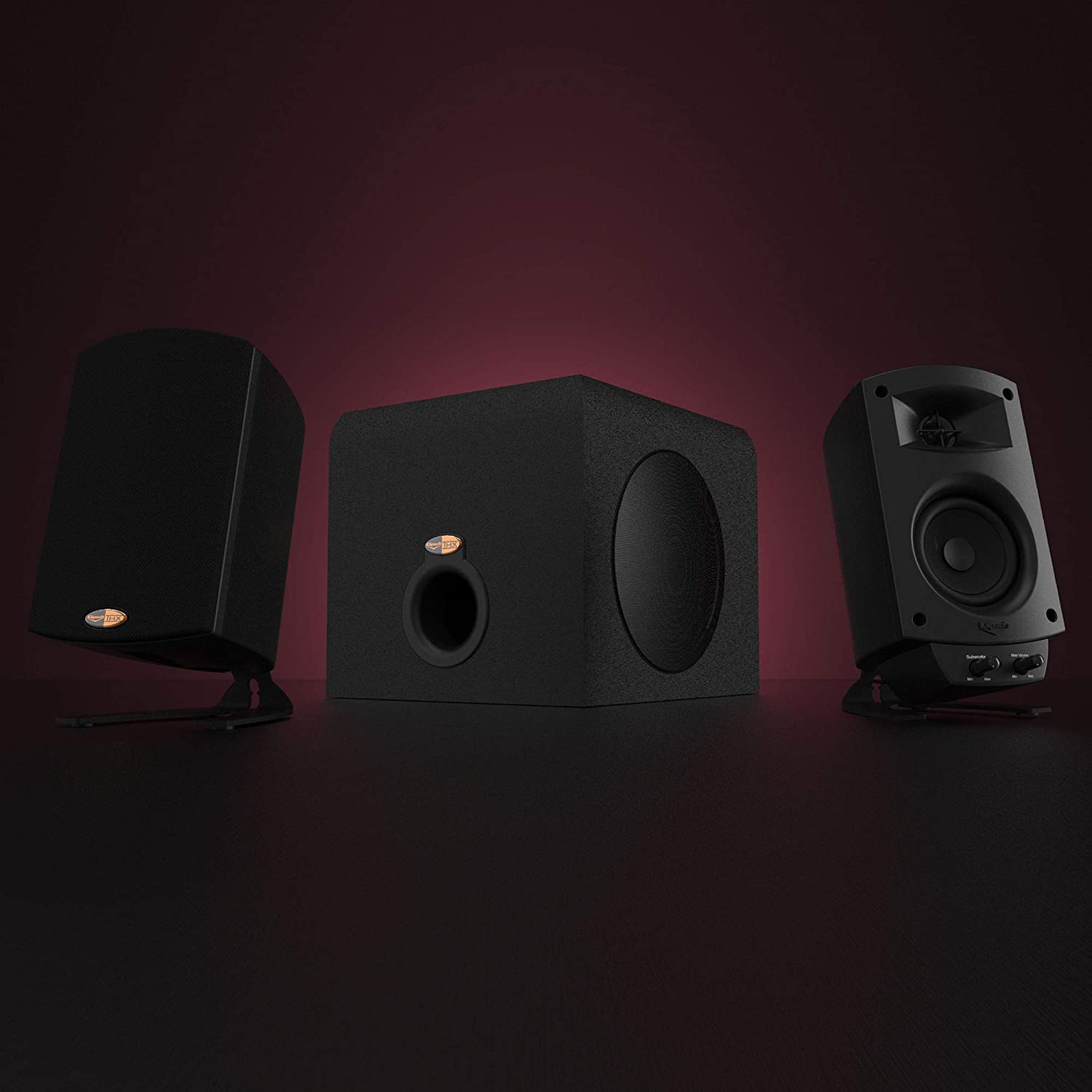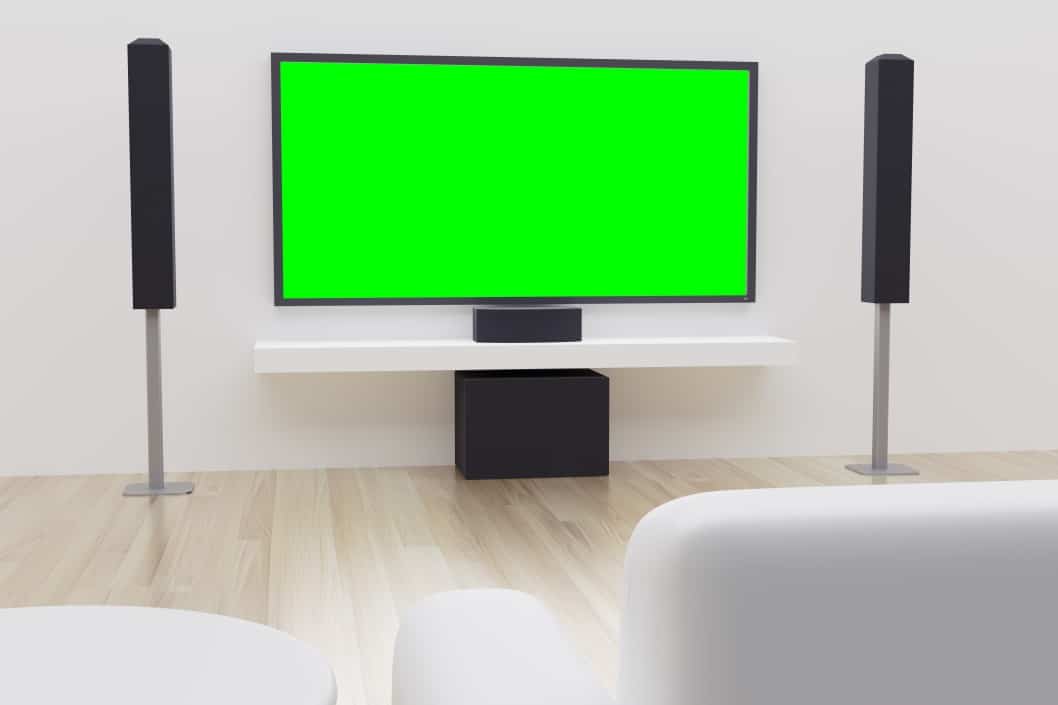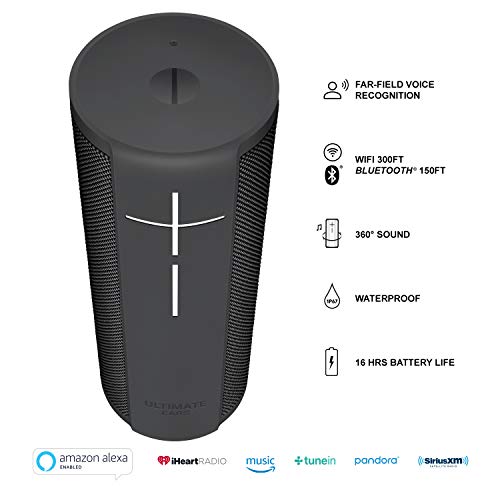

Anyone who has heard will testify, that the best speakers for a cinematic experience come from surround sound. However, if you can answer the question, what is surround sound, you probably know that it requires a lot of space. So, below, we’ll instruct you on how to mount speakers on the ceiling. And if you don’t quite like the sound of this option, we have another great article that explains how to install in-wall speakers.
KEY TAKEAWAYS:
- Ceiling speakers are an excellent option for those that want surround sound but are tight on space.
- To hang ceiling speakers, you need to purchase a ceiling mount system that can hold above the weight of your speakers.
- There is a wide variety of mount systems available for purchase at most hardware stores.
Mounting Speakers on a Ceiling
Mounting speakers on a ceiling requires some planning and some power tools. But with the right amount of foresight, you can have your speakers booming in no time.
Insider Tip
Only hang light speakers from drywall, such as a small tweeter.
One of the first decisions you’ll make is the type of speaker system you want. Consider your space, and determine whether it accommodates a set of wired speakers. If not, you can check out some of the best wireless home theater systems. Either way, you’ll need to purchase mounts and scope out where you want to hang your speakers before beginning. Surveying the room for the best location is always the best practice when it comes to knowing how to build an enclosure for wall or ceiling speakers.
And if you need ideas on what speakers to get, you can look at our guide covering the best in-ceiling speakers.
STEP 1 Plan Where to Mount Your Speakers
- Research best practices for speaker placement, such as never placing a speaker too close to a wall or corner.
- Before buying the mounting system, measure your speaker’s weight to make sure it can handle the pressure.
- After finding the right spots, mark the spots on the wall.
STEP 2 Locate the Ceiling Joists
- Use a stud finder to figure out where the joists are to hang the speakers as close as possible to your desired spot.
- Once you have located the exact spot, use one of the ceiling mounts and mark pilot holes where the screws will go.
STEP 3 Prepare And Install Ceiling Plates
- Using an electric drill (with a 1/8 inch drill bit), drill the pilot holes into the joists for each ceiling plate. Make sure to wear safety glasses as you do this.
- Use the drill to install the screws that attach to the ceiling mount plates. Then tighten to feel with a screwdriver.
STEP 4 Install the Mount Bracket to Speakers
- Check your speakers for pre-drilling mounting holes. If they have this, see if they line up with your mounting systems speaker plate. If you don’t have pre-drilled holes or the existing pre-drilled holes don’t fit, you’ll have to drill them yourself.
- Attach the speaker plate by drilling it in with screws. Then install the mounting arm to the speaker plate. Tighten the arm with a wrench.
- Attach the speaker with the ceiling mount arm to the ceiling plate. The arm will attach either through a ball joint or with screws.
STEP 5 Install the Speaker Wire
- Run speaker wire (if you have a wired system) from the ceiling speaker’s terminals to the input channels of your amplifier.
Warning
Make sure to purchase mounts that hold above the weight of your speakers. Otherwise, they have a greater risk of falling and hurting someone.
F.A.Q.S
Can I use a ceiling mount for any size speaker system?
It’s possible to mount a wide variety of sound systems on the ceiling. But, for larger models, it’s very impractical.
Do ceiling speakers need fire hoods?
It is a legal requirement to have a fire hood in some countries. Be sure to check this before beginning.
Can I voice control my ceiling speakers?
With many amplifiers, it is possible to connect to a voice assistant so that you can use voice control with your ceiling speakers.
STAT: Ceiling speakers should be symmetrically spaced and at least 6 feet apart for the best sound. (source)
REFERENCES:
- https://www.smarthomesounds.co.uk/blog/faqs/10-things-to-know-about-ceiling-speakers-before-install
- https://avgadgets.com/using-speaker-ceiling-mounts/
- https://www.audioadvice.com/videos-reviews/diy-how-to-install-in-wall-in-ceiling-speakers-for-your-home-theater/r
- https://www.youtube.com/watch?v=9vIuqKfWkPw