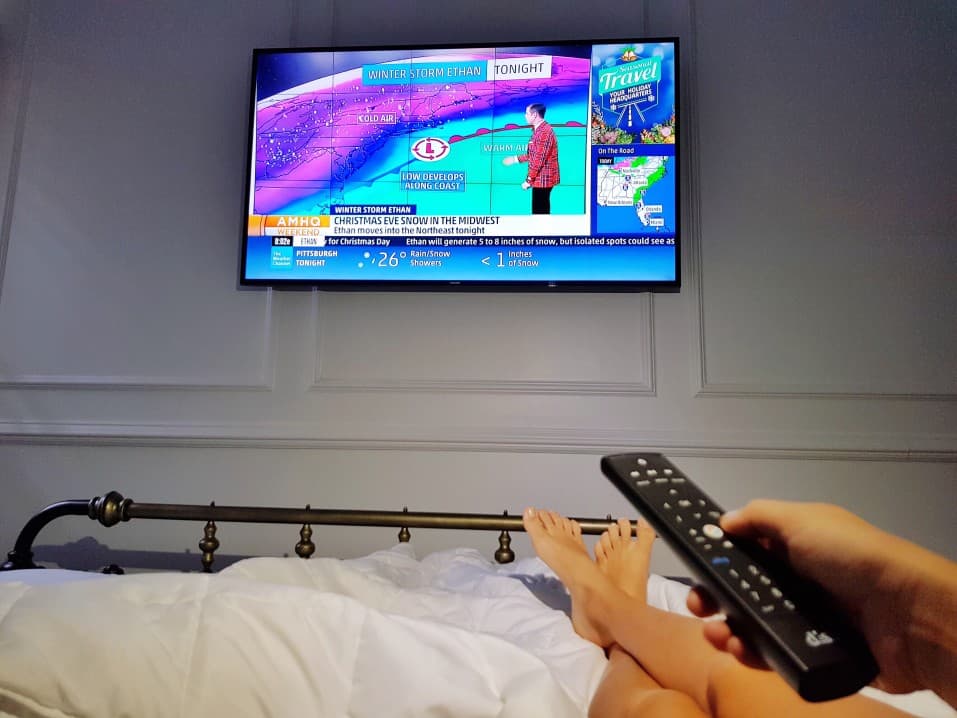

It’s frustrating when you pay for cable TV and no channels show up on your TV. This is even more frustrating when you have a top-rated TV. When that happens, there’s a good chance that your TV channels are disappearing, and it’s not entirely your fault.
KEY TAKEAWAYS:
- Most TV owners don’t know that when using an over-the-air antenna, it’s essential to re-scan your TV channels often.
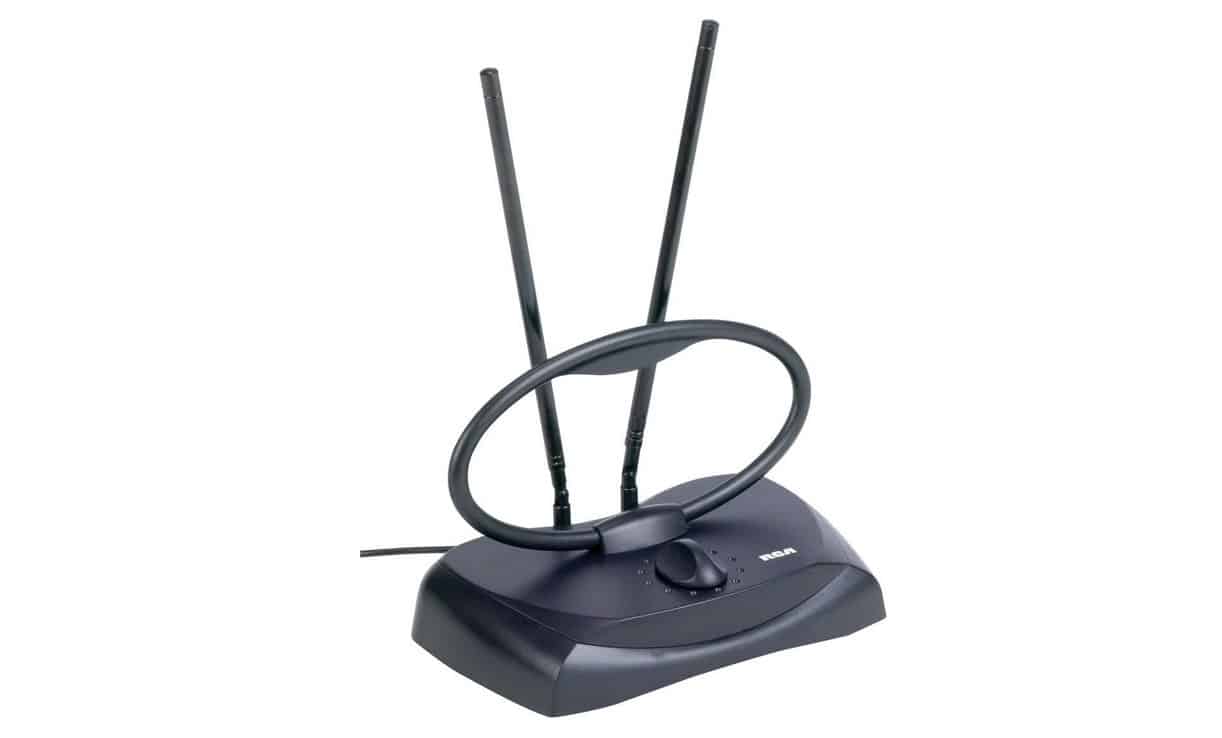
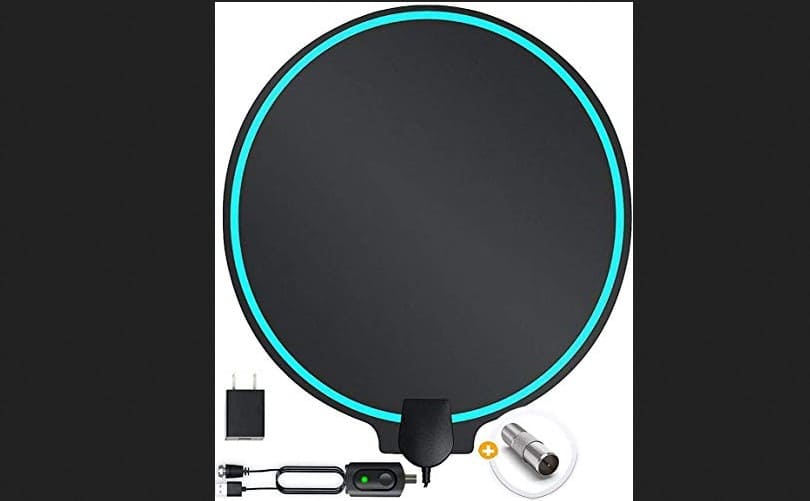
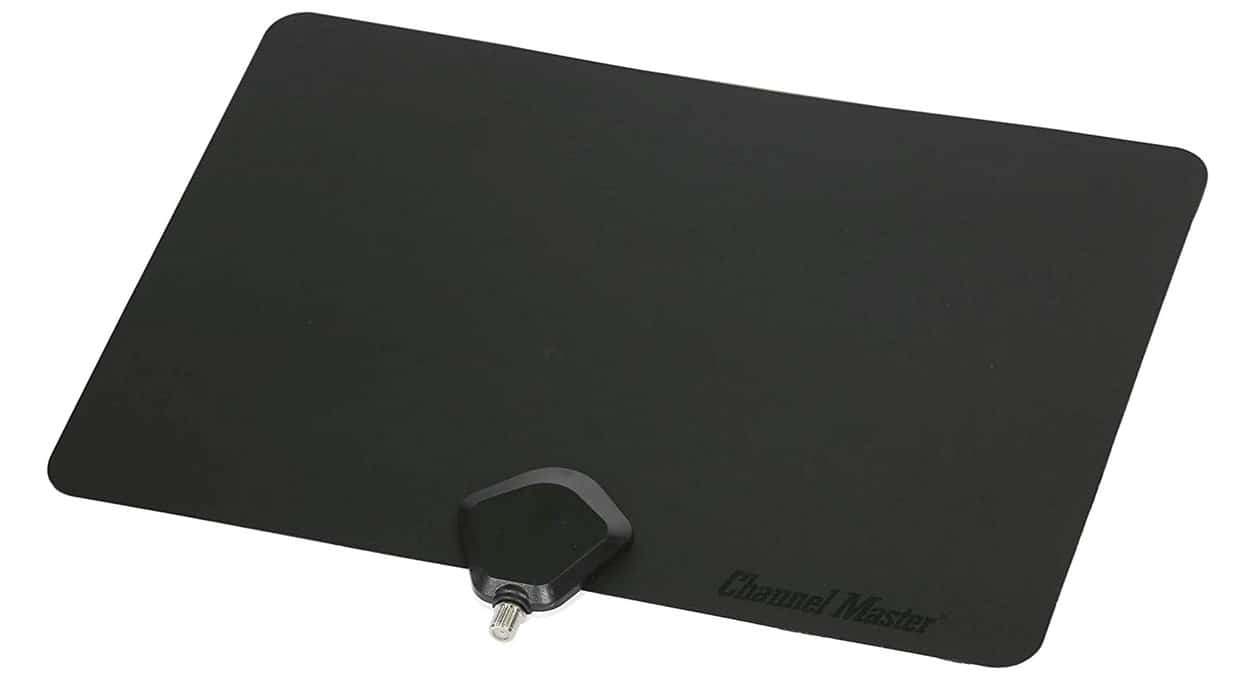
- Depending on your location, buildings, hills, or trees could come between your TV broadcast tower and the antennae, blocking the signal.
- If you have correctly installed your antennae as outlined in your owner’s manual and set the TV input to “Antennae” to run a channel scan, then you should be able to view at least a few of your local digital channels.
Most TV owners don’t know that when using an over-the-air antenna, it’s essential to re-scan your TV channels often. However, in some rare cases, TV owners have lost their channels after re-scanning.
Are you wondering why your digital TV channels disappear? Don’t panic. In this post, we will help you understand why your TV loses channels.
Why are my Antennae Losing Channels?
There are three main reasons why your TV could be losing channels:
- Damaged antennae
- Antennae installation issues
- Signal interference
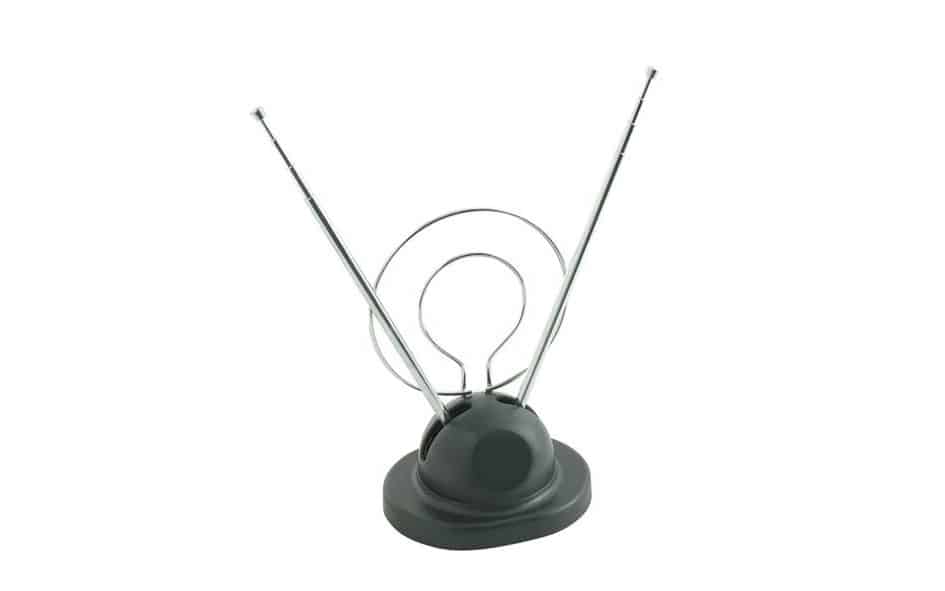
If you have correctly installed your antennae as outlined in your owner’s manual and set the TV input to “Antennae” to run a channel scan, then you should be able to view at least a few of your local digital channels. If this is not the case, your problem could be due to the following:
Broadcast Towers are out of sight
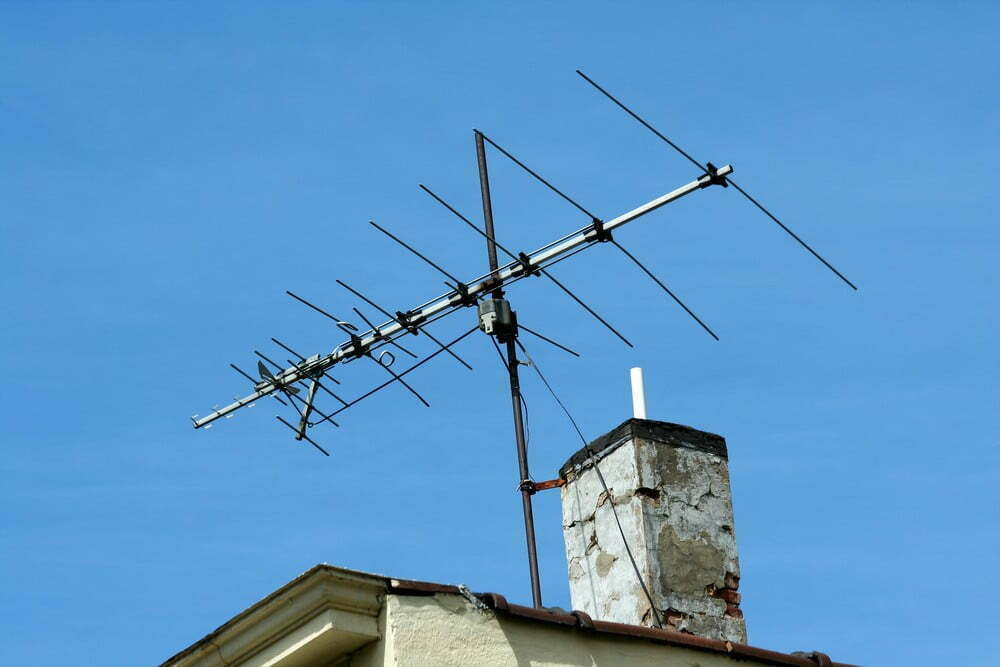
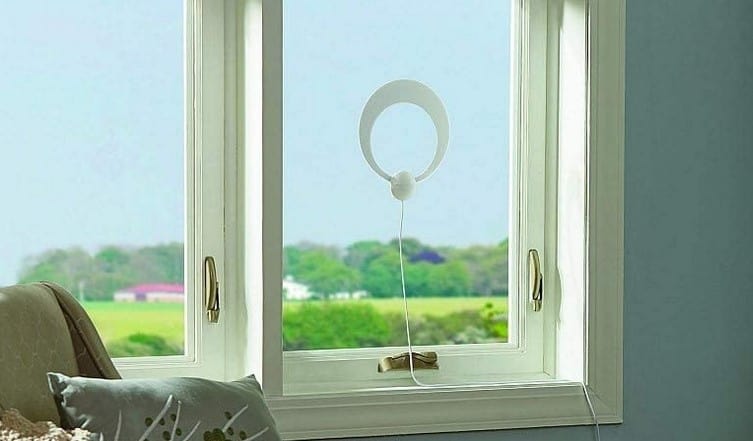
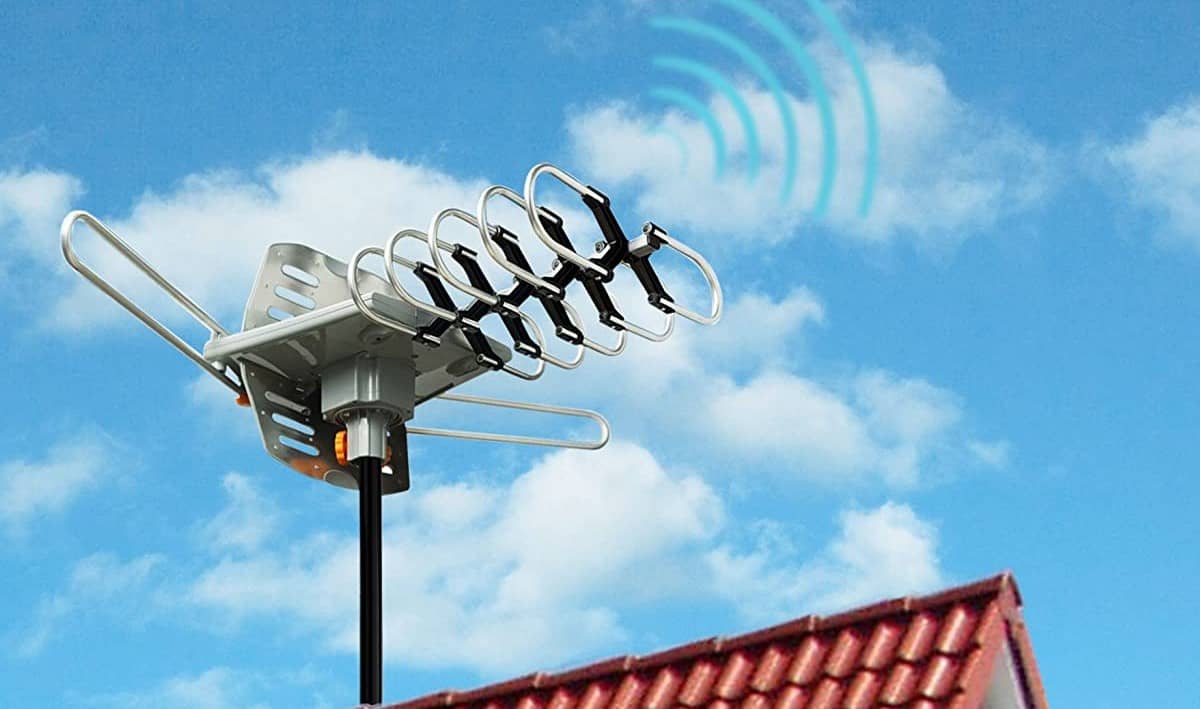
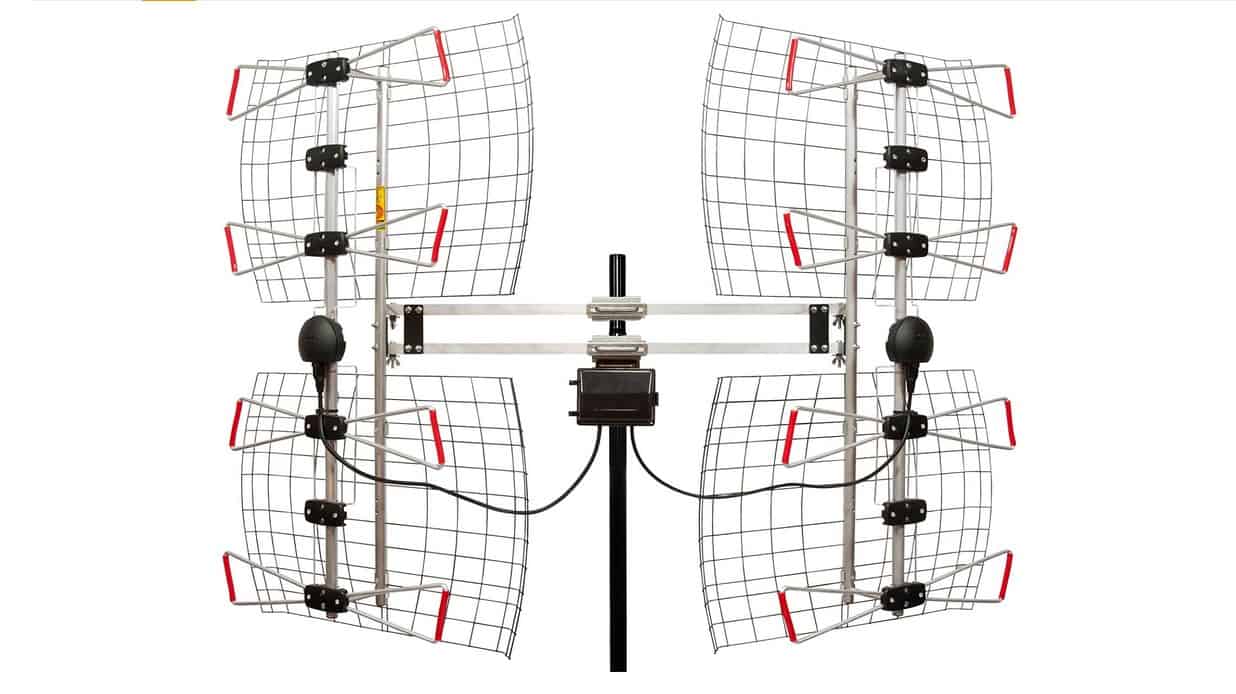
Depending on your location, buildings, hills, or trees could come between your TV broadcast tower and the antennae, blocking the signal. To fix this issue, elevate your TV antennae or use a taller mast.
Reception Conditions have Switched
It’s normal that the digital signals for the channels you have lost were stronger when you initially scanned than it is currently. There are several reasons why this could happen, including weather conditions, electrical interference, weak signal, and atmospheric pressure.
Faulty Coaxial Cable
Carefully check your Digital TV coaxial cable for wear, corrosion, or loose cable fittings. Avoid using a splitter, it could weaken the signal strength causing the channels to disappear. Instead, disconnect the connection from the splitter and run the cable straight from the cable box. Loose cables are another reason why you keep asking, ‘Why does my tv flicker every time? ’.
Coaxial Cable that is too long
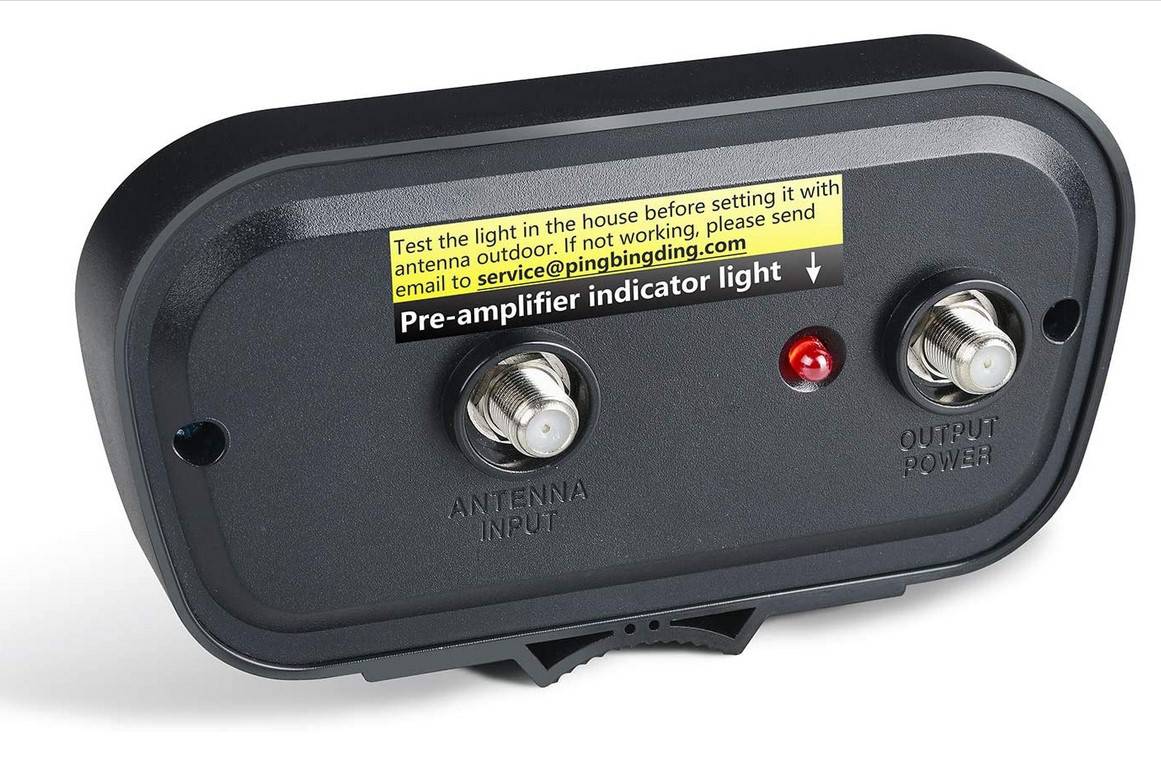
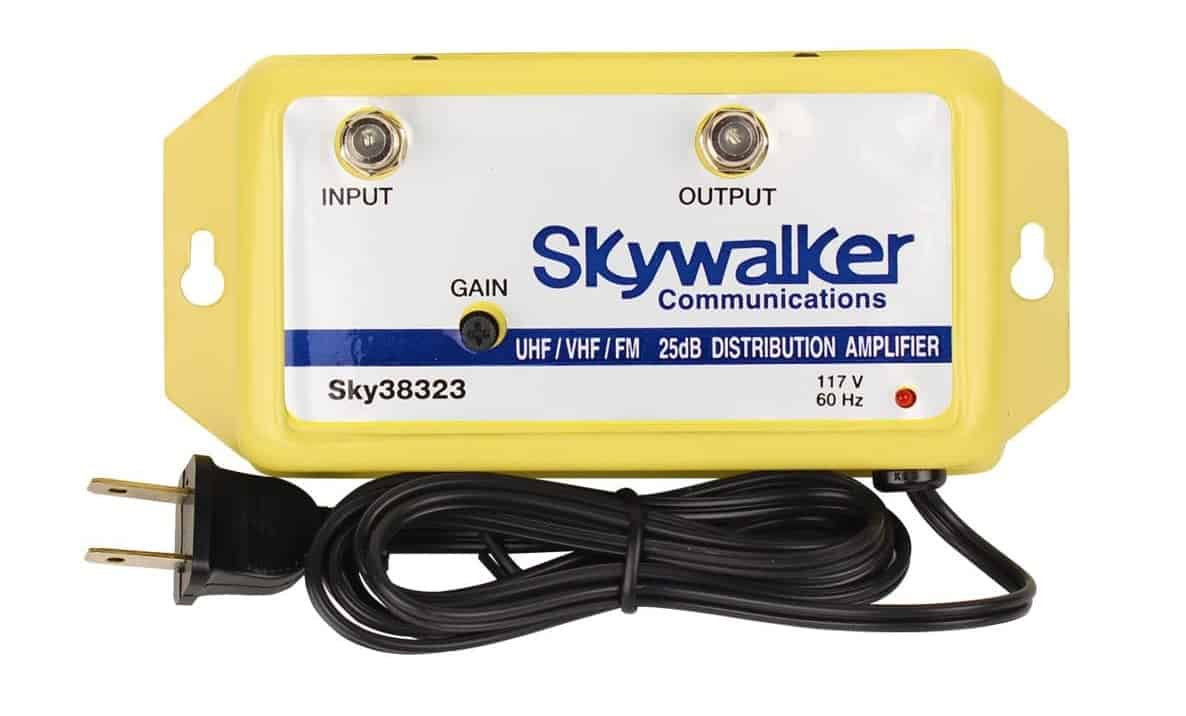
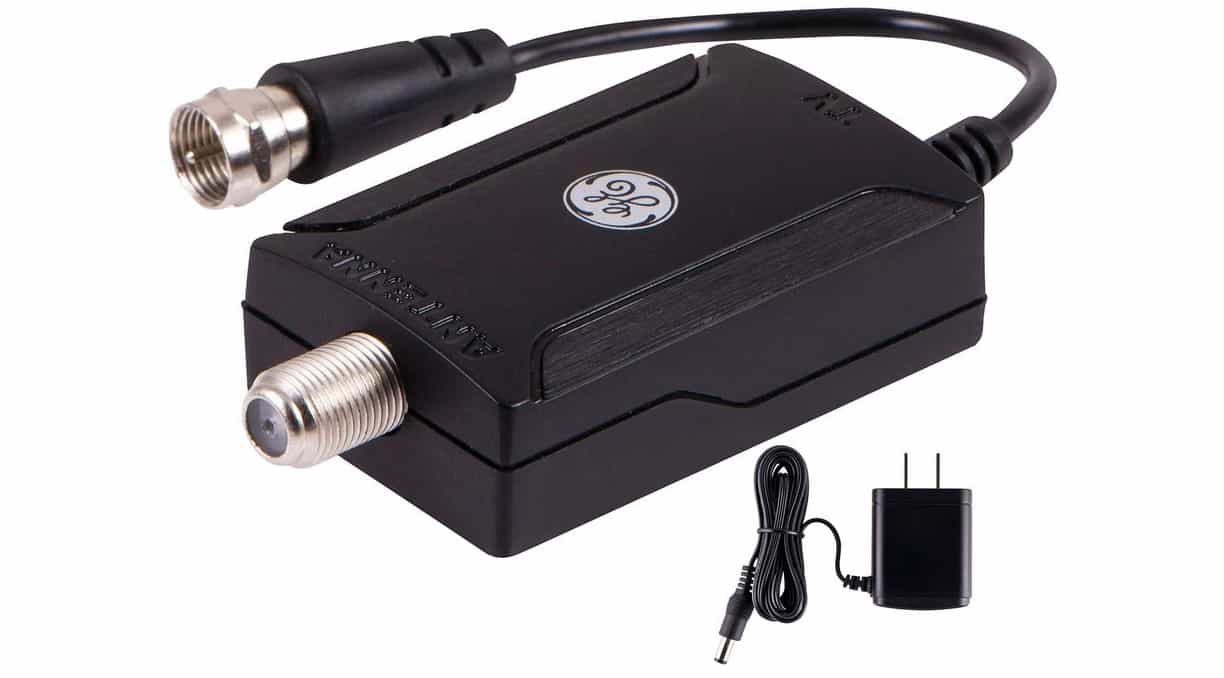
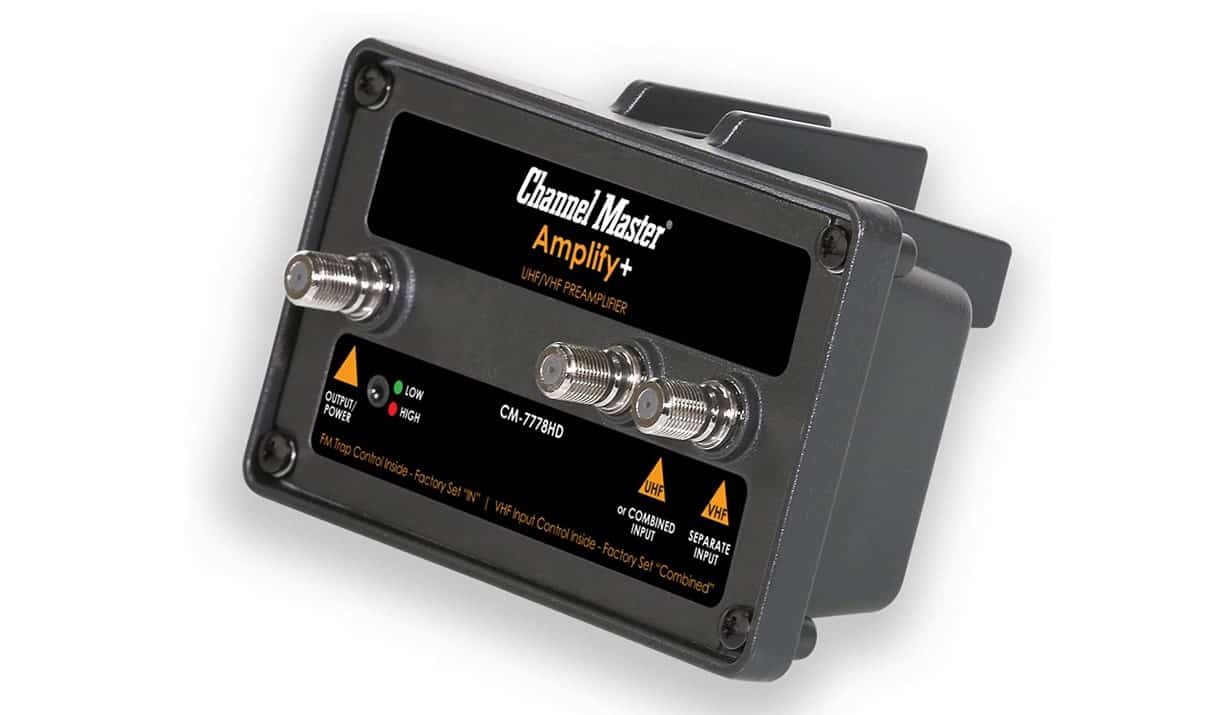
If your TV coaxial cable length is too long (over 100-feet), more than 1/3 of the digital transmission signal could be lost. If you need a longer cable, you’ll need to install a pre-amplifier.
Insider Tip
If your TV coaxial cable length is too long (over 100-feet), more than 1/3 of the digital transmission signal could be lost. If you need a longer cable, you’ll need to install a pre-amplifier.
Outdated TV Firmware
An outdated TV channel could cause your channels to disappear, especially if you use an older model TV. First, visit your TV manufacturer’s website and check for updates. You could also contact your manufacturer to find out if your specific TV model needs a recent update. Then, rescan your TV after the update. This may also be a sign of why a curved Tv may be a better option for you.
Faulty Digital Tuner
It rarely happens, but your channels may be disappearing due to a faulty digital tuner. It’s possible to have a damaged tuner on a new TV out of the box. To check if you have a faulty digital tuner, install the antennae and cable on a separate TV.
F.A.Q.
What does it mean when my TV doesn’t show any channels?
When a TV doesn’t show any channels, there’s a good chance that the channels are disappearing, and it’s not entirely your fault. If you are using an over-the-air antenna, it’s essential to re-scan your TV channels often.
In what scenarios will a TV antenna drop digital TV signals?
There are three main reasons why your TV could be losing channels; damaged antennae, poorly installed antennae, or signal interference.
How can I view local digital TV channels?
Correctly install your antennae as outlined in your owner’s manual and set the TV input to “Antennae”. Run a channel scan. You should be able to view at least a few of your local digital channels.
Can digital TV channels get obstructed?
Depending on your location, buildings, hills, or trees could come between your TV broadcast tower and the antennae, blocking the signal. To fix this issue, elevate your TV antennae or use a taller mast.
STAT: Adults in the U.S spend almost four hours each day watching television, according to a study done in April 2020. Digital formats take up most U.S adults’ time, with newspapers and magazines taking up the night and eight minutes respectively (source)
REFERENCES:
- https://www.bbc.co.uk/reception/help-guides/freeview/manual-retuning-to-restore-reception-or-missing-channels
- https://www.samsung.com/levant/support/tv-audio-video/what-to-do-if-some-tv-channels-are-missing/
- https://www.sony.com.hk/en/electronics/support/articles/00206125r
- https://www.statista.com/statistics/276683/media-use-in-the-us/
- https://www.youtube.com/watch?v=3SeGNwrDIrw